How to Set a Proxy in PowerShell (7 and 5.1)
Set a proxy in PowerShell

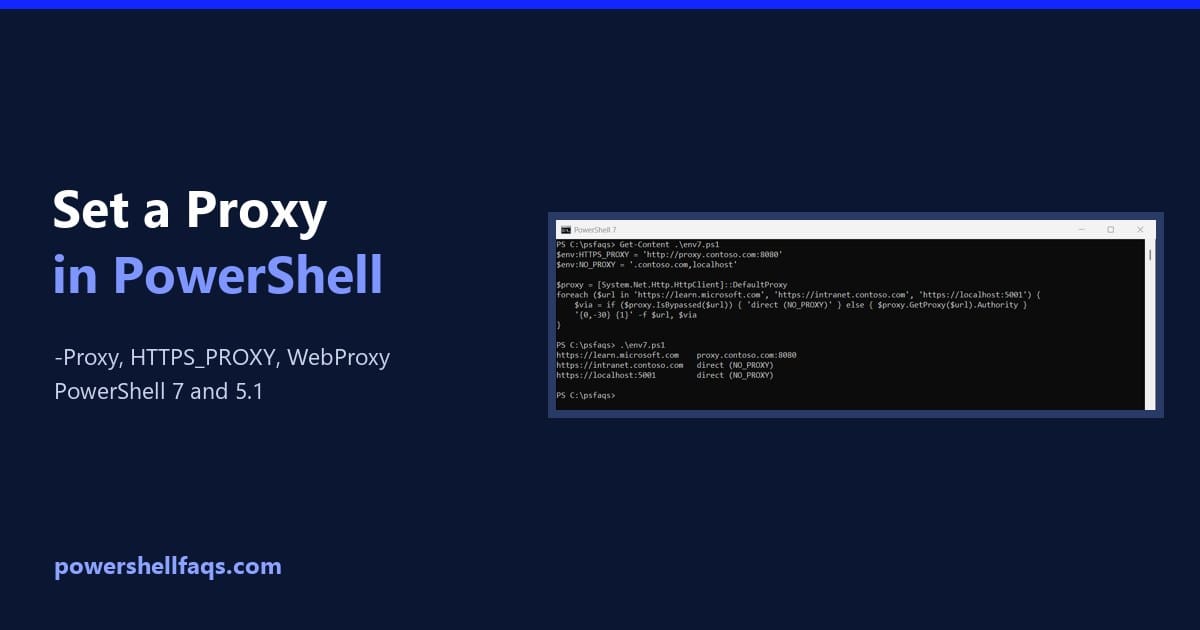
To set a proxy in PowerShell for one request, pass it to -Proxy on Invoke-WebRequest or Invoke-RestMethod. Add -ProxyUseDefaultCredentials if the proxy needs your Windows sign-in: For a whole session, the method differs between PowerShell 7 and Windows PowerShell 5.1. I cover both below, plus bypass lists and the Windows-wide proxy. The proxy server in … Read more

How to Uninstall Firefox Using PowerShell?

Uninstall Firefox Using PowerShell

As an IT administrator, I recently got a requirement to remove the Firefox browser from multiple endpoints efficiently. In this tutorial, I explain how to uninstall Mozilla Firefox using PowerShell. Note: You need administrative privileges on the target machines to uninstall Firefox using PowerShell. Uninstall Firefox Using PowerShell (Step By Step) Now, follow the step-by-step … Read more

How to Get and Set Window Size in PowerShell?

Get the Current Window Size in PowerShell

Recently, I wanted a PowerShell script to get the Windows size to display output correctly. In this tutorial, I will explain how to get and set the window size in PowerShell using various methods. By default, the PowerShell console window has a predefined size, but you might need to adjust it for better readability or … Read more

How to Get Window Titles Using PowerShell?

Get Window Titles using PowerShell

Recently, one of my team members asked for a script to get Windows titles. In this tutorial, I will explain how to get the window titles of active applications using PowerShell. Basic Commands to Get Window Titles using PowerShell Let’s start with the basics. To get the window titles of currently running applications, you can … Read more

How to Get Windows Activation Status Using PowerShell?

Get Windows Activation Status Using PowerShell

Recently, one of my clients in New York asked me about getting the Windows activation status of a small office network. You can get it using PowerShell. In this tutorial, I will explain how to get Windows activation status using PowerShell. Note: Make sure you have the administrator access to the systems you want to … Read more

How to List Drives in PowerShell?

List Drives in PowerShell

As a PowerShell developer, I have encountered requirements for getting driver details while working on my past projects. If you manage multiple servers, you can use PowerShell to manage drivers. In this tutorial, I will explain how to list drivers in PowerShell using different methods. List All Drives Using Get-PSDrive Cmdlet The primary cmdlet for … Read more

How to List Printers Using PowerShell?

List Printers Using PowerShell

In this tutorial, I will explain how to list printers using PowerShell. Whether you’re an IT professional or a system administrator, you should know how to use PowerShell to get printers. List Printers Using PowerShell Get-Printer Cmdlet In PowerShell, the Get-Printer cmdlet is used to list all printers installed on a computer. This cmdlet is … Read more

How to Get a List of Installed Programs Using PowerShell

Get a list of installed programs using PowerShell

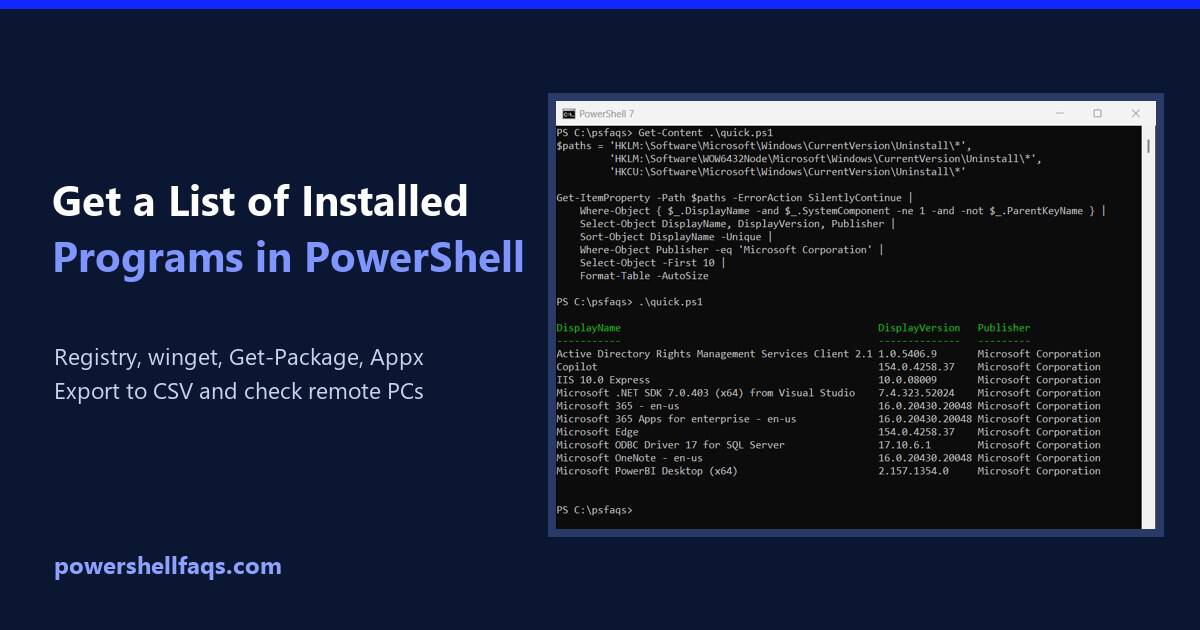
To get a list of installed programs using PowerShell, read the Uninstall keys in the registry with Get-ItemProperty. That’s the same data Windows shows in Settings > Apps > Installed apps, and it works without admin rights. Here’s the short version. It checks the 64-bit, 32-bit and per-user locations and prints each program’s name, version … Read more

How to List All Environment Variables in PowerShell

List all environment variables in PowerShell

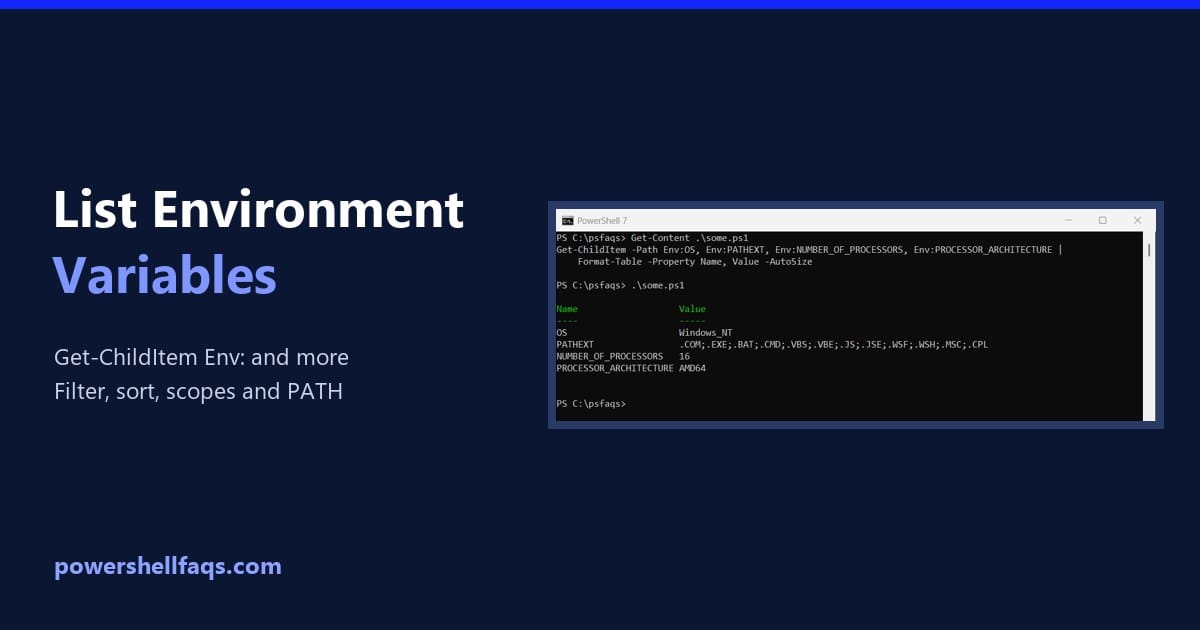
To list all environment variables in PowerShell, run Get-ChildItem on the Env: drive. Sorting by name makes the list easy to scan: Below I show how to read the output, pick out single variables, filter with wildcards, compare the Process, User and Machine scopes, and split PATH into readable lines. I tested it all in … Read more

How to List USB Devices Using PowerShell

List USB devices using PowerShell

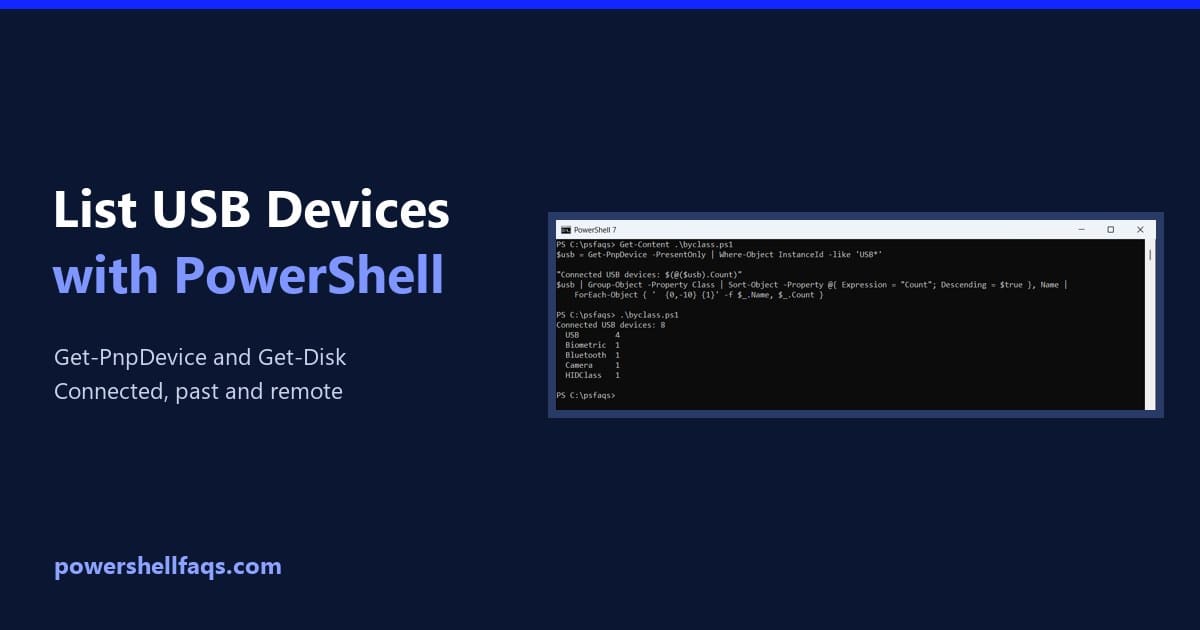
To list USB devices using PowerShell, run Get-PnpDevice and keep the devices whose InstanceId starts with USB. -PresentOnly limits the list to what’s plugged in right now: Below I group devices by type, list USB hubs, find USB drives, and show where Windows keeps a history of devices. I only show device classes and generic … Read more