How to Import an Excel File in PowerShell (and Read It into an Array)
Import an Excel file in PowerShell and read it into an array

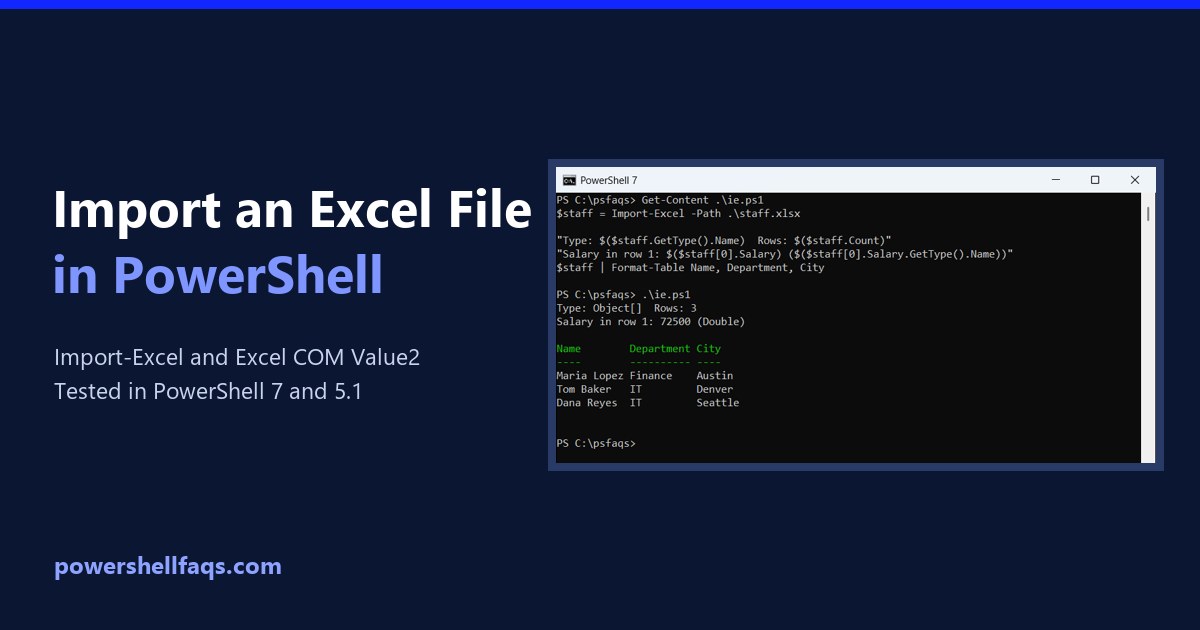
To import an Excel file in PowerShell, install the ImportExcel module and run Import-Excel. It reads the first worksheet into an array, one object per row, with the header row as property names: If Excel is installed and you’d rather skip the module, the Excel COM object gives you a two-dimensional array through UsedRange.Value2. I … Read more
How to Reverse an Array in PowerShell (In Place or as a Copy)

How to reverse an array in PowerShell

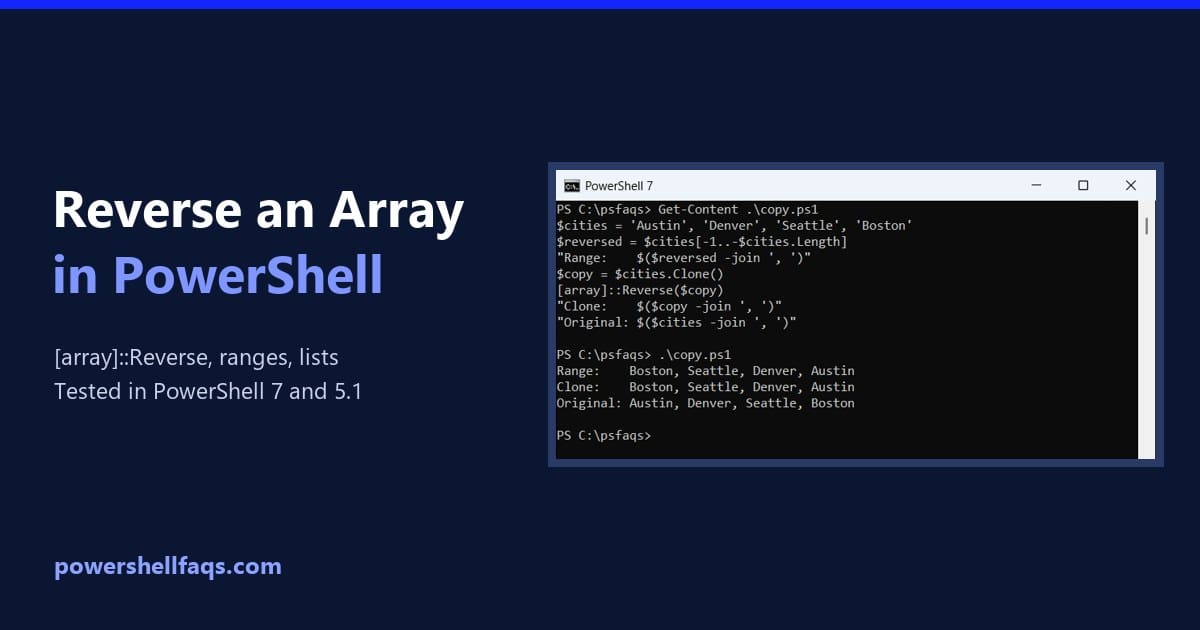
To reverse an array in PowerShell, pass it to the .NET [array]::Reverse() method. It flips the items in place, so the same variable now holds them in the opposite order: To keep the original order too, a negative index range gives you a reversed copy. I ran each method in PowerShell 7 and 5.1. Reverse … Read more

How to Clear an Array in PowerShell (@(), Clear(), ArrayList)

How to clear an array in PowerShell

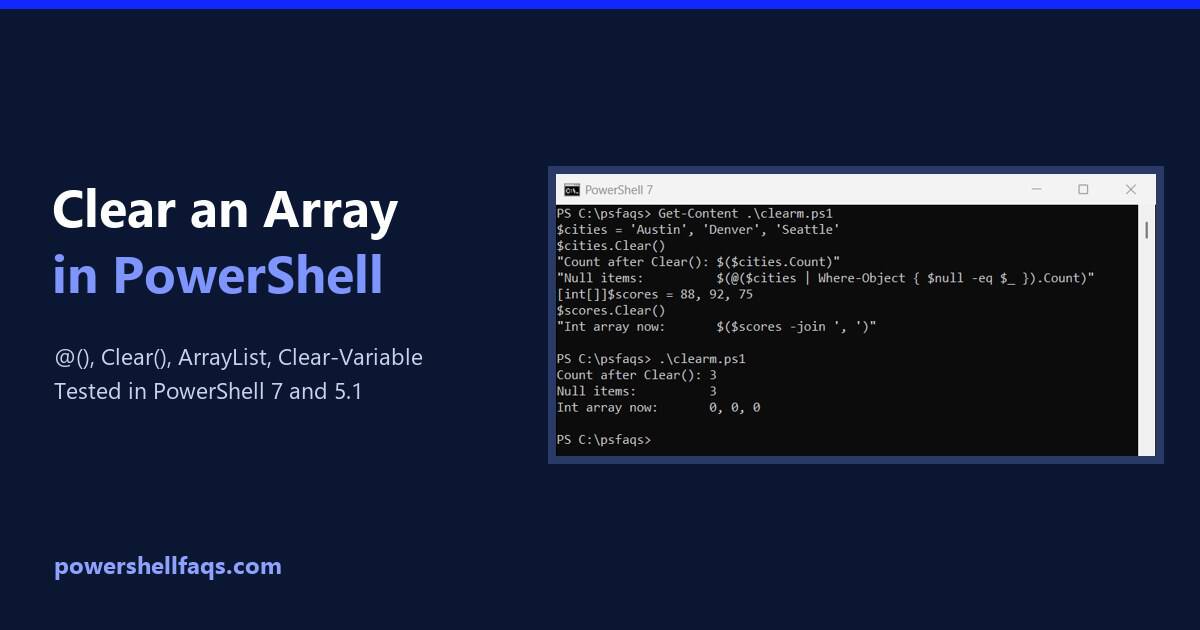
The quickest way to clear an array in PowerShell is to assign it a new empty array with @(). The variable then holds zero items: That isn’t the only option, and the obvious one, $cities.Clear(), doesn’t do what most people expect. I tested each method in PowerShell 7 and 5.1, and one works only in … Read more

How to Replace Values in an Array in PowerShell

Replace values in an array in PowerShell

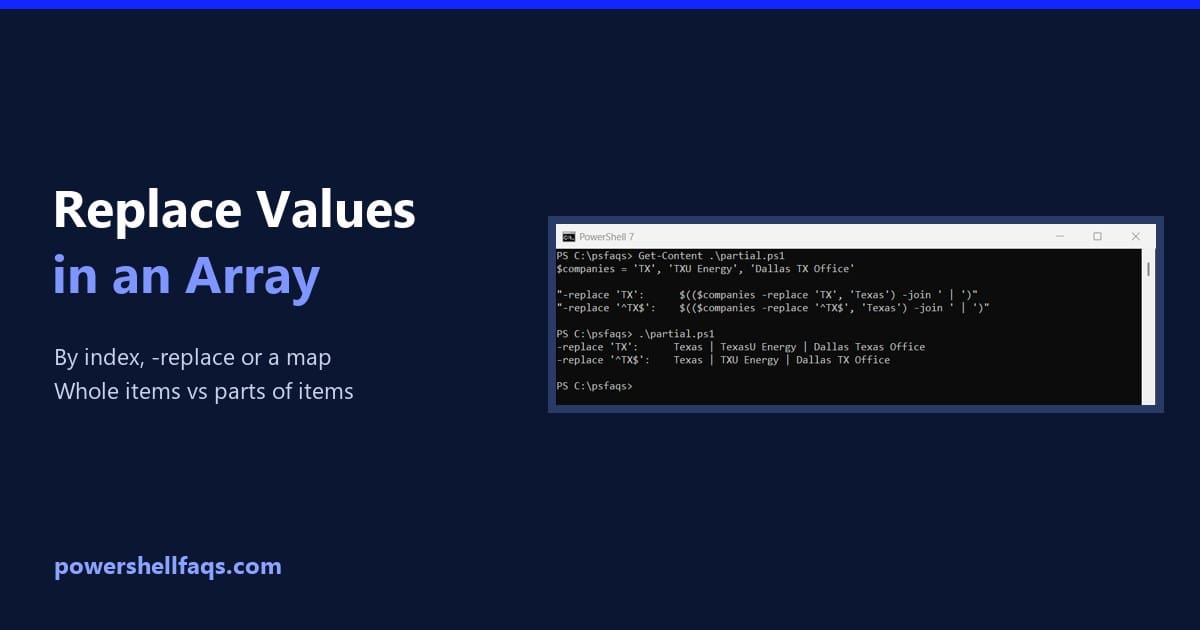
To replace a value in a PowerShell array, assign to its index: $array[1] = ‘new value’. To replace text in every item at once, use -replace on the whole array: Output: Index assignment changes the array in place. The rest of this guide covers replacing across all items, replacing whole items only, and a few … Read more

How to Pick Random Items from an Array in PowerShell

Pick random items from an array in PowerShell with Get-Random

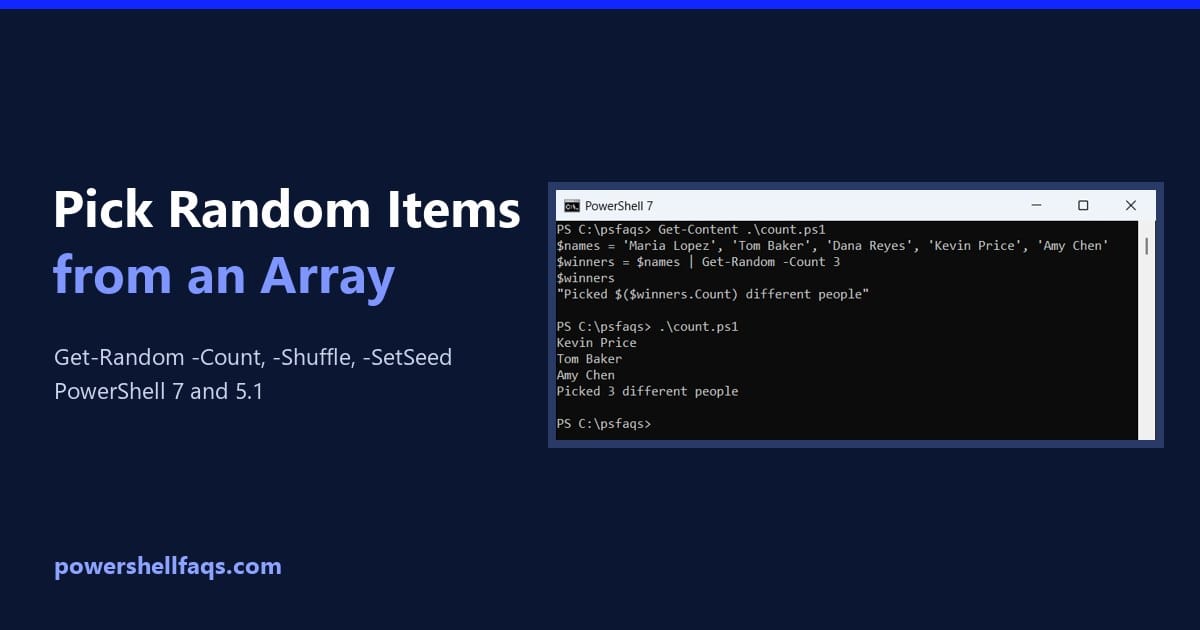
To pick random items from an array in PowerShell, pipe the array to Get-Random. Add -Count to get several different items at once: That covers most scripts. Below I’ll show repeats, shuffling, repeatable picks, weighted choices, and the places where Windows PowerShell 5.1 behaves differently from PowerShell 7. How do I pick a random item … Read more

How to Find Duplicates in an Array in PowerShell

Find duplicates in an array in PowerShell

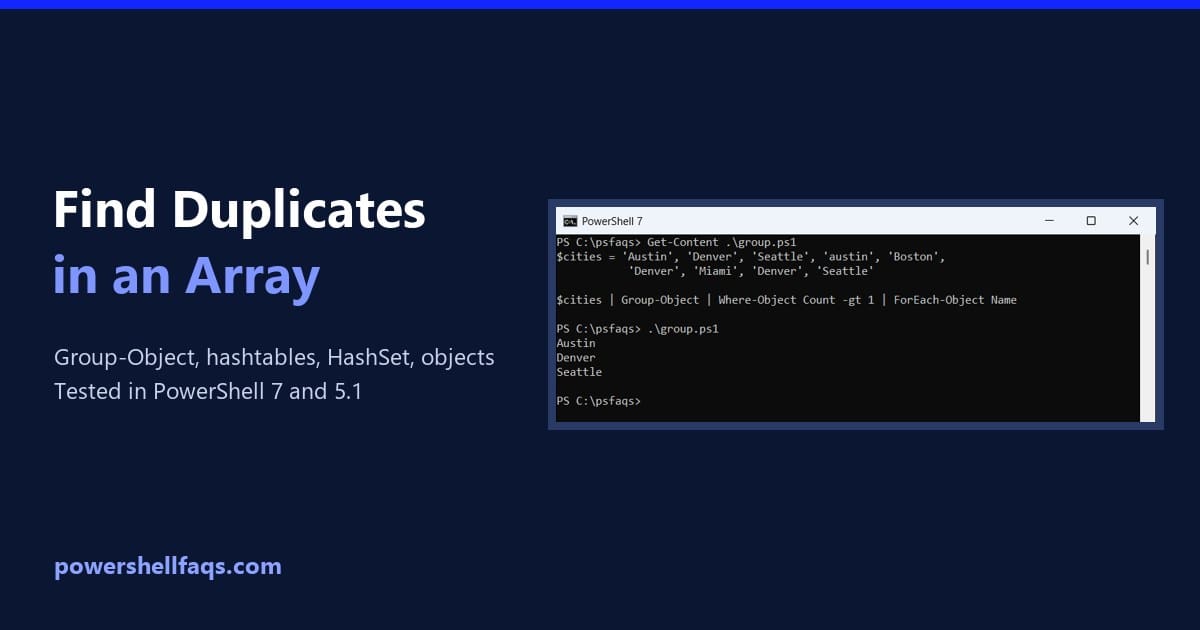
The fastest way to find duplicates in an array in PowerShell is Group-Object: it groups equal values, and any group with a Count above 1 is a duplicate: I’ll also count each value, make the check case-sensitive, find duplicate positions and duplicate objects, and show why Group-Object crawls in Windows PowerShell 5.1 and what to … Read more

How to Remove Blank Lines from an Array in PowerShell

How to remove blank lines from an array in PowerShell

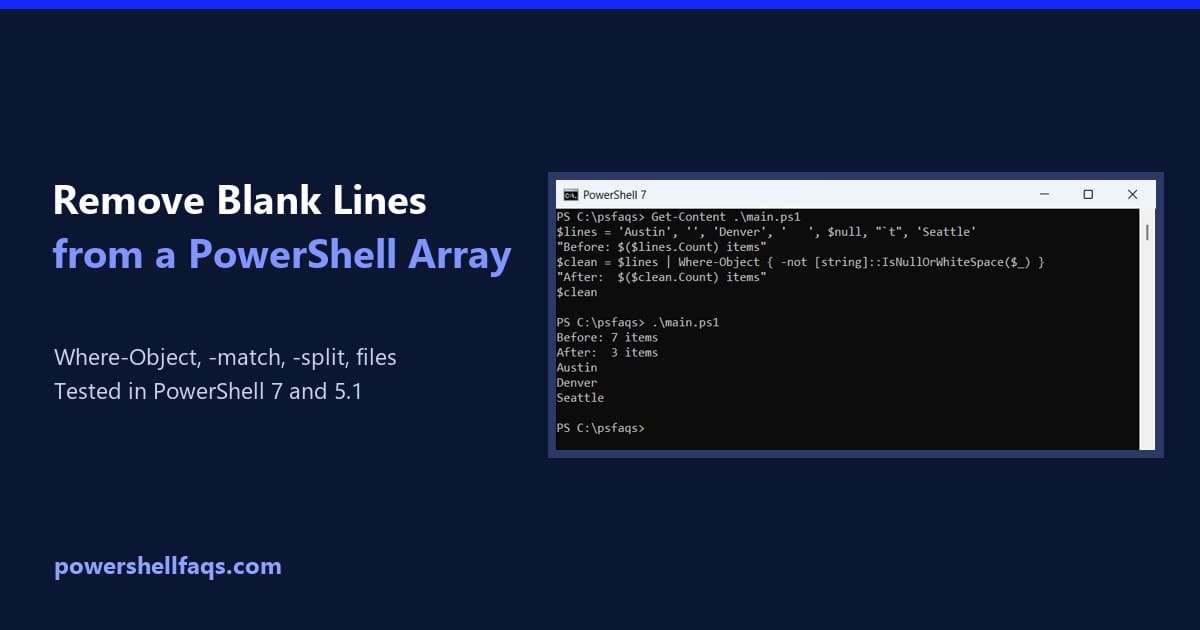
To remove blank lines from an array in PowerShell, pipe the array to Where-Object and keep only items that aren’t null, empty or whitespace: I tested every example below in PowerShell 7 and Windows PowerShell 5.1, including a popular shortcut that crashes on null items. Remove blank lines from an array with Where-Object This array … Read more

How to Create a Character Array in PowerShell

Create a character array in PowerShell

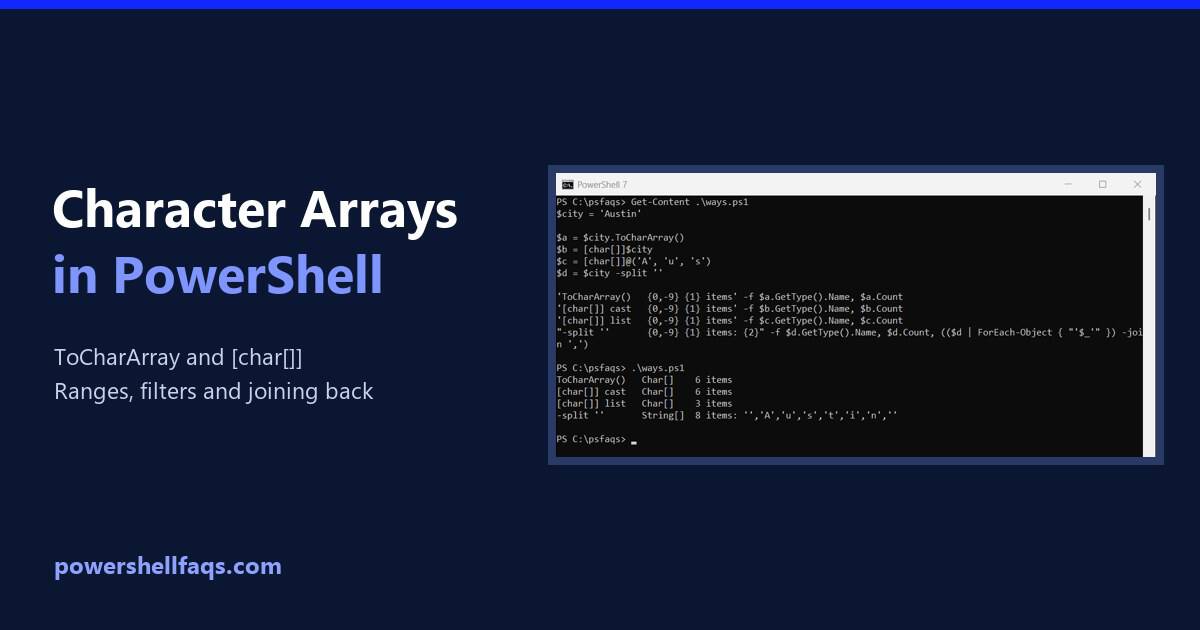
To create a character array in PowerShell, call ToCharArray() on a string. It returns a Char[] array with one item for each character, which you can loop through, filter or count: Output: Below I compare the other ways to build one, then cover letter ranges, filtering, counting and joining characters back into a string. Every … Read more

How to Split an Array into Smaller Arrays in PowerShell

Split an array into smaller arrays in PowerShell

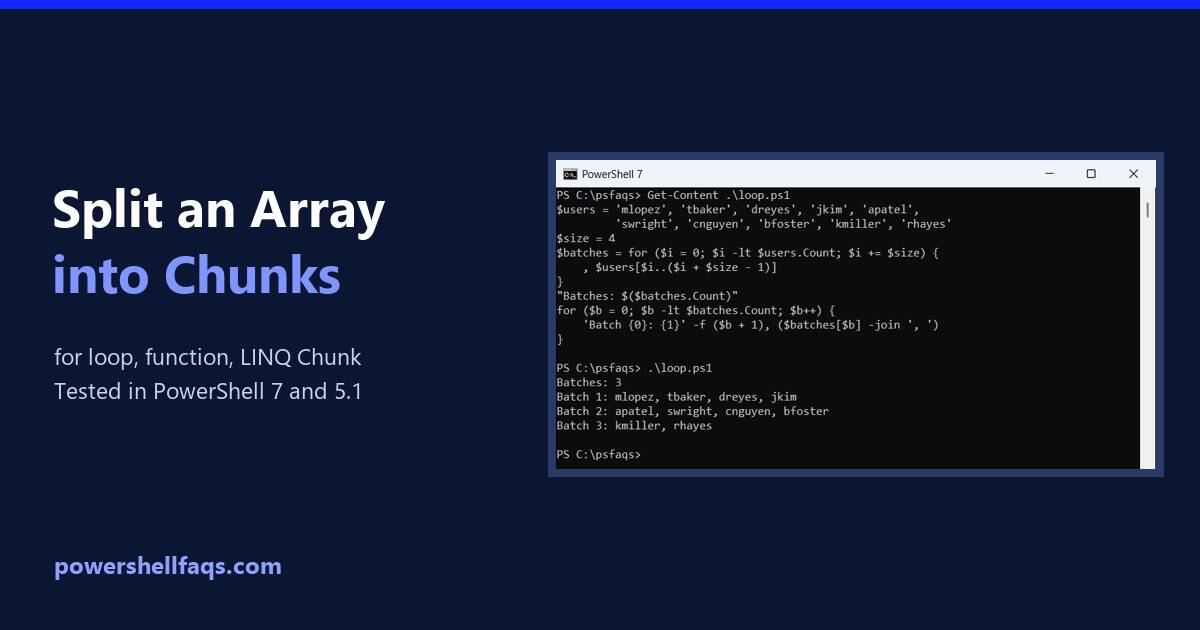
PowerShell has no built-in chunk cmdlet, so to split an array into smaller arrays you step through it with a for loop and slice each piece with a range. The comma keeps every chunk as its own array: I’ll also wrap it in a function, show the one-chunk trap, and cover LINQ Chunk, a set … Read more