How to Create Objects in PowerShell (Custom Objects and Classes)
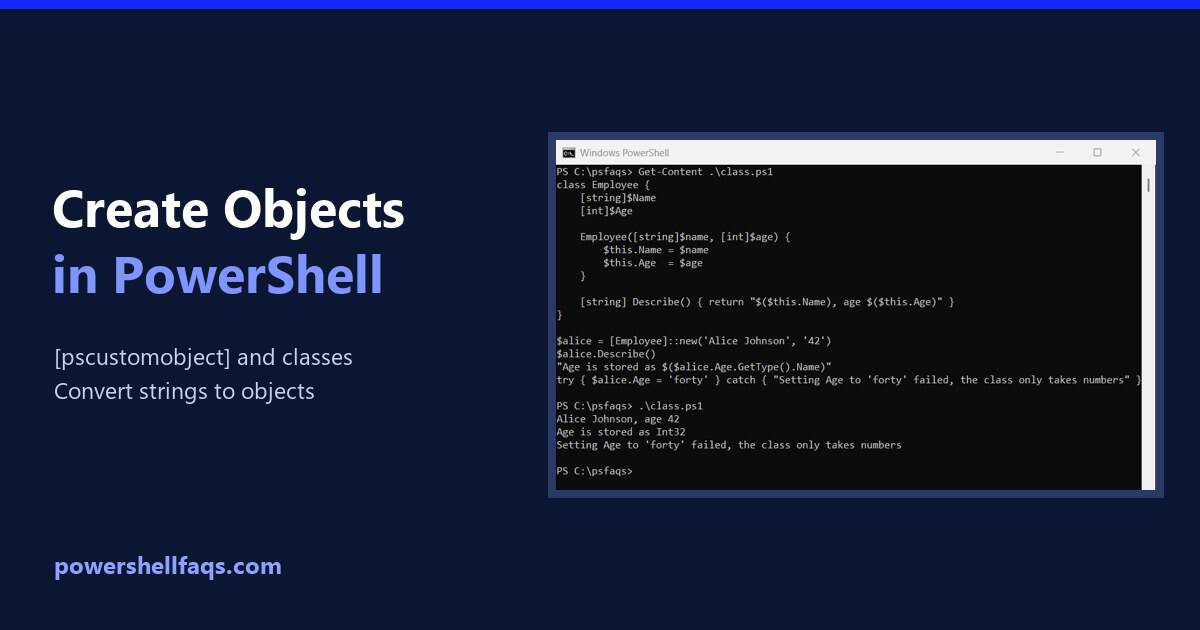
Create objects in PowerShell

To create an object in PowerShell, cast a hashtable to [pscustomobject]. The keys become properties, in the order you wrote them: Output: That covers most scripts. Below I add methods and computed properties, use classes for typed objects, and turn strings into objects. I ran every example in PowerShell 7.6 and Windows PowerShell 5.1. Add … Read more
How to Retrieve Your Windows Product Key Using PowerShell

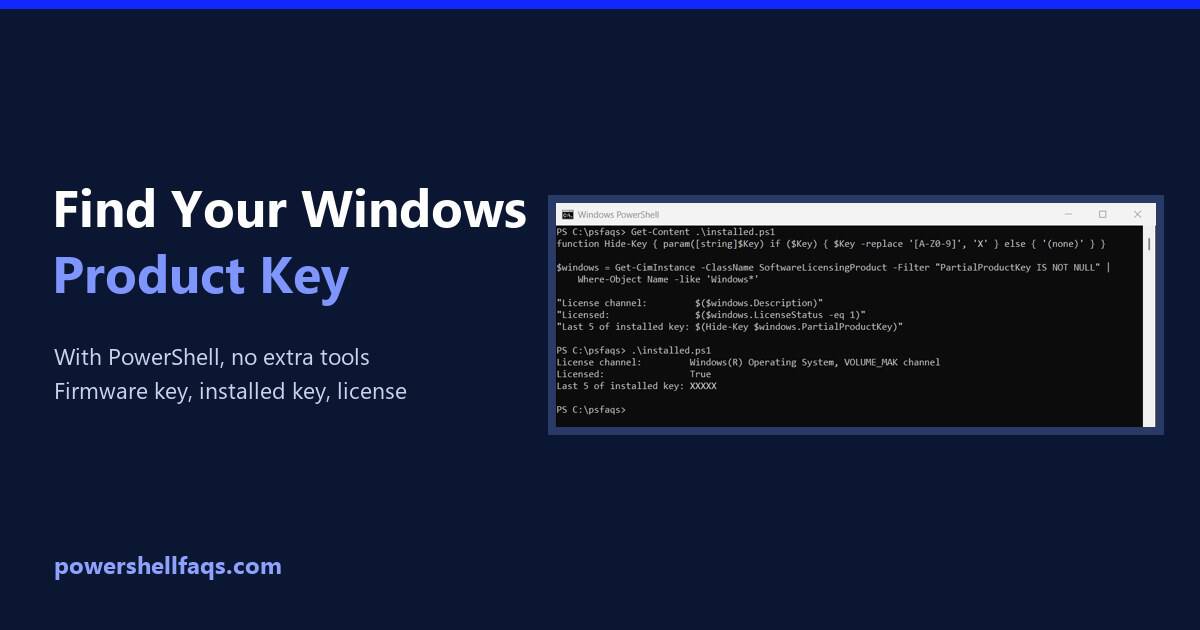
Retrieve the Windows product key using PowerShell

To retrieve your Windows product key using PowerShell, read the OA3xOriginalProductKey property of the SoftwareLicensingService class. It returns the key your PC’s maker stored in the firmware: It doesn’t need administrator rights. In my examples below I mask the keys with a small Hide-Key function before printing them, because a product key is a license … Read more

How to Get or Set the Default Browser Using PowerShell

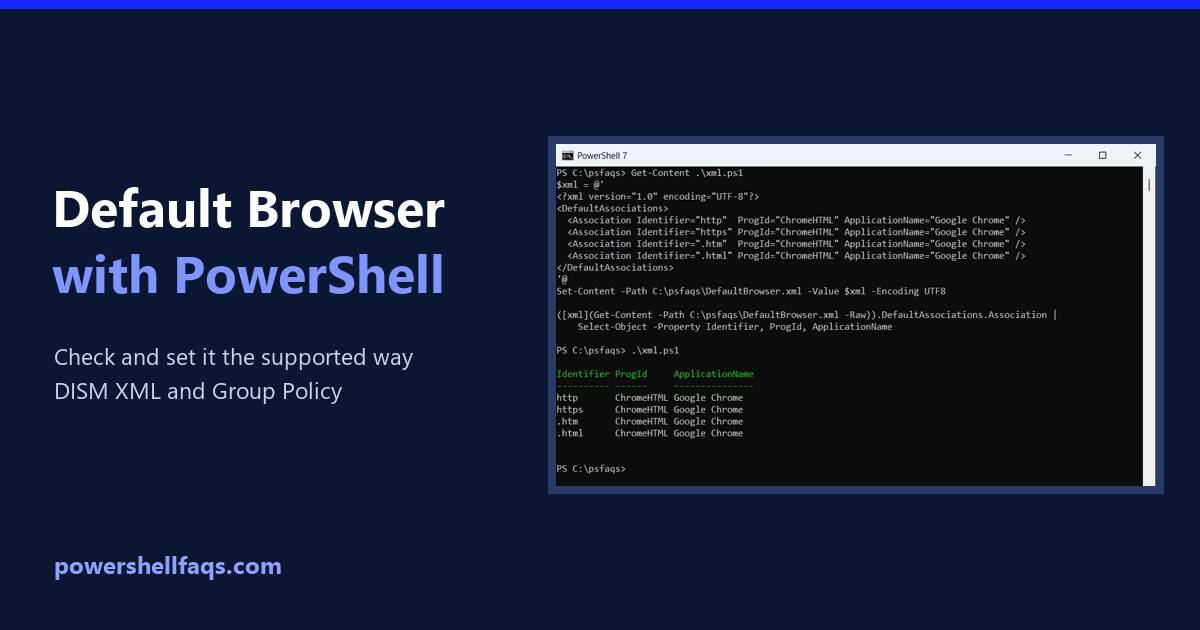
Set the default browser using PowerShell

To set the default browser for users with PowerShell, create a default associations XML file for the browser and apply it with the Set a default associations configuration file policy. Windows applies it when the user signs in. You can’t just change a registry value, which is what most scripts online try. Below I show … Read more

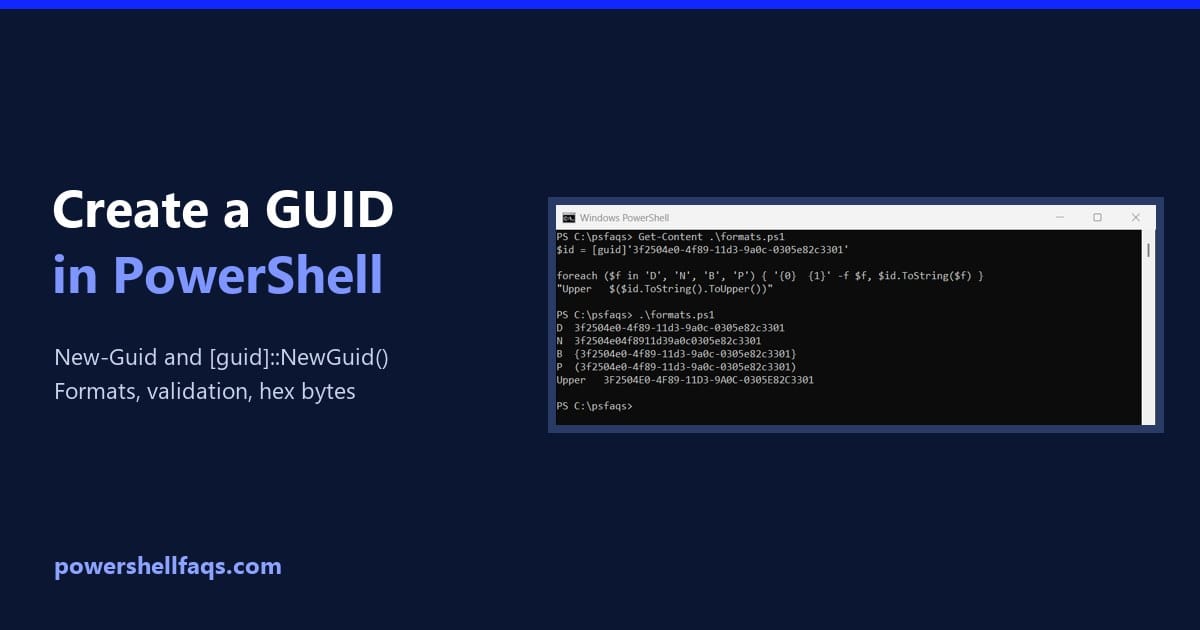
How to Create a GUID in PowerShell (Formats, Validation and Hex)

Create a GUID in PowerShell

To create a GUID in PowerShell, run the New-Guid cmdlet. It returns a new, random globally unique identifier every time: Output (yours will be different): Below I cover the other way to create one, the text formats, validation and converting a GUID to hex. Every example ran in PowerShell 7.6 and Windows PowerShell 5.1, with … Read more

How to Find All Files with a Specific Extension Using PowerShell?

Find All Files with a Specific Extension Using PowerShell

Recently, I got a requirement to list down all files with a particular extension across multiple directories on our company’s file servers. It is easy to achieve this using PowerShell. In this tutorial, I will explain how to find all files with a specific extension using PowerShell with examples. Find All Files with a Specific … Read more

How to Find The Largest Folders Using PowerShell?

Find the Largest Folders Using PowerShell

One of my team members recently asked me for a script to find the largest folders using PowerShell. I thought I would explain step by step. Since we wanted to manage disk space, it is important to find files and folders that accumulate and consume valuable disk space. In this tutorial, I will explain how … Read more

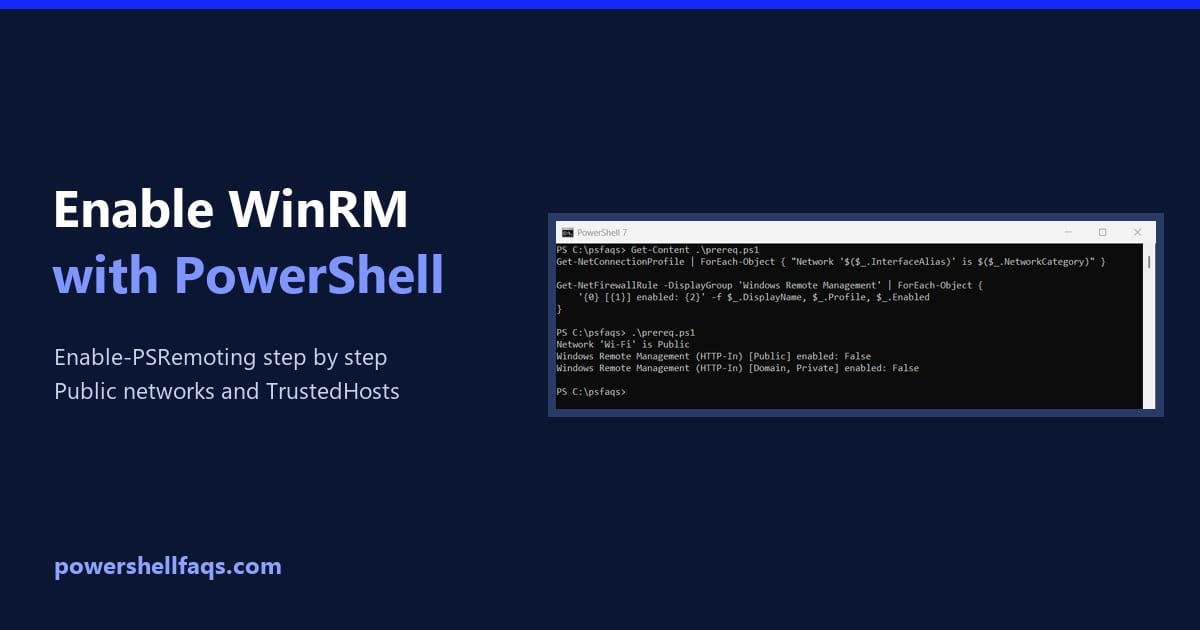
How to Enable WinRM Using PowerShell (Enable-PSRemoting)

Enable WinRM using PowerShell

To enable WinRM using PowerShell, run Enable-PSRemoting in an elevated window. It starts the WinRM service, sets it to start automatically, creates a listener and opens the firewall: Before you run it, check the current state and the two things that usually make it fail: a Public network and missing firewall rules. I ran these … Read more

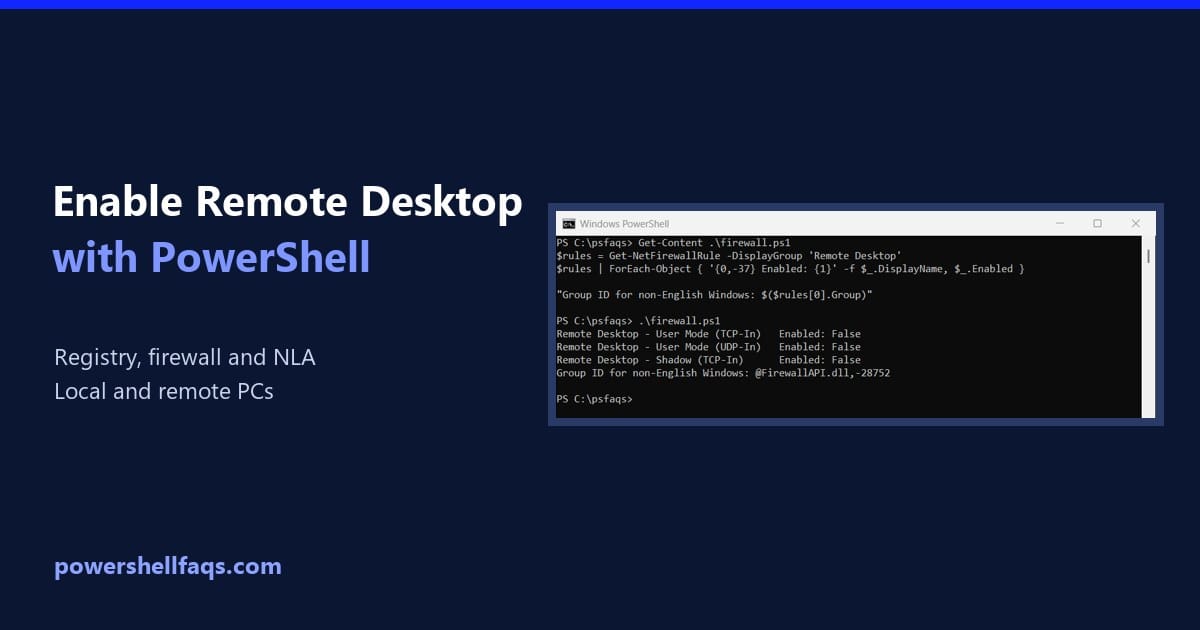
How to Enable Remote Desktop Using PowerShell (Local and Remote)

Enable Remote Desktop using PowerShell

To enable Remote Desktop using PowerShell, set fDenyTSConnections to 0 in the registry and turn on the Remote Desktop firewall rules. Run both lines as administrator: Below I check the current state first, then cover NLA, allowing users, enabling RDP on remote PCs and turning it off again. The checks ran on Windows 11 in … Read more

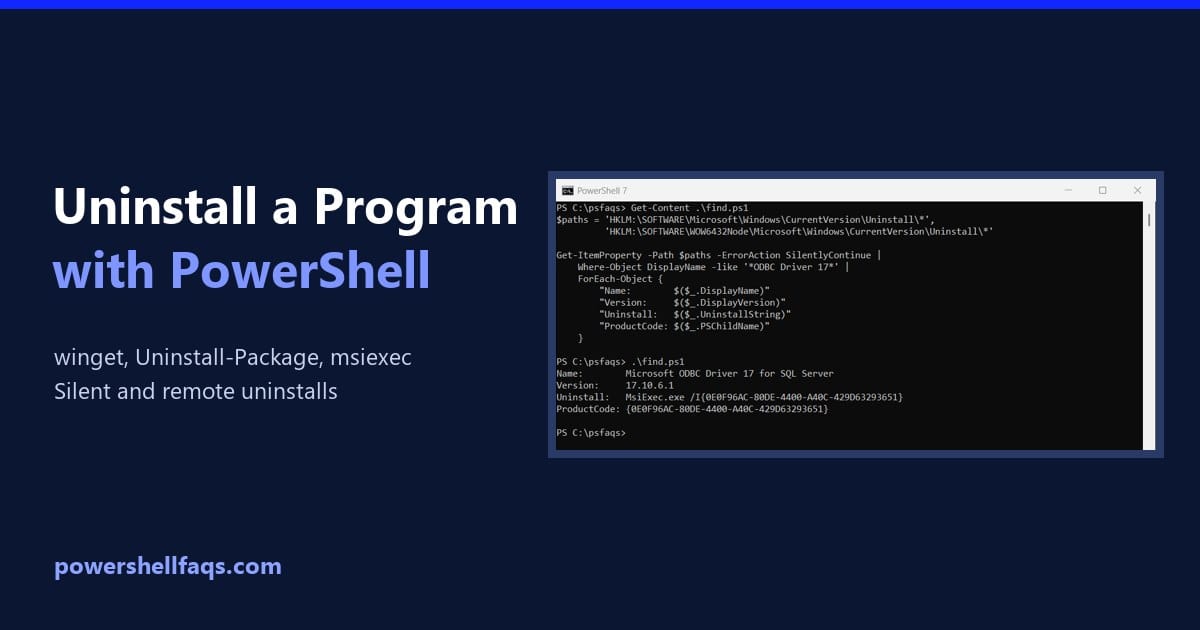
How to Uninstall a Program with PowerShell (4 Methods)

Uninstall a program with PowerShell

To uninstall a program with PowerShell, the simplest way on Windows 10 and 11 is winget. Find the program’s ID, then uninstall it silently: Below I show three more methods: Uninstall-Package, msiexec with the product code, and the program’s own uninstall string. For safety, my examples find and preview the uninstall without removing anything. Find … Read more

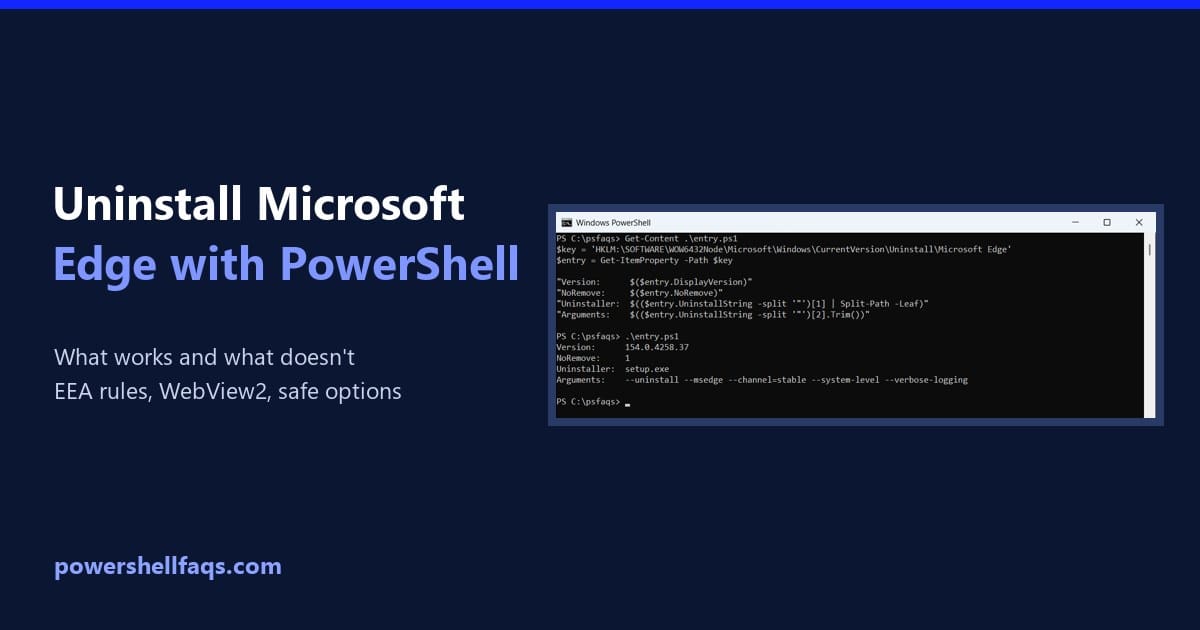
Can You Uninstall Microsoft Edge Using PowerShell? (What Works)

Uninstall Microsoft Edge using PowerShell

You can only uninstall Microsoft Edge using PowerShell or Settings if your PC was set up in the European Economic Area (EEA). In the US and everywhere else, Windows treats Edge as part of the operating system and blocks its uninstaller. Below I show how to check what’s installed and why removal is blocked, the … Read more