How to Disable Windows Firewall Using PowerShell
Disable Windows Firewall using PowerShell

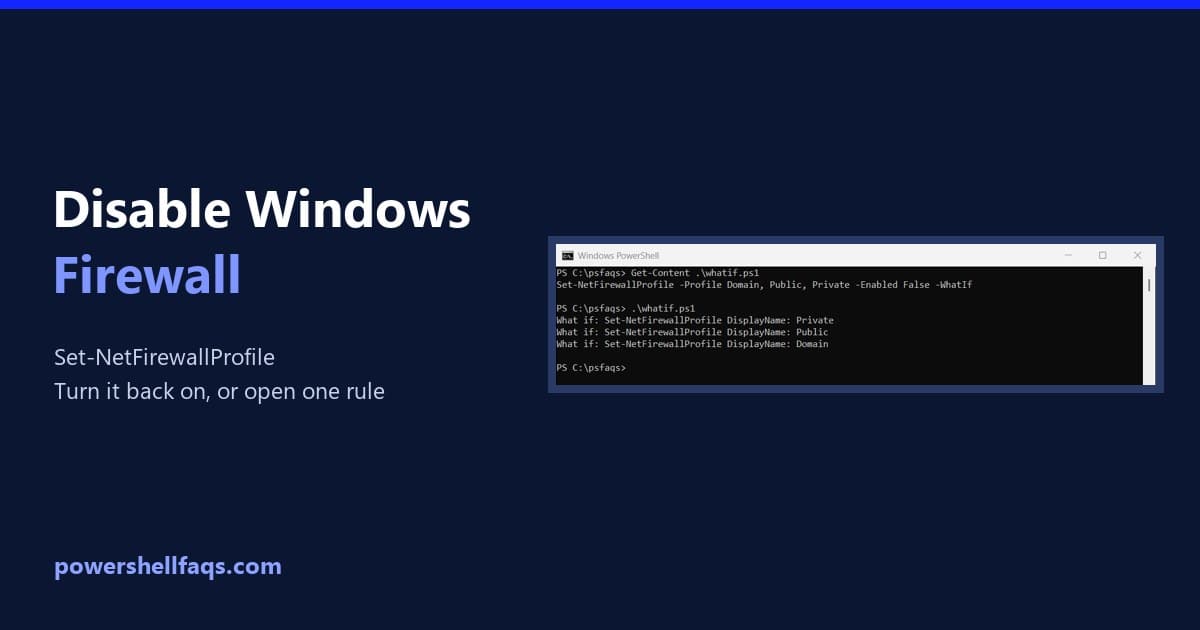
To disable Windows Firewall using PowerShell, open PowerShell as administrator and set all three firewall profiles to False: That leaves the PC unprotected, so turn it back on as soon as you’re done. Below I check the status, preview the change with -WhatIf, re-enable it, and show the safer option of changing one rule. My … Read more
How to Create and Manipulate Lists in PowerShell?

Create a List in PowerShell

In this tutorial, I will explain how to create and manipulate lists in PowerShell. Lists in PowerShell are data structures that allow you to store and manage collections of items efficiently. You can use a PowerShell list while working with managing user data, configuring systems, or automating tasks, etc. Why Use Lists in PowerShell? Lists … Read more

How to Create a Credential Object in PowerShell

Create a PSCredential object in PowerShell

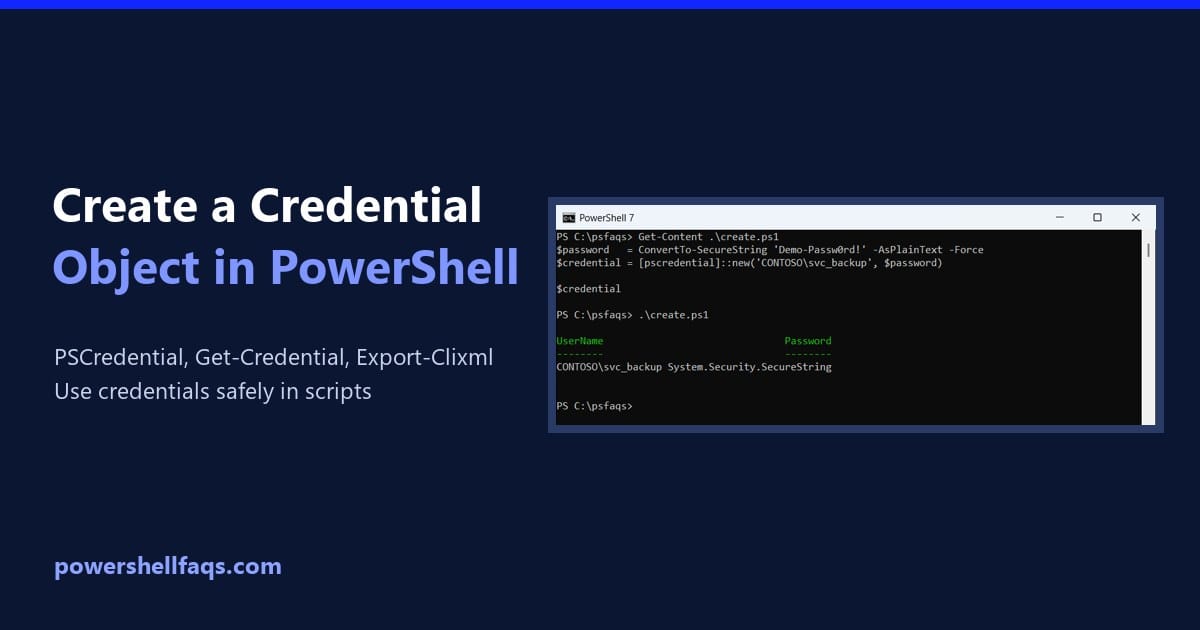
To create a credential object in PowerShell, turn the password into a SecureString and pass it with the user name to [pscredential]::new(). Any cmdlet with a -Credential parameter accepts the result: Output: The password above is a throwaway demo value. In a real script, you’d ask for it with Get-Credential or load it from a … Read more

How to Create a PowerShell Module?

In this tutorial, I will explain how to create a PowerShell module, which allows you to organize and reuse your PowerShell code in a modular way. PowerShell modules enable you to partition, organize, and abstract your PowerShell code into self-contained, reusable units. What is a PowerShell Module? A PowerShell module is a package containing PowerShell … Read more

PowerShell Hashtables and Dictionaries: The Complete Guide

PowerShell hashtables and dictionaries

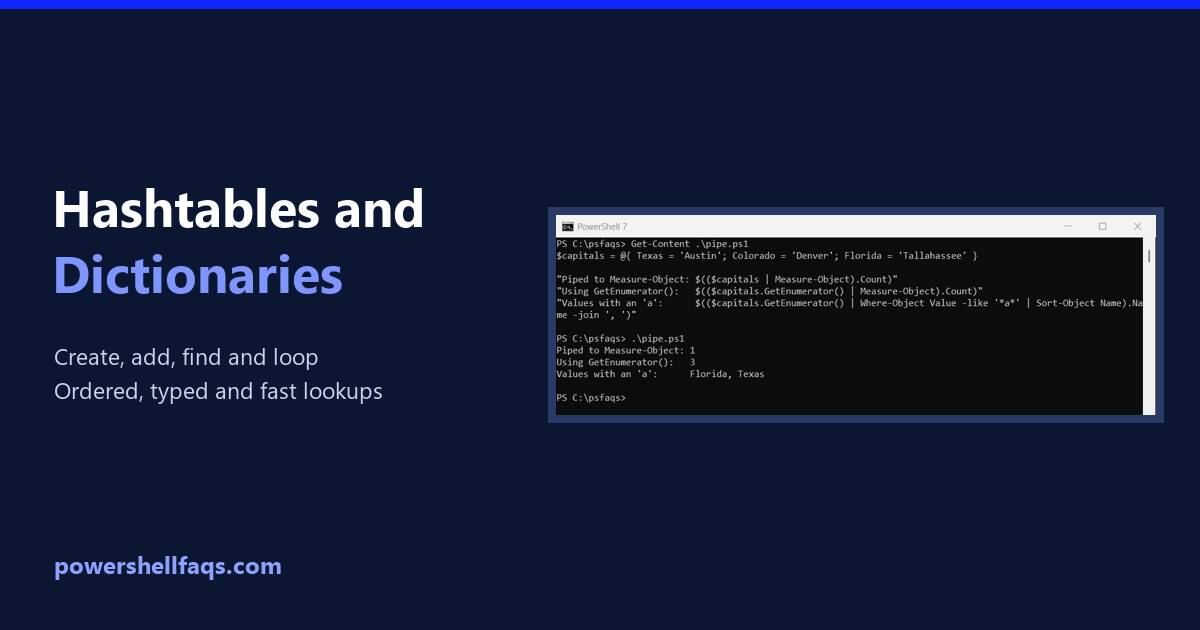
A PowerShell dictionary, usually called a hashtable, stores key and value pairs so you can look up a value by its key. Create one with @{ key = value } and read it with $table[‘key’]: Output: Hashtables are PowerShell’s built-in dictionary, and some older posts call them associative arrays. I ran every example in PowerShell … Read more

How to Create a Registry Key with PowerShell If It Does Not Exist?

Create a Registry Key with PowerShell If It Does Not Exist

As a system administrator, sometimes you might need to manage Windows registry settings across multiple machines. So, sometimes, you might need to check for the existence of a registry key and create it if it is missing using PowerShell. In this tutorial, I will explain how to create a registry key with PowerShell if it … Read more

How to Enable PowerShell Logging?

In this tutorial, I will explain how to enable PowerShell logging to improve security and track PowerShell activities on your systems. As a system administrator, I faced challenges in monitoring PowerShell scripts and commands executed across our network. Enabling PowerShell logging will help you secure our infrastructure and detect potential threats. Types of PowerShell Logging … Read more

How to Get Windows Event Logs using PowerShell?

Get Windows Event Logs using PowerShell

As an IT professional or a system administrator, I often need to check the event logs for debugging purposes. I used PowerShell to do this. In this tutorial, I will explain how to use PowerShell to query Windows Event Logs effectively. What are Windows Event Logs? Windows Event Logs are useful for diagnosing and troubleshooting … Read more

How to Create CSV Files with Headers in PowerShell?

Create a CSV File with Headers using PowerShell

CSV files are commonly used to store and exchange tabular data. By adding headers to your CSV files, you can provide meaningful names for each column, making the data more readable and easier to understand. In this tutorial, I will explain how to create CSV (Comma-Separated Values) files with headers using PowerShell. Create a CSV … Read more