PowerShell Format-List [Tutorial With Examples]

PowerShell Format-List

Do you want to format the output from a PowerShell cmdlet? The answer is the PowerShell’s Format-List cmdlet. With Format-List, you can transform complex output into a clean, readable list that highlights every property you care about. In this tutorial, I will explain exactly how to use Format-List in PowerShell with practical, real-world examples. What … Read more
How to List Installed PowerShell Modules (and Check One)

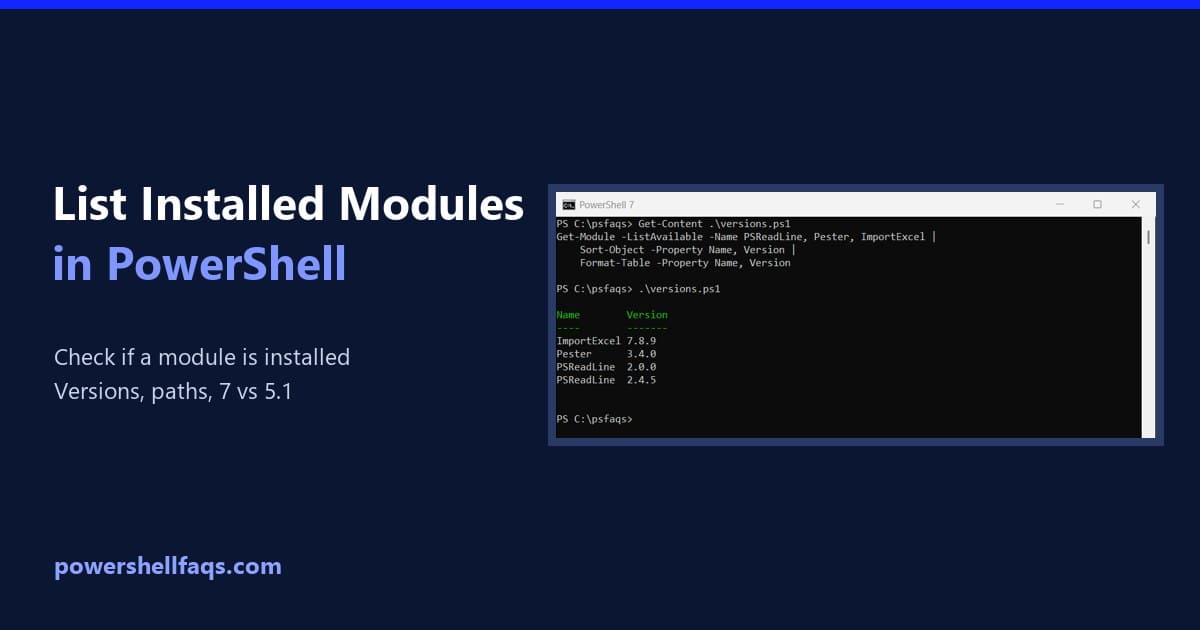
List installed PowerShell modules

To list installed modules in PowerShell, run Get-Module -ListAvailable. It searches every module folder on the PC, not just the modules loaded right now. Add -Name to look for specific modules: Output in PowerShell 7: On my PC, PowerShell 7.6 found two versions of PSReadLine. Windows PowerShell 5.1 found only the older one, and a … Read more

How to Use curl in PowerShell: curl.exe vs. the Alias

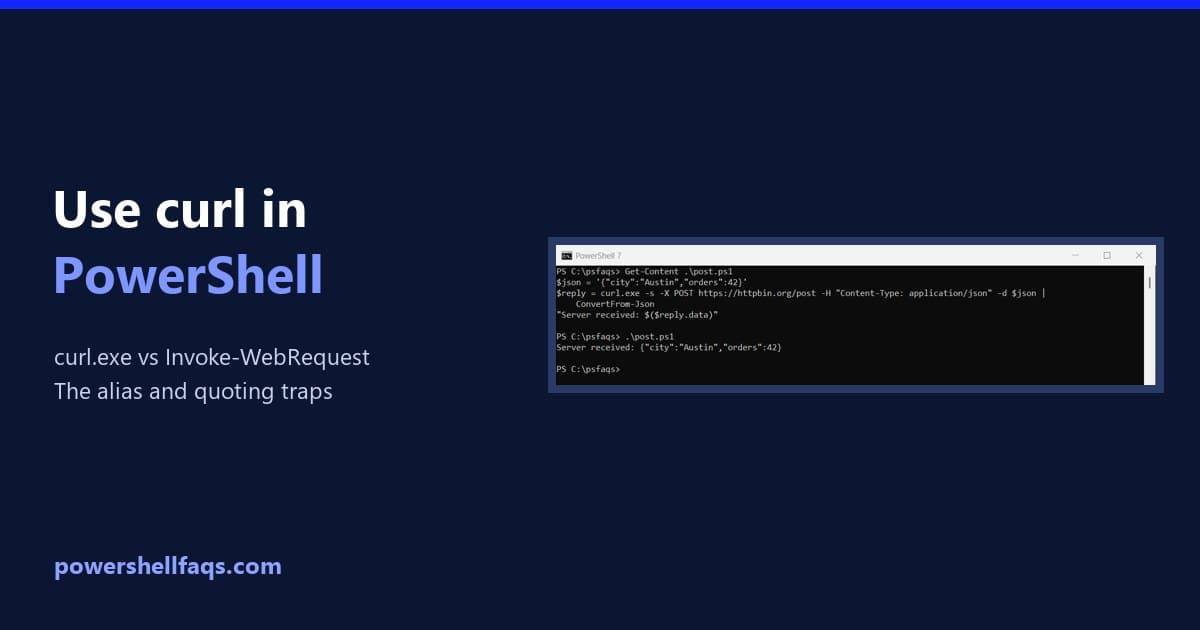
Use curl in PowerShell

To use curl in PowerShell, type curl.exe instead of curl. Windows 10 and 11 include the real curl, and the .exe makes sure you get it rather than an alias: Output: In Windows PowerShell 5.1, plain curl is an alias for Invoke-WebRequest, so your curl options fail. Below I show the difference, send JSON without … Read more

PowerShell Regex: How to Use Regular Expressions (With Examples)

PowerShell regex examples

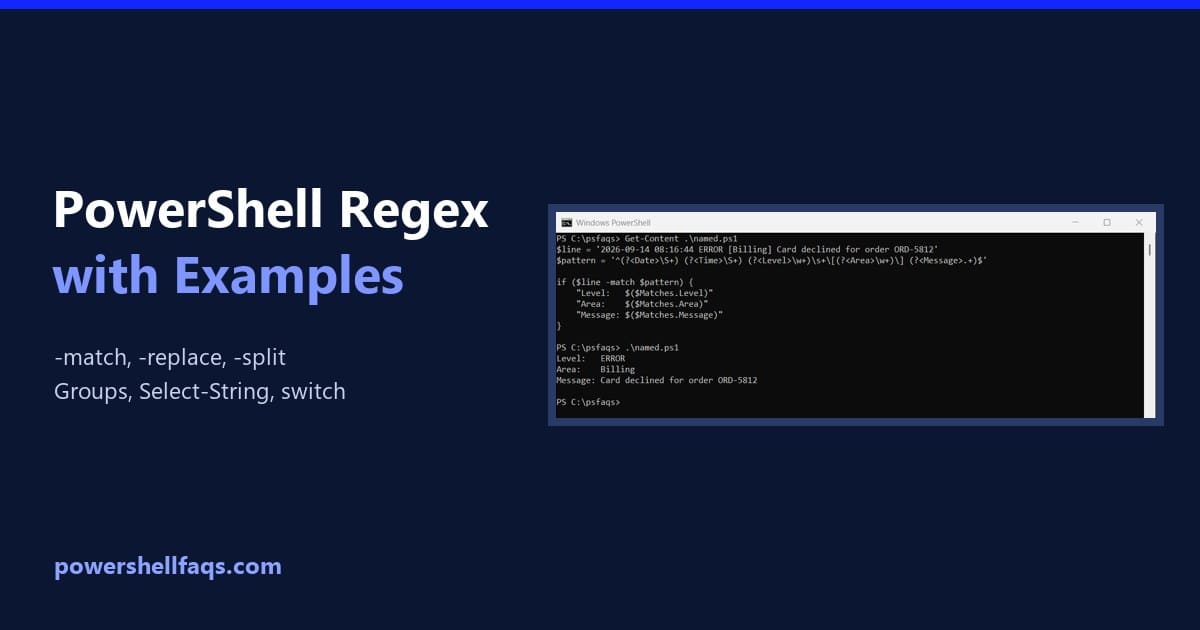
PowerShell regex (regular expressions) lets you match, extract, replace and split text by pattern. The operators -match, -replace and -split all take a regex, and $Matches holds what -match found: Output: Below I cover case sensitivity, named groups, replacing, splitting, finding every match, Select-String and switch -Regex. Every example ran in PowerShell 7.6 and 5.1, … Read more

How to Check the PowerShell Version (Windows, Scripts and Remote)

How to check the PowerShell version

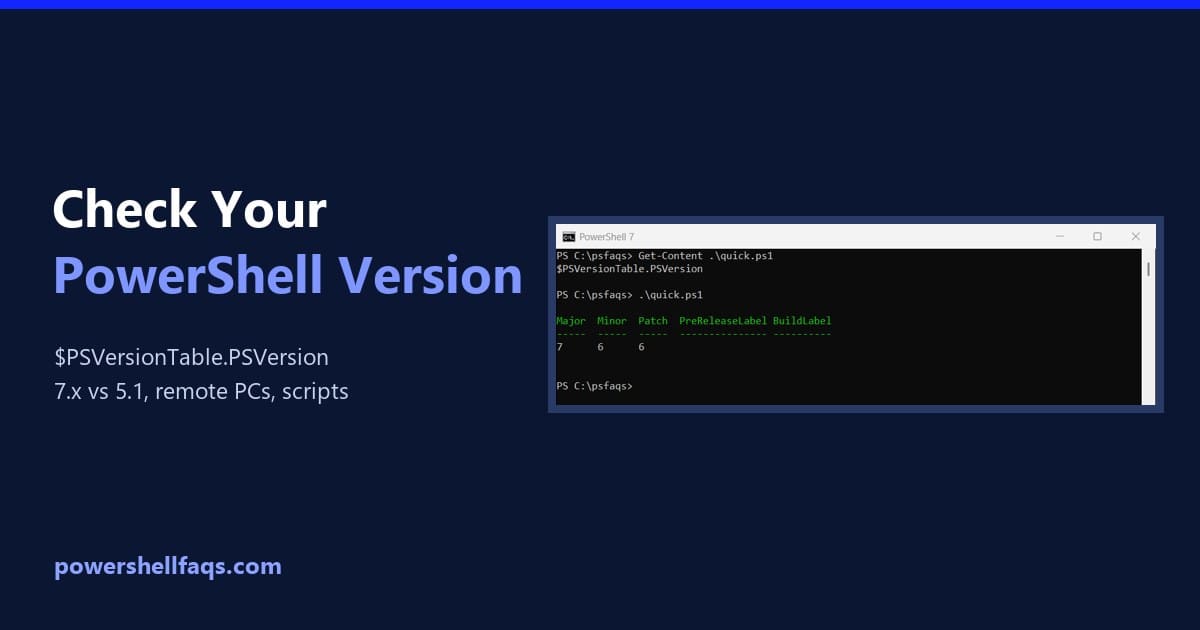
To check the PowerShell version, run $PSVersionTable.PSVersion. It works in every version on Windows, macOS and Linux. Here it is in PowerShell 7: Output in PowerShell 7.6: The same command in Windows PowerShell 5.1 shows a different layout, with Build and Revision instead of Patch: Most Windows 11 PCs have both: Windows PowerShell 5.1 is … Read more

PowerShell: Find Files Modified After a Date (or in the Last 24 Hours)

PowerShell find files modified after a date

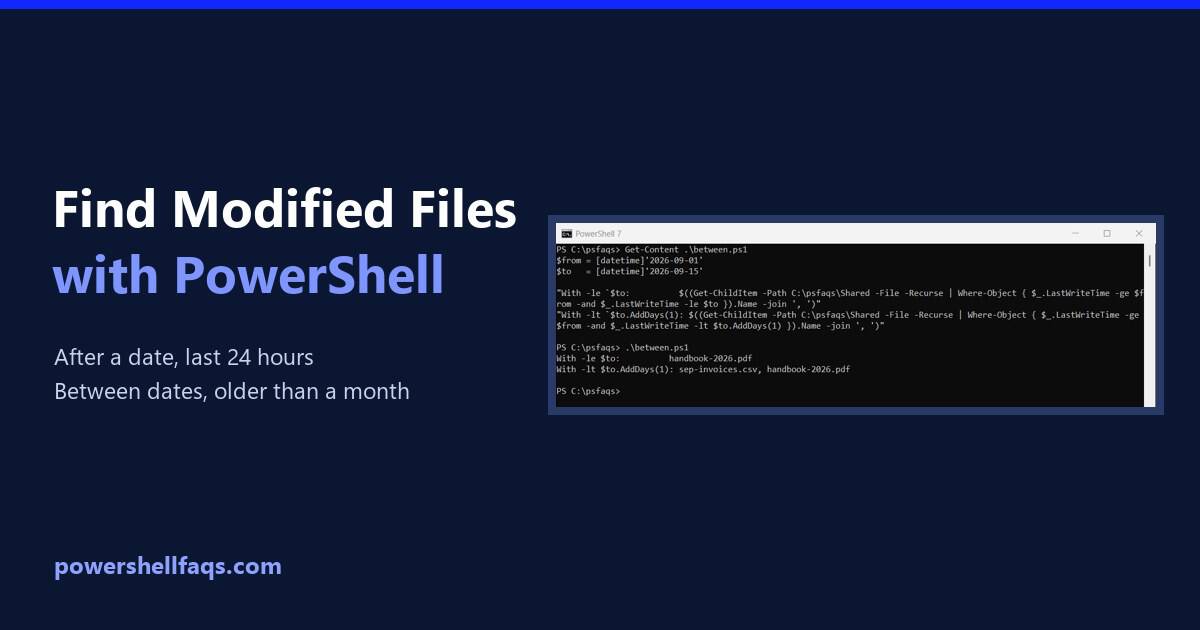
To find files modified after a date in PowerShell, pipe Get-ChildItem -File -Recurse to Where-Object and compare LastWriteTime with the date: Output: LastWriteTime is the “Date modified” column in File Explorer. I used a sample folder with fixed dates, and I ran every example in PowerShell 7.6 and Windows PowerShell 5.1, with the same results. … Read more

PowerShell Script to Delete Files Older Than 30 Days

PowerShell delete files older than 30 days

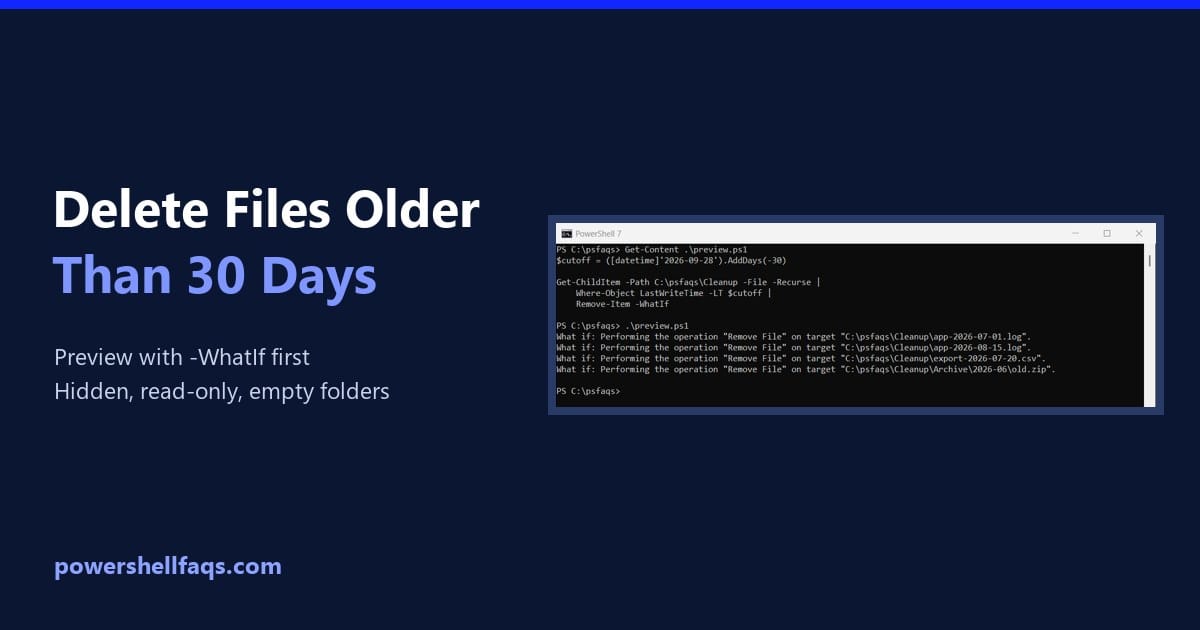
To delete files older than 30 days with PowerShell, list the files with Get-ChildItem, keep the ones whose LastWriteTime is before a cutoff date, and pipe them to Remove-Item. Run it with -WhatIf first: Output: In a real script, set the cutoff with (Get-Date).AddDays(-30). I used a fixed date and a sample folder so the … Read more

How to Check Who Modified a File Last in Windows Using PowerShell

check who modified a file last in windows powershell

Recently, I was working on a project where I needed to track down who made changes to some important configuration files on our server. While Windows Explorer displays the date a file was last modified, it doesn’t indicate who made the modification. But you can use PowerShell to find out. In this tutorial, I will … Read more

How to Split a String and Get the Second Element in PowerShell?

powershell split string get second element

In this tutorial, I will show how to split a string and get the second element in PowerShell using various methods with examples. Last month, I was tasked with automating data extraction from thousands of log files for a major financial services client in Chicago. The logs contained critical transaction information, but each record was … Read more