How to List Scheduled Tasks with PowerShell

One of my team members was trying to find all the scheduled tasks from a Windows system. You can achieve this using PowerShell. In this tutorial, I will explain how to list scheduled tasks with PowerShell. With this, I will demonstrate how to utilize PowerShell to list, filter, and manage scheduled tasks. List Scheduled Tasks … Read more
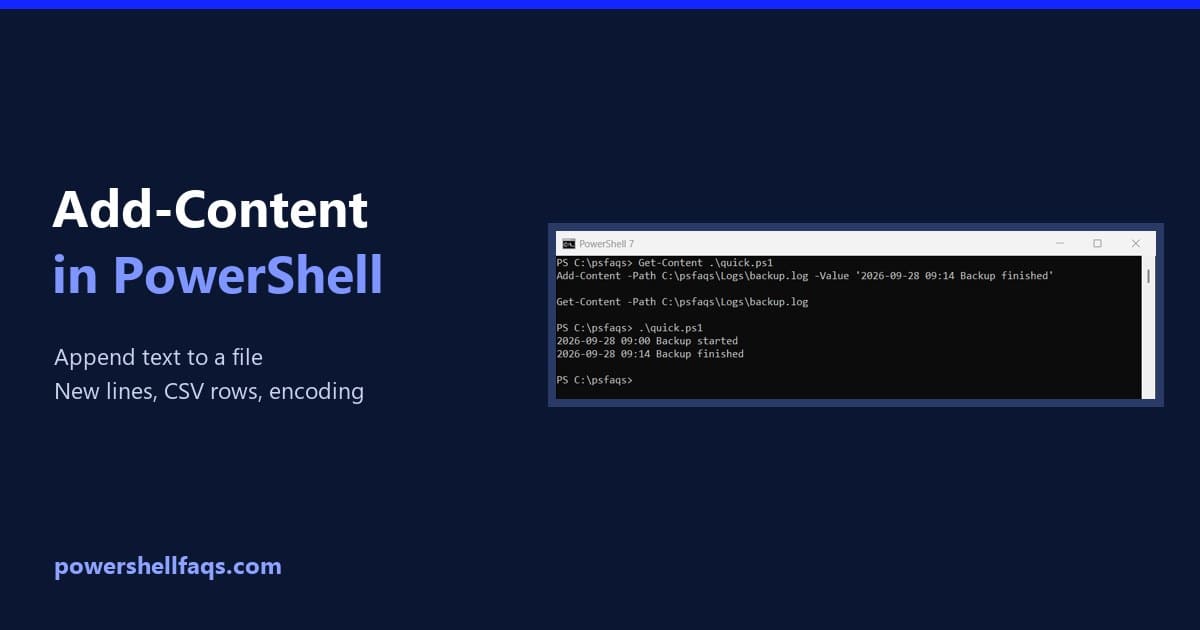
PowerShell Add-Content: Append Text to a File

PowerShell Add-Content: append text to a file

To append text to a file in PowerShell, use Add-Content with the file path and the text. It adds the text as a new line at the end, and leaves everything already in the file alone: Output: I ran every example in PowerShell 7.6 and Windows PowerShell 5.1. Most behave the same, but mixing Add-Content … Read more

8 Best PowerShell Extensions for Visual Studio Code

Best PowerShell Extensions for Visual Studio Code

If you’re working in PowerShell, this tutorial will be very helpful to you. I have explained here the eight best PowerShell extensions for Visual Studio Code. Each one brings unique value to scripting, testing, collaboration, and cloud automation. Extension Name Key Benefit Why I Recommend It PowerShell (Microsoft) Core scripting, IntelliSense, Debug Must-have, official Pester … Read more

PowerShell Test-NetConnection: Test Ports, Ping and Routes

PowerShell Test-NetConnection examples

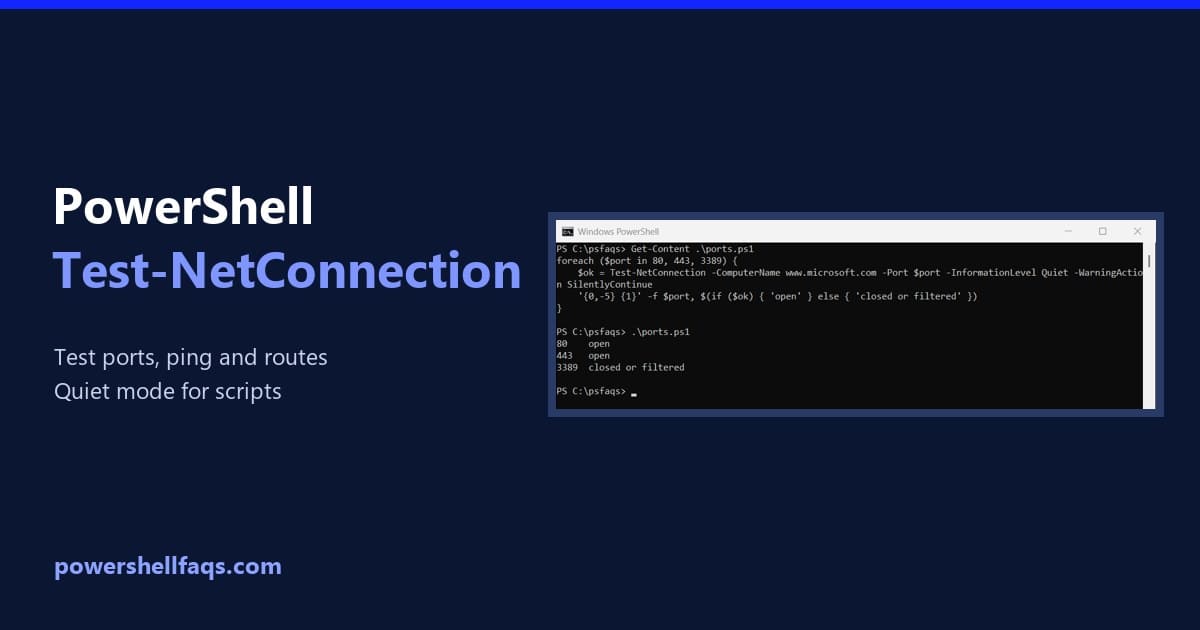
Test-NetConnection checks whether your computer can reach another host, and whether a specific TCP port on it is open. Give it a computer name and a port: Output: TcpTestSucceeded True means the port accepted a connection. I selected three properties because the full output also lists your own IP address and network adapter. Every example … Read more

PowerShell Invoke-WebRequest: GET, POST, Download and Error Examples

PowerShell Invoke-WebRequest examples

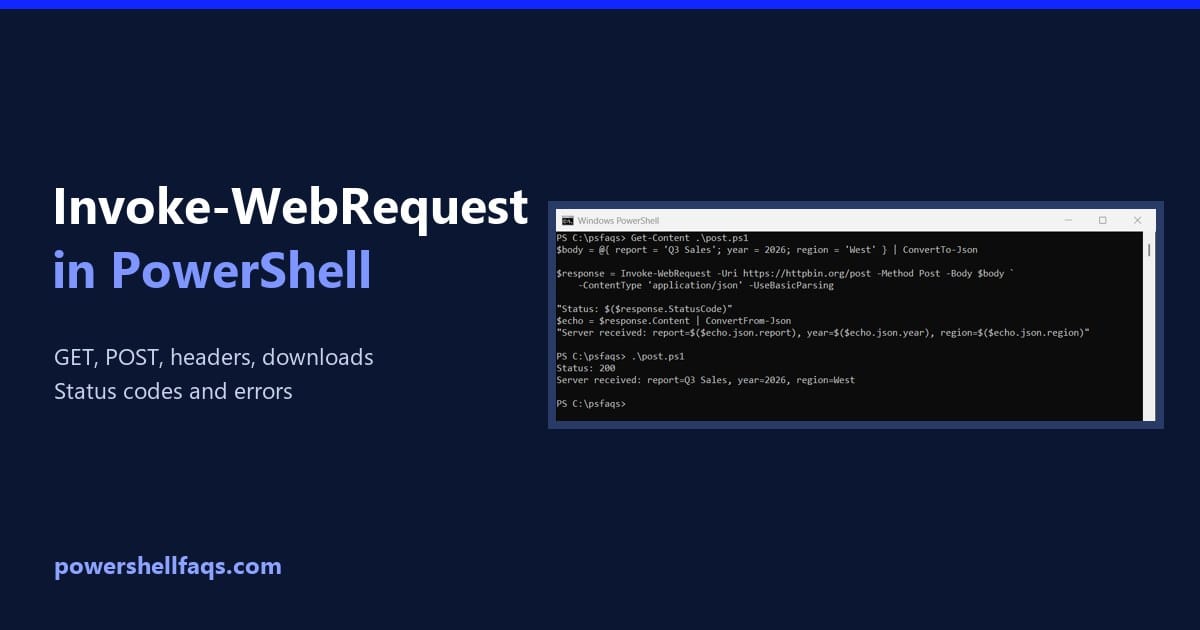
PowerShell Invoke-WebRequest sends an HTTP or HTTPS request and returns the full response: status code, headers, content and links. The simplest call is a GET request to a URL: Below I cover GET and POST requests, custom headers, downloading files, calling a REST API and handling errors. I tested these against real sites in PowerShell … Read more

PowerShell Out-File [With Examples]

PowerShell Out-File

Do you want to save the result of a PowerShell commandlet? The Out-File cmdlet enables you to send the output of your PowerShell commands directly to a file. In this tutorial, I will explain everything about the PowerShell Out-File cmdlet, including its syntax, examples, etc. What is the Out-File Cmdlet in PowerShell? Out-File is a … Read more

PowerShell Remove-Item: Delete Files and Folders Safely

PowerShell Remove-Item delete files and folders

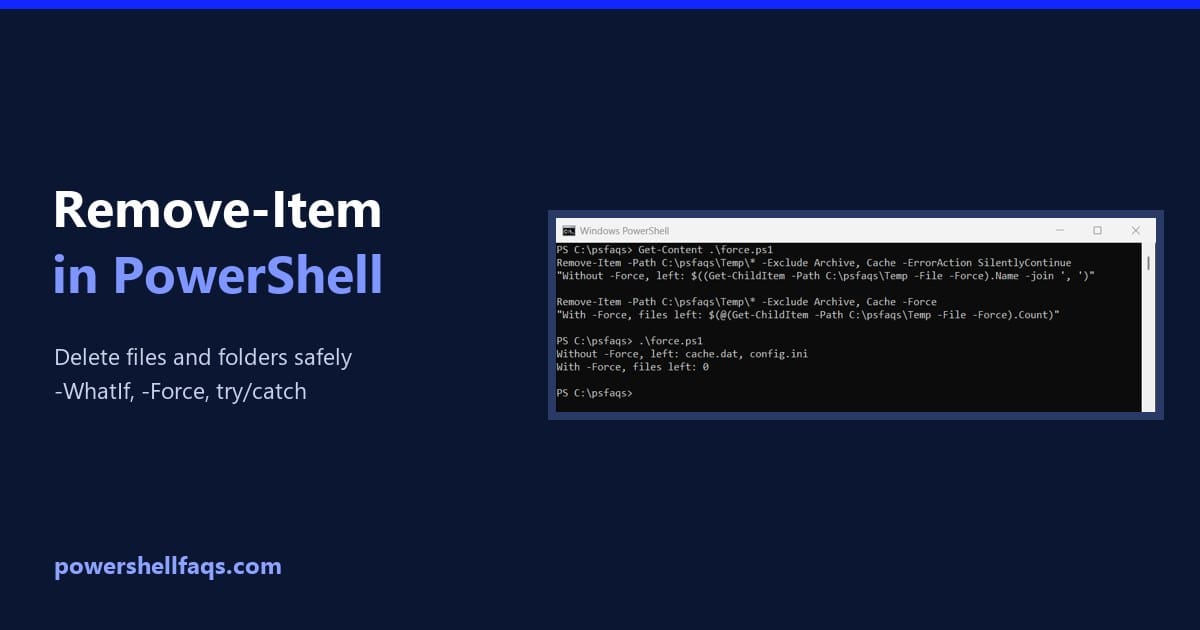
To delete a file in PowerShell, use Remove-Item with the path. The file is gone right away: Output: Remove-Item doesn’t use the Recycle Bin, so there’s no undo. Everything below runs in a test folder, C:\psfaqs\Temp, and I suggest you try it the same way first. I ran every example in PowerShell 7.6 and Windows … Read more

How to List Hidden Files in PowerShell?

List Hidden Files in PowerShell

Do you want to find hidden files on your Windows workstation—maybe in your C:\Users\Public\Documents or a project folder in C:\Projects\USA? PowerShell offers several commands to locate hidden files. In this tutorial, I’ll show you step-by-step how to list hidden files using PowerShell using different methods. Hidden files are often system files or configuration files that … Read more

How to List Running Services in PowerShell

List running services in PowerShell

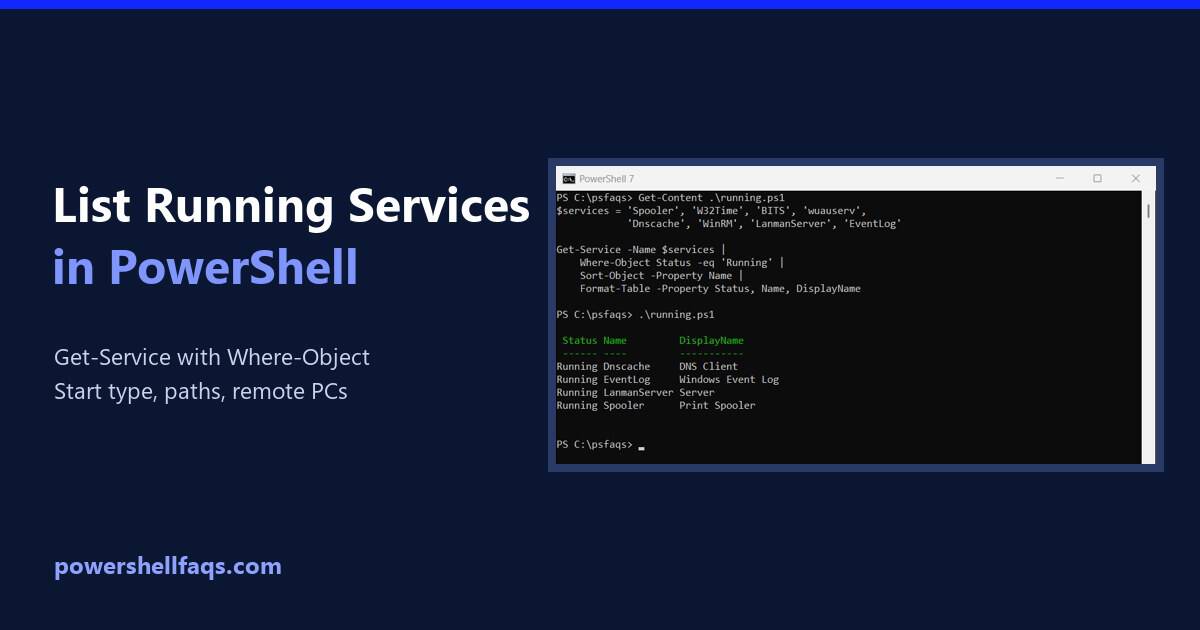
To list running services in PowerShell, pipe Get-Service to Where-Object and keep the ones whose Status is Running. Here I check a set of standard Windows services: Output: Without -Name, Get-Service returns every service on the PC. I limited the examples to built-in Windows services, so the list doesn’t show the other software installed on … Read more

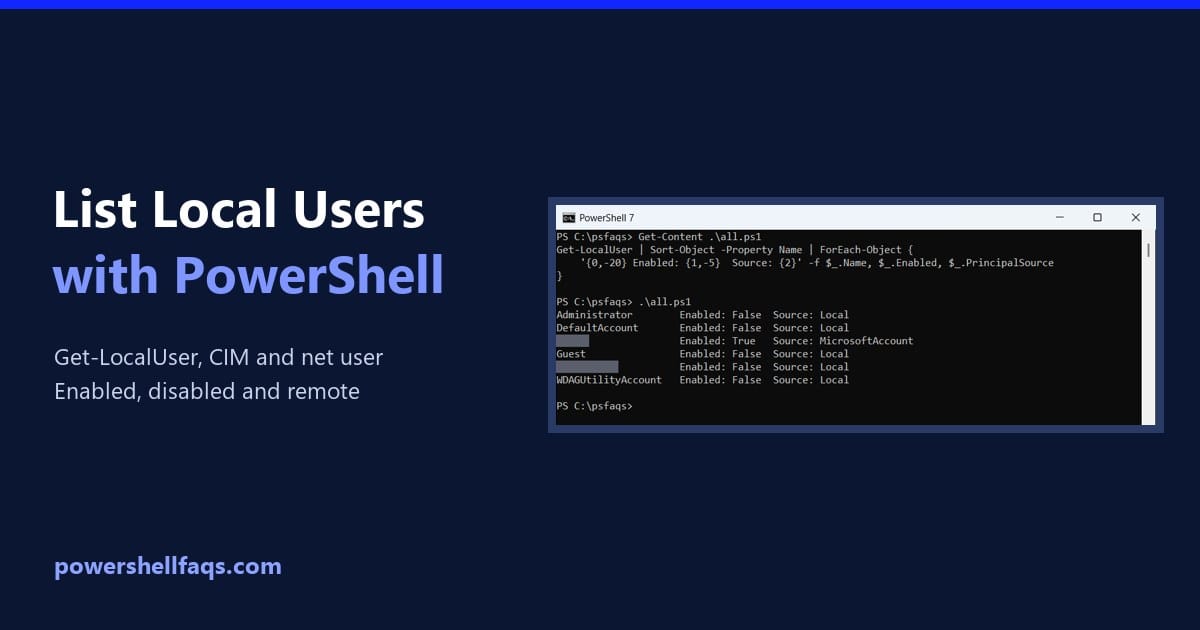
How to List Local Users with PowerShell (Get-LocalUser)

List local users with PowerShell

To list local users with PowerShell, run Get-LocalUser. It returns every local account on the PC, including the built-in ones, with whether each is enabled: Output: Below I filter enabled accounts, compare Get-LocalUser with net user and CIM, export a report and check remote PCs. I masked my own account names in the output. What … Read more