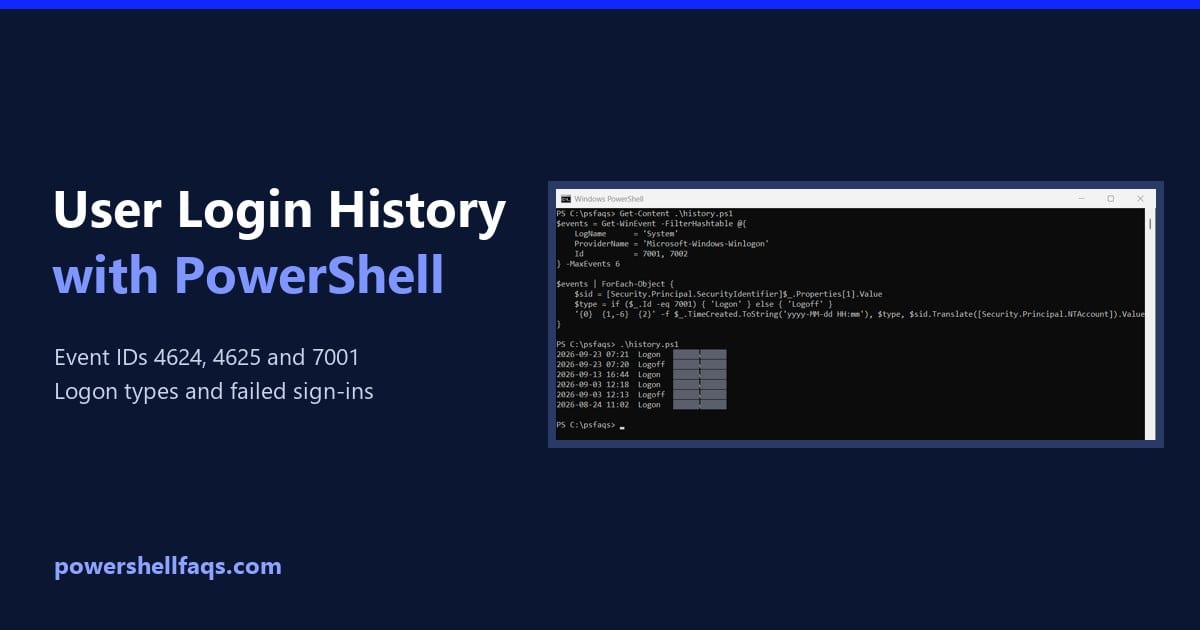
PowerShell Not Equal Operator (-ne) With Examples
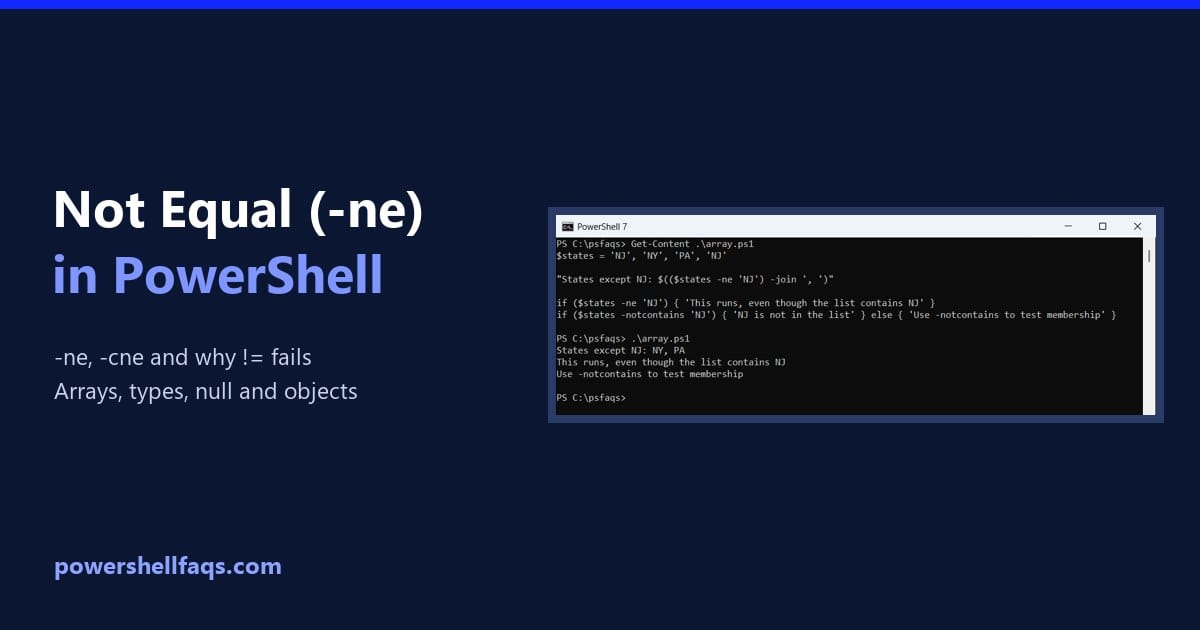
PowerShell not equal operator

The not equal operator in PowerShell is -ne. It returns True when two values are different, and it ignores case for text: Output: PowerShell doesn’t support !=. Writing if (5 != 3) fails with “Unexpected token ‘!=’ in expression or statement.” I ran every example in PowerShell 7.6 and Windows PowerShell 5.1, with the same … Read more
PowerShell Start-Process (With Examples)

PowerShell Start-Process with examples

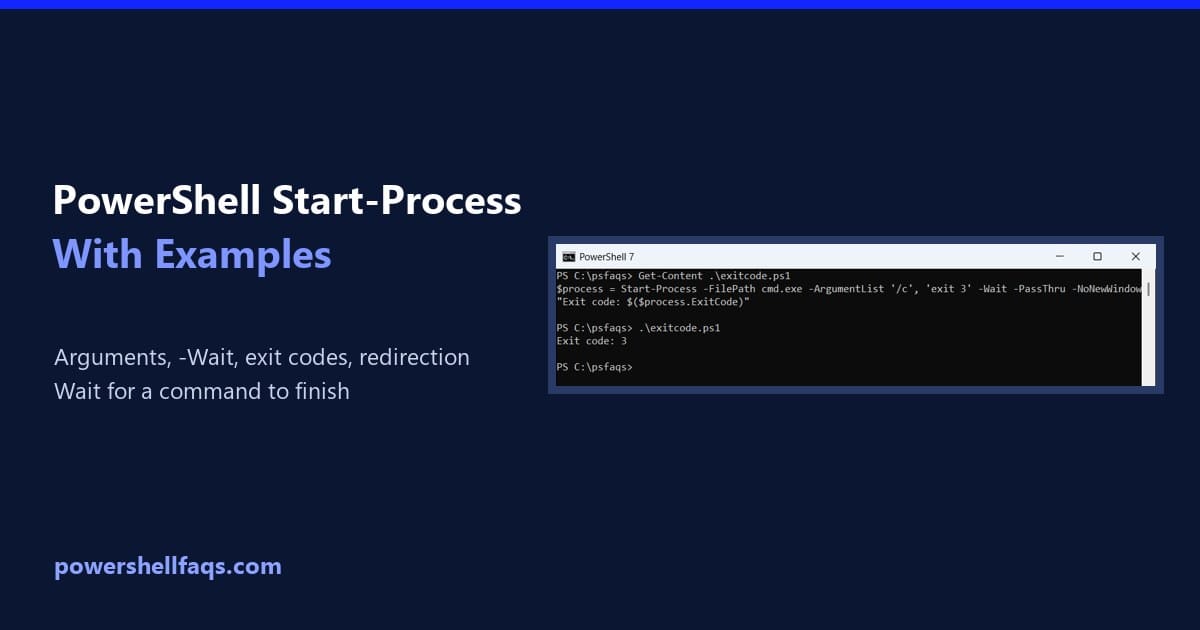
Start-Process starts a program or script as a separate process. Add -Wait to pause your script until it finishes, -ArgumentList to pass arguments and -PassThru to get a process object back, including the exit code: Output: In this guide, I’ll cover the parameters you’ll use most, the argument-quoting trap, output redirection, running as administrator, and … Read more

PowerShell Throw Exception with Message

PowerShell Throw Exception with Message

Proper error handling is absolutely critical when developing PowerShell scripts, especially for production environments. One of the most powerful error handling techniques in PowerShell is throwing exceptions with custom messages. Over my years working with PowerShell, I’ve found that a PowerShell script should show proper exception messages, which can save hours of troubleshooting time. In … Read more

How to Delete User Profiles Using PowerShell in Windows 11

Delete user profiles using PowerShell in Windows 11

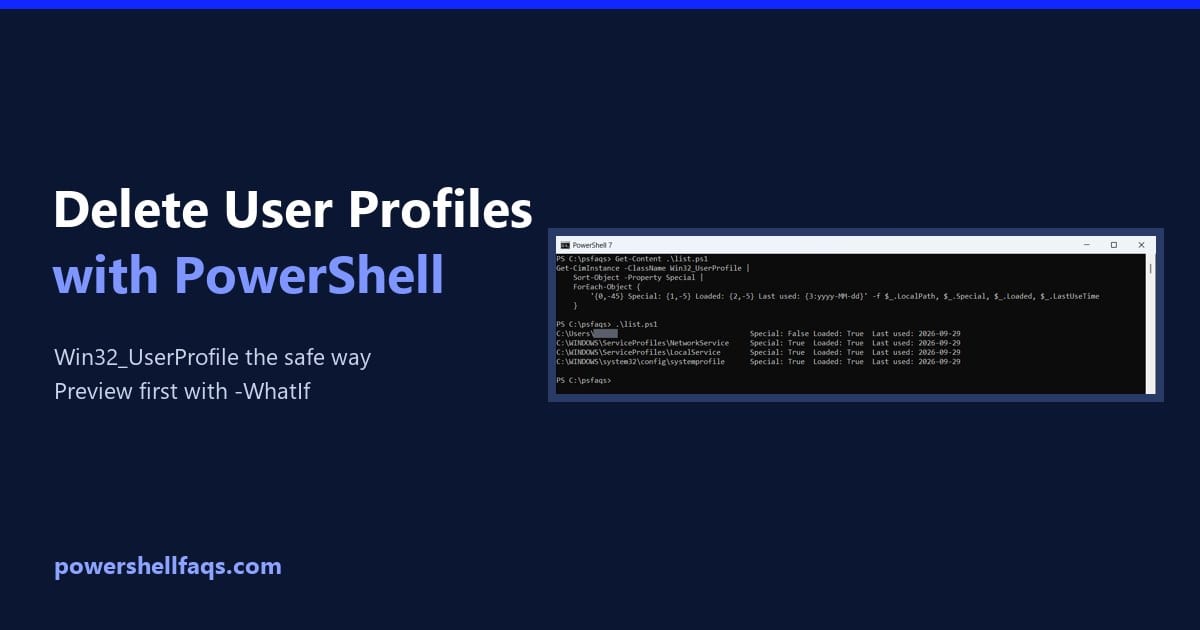
To delete user profiles using PowerShell in Windows 11, find the profile with Get-CimInstance Win32_UserProfile and pipe it to Remove-CimInstance in an elevated window. That removes the folder and the registry entry together: Deleting a profile can’t be undone, so below I list profiles safely, find stale ones and preview the removal with -WhatIf. I … Read more

How to Generate SSH Keys with PowerShell (ssh-keygen on Windows)

Generate SSH keys with PowerShell

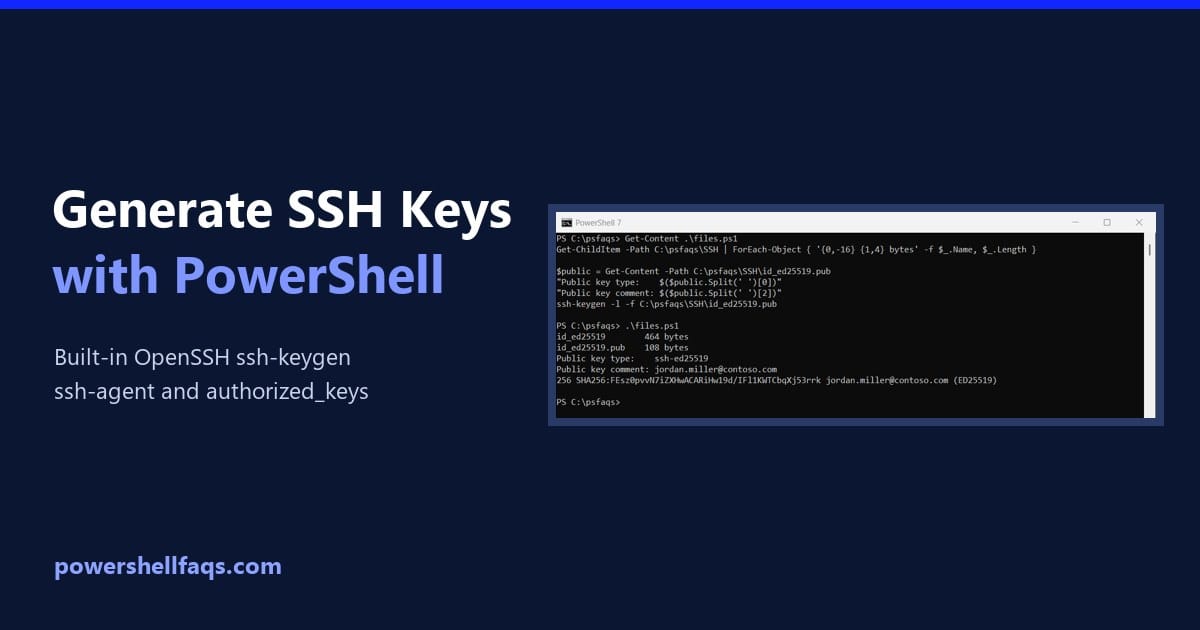
To generate SSH keys with PowerShell, run ssh-keygen, which ships with Windows 10 and 11 as part of the built-in OpenSSH client. Ed25519 is the recommended key type: It asks where to save the key and for a passphrase, then creates a private key and a .pub public key. Below I check OpenSSH is installed, … Read more

How to Open PowerShell in a Folder (Windows 11 and 10)

Open PowerShell in a folder

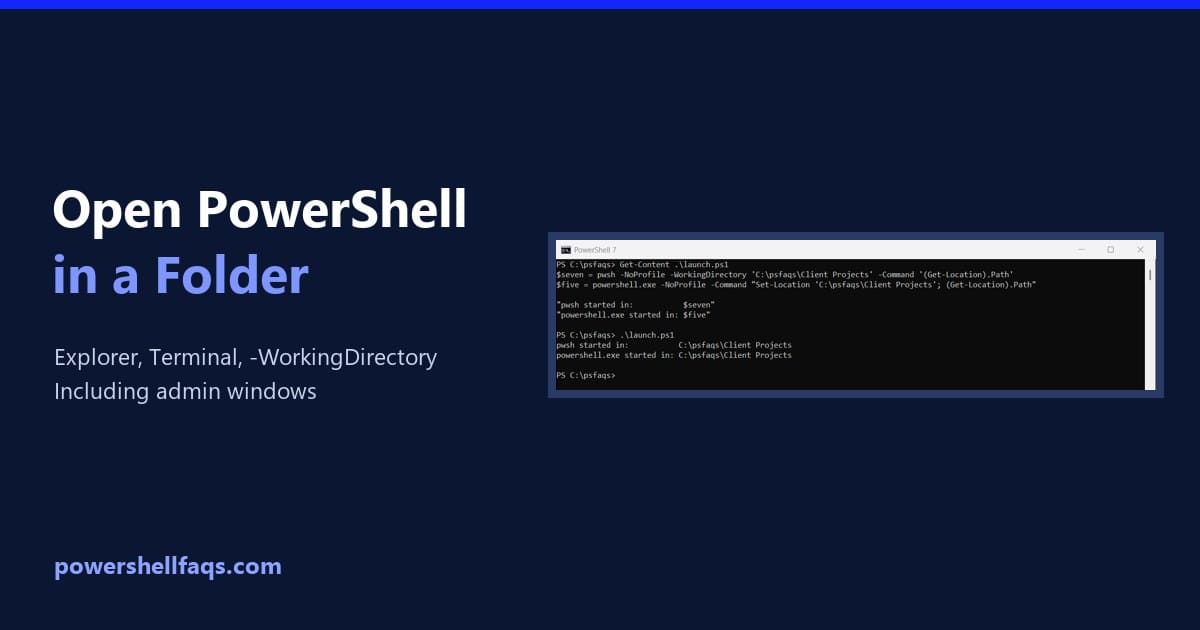
To open PowerShell in a folder, open the folder in File Explorer, click the address bar, type pwsh (or powershell for Windows PowerShell 5.1) and press Enter. PowerShell starts with that folder as its location. In Windows 11 you can also right-click inside the folder and choose Open in Terminal. Below I cover shortcuts, command-line … Read more

How to List Directories and Files in PowerShell

List directories and files in PowerShell

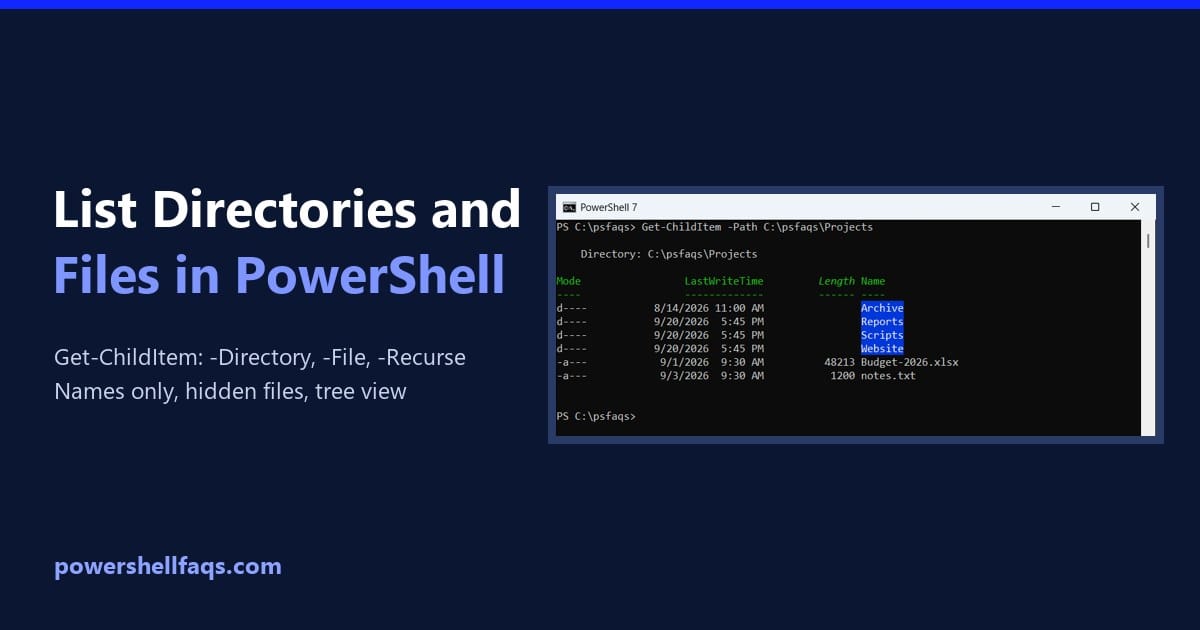
To list directories and files in PowerShell, use Get-ChildItem. On its own, it lists every folder and file in the current location. Add -Directory for folders only, -File for files only and -Recurse to include subfolders. Here it is on a sample Projects folder I created for this article: Output: The Mode column tells you … Read more

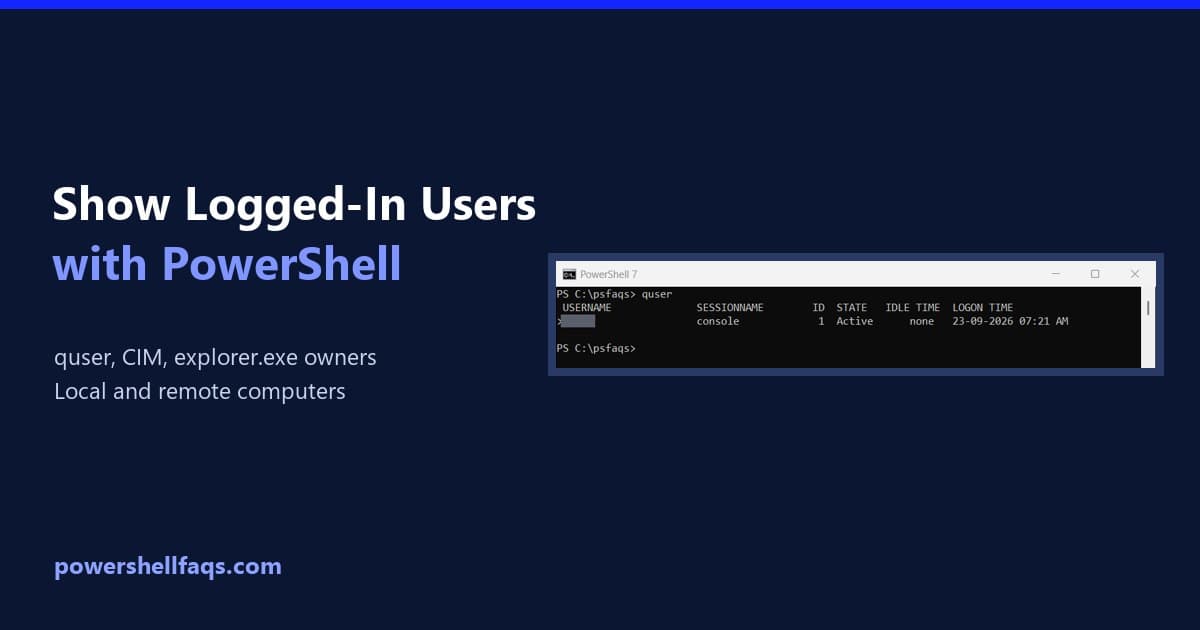
How to Show Logged-In Users with PowerShell

Show logged-in users with PowerShell

To show logged-in users with PowerShell, run quser (short for query user). It lists every user signed in to the computer, including Remote Desktop sessions, with their session ID, state, idle time and logon time. Two other commands answer slightly different questions: Command What it returns Remote PCs quser Every signed-in user and session, active … Read more

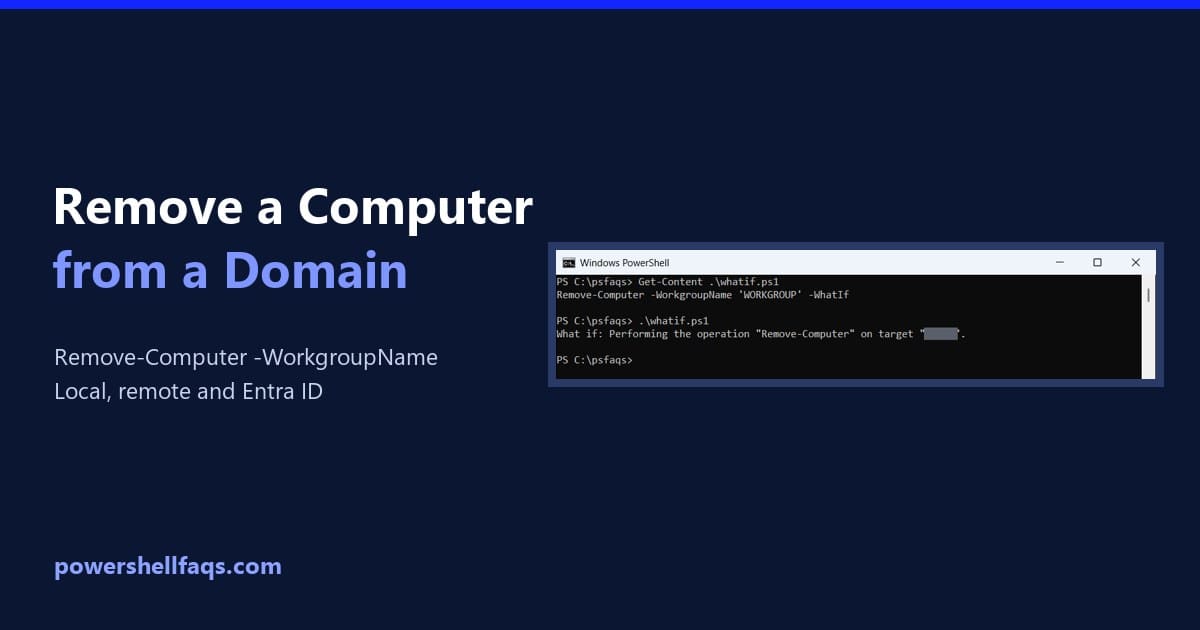
How to Remove a Computer from a Domain Using PowerShell

Remove a computer from a domain with PowerShell

To remove a computer from a domain with PowerShell, run Remove-Computer as administrator, name the workgroup to join and restart: The credential needs rights to remove the computer account. Below I check the join state, preview the command, remove remote PCs and clean up AD. My test PC isn’t on a domain, so I used … Read more