How to Check Password Expiration Date in PowerShell

If you’ve ever managed user accounts in Microsoft 365, Active Directory, or hybrid environments, you’ve probably run into this situation: I’ve been there more times than I’d like to admit. And almost every time, the quickest and most reliable way to investigate is PowerShell. In this tutorial, I’ll walk you through how to check password … Read more
PowerShell Output to File and Console at the Same Time

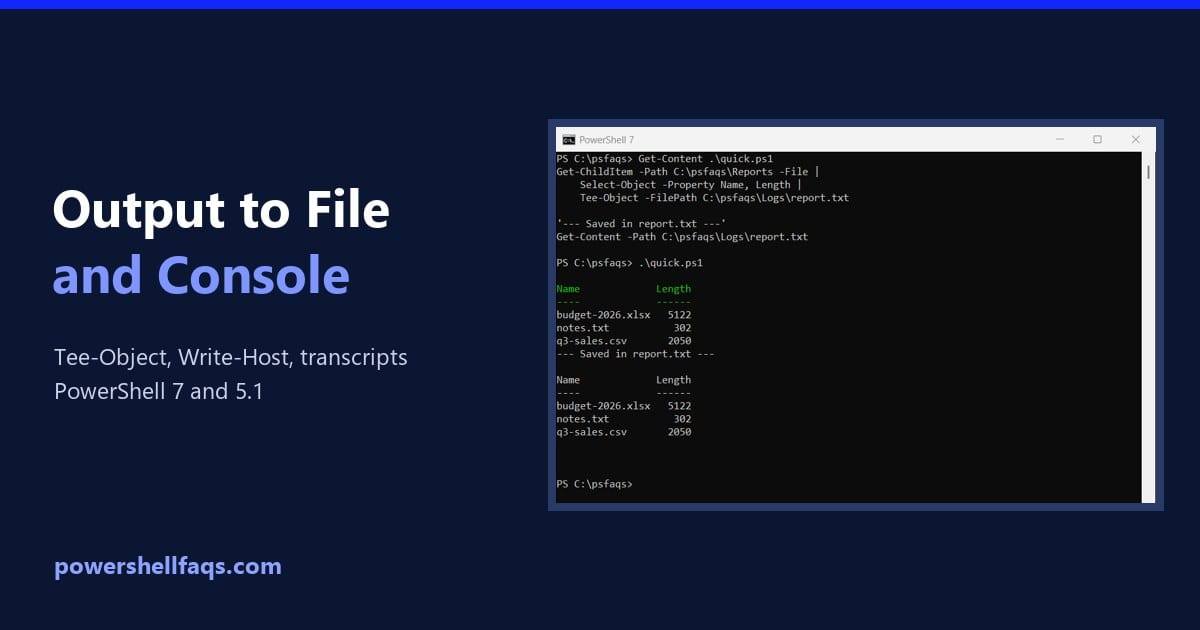
PowerShell output to file and console

To send PowerShell output to a file and the console at the same time, pipe it to Tee-Object -FilePath. It writes the output to the file and passes the same output on to the screen: Output: The file gets the text exactly as it looks on screen, table layout included. I ran every example here … Read more

How to Install winget Using PowerShell (and Fix It When It’s Missing)

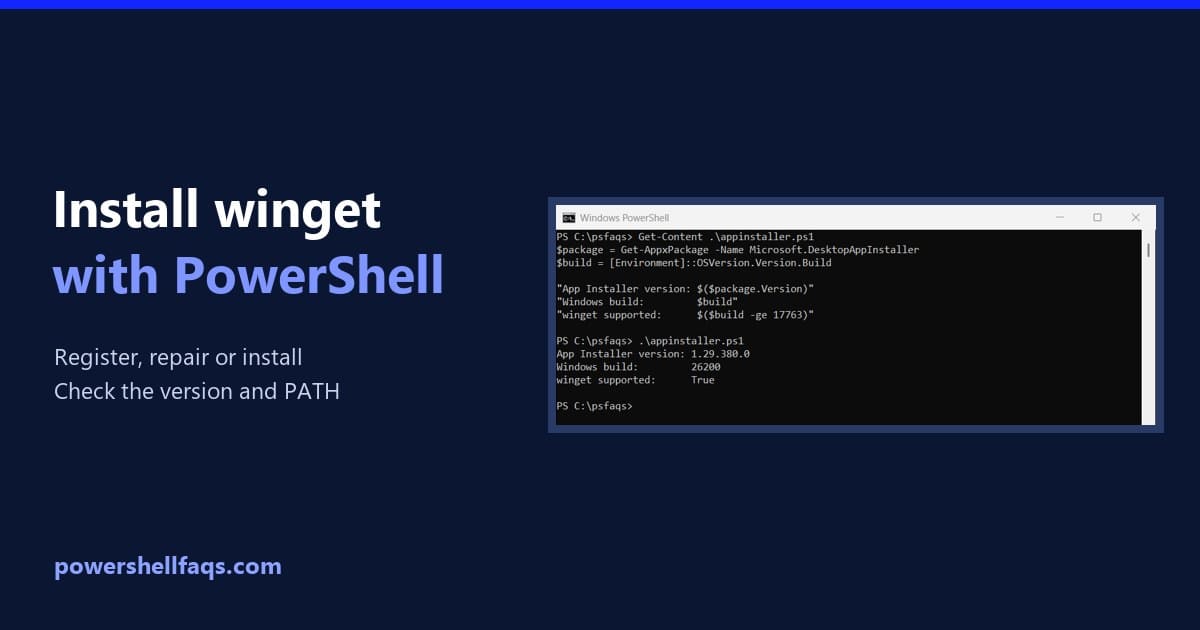
Install winget using PowerShell

To install winget using PowerShell, register the App Installer package that already ships with Windows. This one command fixes a missing winget on most Windows 11 and Windows 10 PCs: winget, the Windows Package Manager, is part of App Installer. Below I show how to check whether you already have it, the command that repairs … Read more

How to Get Dell Service Tag Using PowerShell (Complete Guide)

How to Get Dell Service Tag Using PowerShell

If you work in IT or manage Dell computers, you know how important service tags are. These unique identifiers help you track warranties, download drivers, and get support from Dell. But manually checking each machine? That’s a pain. Good news: PowerShell makes this super easy. In this tutorial, I’ll show you exactly how to grab … Read more

How to Get BIOS Information Using PowerShell

Get BIOS Information Using PowerShell

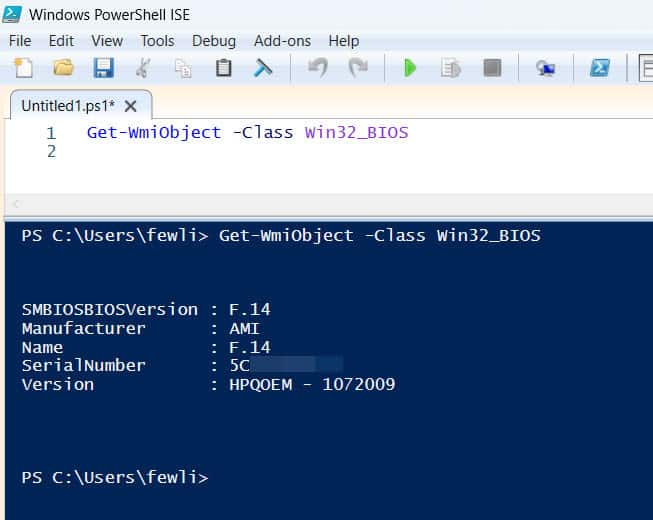
If you’ve ever needed to check your computer’s BIOS version, manufacturer, or other firmware details, you know it usually means rebooting your computer and pressing a special key during startup. That’s annoying, especially when you’re in the middle of work. Here’s the good news: PowerShell can grab all that BIOS information without restarting anything. In … Read more

How to Check Free Memory in PowerShell (The Complete Guide)

How to Check Free Memory in PowerShell

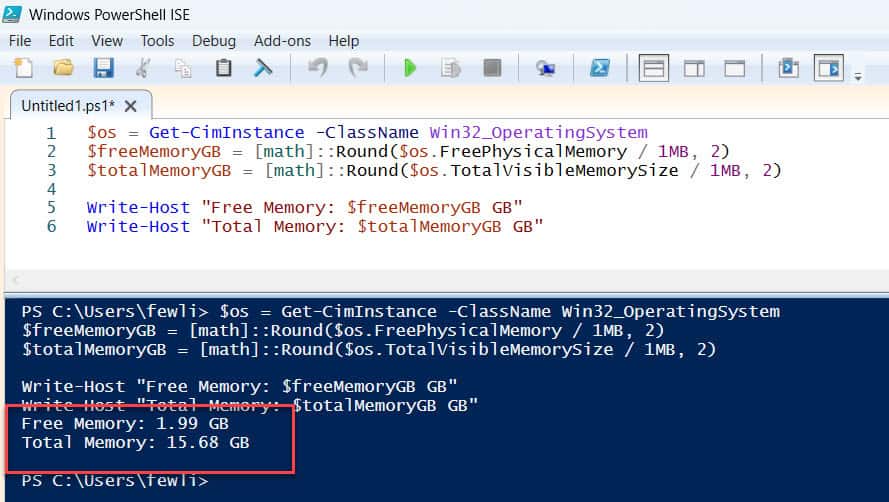
So you need to check how much RAM is available on your Windows machine, and you want to do it using PowerShell. Maybe your computer is running slow, or you’re troubleshooting a server, or you just want to keep tabs on memory usage. Whatever the reason, I’ve got you covered. In this tutorial, I’ll show … Read more

How to Get the BIOS Version Using PowerShell

Get BIOS version using PowerShell

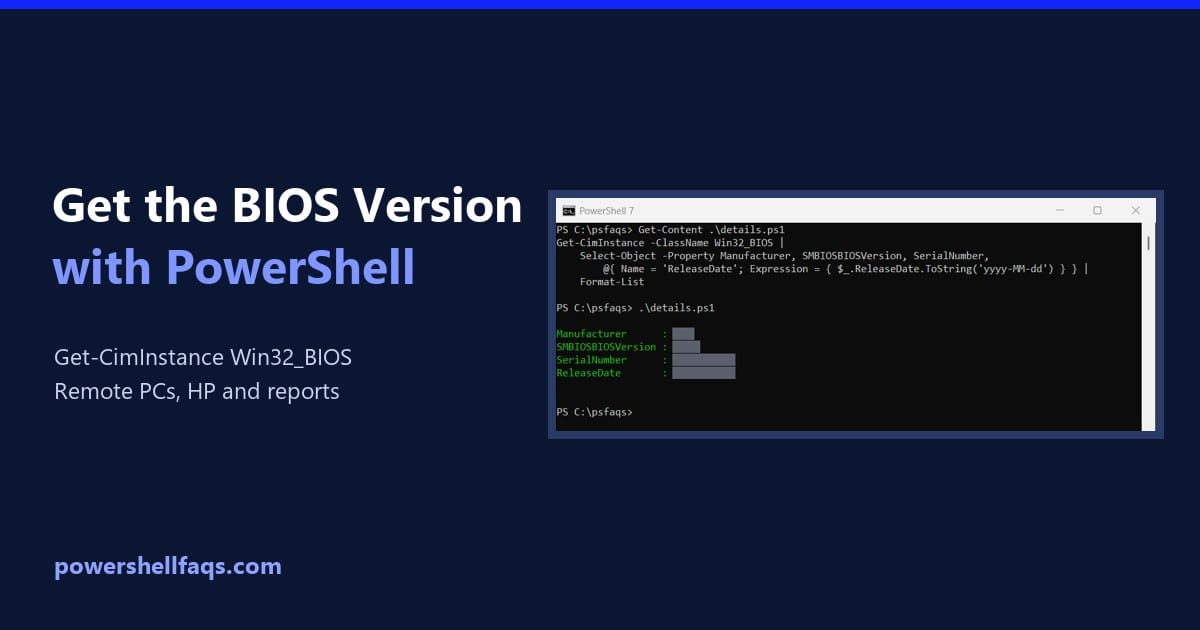
To get the BIOS version with PowerShell, run (Get-CimInstance -ClassName Win32_BIOS).SMBIOSBIOSVersion. It works in PowerShell 7 and Windows PowerShell 5.1 and doesn’t need admin rights: Output: I replaced this PC’s real BIOS details with placeholders like Contoso, 1.24.0 and ABC1234XYZ, and blacked them out in the screenshots. Your output will show your own values. Get … Read more

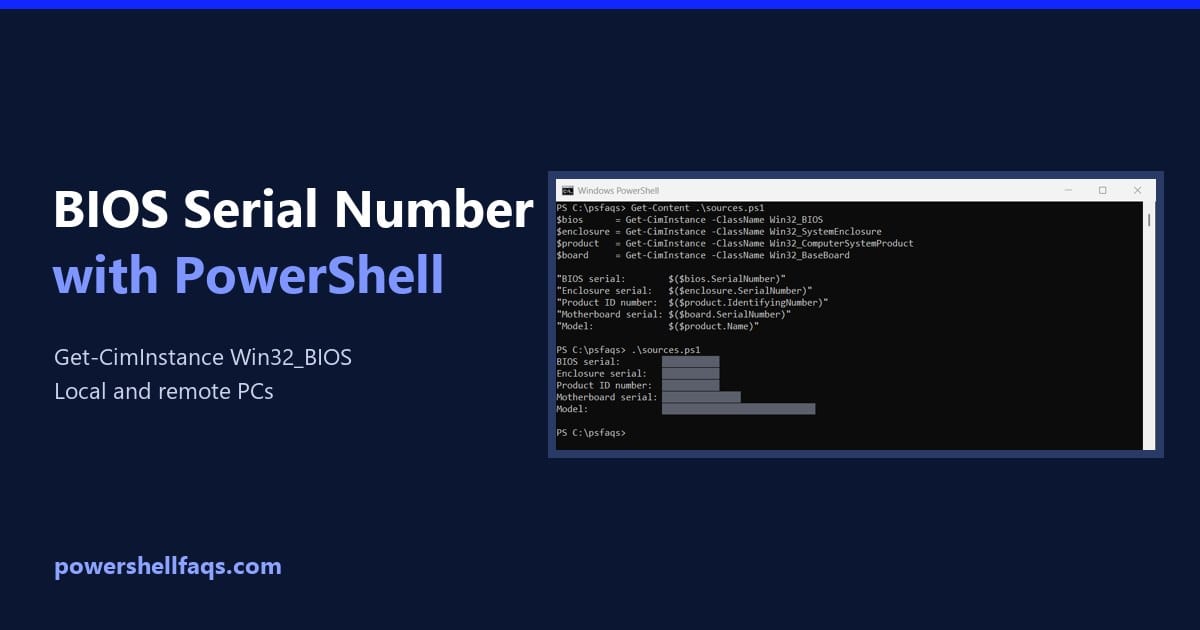
How to Get the BIOS Serial Number Using PowerShell

Get the BIOS serial number using PowerShell

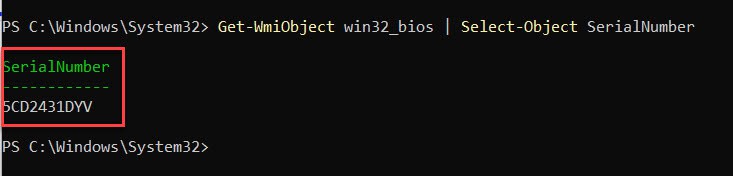
To get the BIOS serial number using PowerShell, read the SerialNumber property of the Win32_BIOS class. One line does it, with no admin rights needed: Output: That’s the same number printed on the sticker of most laptops and desktops. Below I compare the other places Windows stores serials, replace the old wmic command, and collect … Read more

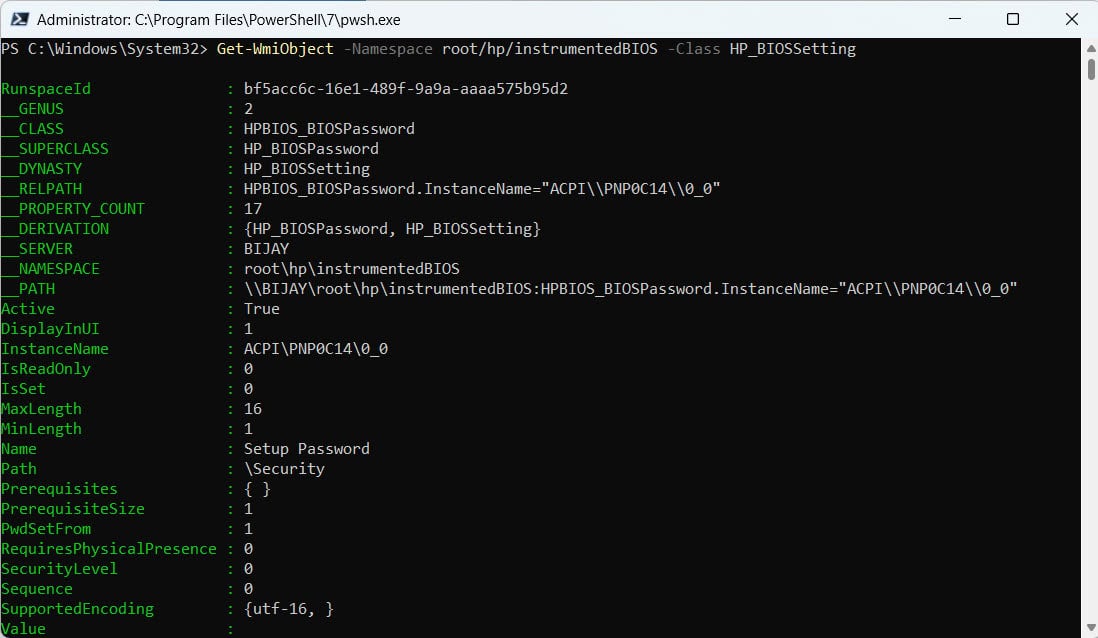
How to Get HP BIOS Settings Using PowerShell

Get HP BIOS Settings Using PowerShell

If you manage HP computers, you’ve probably needed to check BIOS settings at some point. Maybe you’re troubleshooting a boot issue, verifying security settings, or just doing an audit across multiple machines. The old way? Reboot the computer, mash F10 during startup, navigate through BIOS menus, and write things down. Not fun, especially when you’ve … Read more