How to Replace a String Before a Character in PowerShell
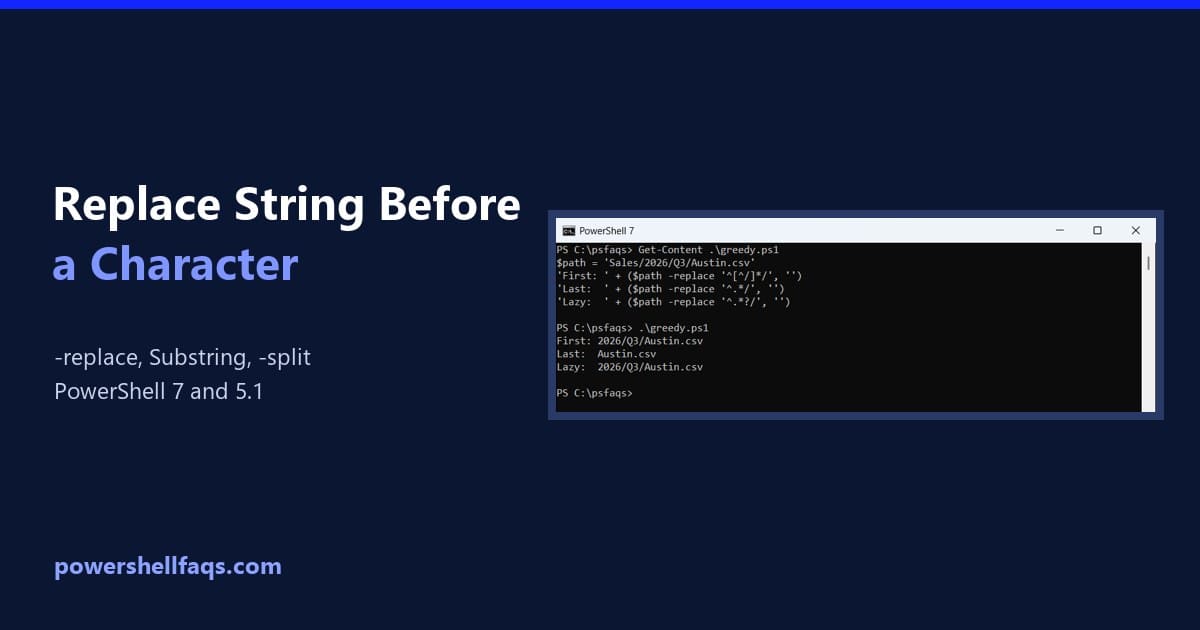
Replace or remove everything before a character in a PowerShell string

To replace a string before a character in PowerShell, use the -replace operator with a regex that matches from the start of the string up to that character: That pattern stops at the first colon. Below I’ll cover the last-occurrence version, keeping the delimiter, a no-regex option with IndexOf(), -split, special characters, file renames, and … Read more

PowerShell Reference Variables: Pass by Reference with [ref]

PowerShell reference variable: pass a variable by reference to a function with [ref] and .Value

A PowerShell reference variable is a [ref] object that points to another variable. To pass by reference, type the parameter as [ref], call the function with ([ref]$var), and change .Value inside: I’ll show how it works with functions, arrays, hashtables, and .NET methods like TryParse, plus the mistakes I see most and one PowerShell 7 … Read more

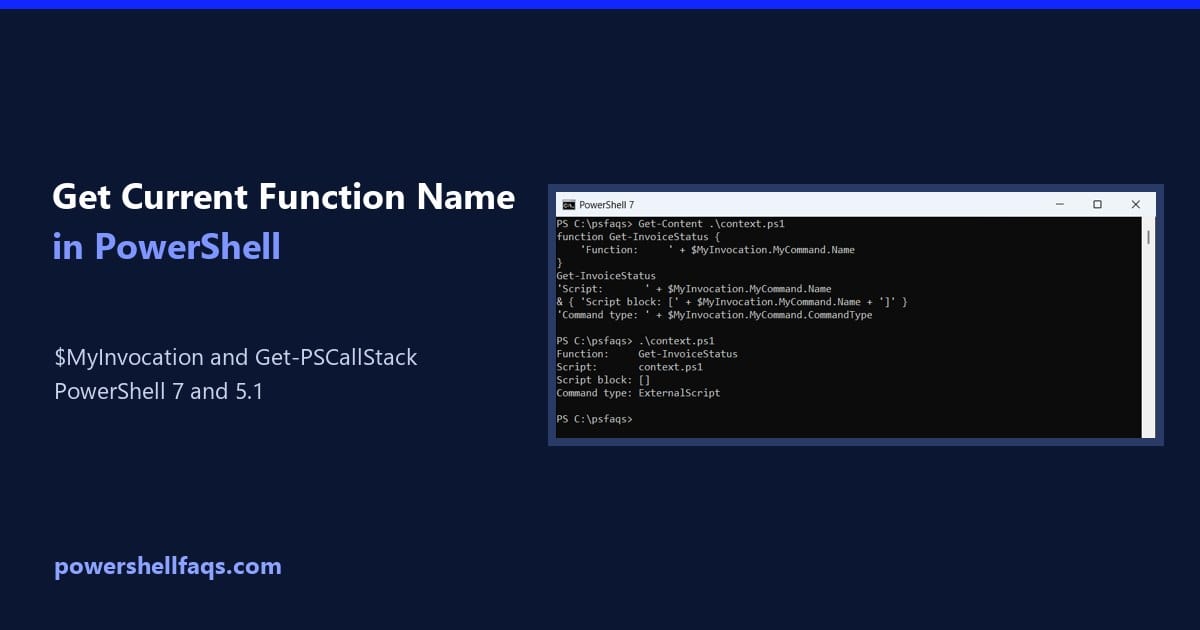
How to Get the Current Function Name in PowerShell

Get the current function name in PowerShell with $MyInvocation.MyCommand.Name and Get-PSCallStack

To get the current function name in PowerShell, read $MyInvocation.MyCommand.Name inside the function. It returns the name of the command that’s running right now: I’ll also cover script blocks, the caller’s name, aliases, script paths, logging, and two PowerShell 7 vs 5.1 differences. Get the current function name with $MyInvocation.MyCommand.Name $MyInvocation is an automatic variable … Read more

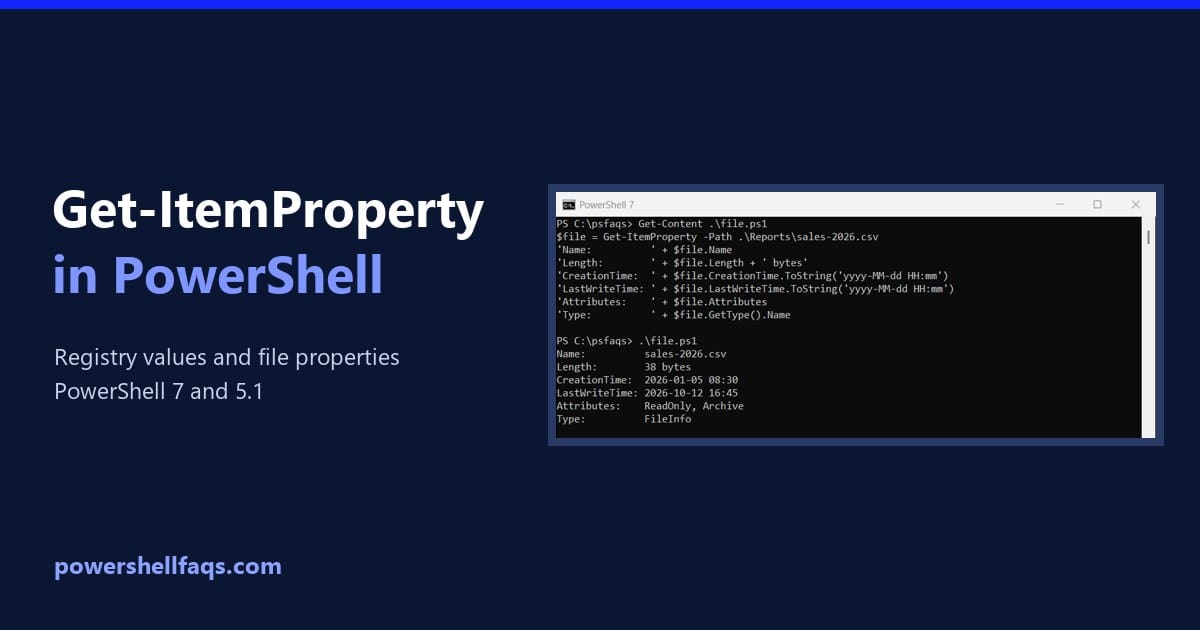
PowerShell Get-ItemProperty: Read Registry Values and File Properties

PowerShell Get-ItemProperty reading registry values and file properties

PowerShell Get-ItemProperty reads the properties of an item: registry values under a key, or details like LastWriteTime on a file. Give it a path, and optionally a value name: I’ll cover files first, then the registry, where this cmdlet does its real work. Registry reads are read-only, and demo values live in a throwaway test … Read more

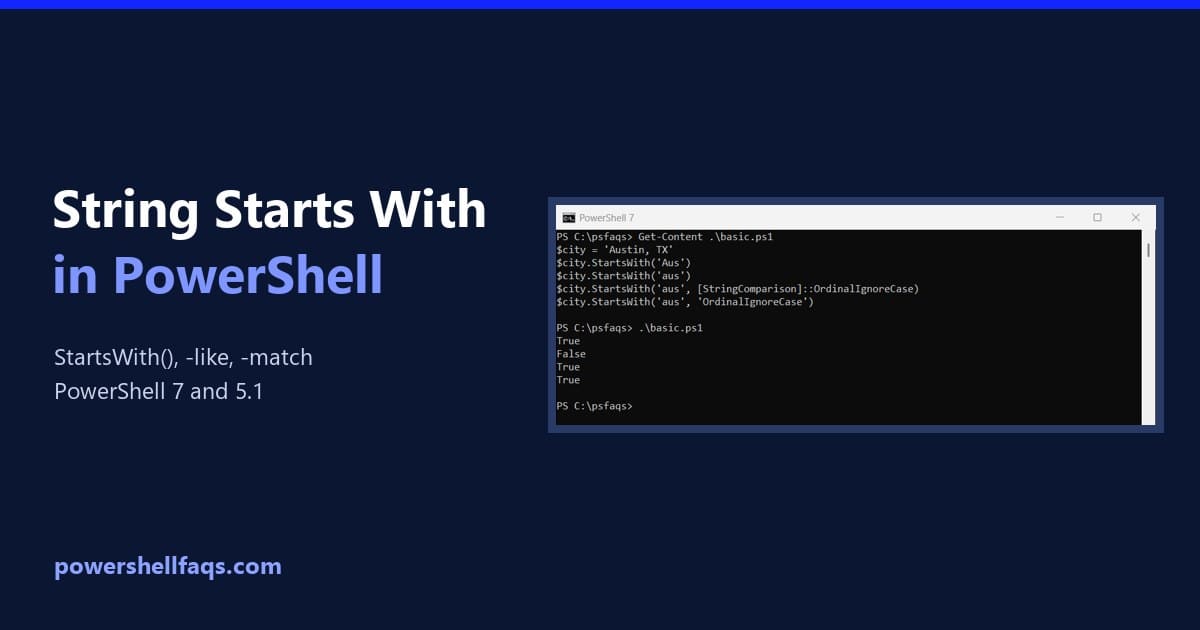
How to Check if a String Starts With Text in PowerShell

Check if a string starts with text in PowerShell with StartsWith, -like and -match

The quickest PowerShell string starts with test is the StartsWith() method, which returns True or False: StartsWith() is case-sensitive, so I’ll also show the case-insensitive options, the -like and -match operators, and two traps where PowerShell 7 and Windows PowerShell 5.1 give different answers. Check if a string starts with text using StartsWith() The method … Read more

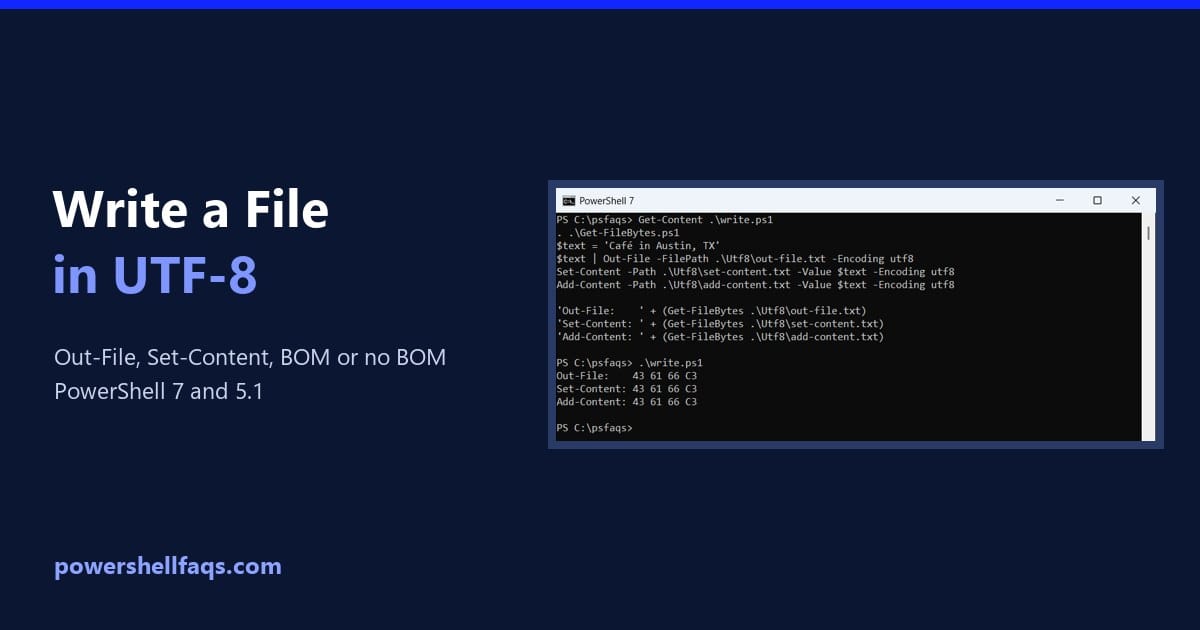
How to Write to a File in UTF-8 with PowerShell (With or Without BOM)

PowerShell write to file in UTF-8 with or without BOM

To make PowerShell write to a file in UTF-8, add -Encoding utf8 to Out-File, Set-Content, or Add-Content: The catch is the byte order mark (BOM). PowerShell 7 writes that file without a BOM, while Windows PowerShell 5.1 always adds one. I’ll show both results byte by byte, plus the clean ways to get BOM-less UTF-8 … Read more

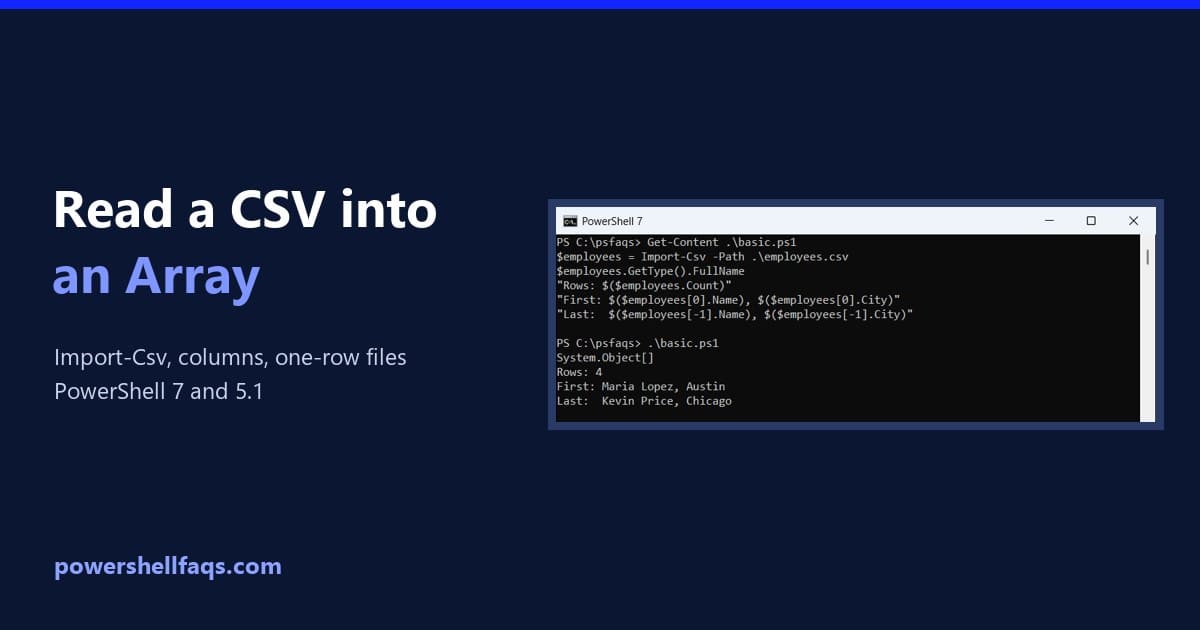
How to Read a CSV File into an Array in PowerShell

Read a CSV file into an array in PowerShell

To read a CSV file into an array in PowerShell, store the output of Import-Csv in a variable. Each row becomes an object, and the variable holds all of them: That one line covers most scripts. Below, I’ll show how to grab a single column, why a one-row file trips up Windows PowerShell 5.1, and … Read more

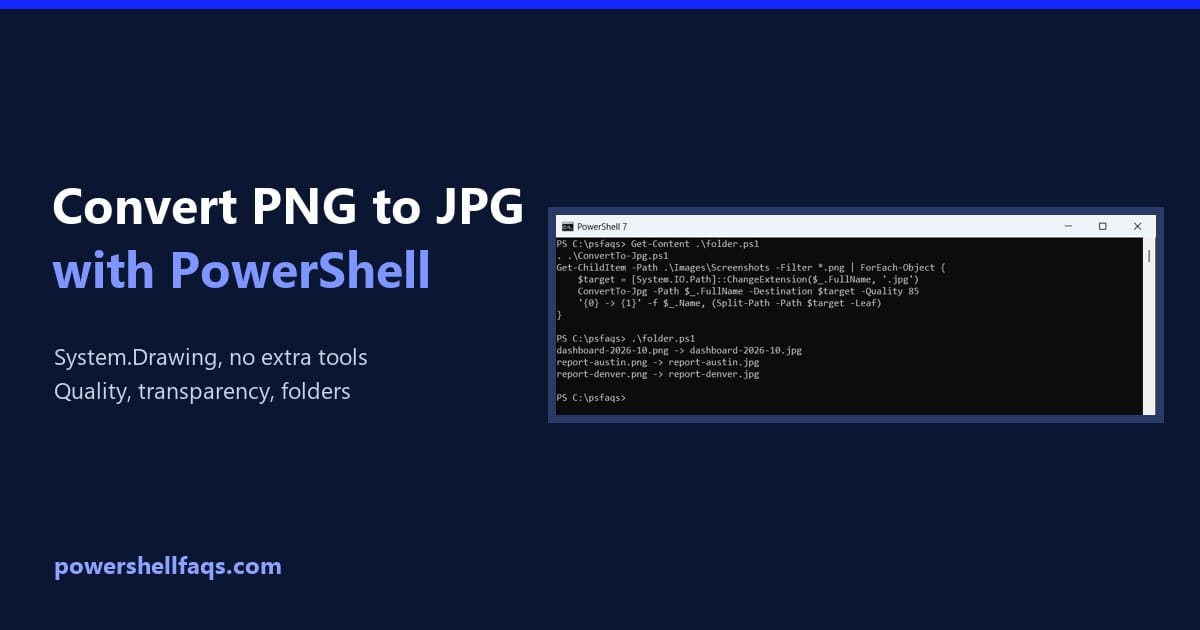
How to Convert PNG to JPG Using PowerShell

Convert PNG to JPG using PowerShell

To convert PNG to JPG with PowerShell, load the image with System.Drawing and save it in JPEG format. It’s built into Windows, so you don’t need to install anything: That works, but transparent areas turn black and you can’t set the quality. Below I fix both with a reusable function, compare quality settings and convert … Read more