How to Create Variables with Multiple Values in PowerShell?

powershell create variable with multiple values

Recently, one of my team members got a requirement from the client to create a variable with multiple values in PowerShell. I suggested a few useful methods. In this tutorial, I will explain how to create variables with multiple values in PowerShell with examples. To create a variable with multiple values in PowerShell, use an … Read more

How to Convert JSON to CSV in PowerShell?

Convert JSON to CSV in PowerShell

Today, I have an important requirement regarding converting JSON to CSV in PowerShell. There are various methods to do this. In this tutorial, I will show you how to convert JSON to CSV in PowerShell using different methods with examples. To convert a JSON variable to CSV in PowerShell, first load the JSON data using … Read more

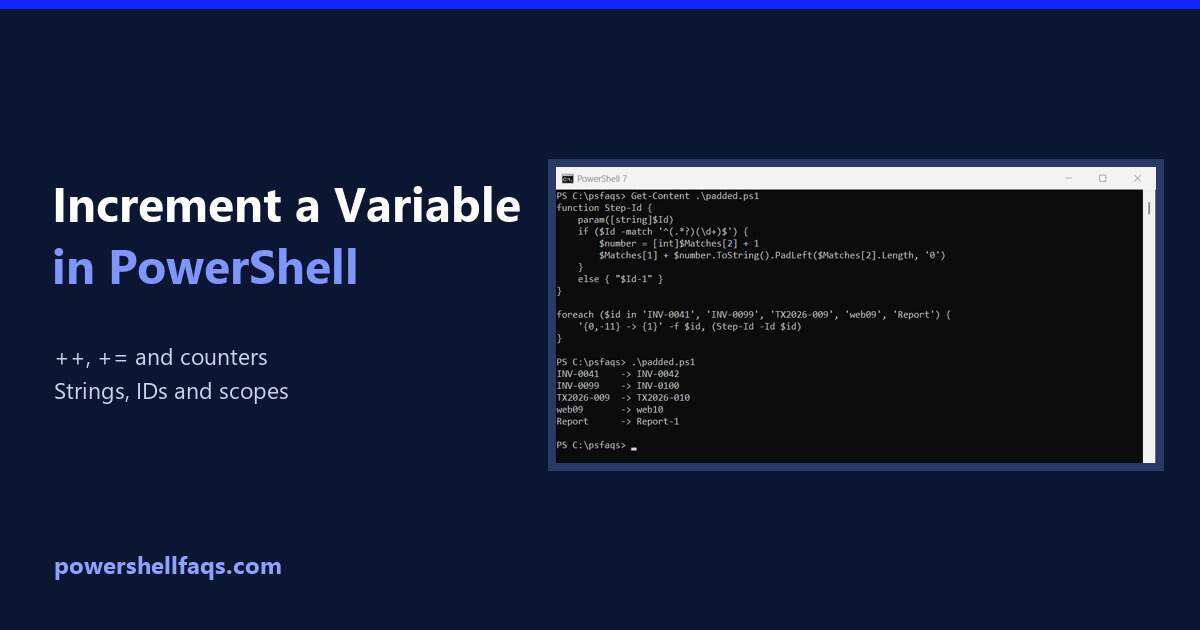
How to Increment a Variable in PowerShell (Numbers and Strings)

Increment a variable in PowerShell

To increment a variable in PowerShell, use the ++ operator, like $count++, to add 1. Use += to add any other amount, and — to subtract 1: Output: That covers numbers. Strings, IDs with leading zeros and variables inside functions need a little more care, which I show below. Every example ran in PowerShell 7.6 … Read more

How to Remove Environment Variables in PowerShell?

Recently, one user asked me about removing environment variables in PowerShell. PowerShell provides a few different ways to delete environment variables. In this tutorial, I will explain how to remove environment variables in PowerShell. Environment variables are used to store system-wide values that affect the behavior of processes and applications. They are part of the … Read more

PowerShell Random Password Generator

powershell generate random password

Recently, one of my clients asked me to create a random password generator. I suggested PowerShell for it. In this tutorial, I will show you how to create a random password generator using PowerShell. Generate Random Password Using PowerShell Now, let me show you different methods to generate random passwords using PowerShell. Method 1: Using … Read more

How to Remove Whitespace from Strings in PowerShell?

Remove Whitespace from Strings in PowerShell

While working with strings, I got a requirement to remove whitespace from strings in PowerShell. In this tutorial, I will explain several methods to remove whitespace from strings in PowerShell with some real examples. To remove leading and trailing whitespace from a string in PowerShell, you can use the Trim() method. This method cleans up … Read more

How to Remove Newline from String in PowerShell?

remove newline from string in powershell

Today, a team member asked me about removing newlines from a string in PowerShell. I suggested a few methods. In this tutorial, I will show you how to remove newline from a string in PowerShell with some practical examples. To remove newline characters from a string in PowerShell, you can use the -replace operator. This … Read more

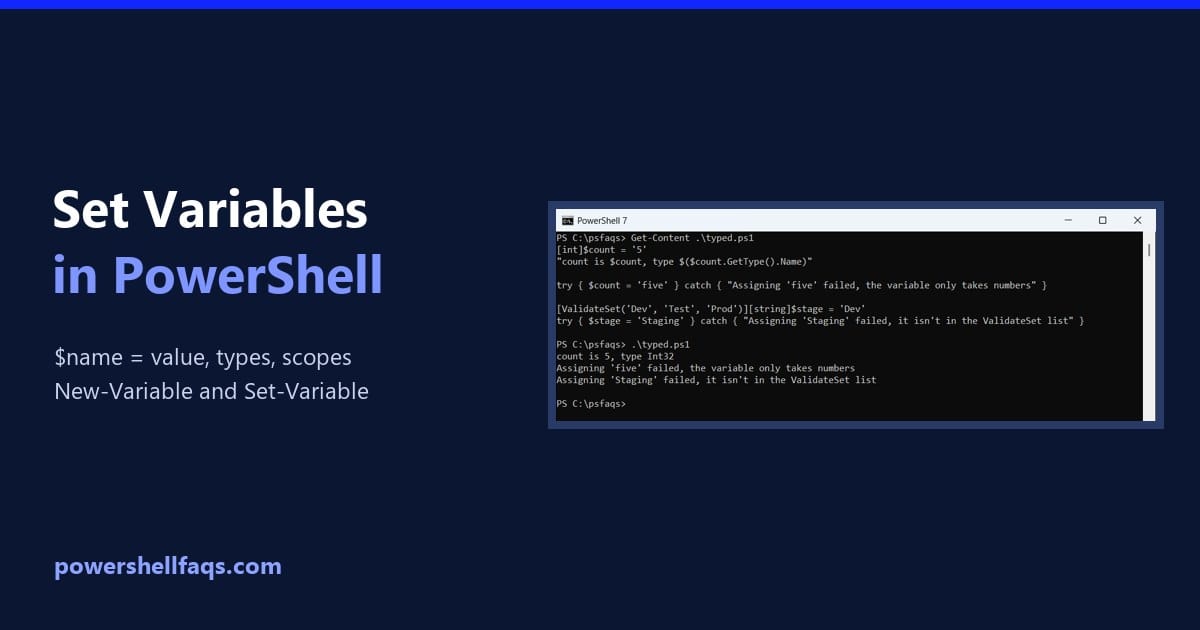
How to Set Variables in PowerShell

Set variables in PowerShell

To set a variable in PowerShell, type a dollar sign, the name, an equals sign and the value, like $state = ‘Texas’. PowerShell creates the variable the first time you assign it: Output: That’s how you’ll set almost every variable. The cmdlets New-Variable and Set-Variable are for special cases, which I cover below. I ran … Read more

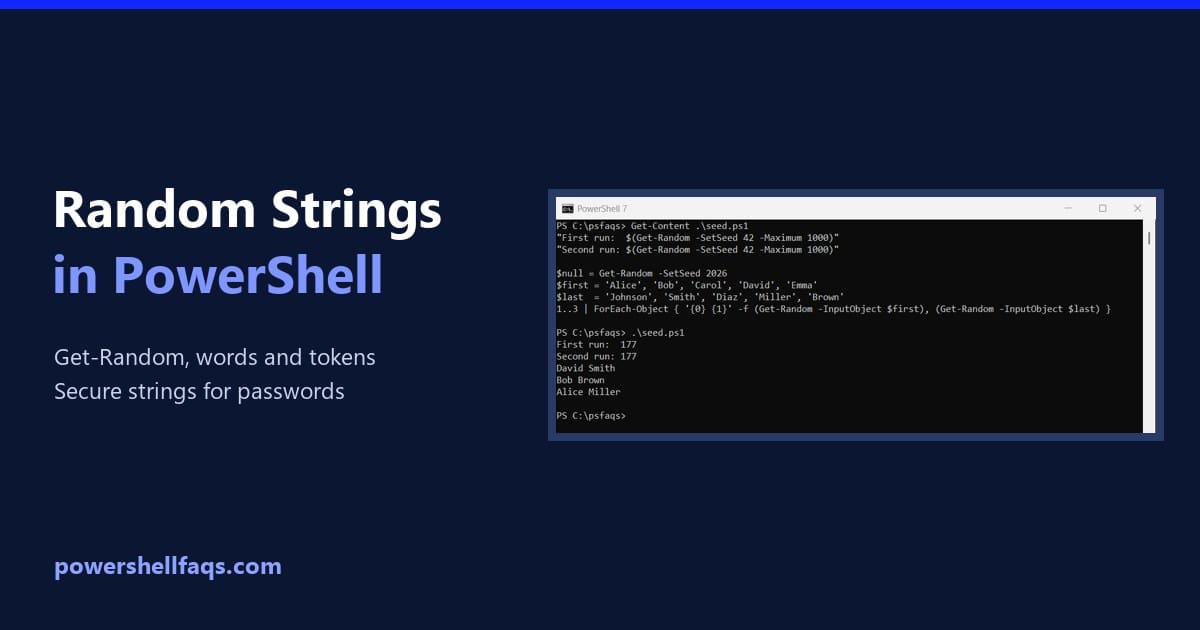
How to Generate Random Strings in PowerShell

Generate random strings in PowerShell

To generate a random string in PowerShell, turn a list of allowed characters into an array, pick characters with Get-Random in a loop, and join them with -join: Output (yours will differ): That’s fine for test data and file names. For passwords, API keys or tokens, use the secure method further down, since Get-Random isn’t … Read more

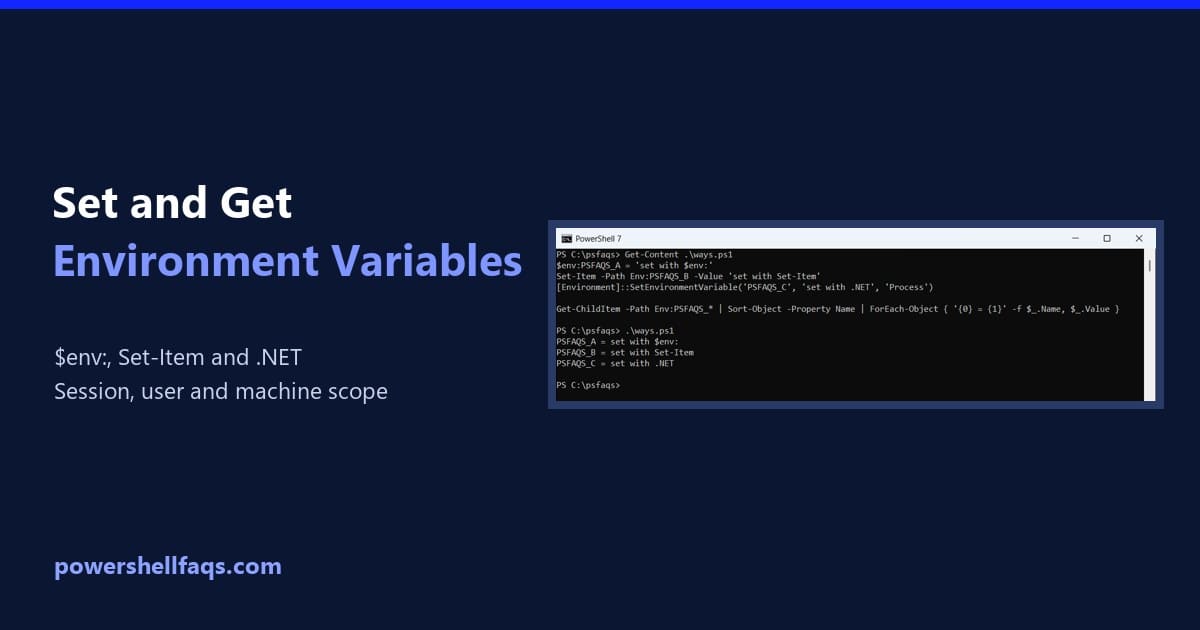
How to Set and Get Environment Variables in PowerShell

Set and get environment variables in PowerShell

To set an environment variable in PowerShell, assign it with $env:, and to get it, read $env: the same way. This lasts until you close the window: Output: To keep a variable after you close PowerShell, save it to the User or Machine scope with [Environment]::SetEnvironmentVariable. Below I cover every way to set, get, persist … Read more