
To set an environment variable in PowerShell, assign it with $env:, and to get it, read $env: the same way. This lasts until you close the window:
$env:PSFAQS_REGION = 'West'

"Value:  $env:PSFAQS_REGION"
"Exists: $(Test-Path -Path Env:PSFAQS_REGION)"
Output:
Value:  West
Exists: True
To keep a variable after you close PowerShell, save it to the User or Machine scope with [Environment]::SetEnvironmentVariable. Below I cover every way to set, get, persist and remove environment variables, tested in PowerShell 7.6 and 5.1.
Three ways to set a variable for the session
$env:, Set-Item on the Env: drive and the .NET Environment class all do the same thing in the current session:
$env:PSFAQS_A = 'set with $env:'
Set-Item -Path Env:PSFAQS_B -Value 'set with Set-Item'
[Environment]::SetEnvironmentVariable('PSFAQS_C', 'set with .NET', 'Process')

Get-ChildItem -Path Env:PSFAQS_* | Sort-Object -Property Name | ForEach-Object { '{0} = {1}' -f $_.Name, $_.Value }
Output:
PSFAQS_A = set with $env:
PSFAQS_B = set with Set-Item
PSFAQS_C = set with .NET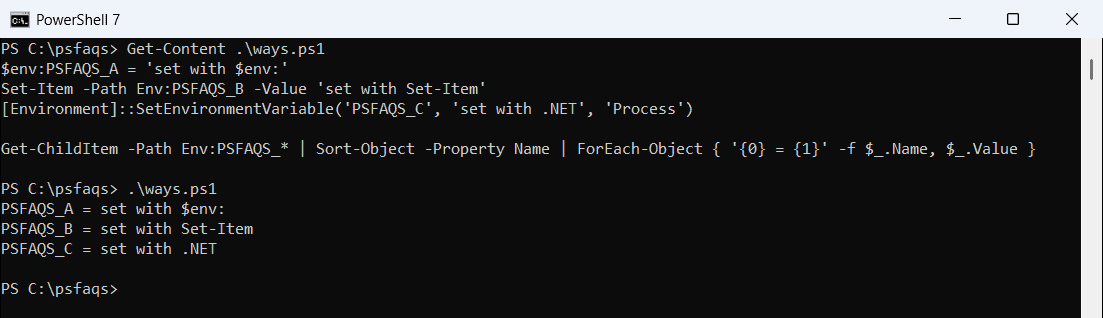
$env: is the shortest and the one I use day to day. Listing all environment variables covers wildcards and filtering.
Get a variable from a specific scope
Windows keeps environment variables in three scopes: Process (this session), User and Machine. GetEnvironmentVariable reads each one separately:
$env:PSFAQS_REGION = 'West'

"Process scope: '$([Environment]::GetEnvironmentVariable('PSFAQS_REGION', 'Process'))'"
"User scope:    '$([Environment]::GetEnvironmentVariable('PSFAQS_REGION', 'User'))'"
"Machine OS:    '$([Environment]::GetEnvironmentVariable('OS', 'Machine'))'"
Output:
Process scope: 'West'
User scope:    ''
Machine OS:    'Windows_NT'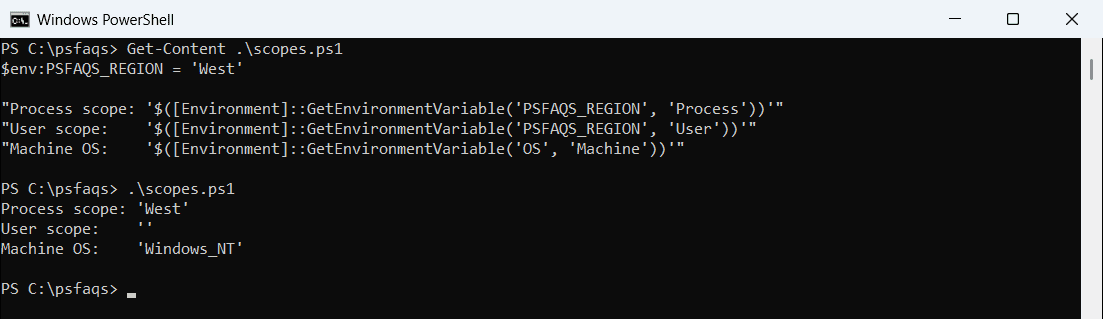
That’s why a variable set with $env: disappears when you close the window. It never reached the User or Machine scope.
Set an environment variable permanently
Pass ‘User’ to save a variable for your account, or ‘Machine’ for everyone on the PC. Machine needs an elevated window:
[Environment]::SetEnvironmentVariable('REPORTS_ROOT', 'D:\Reports', 'User')
[Environment]::SetEnvironmentVariable('REPORTS_ROOT', 'D:\Reports', 'Machine')
New windows pick up the change. Windows that are already open keep their old copy, so set $env: too if you need it right away.
What about setx?
setx REPORTS_ROOT D:\Reports also saves a user variable, but it truncates values longer than 1,024 characters. Don’t use setx to change PATH.
Child processes inherit your variables
Programs you start from PowerShell get a copy of its environment, including variables you just set:
$env:PSFAQS_REGION = 'West'
$shell = (Get-Process -Id $PID).Path

"Child process sees: $(& $shell -NoProfile -Command '$env:PSFAQS_REGION')"
Output:
Child process sees: WestThis is handy for passing settings to a script or tool without writing them anywhere permanent.
Add a folder to PATH
PATH is a normal environment variable, so you can append to it. This only affects the current session:
$env:Path += ';C:\Tools\Reports'

"Last PATH entry: $(($env:Path -split ';')[-1])"
Output:
Last PATH entry: C:\Tools\ReportsTo add a folder permanently, read the User value, append to it and save it back:
$userPath = [Environment]::GetEnvironmentVariable('Path', 'User')
[Environment]::SetEnvironmentVariable('Path', "$userPath;C:\Tools\Reports", 'User')
Remove an environment variable
Remove-Item on the Env: drive deletes a variable from the session:
$env:PSFAQS_REGION = 'West'
Remove-Item -Path Env:PSFAQS_REGION

"Exists after Remove-Item: $(Test-Path -Path Env:PSFAQS_REGION)"
"Value is null: $($null -eq $env:PSFAQS_REGION)"
Output:
Exists after Remove-Item: False
Value is null: True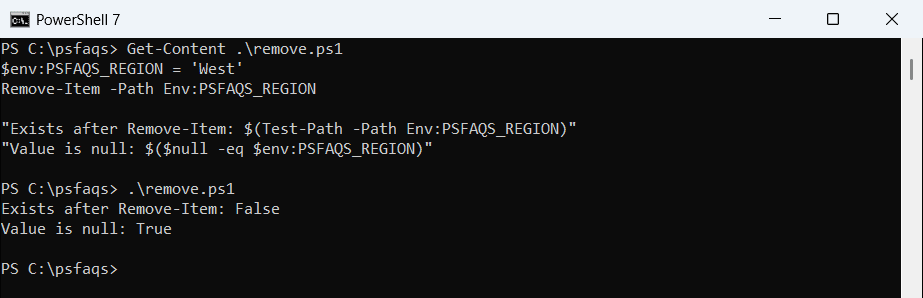
To remove a saved variable, set it to $null in its scope, for example [Environment]::SetEnvironmentVariable('REPORTS_ROOT', $null, 'User'). Removing environment variables has more examples, and Microsoft’s about_Environment_Variables covers every scope.
Frequently Asked Questions
How do I set an environment variable in PowerShell?
Use $env:NAME = 'value'. It lasts for the current session only.
How do I set an environment variable permanently in PowerShell?
Use [Environment]::SetEnvironmentVariable('NAME', 'value', 'User'), or ‘Machine’ from an elevated window.