How to Sort Files by Date in PowerShell?

powershell sort files by date

Recently, someone asked me about sorting files by date in PowerShell. In this tutorial, I will show you how to sort files by date in PowerShell using different methods with examples. To sort files by date in PowerShell, you can use the Get-ChildItem cmdlet combined with Sort-Object. For example, to sort files in the C:\Logs … Read more

PowerShell Get-Date Format ISO 8601

powershell get-date format iso 8601

If you’re working with dates and times in PowerShell, you might need to format them according to the ISO 8601 standard. This format is widely used and recognized, making it essential for data exchange and logging. In this tutorial, I will explain the syntax and examples of using the Get-Date cmdlet to format dates in … Read more

PowerShell Get-Date UTC

powershell get-date utc

Recently, one of my team members was trying to get today’s time in UTC format. I suggested the right approaches. In this tutorial, I will explain how to use Get-Date with UTC in PowerShell. To get the current date and time in UTC using PowerShell, you can utilize the Get-Date cmdlet with the -AsUTC parameter. … Read more

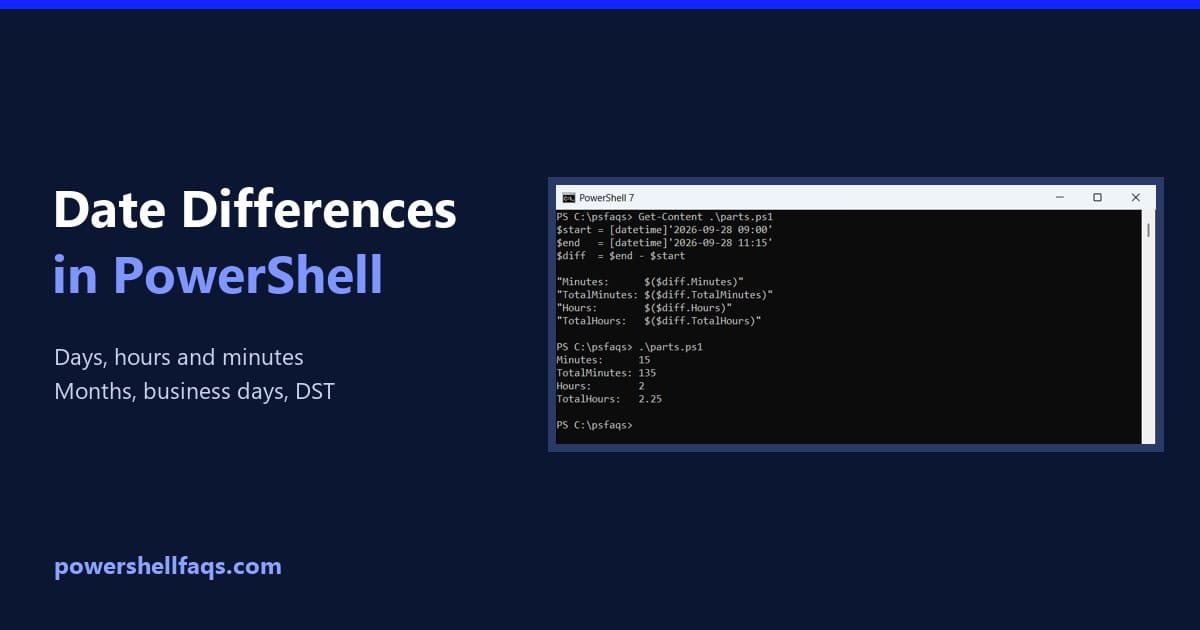
How to Get the Difference Between Two Dates in PowerShell

Get the difference between two dates in PowerShell

To get the difference between two dates in PowerShell, subtract one [datetime] from the other. The result is a TimeSpan, and its TotalDays, TotalHours and TotalMinutes properties give the full difference in each unit: Output: I ran every example in PowerShell 7.6 and Windows PowerShell 5.1, with the same results. All dates are fixed so … Read more

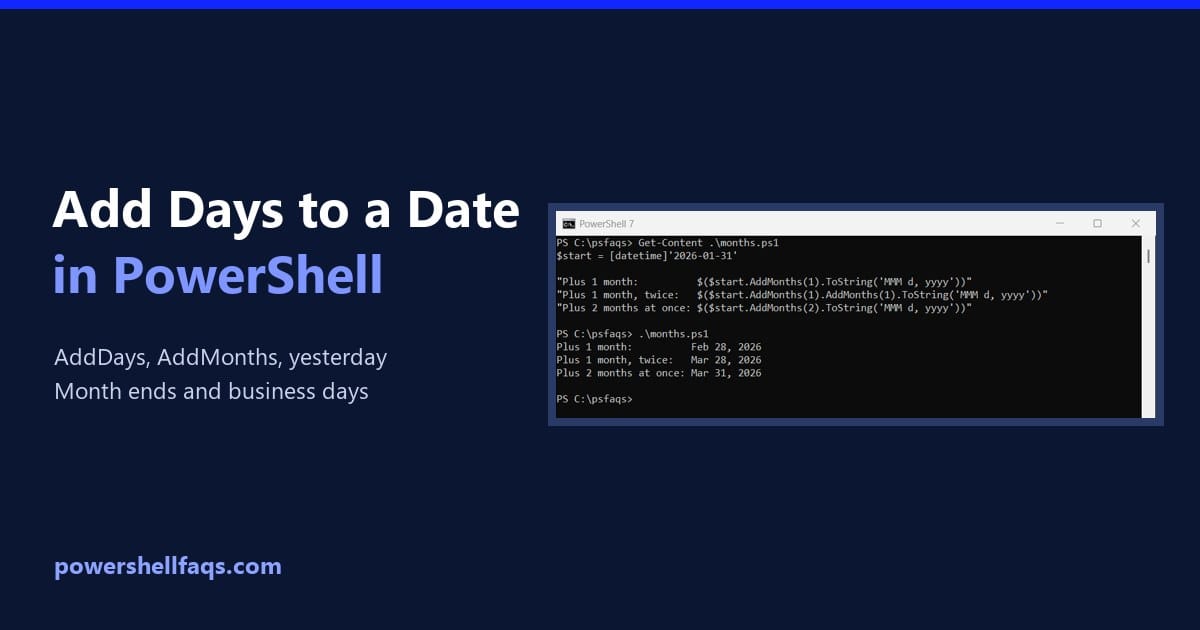
How to Add Days to a Date in PowerShell (and Months, Yesterday)

Add days to a date in PowerShell

To add days to a date in PowerShell, call the date’s AddDays() method. Use a negative number to go back in time, like AddDays(-7) for a week ago: Output: For today’s date, start from (Get-Date), as in (Get-Date).AddDays(30). I used fixed dates so you get the same output, and I ran every example in PowerShell … Read more

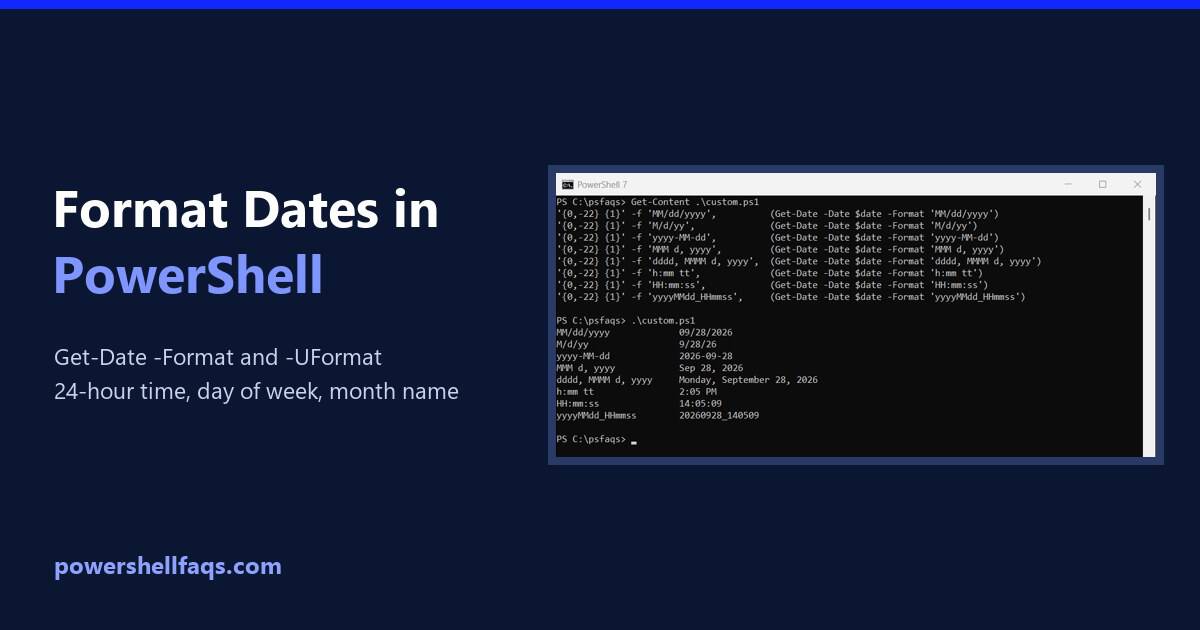
How to Format Dates in PowerShell (Get-Date -Format Examples)

Format dates in PowerShell with Get-Date

To format a date in PowerShell, pass a format string to Get-Date -Format. MM is the month, dd the day, yyyy the year, HH the hour on a 24-hour clock and mm the minutes: Output: Every example here uses the same fixed date, September 28, 2026 at 2:05:09 PM, so your output will match mine. … Read more

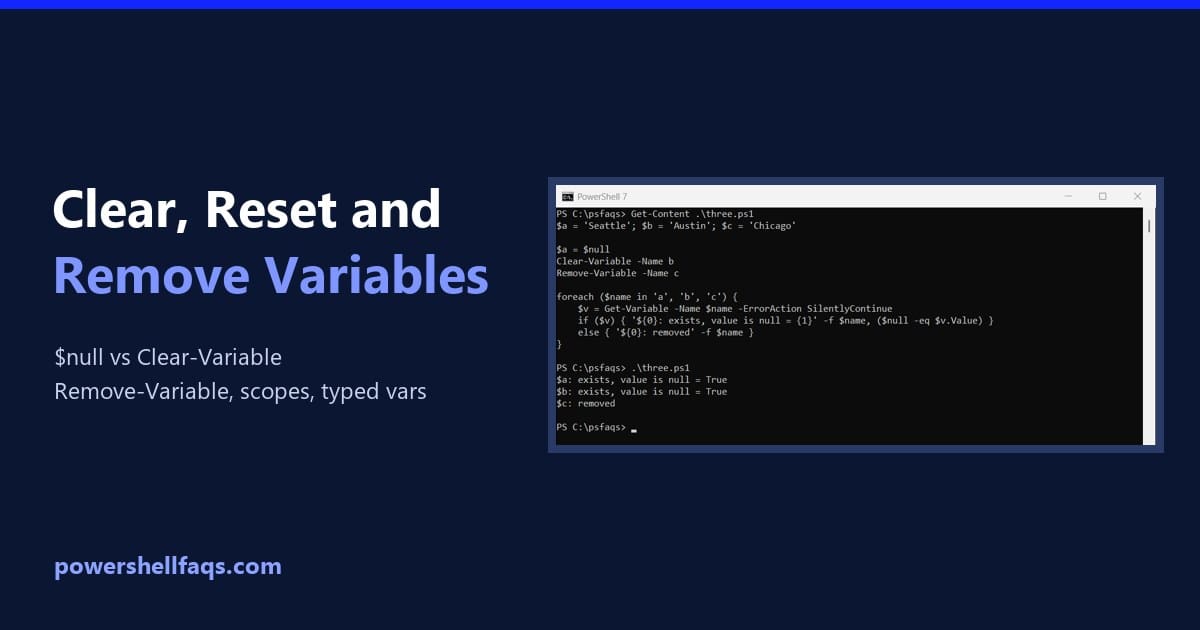
How to Clear, Reset and Remove Variables in PowerShell

Clear variables in PowerShell

To clear variables in PowerShell, use Clear-Variable to empty a variable’s value, or Remove-Variable to delete the variable completely. Both take the name without the $ sign: Output: Below I compare these with setting a variable to $null, then cover typed variables, collections, read-only variables, scopes and removing every variable a script created. I ran … Read more

PowerShell Error Variables

PowerShell Error Variables

Today, you will learn about PowerShell Error Variables, which are very important for PowerShell administrators or developers. In this tutorial, I will explain how to use PowerShell error variables. The $Error variable in PowerShell is an automatic array that stores information about the most recent errors in the current session, with the latest error at … Read more

How to Check if a Variable Exists in PowerShell?

Check if a Variable Exists in PowerShell

As a PowerShell user, you should find out whether a specific variable exists before using it in your script. In this tutorial, I will show you different methods to check if a variable exists in PowerShell and provide some real examples. To check if a variable exists in PowerShell, you can use the Get-Variable cmdlet. … Read more

How to Escape Special Characters in PowerShell

Escape special characters in PowerShell

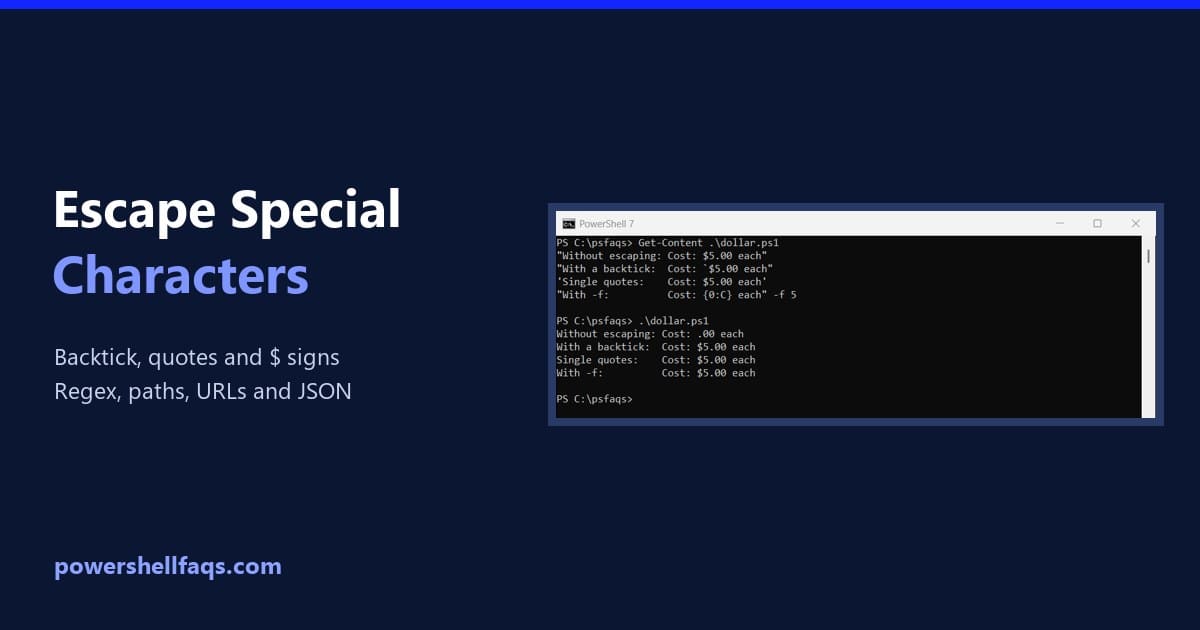
PowerShell’s escape character is the backtick (`), not the backslash. Inside double quotes, put a backtick before $ or ” to use it literally. Inside single quotes nothing is special, so double a single quote to include one: Output: A backslash is just a normal character, so Windows paths need no escaping. I ran every … Read more