How to Generate Random Numbers in PowerShell?

powershell random number within range

Recently, someone asked me about different methods to generate random numbers in PowerShell. I suggested different methods with examples. In this tutorial, I will show you how to generate random numbers in PowerShell with examples. To generate random numbers in PowerShell, you can use the Get-Random cmdlet. For example, to generate a single random number, … Read more

PowerShell Pipeline Variables [With Examples]

PowerShell Pipeline Variables

Recently, I gave an online session on pipeline variables for a PowerShell user group. In this tutorial, I will explain everything about PowerShell pipeline variables with examples. Pipeline variables in PowerShell, introduced with the -PipelineVariable parameter in PowerShell 7, allow you to store the output of a command within a pipeline for reuse later in the same … Read more

How to Print a Variable in PowerShell (With Examples)

Print a variable in PowerShell

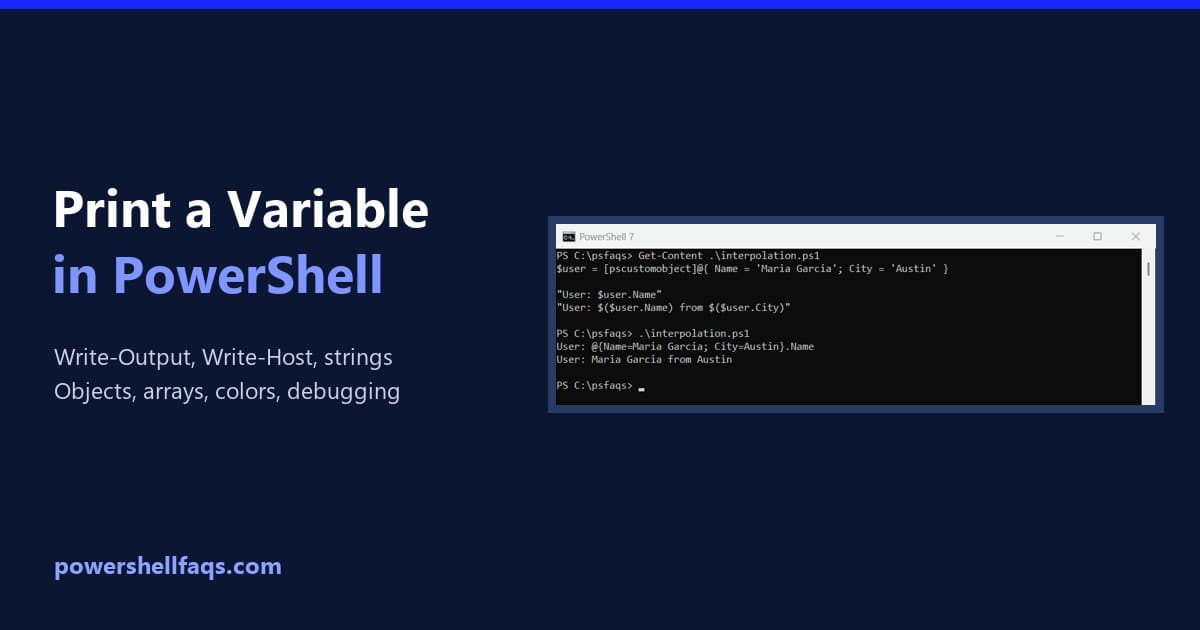
To print a variable in PowerShell, type its name on a line by itself. PowerShell sends the value to the output, which is the same as calling Write-Output. Write-Host prints it too: Output: All three lines look the same on screen, but they don’t behave the same inside functions and scripts. That difference is the … Read more

How to Get Computer Name in PowerShell?

Get Computer Name in PowerShell

Recently, someone asked me to get the computer’s name in PowerShell. I tried different methods. In this tutorial, I will show you how to get the computer name in PowerShell using various cmdlets. To get the computer name in PowerShell, you can use several methods. The simplest is using the environment variable $env:COMPUTERNAME. Alternatively, you … Read more

How to Restart a Computer Using PowerShell?

I will show you here how to restart a computer using PowerShell. We will see different cmdlets with examples. To restart a computer using PowerShell, you can use the Restart-Computer cmdlet. For a local restart, simply run Restart-Computer in an elevated PowerShell session. To restart a remote computer, use Restart-Computer -ComputerName “RemoteComputerName” and provide credentials … Read more

How to Change Directory in PowerShell (cd and Set-Location)

Change directory in PowerShell

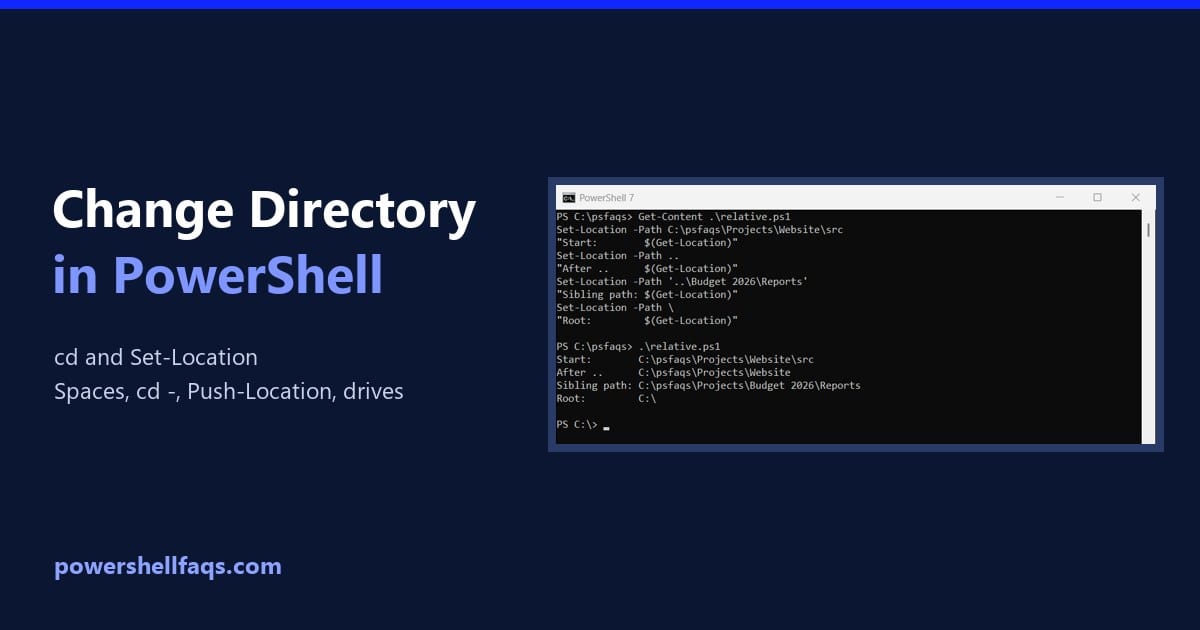
To change directory in PowerShell, use Set-Location, or its short alias cd, followed by the folder path. Get-Location shows where you are now: Output: Below I cover relative paths, folders with spaces, going back to the previous folder, and a .NET gotcha that trips up scripts. Every example ran in PowerShell 7.6 and Windows PowerShell … Read more

How to Replace Text in Strings Using PowerShell

Replace text in strings using PowerShell

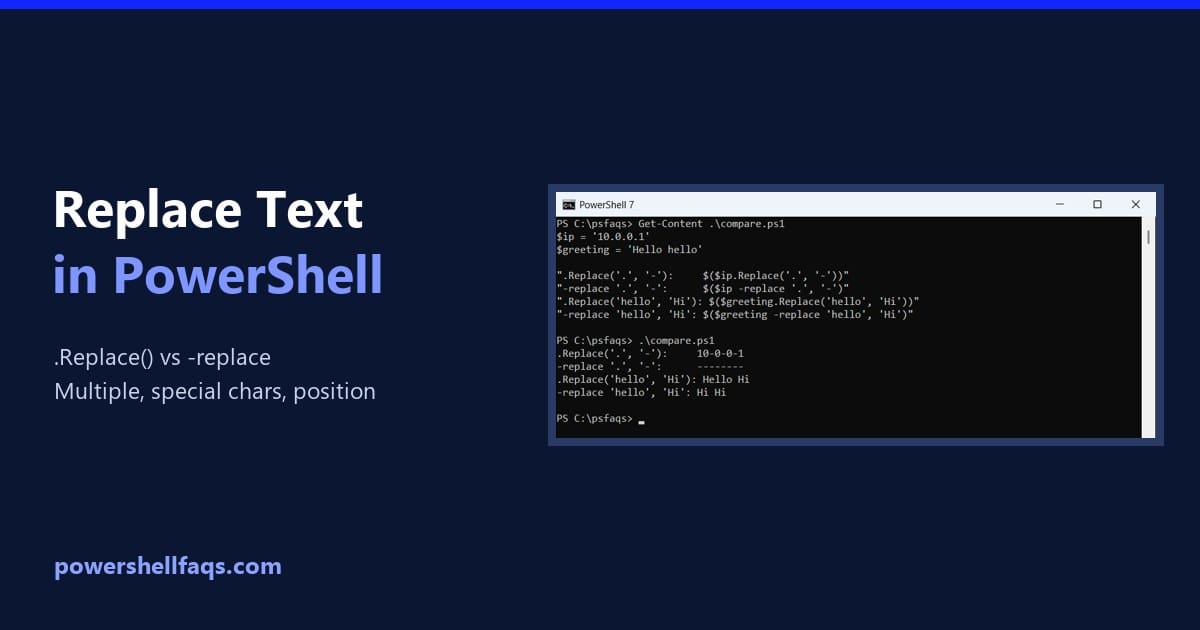
To replace text in a string in PowerShell, use the .Replace() method or the -replace operator. Both return a new string with the changes: Output: They look interchangeable, but they aren’t. .Replace() matches exact text and cares about case. -replace uses regular expressions and ignores case. I ran every example in PowerShell 7.6 and Windows … Read more

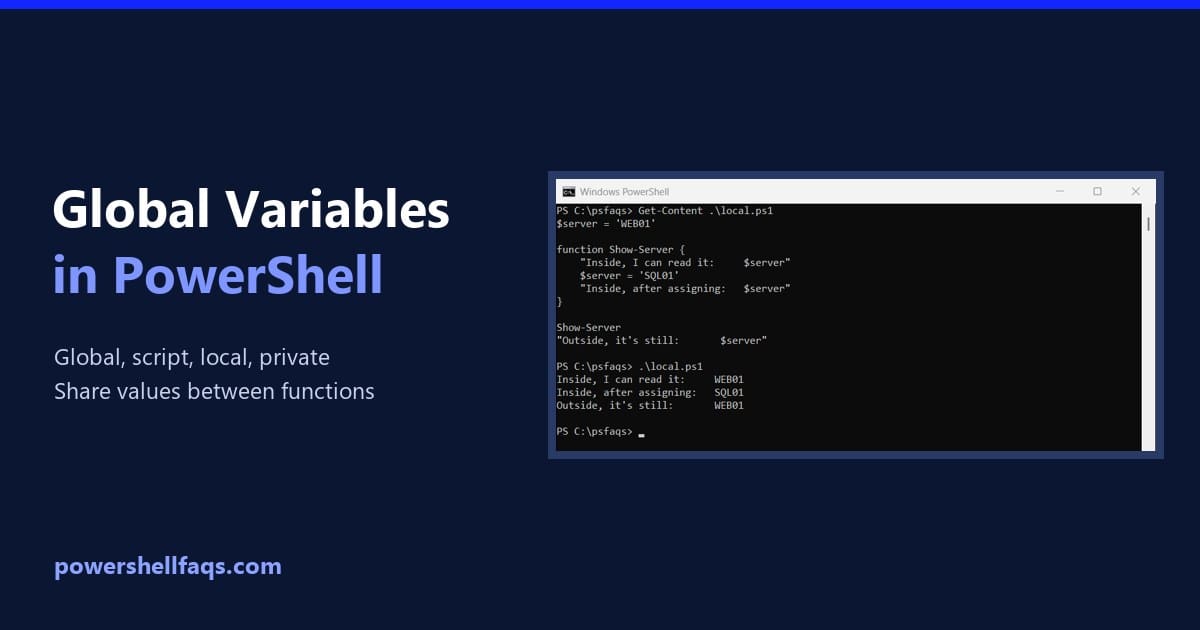
PowerShell Global Variables and Scopes Explained

PowerShell global variables and scopes

A PowerShell global variable is one you create with the $global: prefix. It’s visible everywhere in your session, and it stays there after the script that created it ends: That’s the script set-config.ps1. Here’s what’s left after running it: Output: The normal variable disappeared with the script, and the global one stayed. That’s both the … Read more