How to Set Execution Policy in PowerShell?

set execution policy in powershell

If you’re working with PowerShell scripts on your Windows computer, you’ll likely need to adjust the execution policy at some point. The execution policy determines the conditions under which PowerShell loads configuration files and runs scripts. In this tutorial, I will explain how to set the execution policy in PowerShell with the complete script. To … Read more

How to Convert HTML to PDF in PowerShell?

Convert HTML to PDF in PowerShell

While working on an application, I was required to convert an HTML file to a PDF using PowerShell. There are various methods to do so. In this tutorial, I will explain how to convert HTML to PDF in PowerShell with examples. To convert HTML to PDF using PowerShell, you can utilize the wkhtmltopdf tool, which … Read more

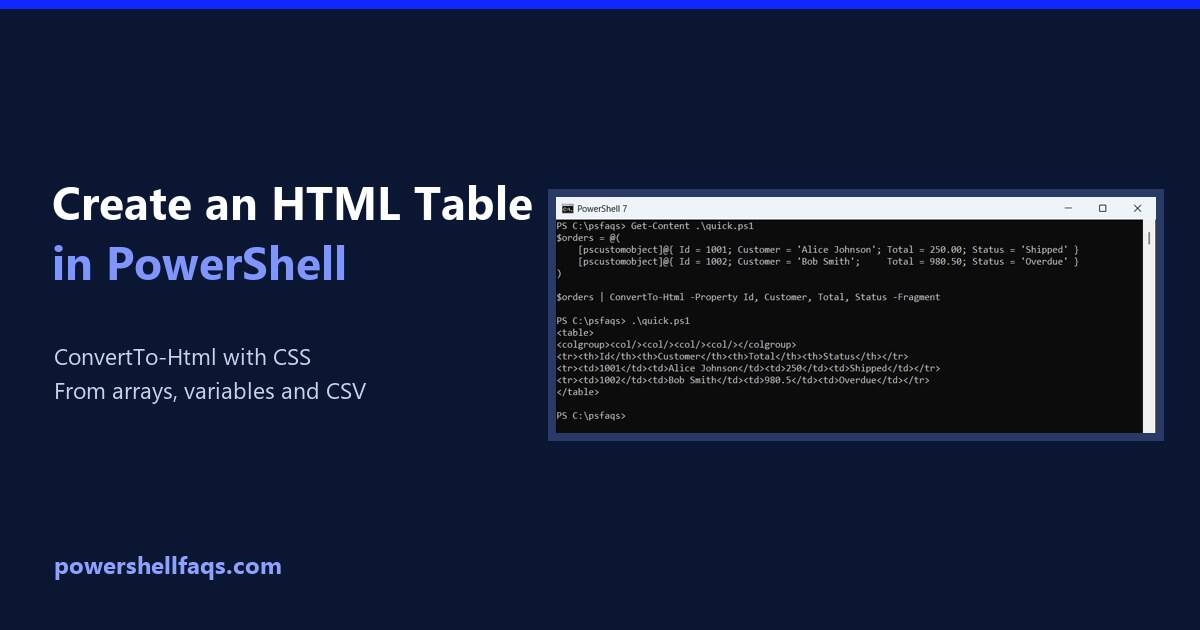
How to Create an HTML Table in PowerShell

Create an HTML table in PowerShell

To create an HTML table in PowerShell, pipe objects to ConvertTo-Html. Use -Property to pick the columns and -Fragment to get just the table: Output: Each object becomes a row and each property a column. I ran every example in PowerShell 7.6 and Windows PowerShell 5.1 and point out where the output differs. Arrays of … Read more

How to Create a Table with Headers in PowerShell

Create a table with headers in PowerShell

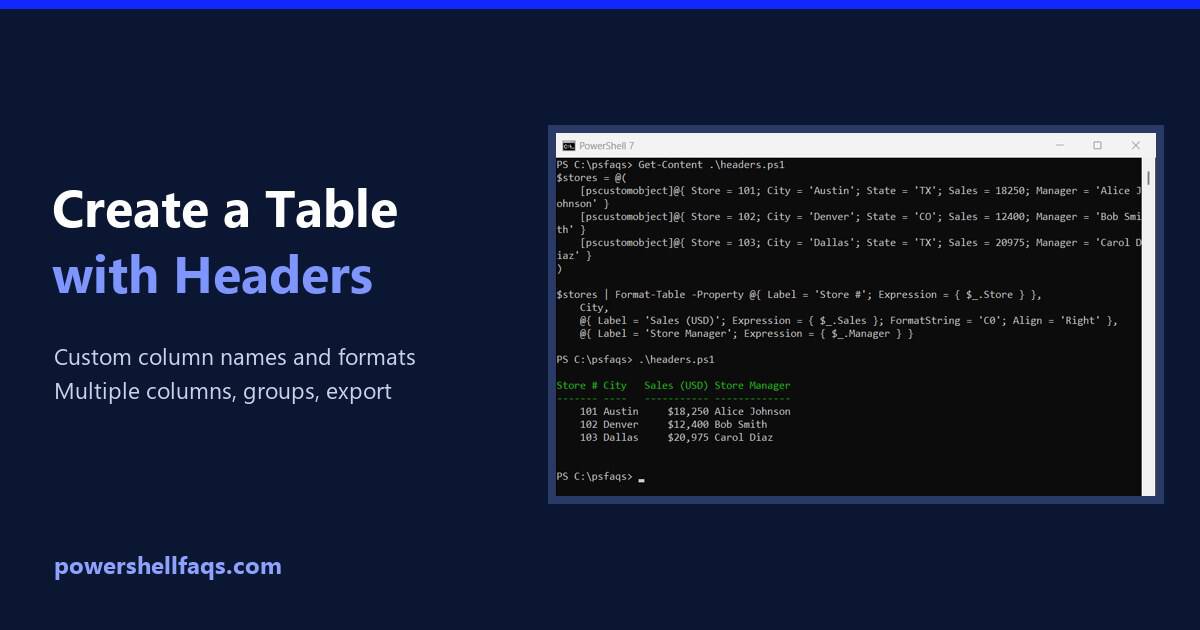
To create a table with headers in PowerShell, make [pscustomobject] rows. The property names become the column headers, and PowerShell prints the rows as a table: Output: For custom header text, widths and number formats, use Format-Table with calculated columns. I ran every example in PowerShell 7.6 and Windows PowerShell 5.1, and the tables match … Read more

PowerShell Format-Table: Columns, Sorting and Long Text

PowerShell Format-Table examples

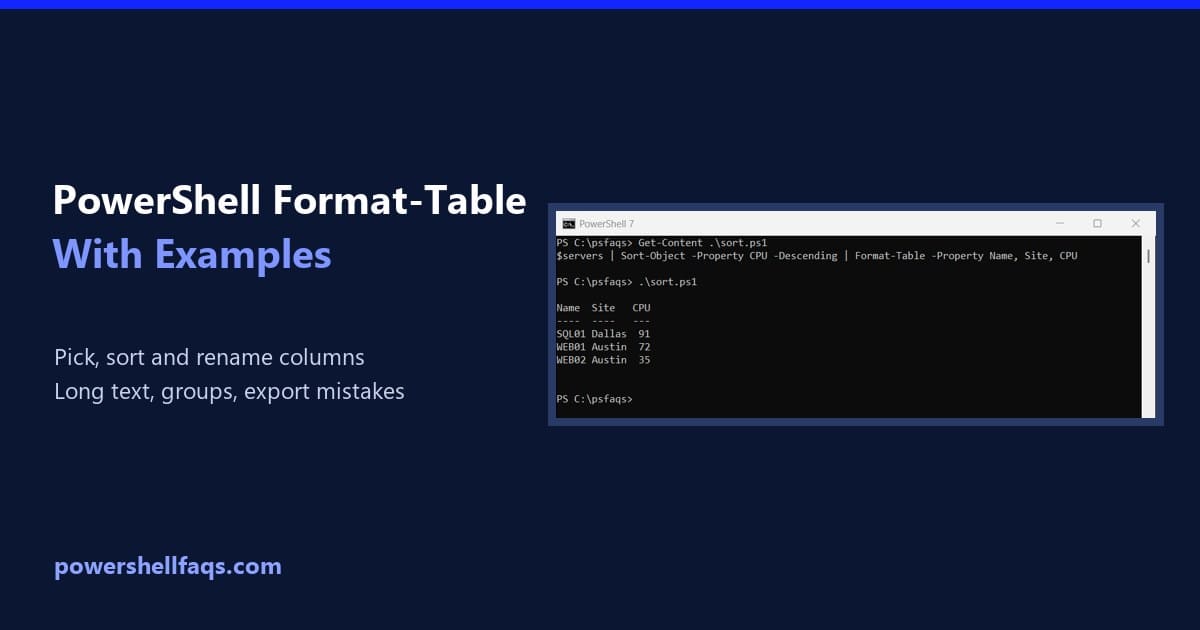
Format-Table is the PowerShell cmdlet that shows command output as a table. Pipe objects to it and list the properties you want as columns. All the examples below use this small list of servers: With no properties listed, Format-Table shows every property that fits: Output: I ran the examples in real PowerShell 7.6 and Windows … Read more

PowerShell Match Operator Examples

PowerShell Match Operator for Multiple Values

Do you want to know about the -match operator in PowerShell? Let me explain to you. In this tutorial, how to work with PowerShell -match operator with examples. The PowerShell -match operator is used to determine if a string matches a specified regular expression pattern. It returns $true if a match is found and $false … Read more

PowerShell Single vs Double Quotes (and Variables in Strings)

PowerShell single vs double quotes

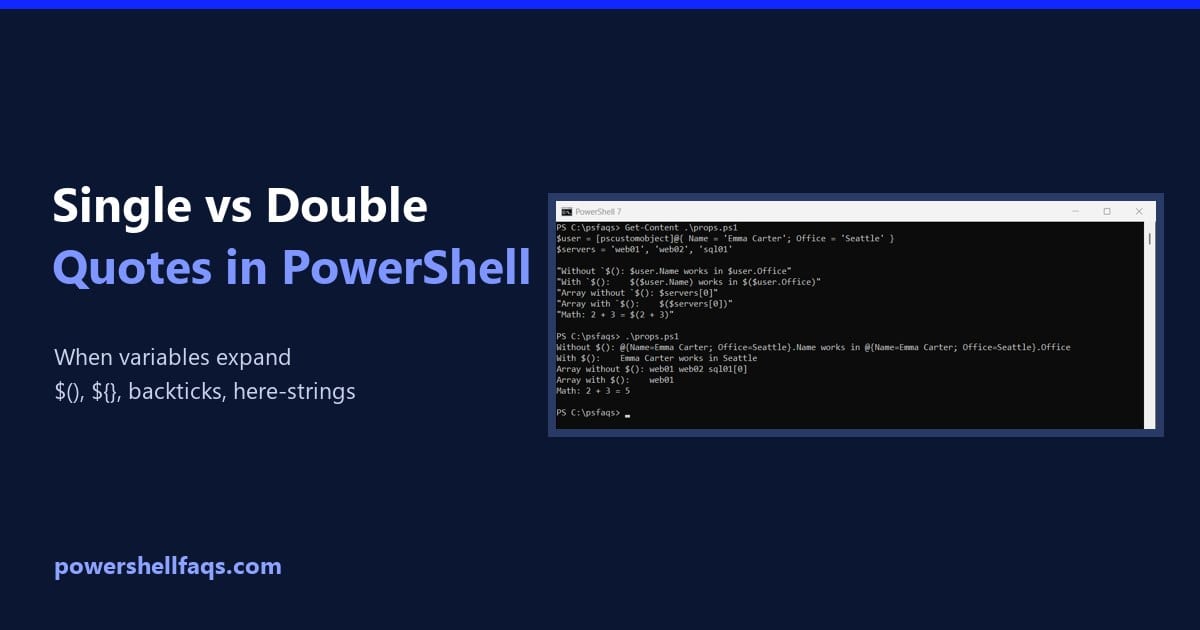
PowerShell single vs double quotes differ in one way: single quotes keep text exactly as typed, while double quotes expand variables and expressions, replacing $city with its value: Output: Use single quotes for fixed text and double quotes when you need a value inside. Below I cover the rules that trip people up, all tested … Read more

How to Add a Date to a File Name Using PowerShell

Add date to file name in PowerShell

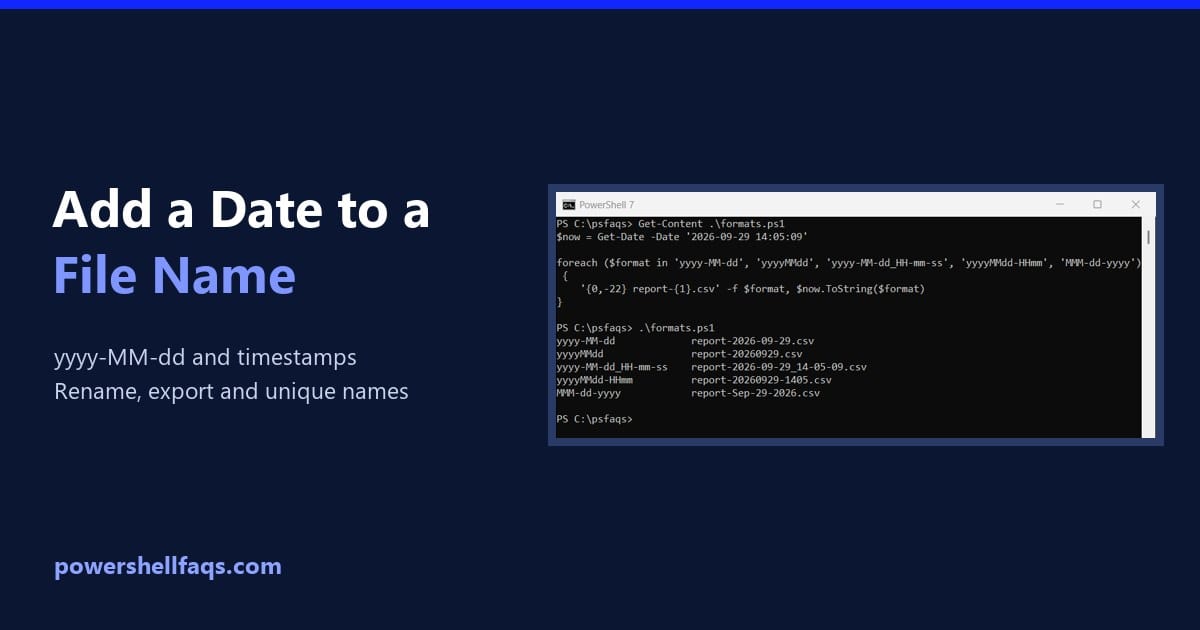
To add a date to a filename in PowerShell, format the date as text with (Get-Date).ToString(‘yyyy-MM-dd’) or Get-Date -Format ‘yyyy-MM-dd’, then put it inside the name: Output: I used a fixed date so the output doesn’t change. In a real script, use $now = Get-Date. Every example here ran in PowerShell 7.6 and Windows PowerShell … Read more

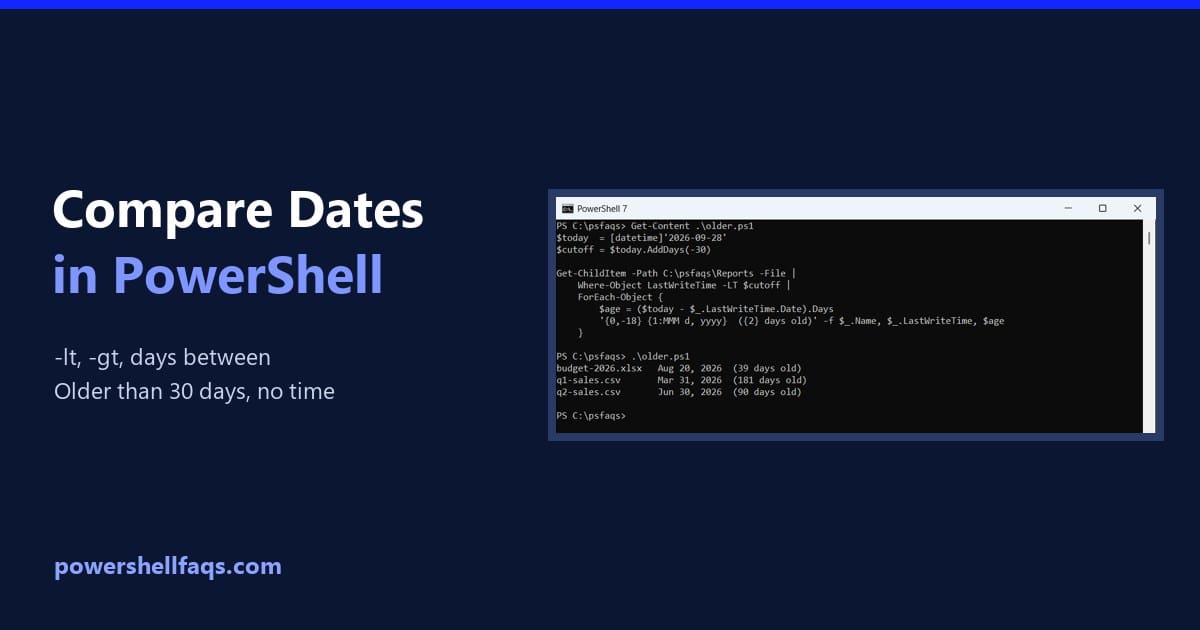
PowerShell Date Comparison: Compare Dates the Right Way

PowerShell date comparison

To compare dates in PowerShell, make sure both sides are [datetime] values, then use -lt, -gt and -eq. Subtracting one date from another tells you how far apart they are: Output: Earlier means smaller, so -lt reads as “before” and -gt as “after.” I ran every example in PowerShell 7.6 and Windows PowerShell 5.1, with … Read more