PowerShell Select-Object: Properties, -First, -Unique and More
PowerShell Select-Object examples

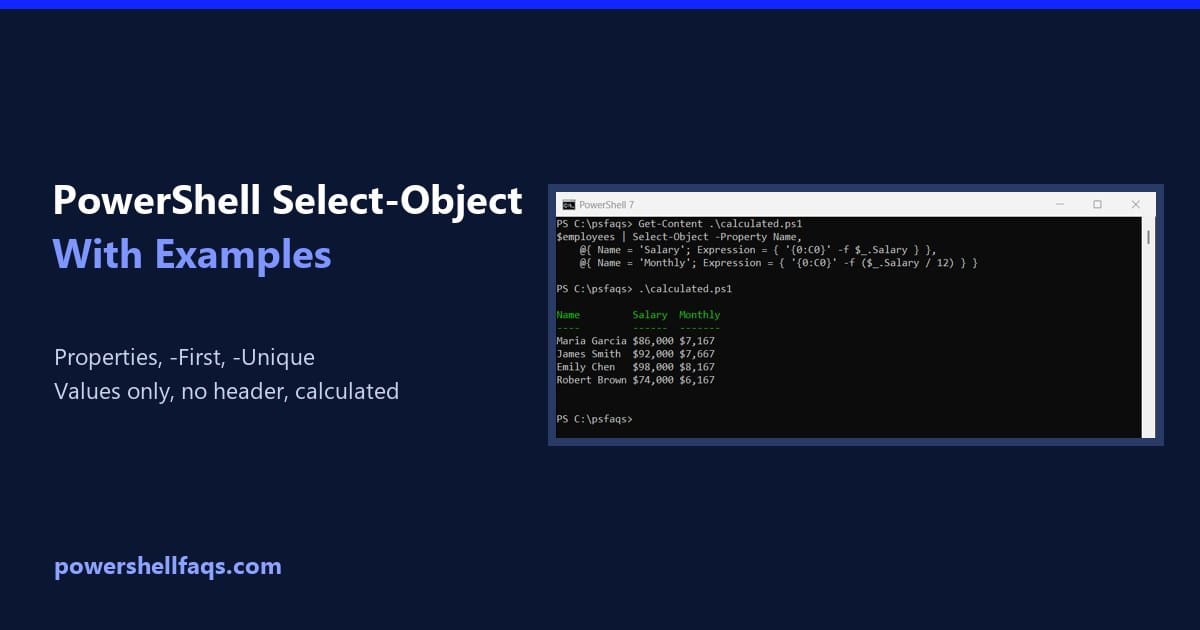
Select-Object is the PowerShell cmdlet that picks properties from objects, or picks a number of objects from a list. The examples below use this list of employees: To keep only some properties, list them after -Property: Output: I ran every example in real PowerShell 7.6 and Windows PowerShell 5.1 consoles. Where a parameter exists in … Read more
PowerShell Copy-Item: Copy Files and Folders (With Examples)

PowerShell Copy-Item with examples

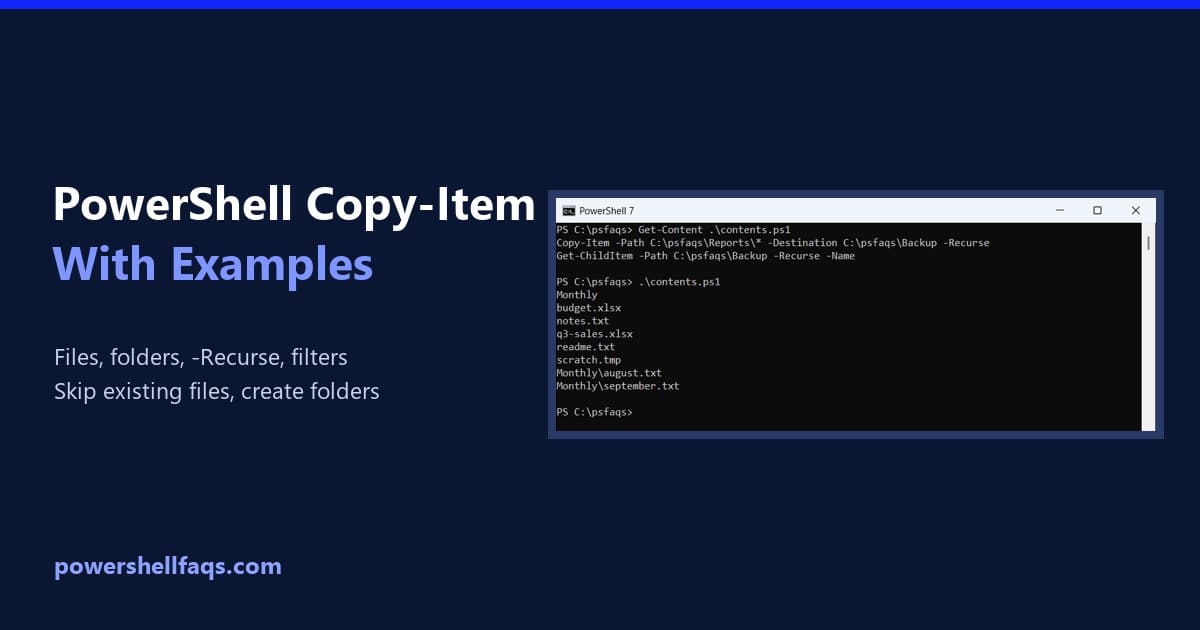
Copy-Item is the PowerShell cmdlet that copies files and folders. Give it a -Path and a -Destination, and add -Recurse when you’re copying a folder with everything inside it: Output: That’s the whole idea. The details matter, though, because Copy-Item has a few habits that surprise people, like creating a file where you expected a … Read more

PowerShell Write-Output [With Examples]

PowerShell write-output

As a PowerShell developer, you should know how to use the Write-Output cmdlet, which allows you to send objects to the pipeline. In this tutorial, I will explain how to use the PowerShell Write-Output cmdlet with examples. The Write-Output cmdlet in PowerShell is used to send objects to the pipeline to pass data between cmdlets … Read more

100 PowerShell Interview Questions and Answers

powershell interview questions and answers

PowerShell developers and administrators in the United States can expect a wide range of salaries based on their expertise, experience, and the specific demands of their roles. A PowerShell developer earns around $119,600 annually, with entry-level positions starting at approximately $104,000 annually. More experienced professionals can command salaries up to $177,000 per year. A PowerShell … Read more

PowerShell Write-Host vs Write-Output (and echo, Verbose, Error)

PowerShell Write-Host vs Write-Output

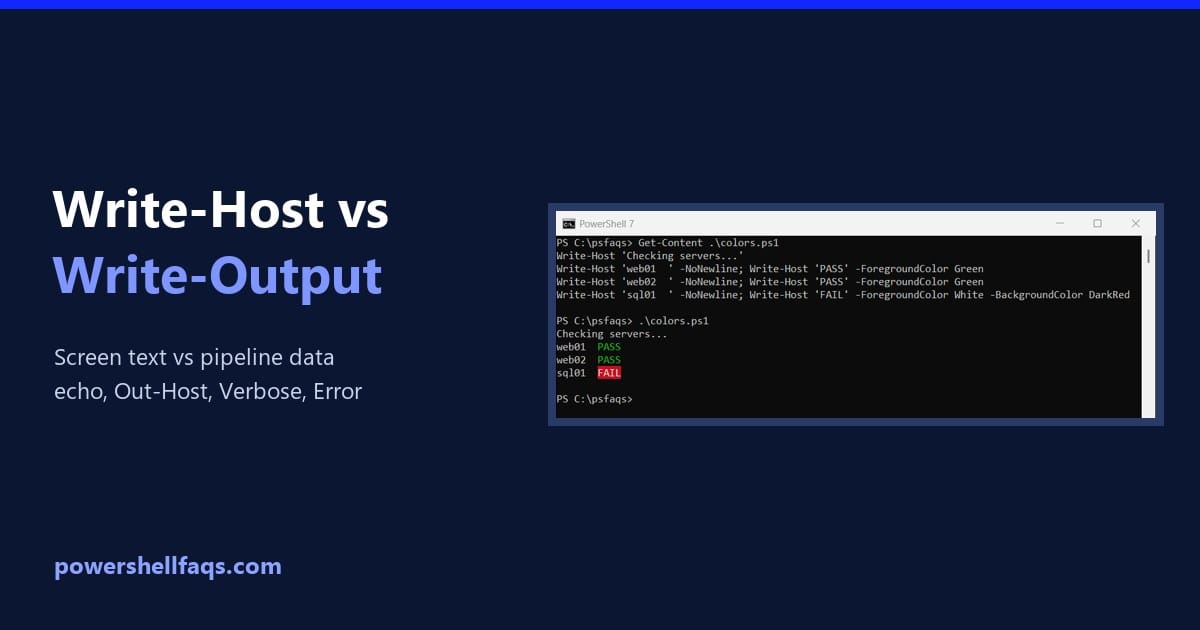
PowerShell Write-Host vs Write-Output comes down to where the text goes. Write-Output sends data down the pipeline, so you can save it or pass it on, while Write-Host only displays text on the screen: Output: Below I compare both with echo, Out-Host, Write-Information, Write-Verbose and Write-Error. Every example ran in PowerShell 7.6 and Windows PowerShell … Read more

PowerShell Write-Host [Complete Tutorial]

powershell write-host color

In today’s tutorial, I will discuss one of the most used cmdlets in PowerShell: PowerShell Write-Host. This cmdlet is used to display output directly to the console. You will get to know how to use Write-Host cmdlet in your PowerShell scripts. The Write-Host cmdlet in PowerShell is used to display messages directly to the console. … Read more

How to Get Current Directory in PowerShell?

powershell get current directory

In a training session, someone asked me about retrieving the correct directory in PowerShell. This is a very common requirement for PowerShell developers. In this tutorial, I will explain how to get the current directory in PowerShell using different methods with examples. To get the current directory in PowerShell, you can use the Get-Location cmdlet. … Read more

PowerShell Prompt for Yes/No Input (6 Ways)

PowerShell prompt for yes/no input

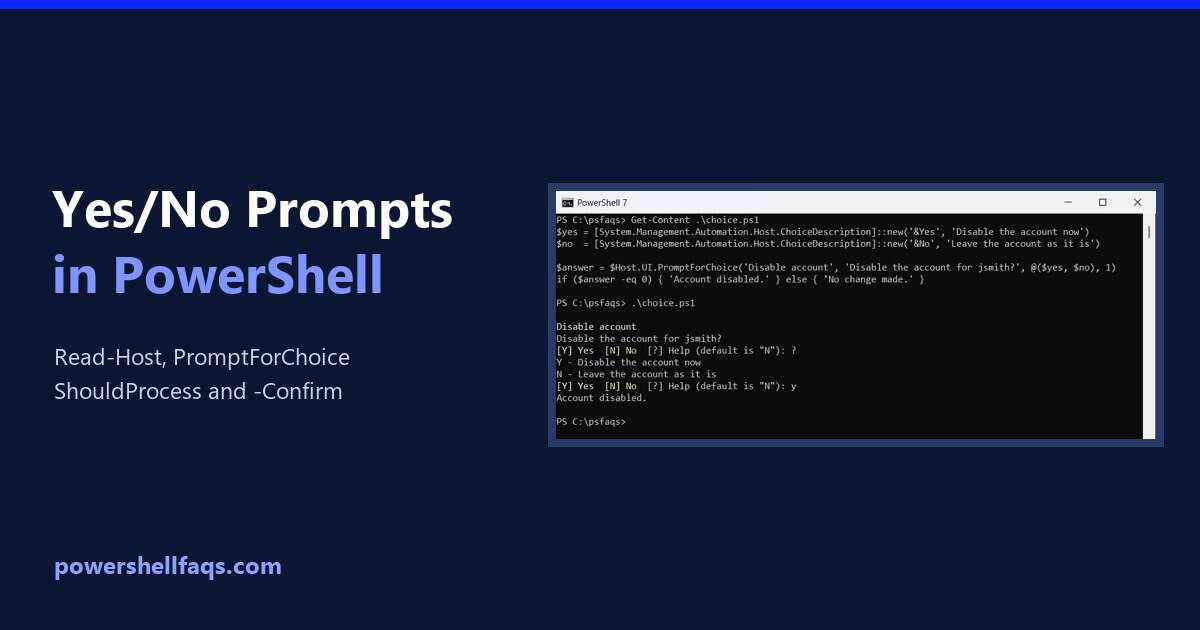
To prompt for yes/no input in PowerShell, ask with Read-Host and check the answer with -in ‘y’, ‘yes’. The -in operator ignores case, so Y, y and YES all count: Output (I typed Y): That’s enough for a quick script. Below are sturdier options: a loop that rejects bad answers, a reusable function with a … Read more

How to Prompt for Input in PowerShell (Read-Host Examples)

Prompt for user input in PowerShell with Read-Host

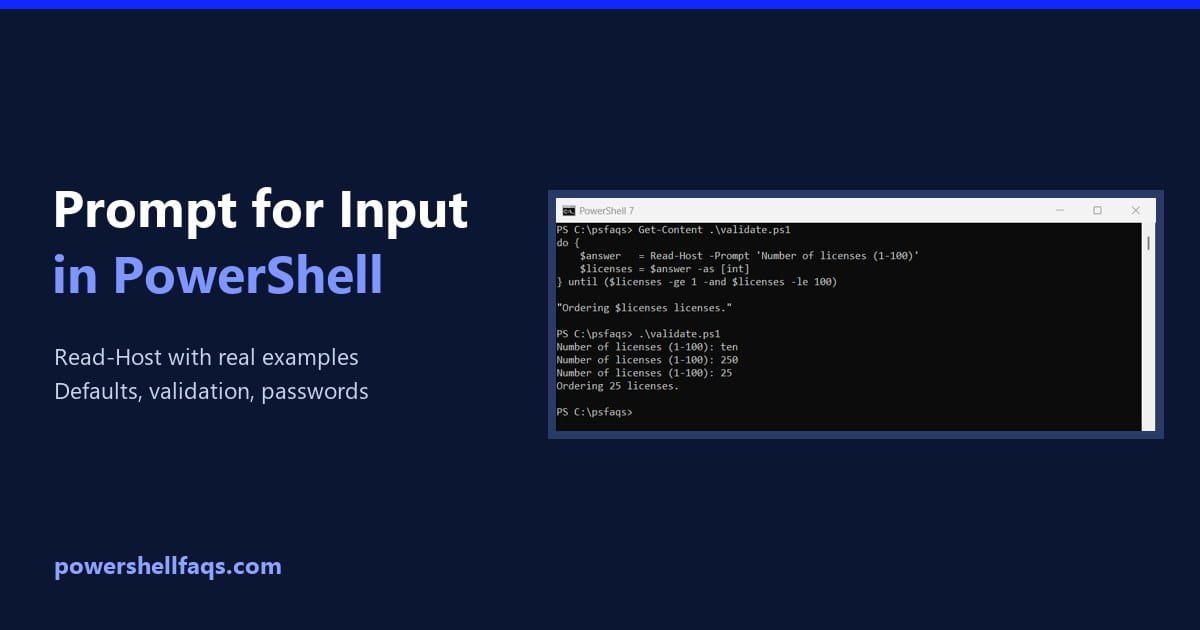
To prompt for input in PowerShell, use Read-Host. It shows your message, waits until the user types something and presses Enter, and returns what they typed: Output (what I typed follows the colon): PowerShell adds the colon and space after your prompt text, so leave them out of the message. The value goes into $name, … Read more

Get-ChildItem in PowerShell

powershell get-childitem

As a PowerShell developer, you might use Get-ChildItem cmdlet in your daily life. In this tutorial, I will explain how to work with Get-ChildItem cmdlet in PowerShell. To filter files larger than 1MB using PowerShell’s Get-ChildItem, you can combine it with Where-Object. For example, the command Get-ChildItem -Path “C:\Users\JohnDoe\Documents” -File | Where-Object { $_.Length -gt … Read more