How to Set Service to Automatic Using PowerShell?

Set Service to Automatic Using PowerShell

As a system administrator, you might need to manage services efficiently on Windows servers many times. One such thing is to start services automatically. In this tutorial, I will explain how to set a service to start automatically using PowerShell. Setting services to start automatically ensures that critical services are always running when your system … Read more

How to Change Windows 11 Desktop Background Color with PowerShell?

Change Windows 11 Desktop Background Color with PowerShell

One of my team members recently asked for a PowerShell script to change the Windows desktop background color. In this tutorial, I will explain how to change the desktop background color in Windows 11 using PowerShell. Note: You need administrative privileges to run PowerShell scripts on the same machine. Change Windows 11 Desktop Background Color … Read more

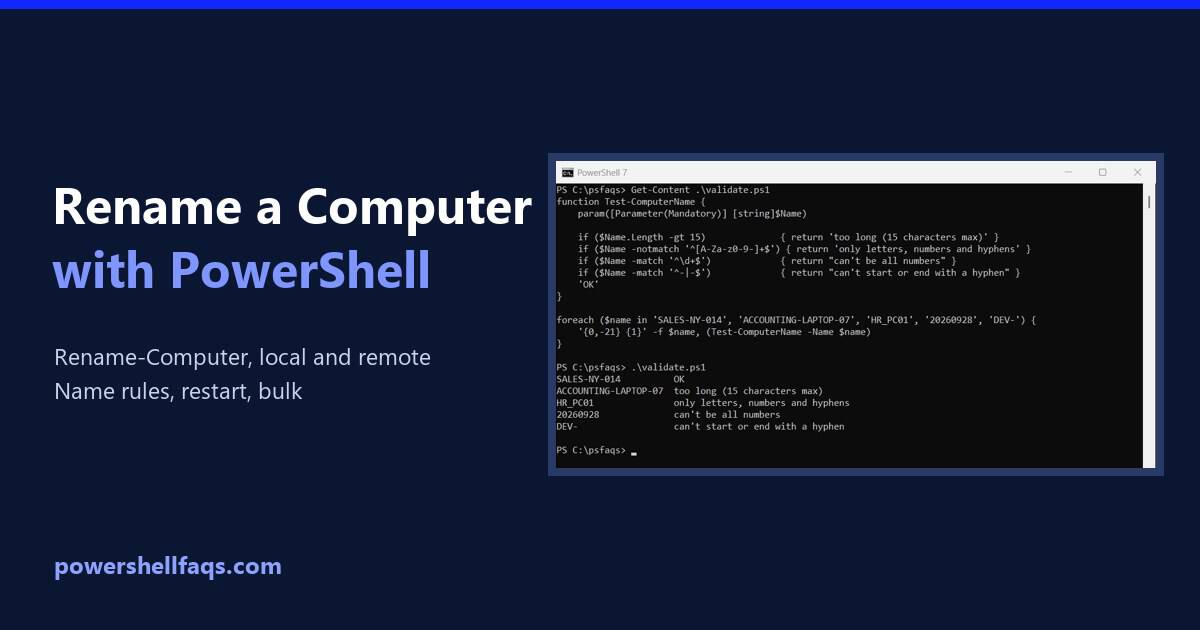
How to Rename a Windows Computer Using PowerShell

Rename a Windows computer using PowerShell

To rename a Windows computer with PowerShell, open PowerShell as an administrator and run Rename-Computer -NewName with the new name. Add -Restart, because the new name only takes effect after a restart: It works the same in PowerShell 7 and Windows PowerShell 5.1. I didn’t rename my own PC for this article. Every example below … Read more

How to Change the Wallpaper with PowerShell

Change the wallpaper with PowerShell

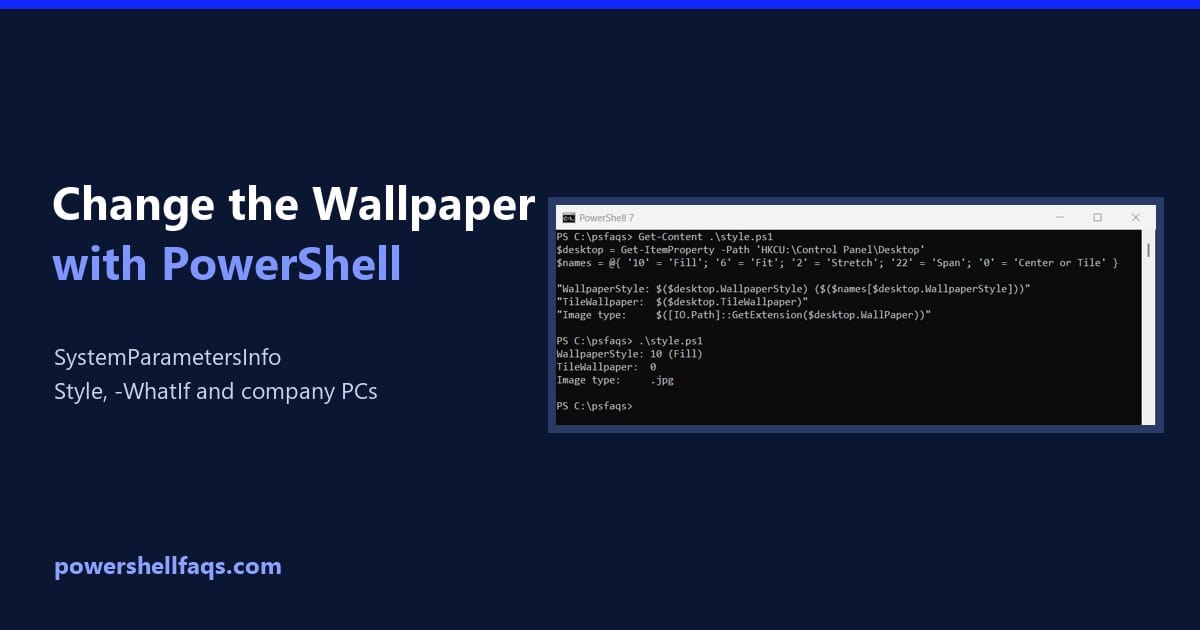
To change the wallpaper with PowerShell, call the Windows SystemParametersInfo function with the image path. Add-Type makes it available, and the change shows right away without signing out: It returns True when Windows accepts the image, affects only the signed-in user and needs no admin rights. Below I set the fit style, wrap it in … Read more

PowerShell: Get the Current Logged-On User on a Remote Computer

Get the current logged-on user on a remote computer with PowerShell

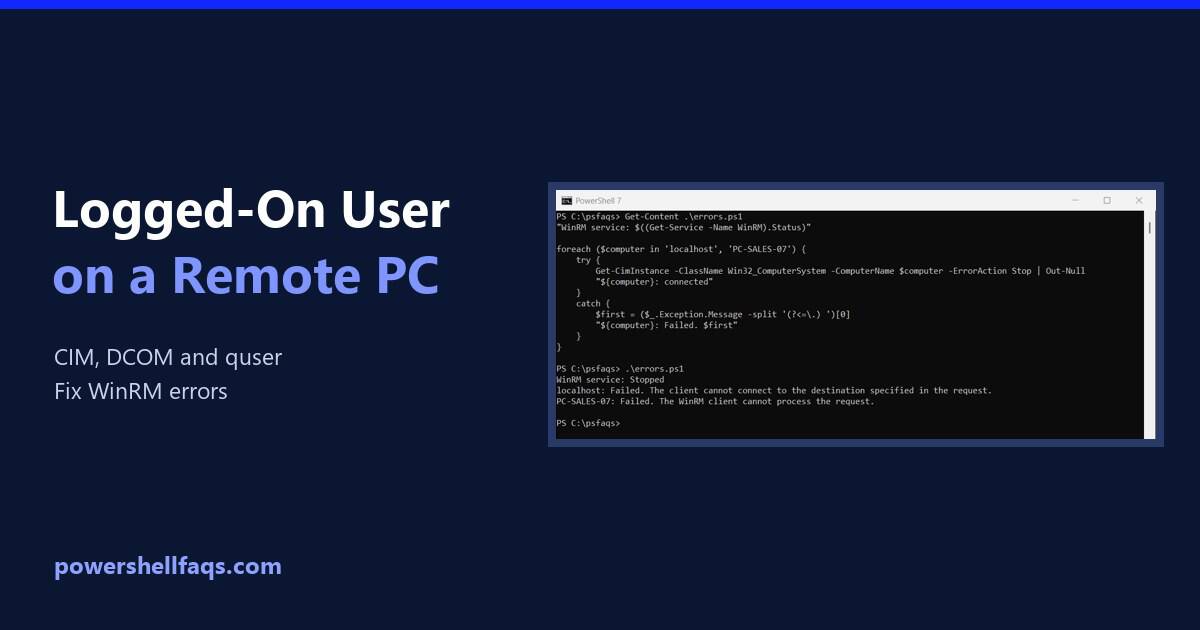
To get the current logged-on user on a remote computer with PowerShell, read the UserName property of Win32_ComputerSystem with Get-CimInstance: It returns DOMAIN\user for whoever is signed in at the console. Below I test the same queries on my own PC, show the two remoting errors you’ll most likely hit, and cover Remote Desktop sessions … Read more

How to Keep Your Screen Active with a PowerShell Script

Keep your screen active with a PowerShell script

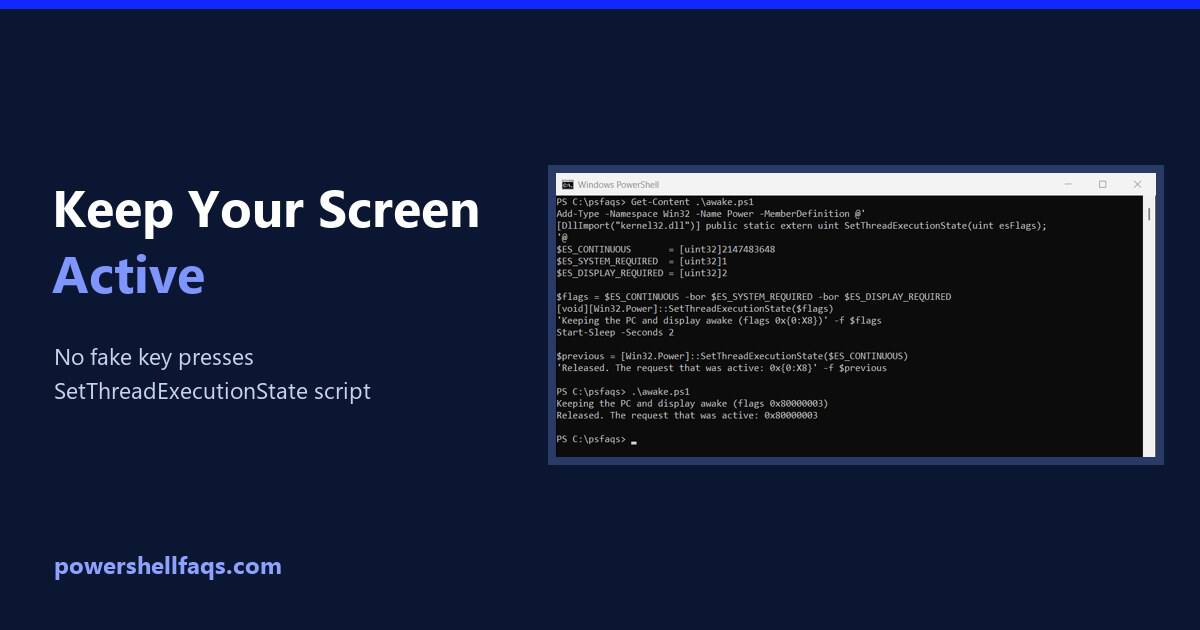
To keep your screen active with a PowerShell script, ask Windows directly with the SetThreadExecutionState API. It keeps the display and PC awake while the script runs, and everything goes back to normal when it stops: That’s better than the common trick of pressing a fake key every minute. Below I check your current timeouts, … Read more

How to Get Computer Information Using PowerShell

Get computer information using PowerShell

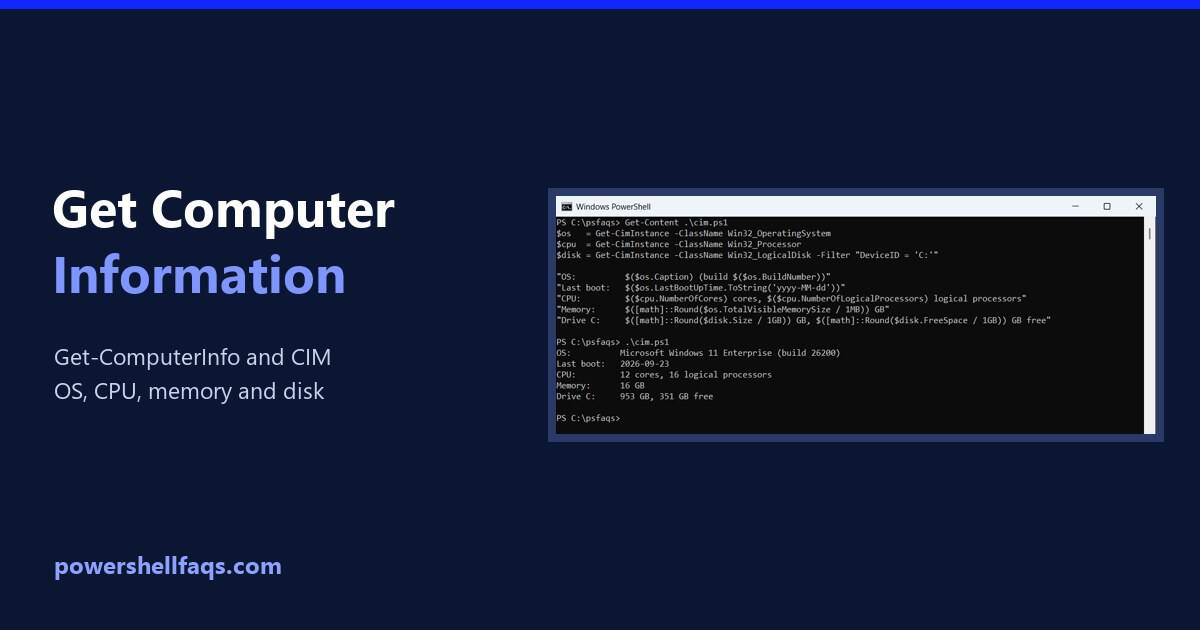
To get computer information using PowerShell, run Get-ComputerInfo. It returns more than 180 properties about Windows, the hardware and the BIOS. Pick the ones you need with -Property: Output: Notice WindowsProductName says Windows 10 on this Windows 11 PC. It’s a long-standing quirk, and below I show a more reliable way, plus a faster CIM … Read more

How to Create Local Users in Windows Using PowerShell?

Check if a Local User Exists in PowerShell

In this tutorial, I will explain how to create local user accounts in Windows using PowerShell. PowerShell provides a quick and easy way to automate the process of creating new users. I recently needed to set up several new employee accounts on Windows PCs in our office, so I used PowerShell to speed things up. … Read more

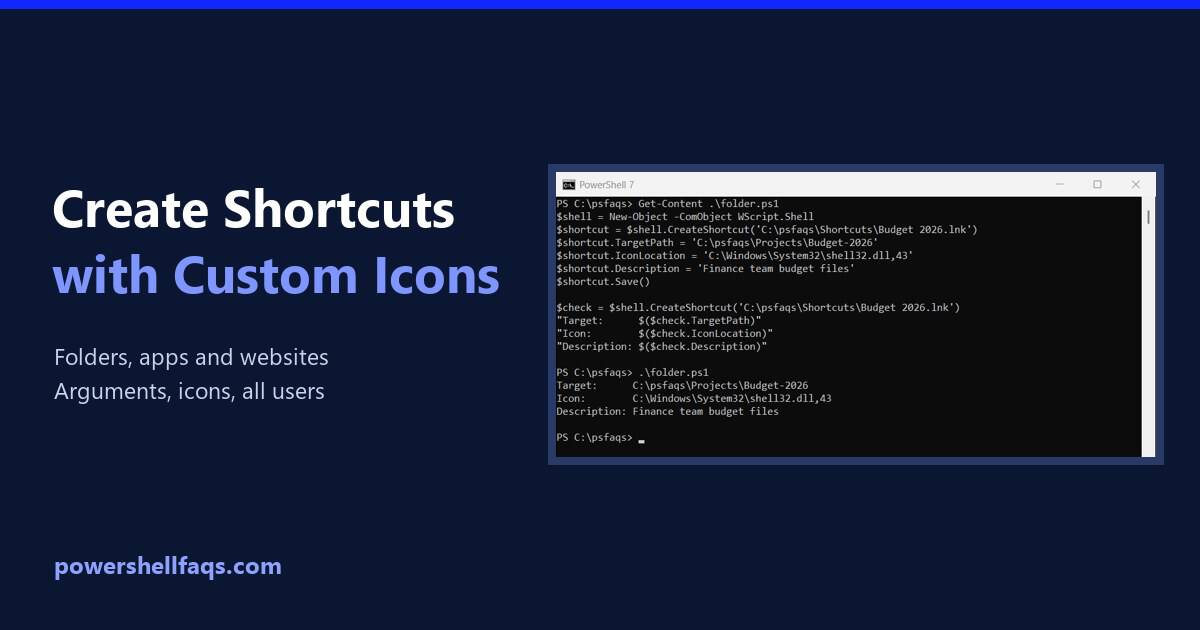
How to Create Desktop Shortcuts with Custom Icons Using PowerShell

Create desktop shortcuts with custom icons using PowerShell

To create a desktop shortcut with a custom icon in PowerShell, use the WScript.Shell COM object. CreateShortcut makes a .lnk file, and you set its TargetPath, IconLocation and other properties before calling Save(): Output: I created every shortcut in a test folder so the output is easy to check. The last section shows how to … Read more

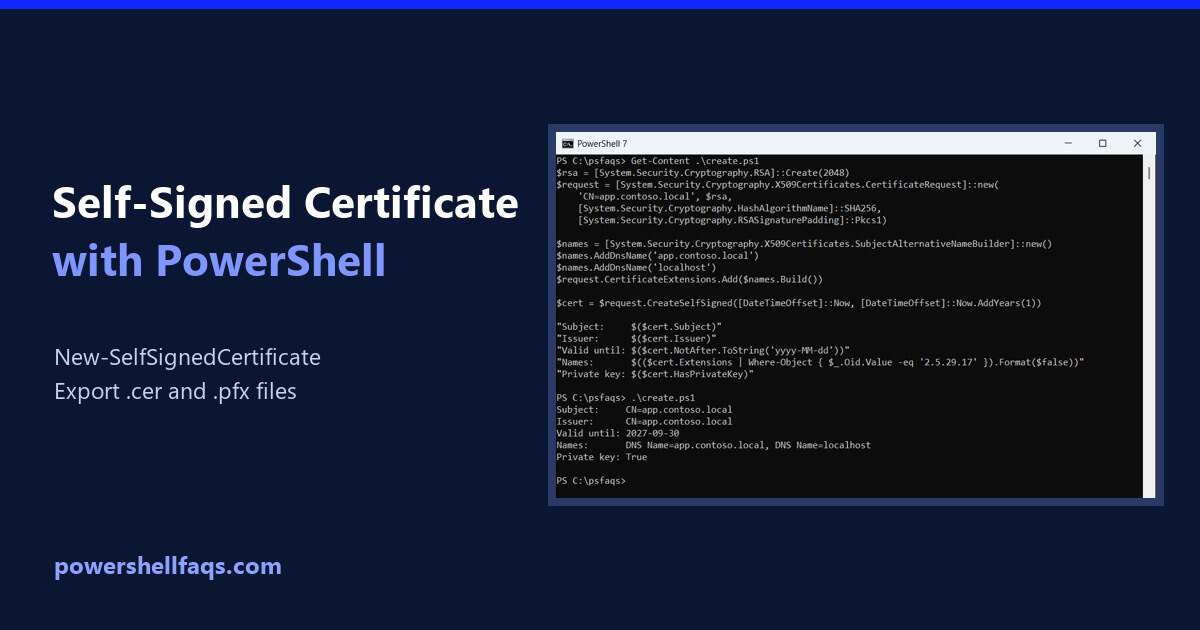
How to Create a Self-Signed Certificate Using PowerShell

Create a self-signed certificate using PowerShell

To create a self-signed certificate using PowerShell, run New-SelfSignedCertificate with the DNS names and the certificate store to save it in. The current-user store doesn’t need admin rights: Below I show what a self-signed certificate contains, how to export it as .cer and .pfx files, and how to trust it for testing. To keep my … Read more