How to Add a Computer to a Domain Using PowerShell

In today’s tutorial, we will discuss an advanced topic. Here, I will explain how to add a computer to a domain using PowerShell. This will help you to add computers to your domain, ensuring they are correctly configured and managed within your network. Prerequisites Here are some prerequisites that you should follow before trying to … Read more
How to Set the Default Printer Using PowerShell in Windows

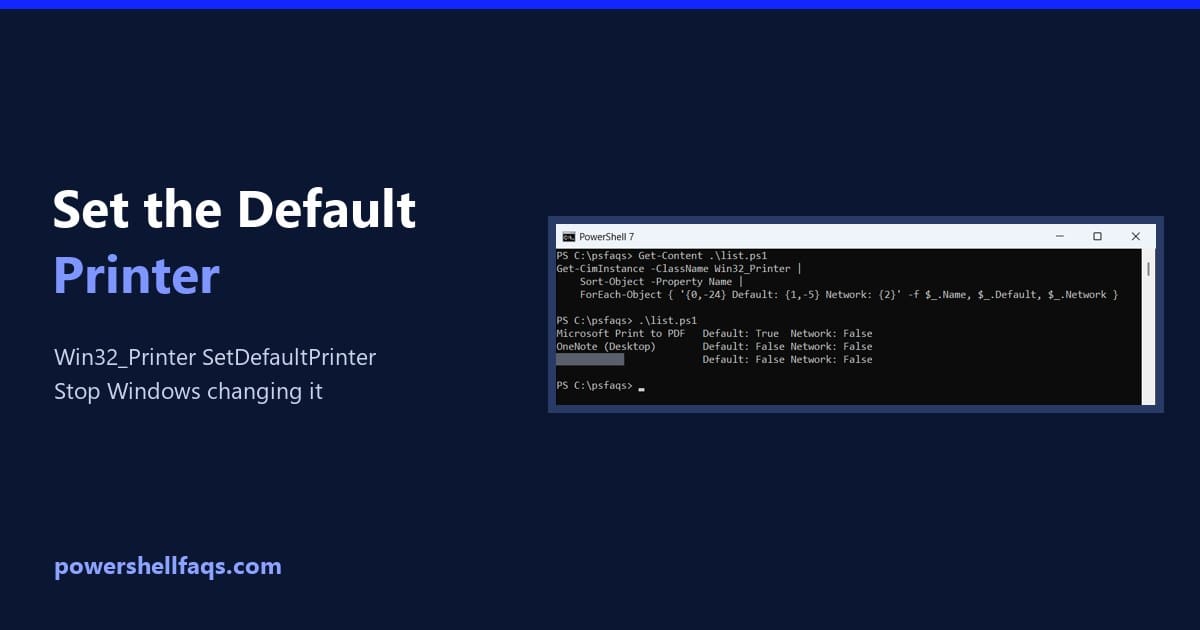
Set the default printer using PowerShell

To set the default printer using PowerShell, get the printer from Win32_Printer and call its SetDefaultPrinter method with Invoke-CimMethod: It works for the current user and doesn’t need admin rights. Below I list printers, check the default, preview the change with -WhatIf and stop Windows from switching it back. My own default stayed untouched. List … Read more

Set Password Never Expires for a Local User in PowerShell

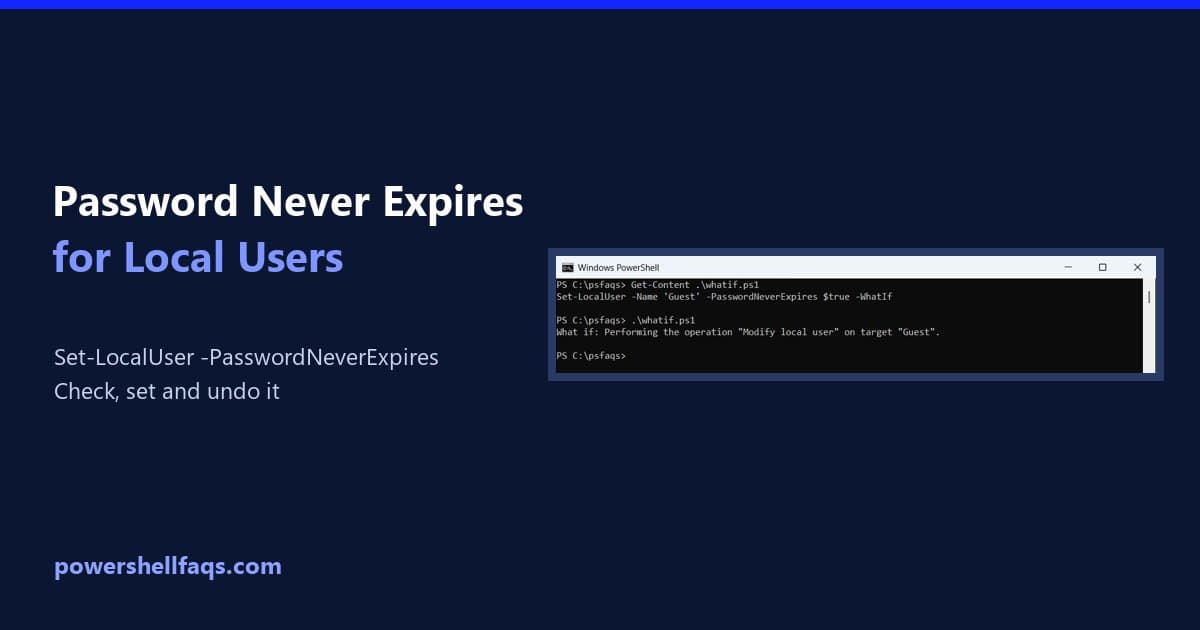
Set password never expires for a local user with PowerShell

To set a local user’s password to never expire, run Set-LocalUser with -PasswordNeverExpires $true in PowerShell as administrator: It works in PowerShell 7 and Windows PowerShell 5.1. Below I check which accounts already never expire, preview the change, show two other ways and cover domain accounts. I didn’t change any accounts on my PC. Check … Read more

Set Password for Local User in Windows 11 Using PowerShell

Recently, I assisted a client in securing their Windows 11 workstations by implementing effective password management for local user accounts. While many administrators rely on the graphical user interface (GUI) for this task, I find that PowerShell offers greater flexibility and efficiency. In this article, I will share multiple methods to set or change passwords … Read more

How to Set the Time Zone Using PowerShell in Windows

Set the Time Zone Using PowerShell

As an IT administrator, you may be required to set the correct time zone across multiple servers located in different regions. This is a common requirement. You can easily achieve this using PowerShell. In this tutorial, I will explain how to set the time zone using PowerShell in Windows. In PowerShell, you can use the … Read more

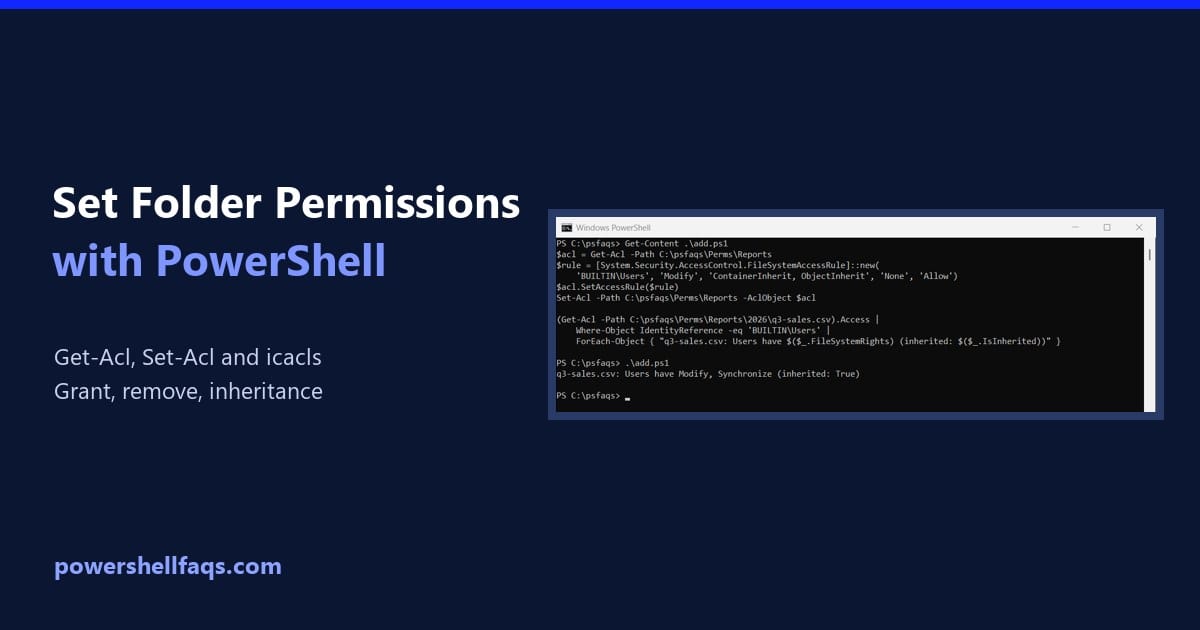
How to Set Folder Permissions Using PowerShell (Get-Acl, Set-Acl)

Set folder permissions using PowerShell

To set folder permissions using PowerShell, read the folder’s ACL with Get-Acl, add a FileSystemAccessRule, and write it back with Set-Acl. This grants the Users group Modify on a folder and everything inside it: Below I view permissions, grant and remove access, control inheritance and do the same with icacls. I tested everything on a … Read more

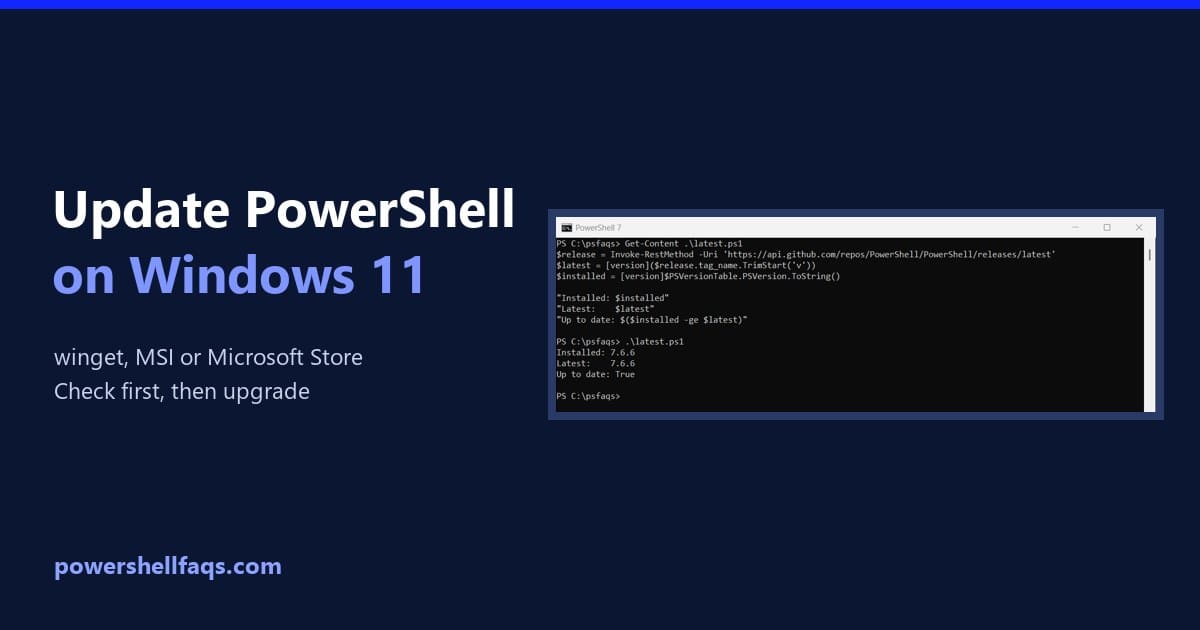
How to Update PowerShell on Windows 11 (winget, MSI or Store)

Update PowerShell on Windows 11

To update PowerShell on Windows 11, run winget upgrade for the PowerShell package. It installs the newest PowerShell 7 release over your current one: Before you run it, check which version you have and how it was installed, because Microsoft recommends upgrading with the same method. I walk through both checks below, plus the MSI, … Read more

How to List Windows Features Using PowerShell?

As a system administrator, I was required to list Windows features using PowerShell. In this tutorial, I will explain how to list Windows features using PowerShell. Let me show you how to do this. Note: Open PowerShell with administrative privileges by right-clicking the PowerShell icon and selecting “Run as Administrator. Listing Windows Features with Get-WindowsFeature … Read more

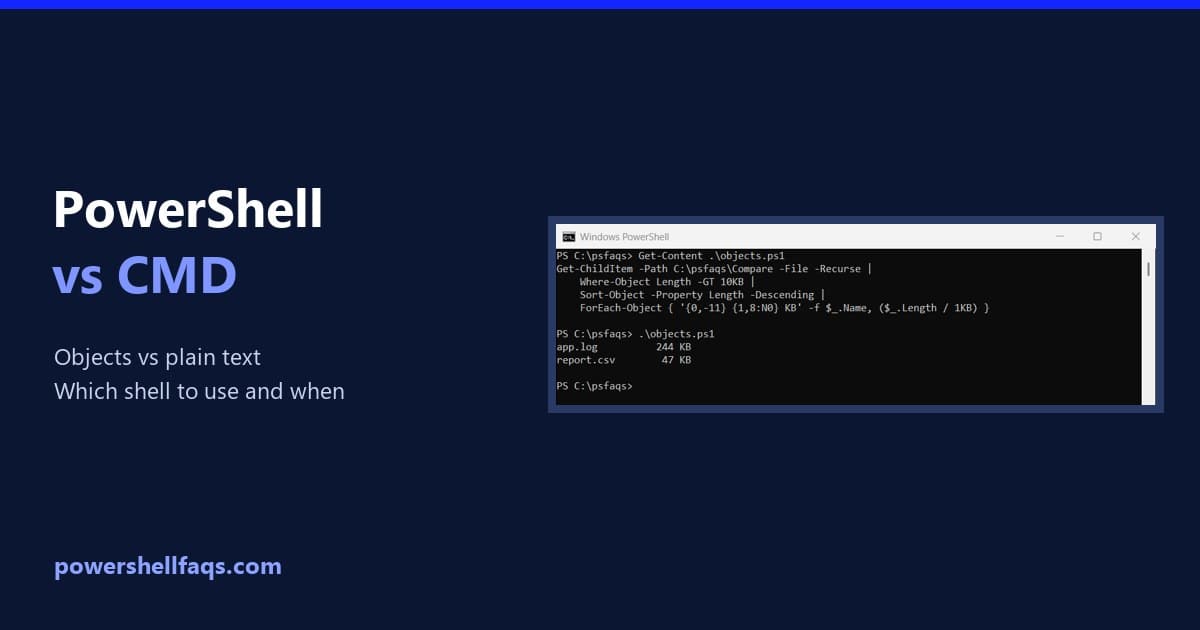
Windows PowerShell vs CMD: Key Differences With Examples

Windows PowerShell vs CMD

Windows PowerShell vs CMD comes down to one difference: CMD passes plain text between commands, while PowerShell passes .NET objects you can filter, sort and format. For anything beyond a quick one-liner, PowerShell is the better choice. CMD (cmd.exe, the Command Prompt) is still around for batch files and old habits. Below I compare the … Read more

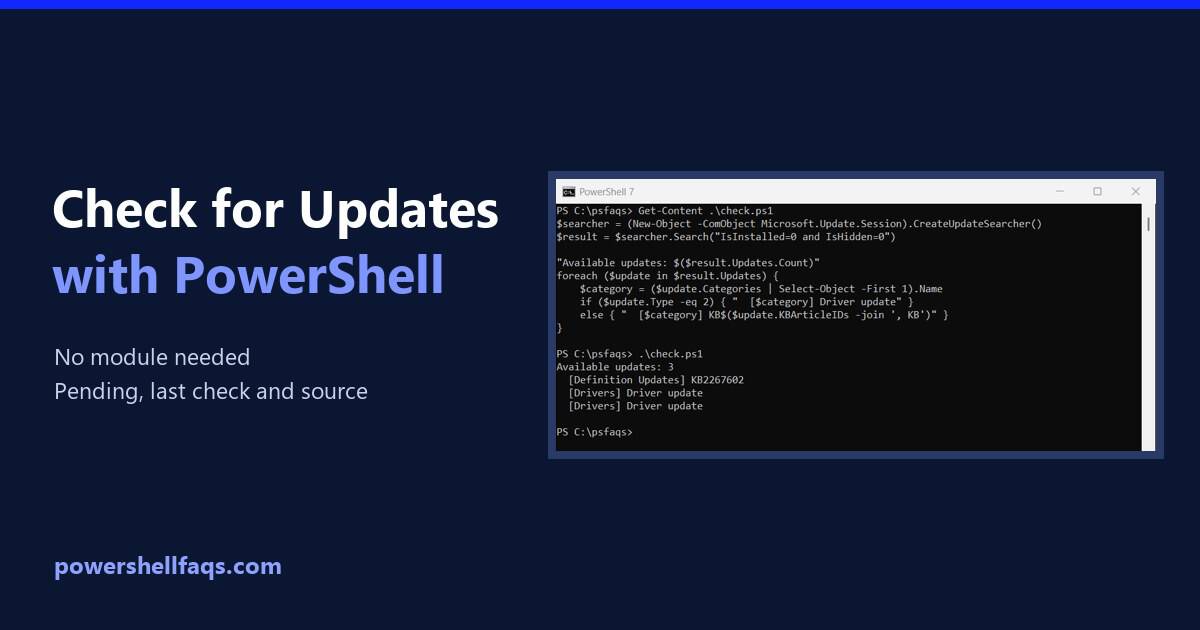
How to Check for Windows Updates Using PowerShell

Check for Windows updates using PowerShell

To check for Windows updates using PowerShell, ask the built-in Windows Update Agent to search. It needs no extra module and no admin rights: Below I list what’s waiting with KB numbers, show when Windows last checked, find where updates come from and check other PCs. I ran each check in PowerShell 7.6 and Windows … Read more