How to Add a New Line in a PowerShell String
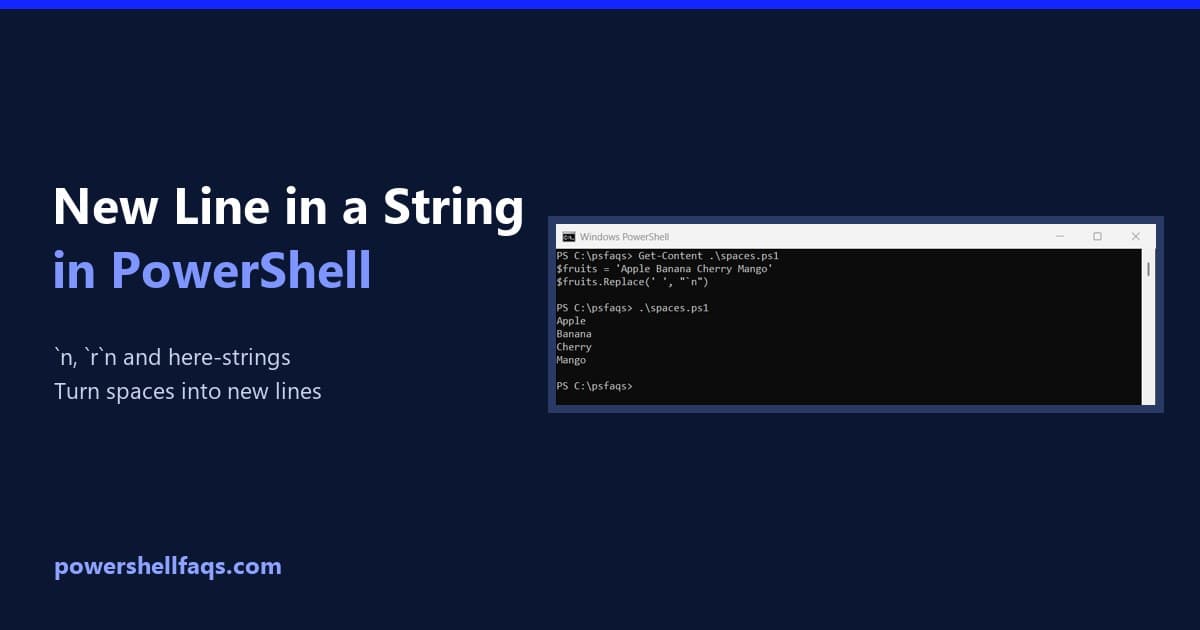
Add a new line in a PowerShell string

To add a new line in a PowerShell string, put `n (backtick n) inside a double-quoted string. The text after it starts on the next line: Output: That covers most scripts. Below I show the other new line options, when each one matters, and how to turn spaces into new lines. I ran every example … Read more
How to Pass Variables to a PowerShell Script?

If you’re working with PowerShell regularly—whether for system administration, DevOps automation, or cloud management—you’ve likely encountered a situation where you need to make your scripts more dynamic. Instead of hardcoding values, you can pass variables to a PowerShell script at runtime. In this detailed tutorial, you’ll learn multiple ways to pass variables to PowerShell scripts, … Read more

How to Convert HEIC to JPG using PowerShell

If you’ve ever tried to open your iPhone photos on a Windows PC, you might’ve encountered that mysterious .heic extension. It is not always easy to work with outside the Apple ecosystem. If you are looking for an easy way to convert those HEIC files to the more universally friendly JPG format, you’ve come to the right … Read more

Measure-Object in PowerShell: Sum, Average, Max and Count

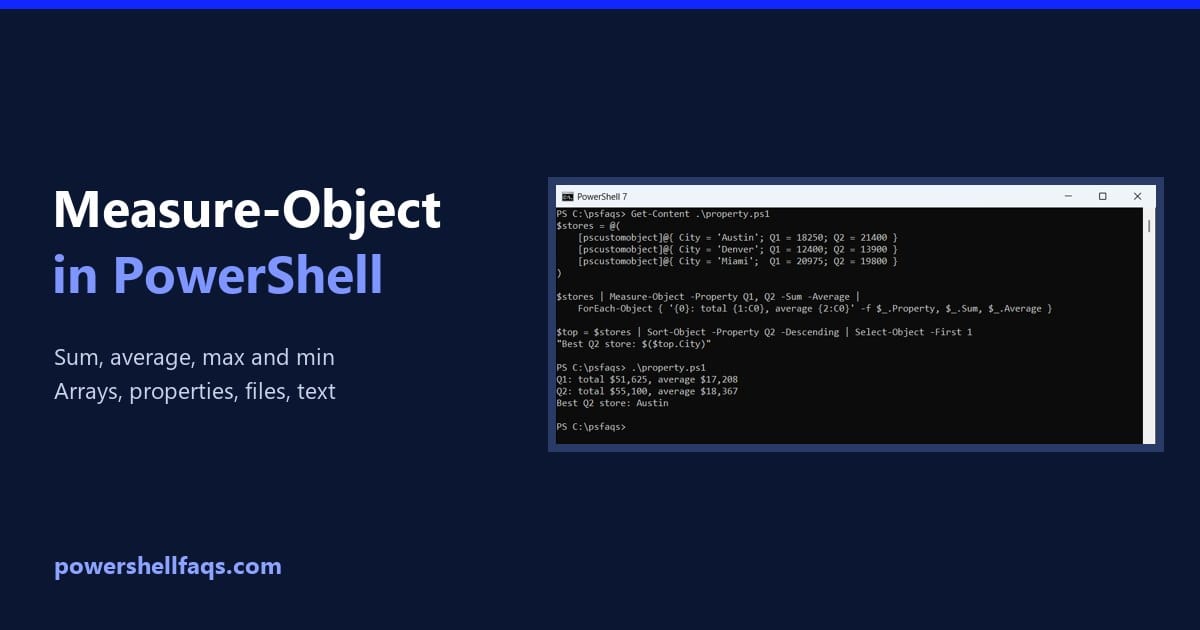
Measure-Object in PowerShell

Measure-Object calculates the count, sum, average, maximum and minimum of numbers or of a property. Pipe the values to it and pick the statistics you want: Output in Windows PowerShell 5.1: PowerShell 7 shows the same numbers plus an empty StandardDeviation row. I ran every example in PowerShell 7.6 and Windows PowerShell 5.1 and note … Read more

PowerShell Round to 2 Decimal Places (and Whole Numbers)

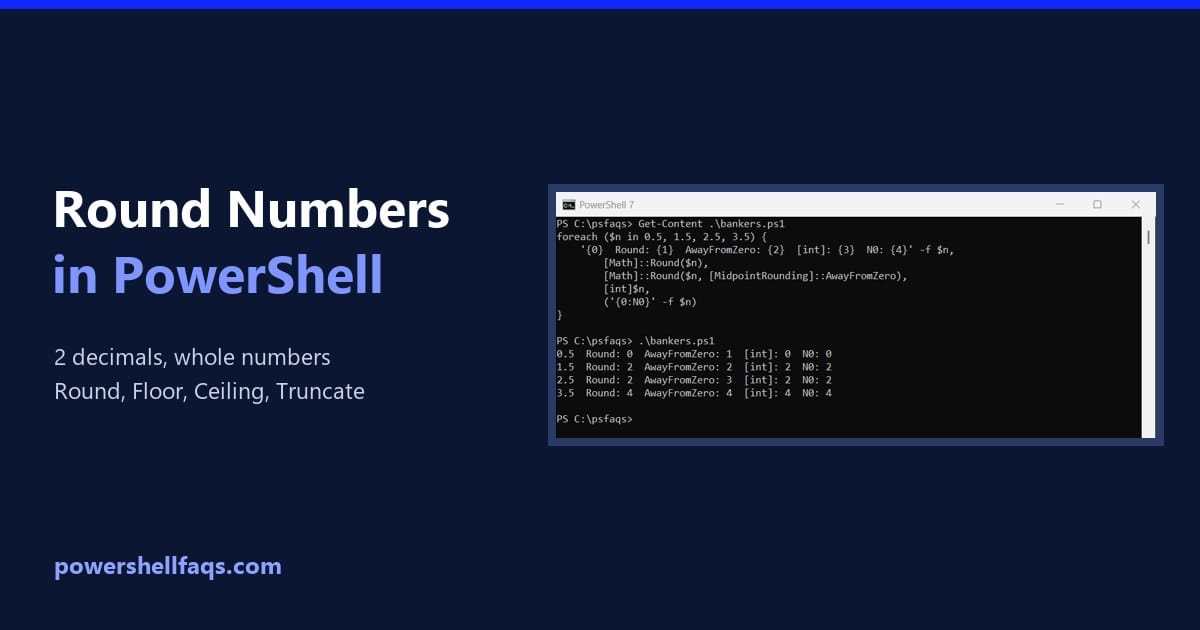
PowerShell round to 2 decimal places

To round a number to 2 decimal places in PowerShell, use [Math]::Round($number, 2). To display it with exactly two decimals, use the format operator, ‘{0:N2}’ -f $number, or .ToString(‘0.00′): Output: They look the same here, but they don’t return the same kind of value, and they don’t always round the same way. I ran every … Read more

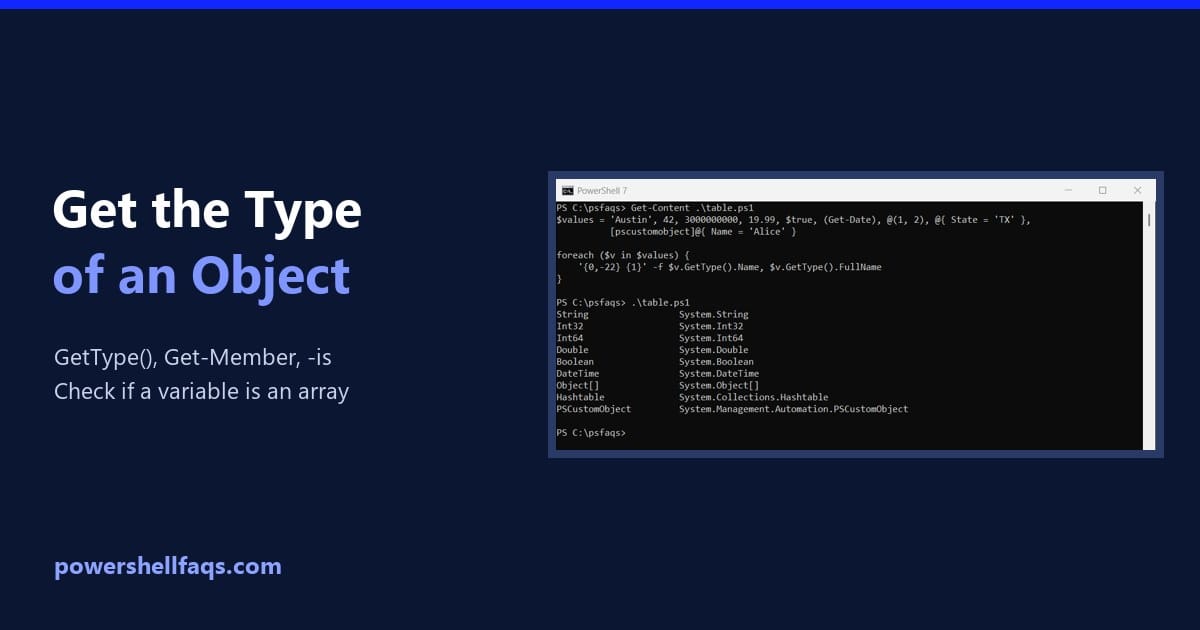
How to Get the Type of an Object in PowerShell

Get the type of an object in PowerShell

To get the type of an object or variable in PowerShell, call its GetType() method. .Name gives the short name and .FullName the full .NET name: Output: To test for a type instead of reading it, use the -is operator, covered below. I ran every example in PowerShell 7.6 and Windows PowerShell 5.1, with the … Read more

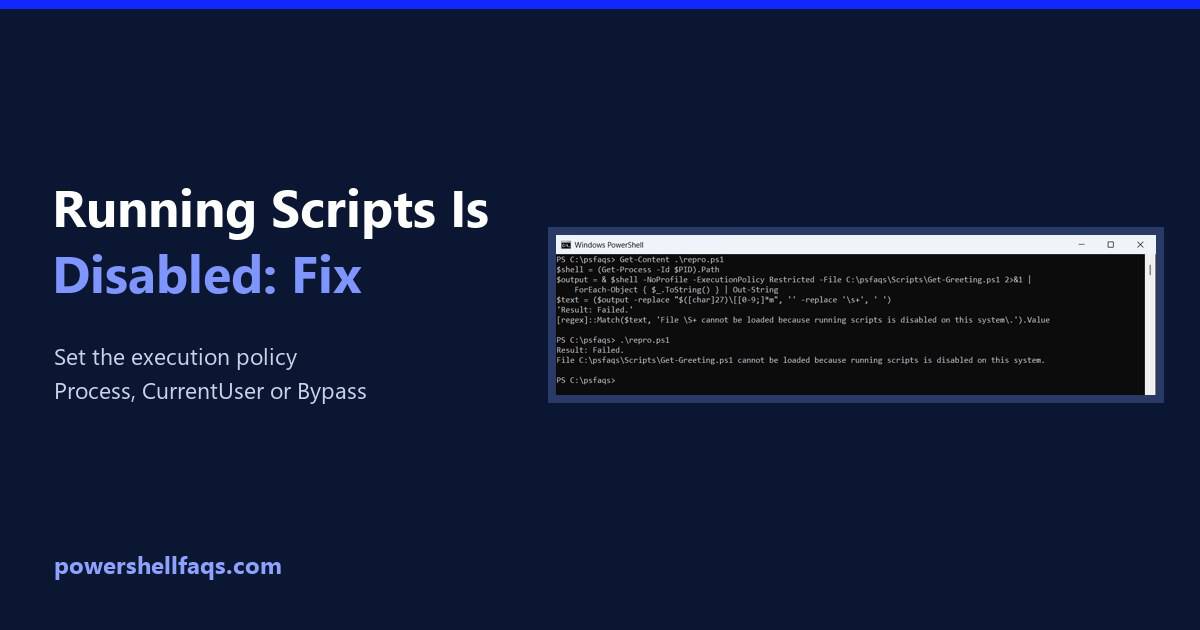
Fix “Running Scripts Is Disabled on This System” in PowerShell

Fix PowerShell running scripts is disabled on this system

To fix “running scripts is disabled on this system” in PowerShell, set the execution policy to RemoteSigned for your account. It doesn’t need admin rights: The error means the effective policy is Restricted, which is the default on Windows client PCs. Below I reproduce it, check every policy scope, and show fixes from a single … Read more

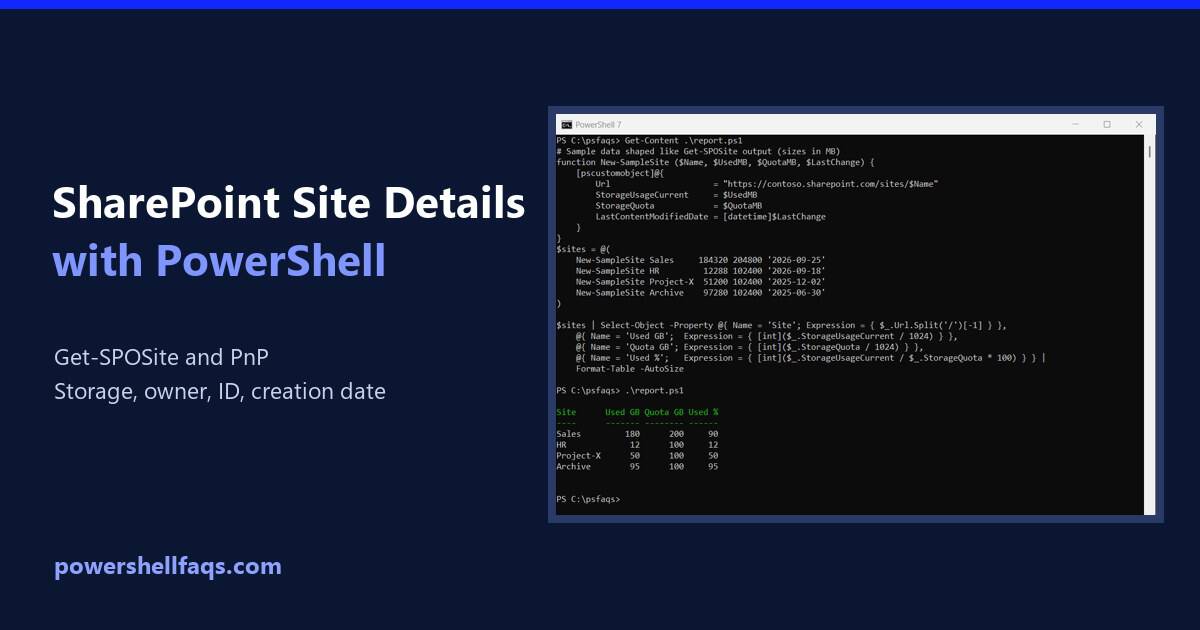
How to Get SharePoint Online Site Details Using PowerShell

Get SharePoint Online site details using PowerShell

To get SharePoint Online site details with PowerShell, connect to the admin center and run Get-SPOSite with the site URL. Pipe it to Format-List to see every property: You need to be a SharePoint administrator, and the Get-SPOSite documentation says you also need site collection admin rights on the site. Connecting to SharePoint Online covers … Read more

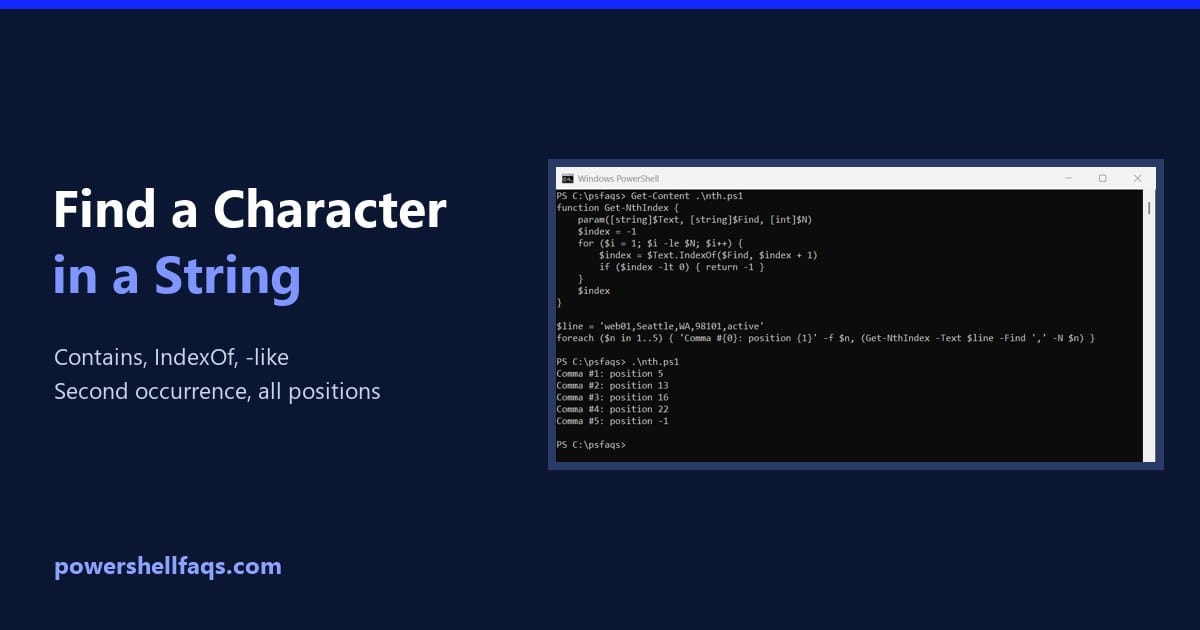
How to Find a Character in a String Using PowerShell

Find a character in a string with PowerShell

To find a character in a string with PowerShell, use Contains() to check whether it’s there, or IndexOf() to get its position. IndexOf counts from 0 and returns -1 when the character isn’t found: Output: Below I cover the operator versions, case sensitivity, the second or nth occurrence, every position and counting matches. Every example … Read more

PowerShell Convert Secure String to Plain Text

PowerShell Convert Secure String to Plain Text

Have you ever needed to convert a PowerShell SecureString into plain text, but hesitated due to security concerns or complexity? In this tutorial, I’ll walk you through multiple practical ways to convert a SecureString to plain text using PowerShell. You will see some real examples. PowerShell Convert Secure String to Plain Text PowerShell’s SecureString is … Read more