How to Find SQL Server Instances using PowerShell?

Recently, in our project, we wanted to retrieve all SQL Server instances across your network. I suggested using PowerShell for this. In this tutorial, I will explain to you how to find SQL Server instances using PowerShell, step by step. Before you start, make sure you have: You can install the SQL Server module by … Read more
How to Enable BitLocker with PowerShell?

Data security is more critical than ever. With cyber threats on the rise, encrypting your drives using BitLocker is one of the most effective ways to protect sensitive data on Windows devices. While you can enable BitLocker through the Windows GUI, PowerShell provides a faster, more flexible, and automatable method—perfect for IT professionals and system … Read more

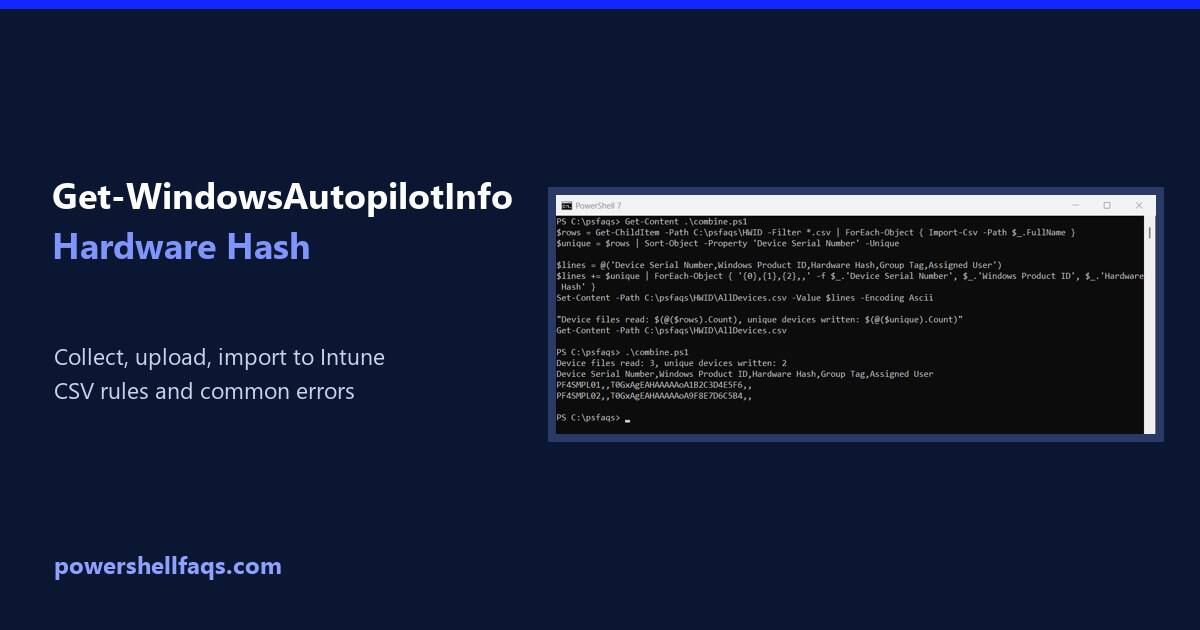
PowerShell Get-WindowsAutopilotInfo: Collect and Upload the Hardware Hash

PowerShell Get-WindowsAutopilotInfo

Get-WindowsAutopilotInfo is a PowerShell script that collects a device’s hardware hash and serial number for Windows Autopilot. Install it from the PowerShell Gallery, then save the hash to a CSV or upload it to Intune. Microsoft documents these commands for an elevated window: The file lands in C:\HWID\AutopilotHWID.csv, ready to import into Intune. Below I … Read more

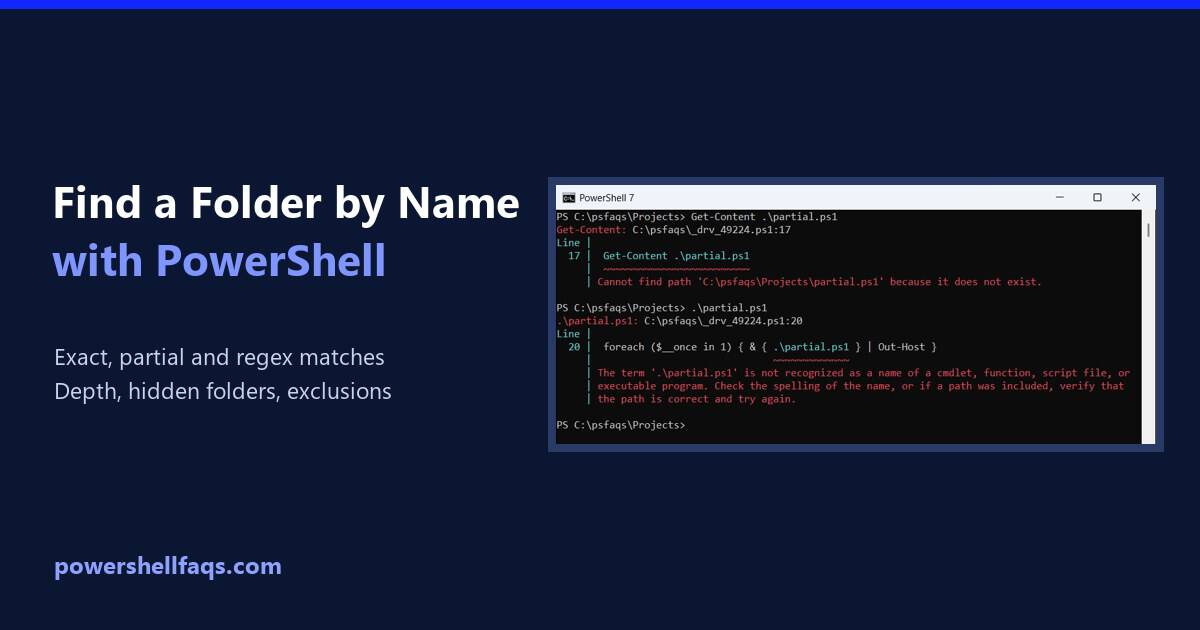
How to Find a Folder by Name in PowerShell

Find a folder by name in PowerShell

To find a folder by name in PowerShell, run Get-ChildItem with -Directory, -Recurse and the folder name in -Filter. The match ignores case: Output: I searched a sample Projects folder so the output stays the same. Every example ran in PowerShell 7.6 and Windows PowerShell 5.1 with the same results. Find folders by partial name … Read more

How to Find the OU of a Computer Using PowerShell

Find the OU of a computer using PowerShell

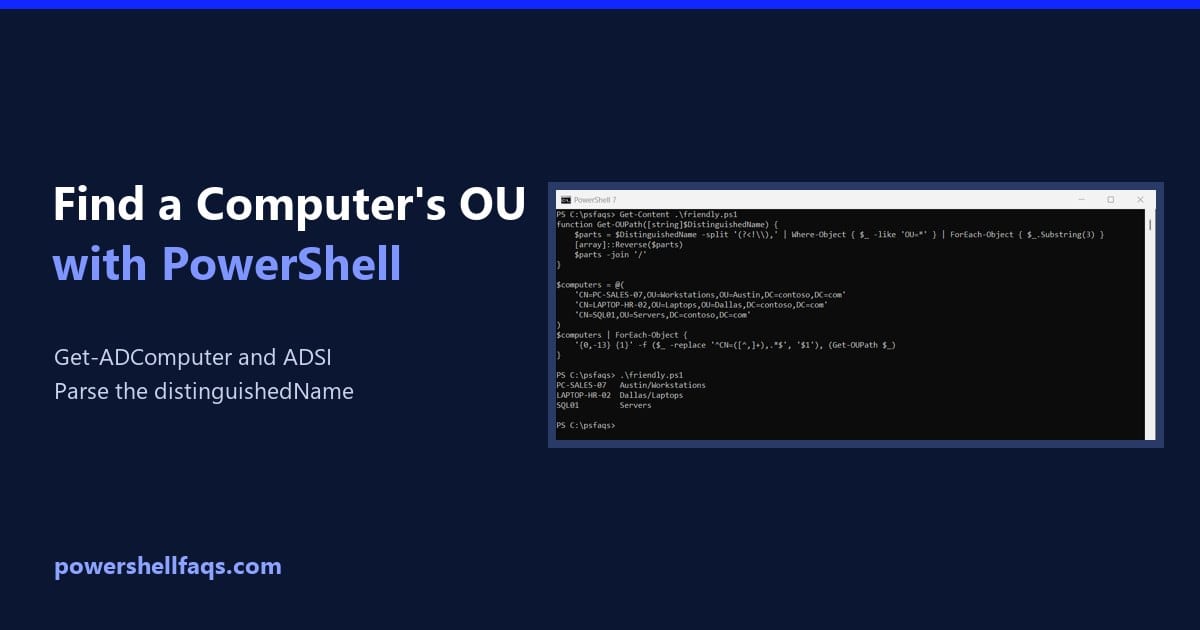
To find the OU of a computer using PowerShell, get its DistinguishedName with Get-ADComputer and drop the first CN= part. What’s left is the OU path: Get-ADComputer needs the ActiveDirectory module from RSAT. Below I check the prerequisites, show the parsing step on sample Contoso names, and cover bulk lookups and a method that doesn’t … Read more

RPC Server is Unavailable Error in PowerShell

The “RPC Server is Unavailable” error in PowerShell can occur when your PowerShell session cannot establish a Remote Procedure Call (RPC) connection to a target machine. RPC (Remote Procedure Call) is a Windows service that enables communication between processes on different computers across a network. When PowerShell throws this error, it typically appears as: This … Read more

How to Kill a Process by Name in PowerShell

Kill a process by name in PowerShell

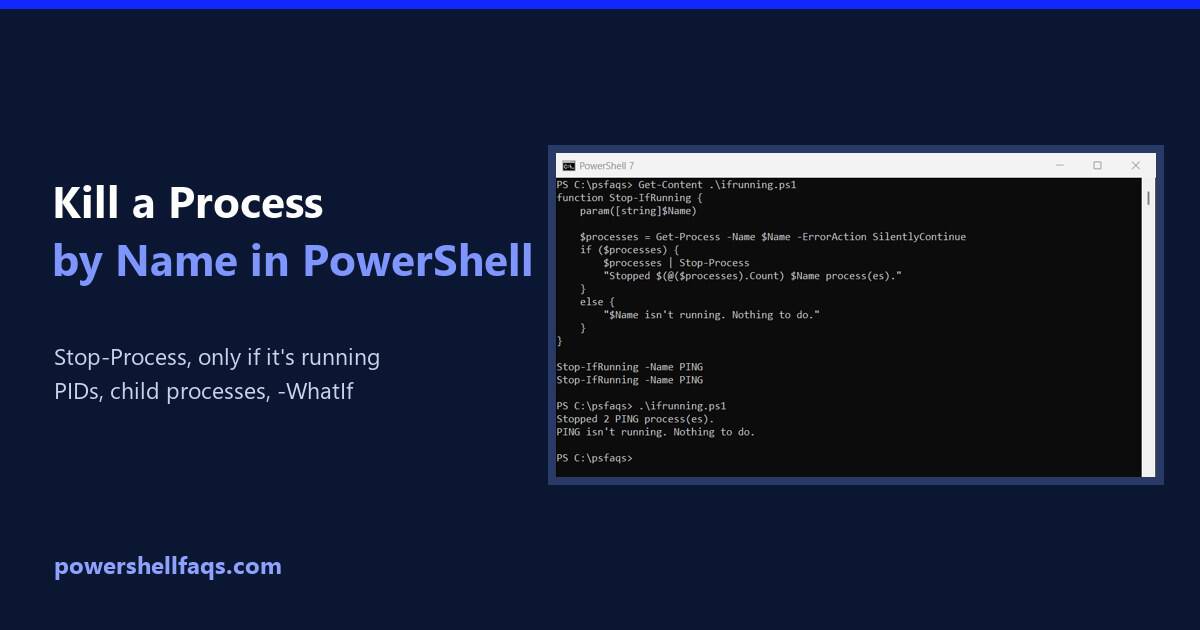
To kill a process by name in PowerShell, run Stop-Process -Name followed by the process name, without .exe. It stops every running process with that name: For the tests in this guide, I started a few hidden ping.exe processes, so nothing real was harmed. Here the command stops two of them: Output: I ran every … Read more

How to Check Hard Drive Space Using PowerShell

Check hard drive space using PowerShell

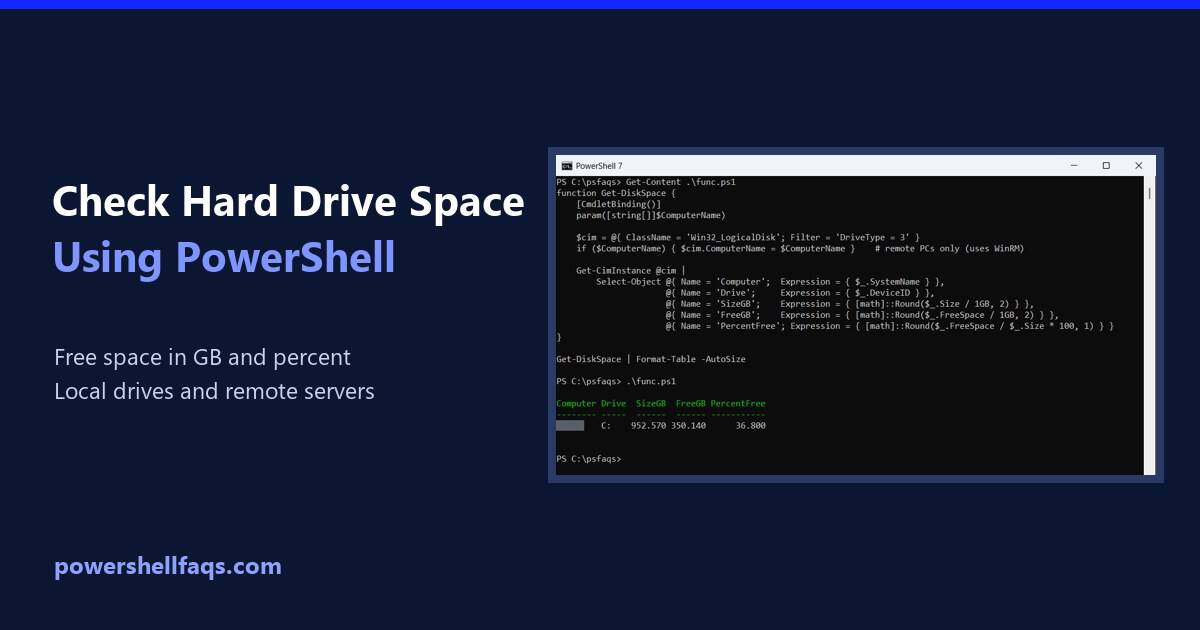
To check hard drive space using PowerShell, run Get-Volume. It shows the free space (SizeRemaining) and total size of each drive, and it works without admin rights in Windows PowerShell 5.1 and PowerShell 7: Output: For a report you can reuse, including free space in GB, percent free and remote servers, query Win32_LogicalDisk. I’ll build … Read more

PowerShell Get-ChildItem Filter Examples

PowerShell Get-ChildItem filter examples

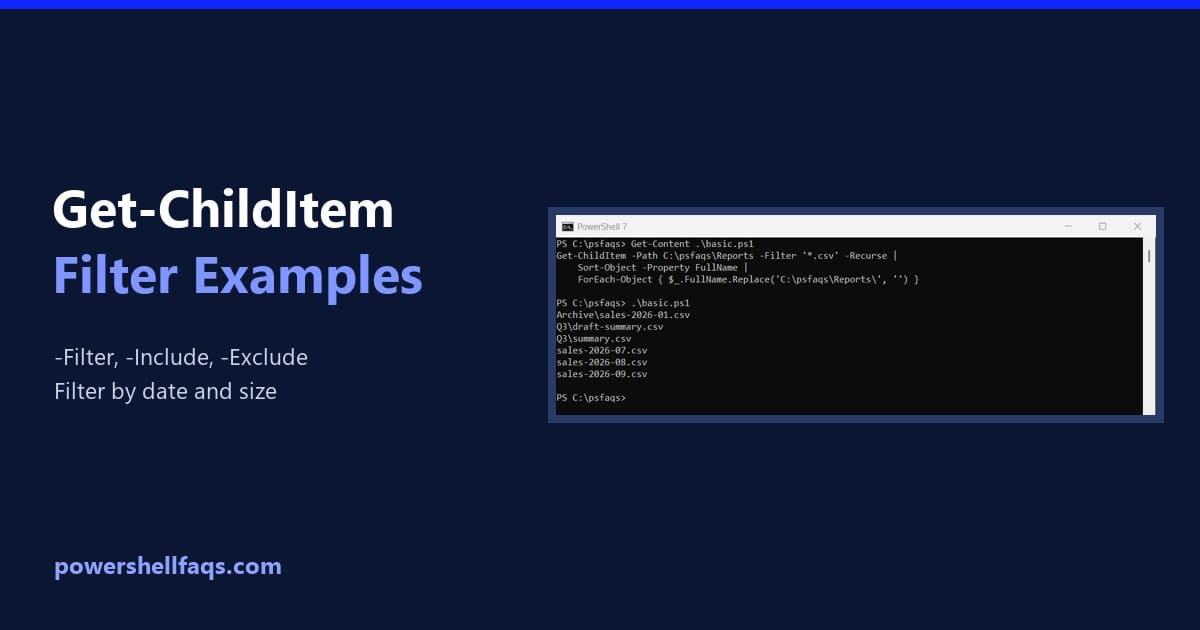
To filter files with Get-ChildItem, pass a wildcard pattern to -Filter. Add -Recurse to search subfolders too: Output: -Filter is the fastest option because the file system does the matching. Below I compare it with -Include and -Exclude, show a gotcha that returns nothing, and filter by date and size. All of it runs in … Read more

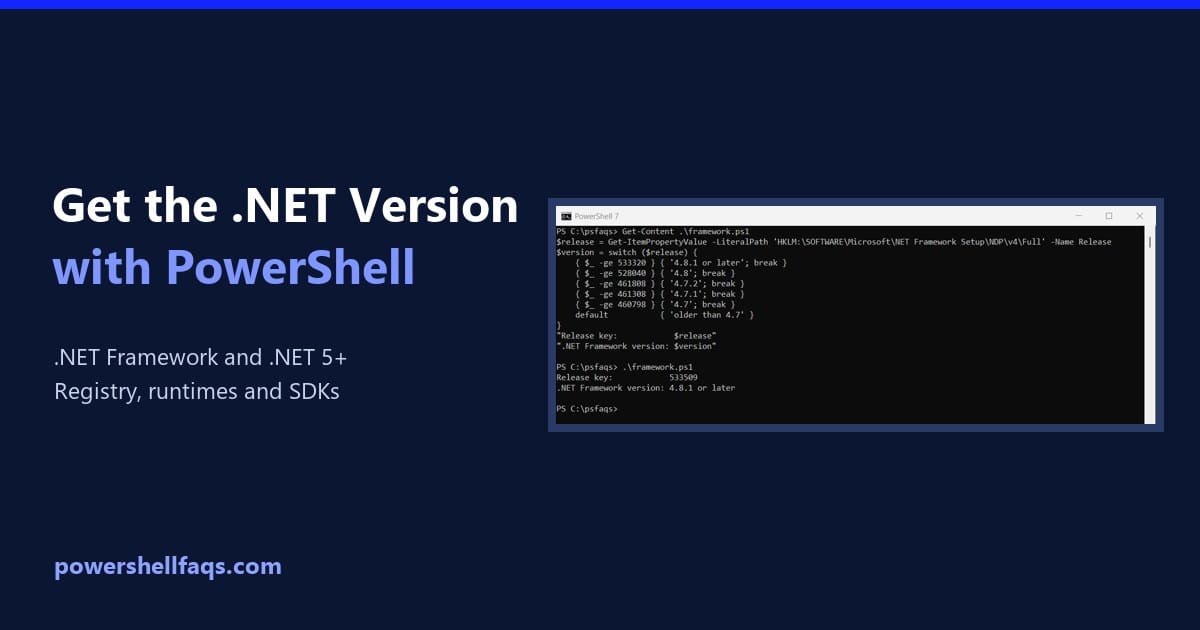
How to Get the .NET Version Using PowerShell (Framework and .NET)

Get the .NET version using PowerShell

To get the .NET version using PowerShell, check two things: the .NET Framework version in the registry, and the modern .NET runtimes with dotnet –list-runtimes. Windows can have both installed side by side. Below I show both checks, plus how to see which .NET your PowerShell session runs on. I ran them on Windows 11 … Read more