PowerShell Select-String: Search Files and Text (With Examples)
PowerShell Select-String examples

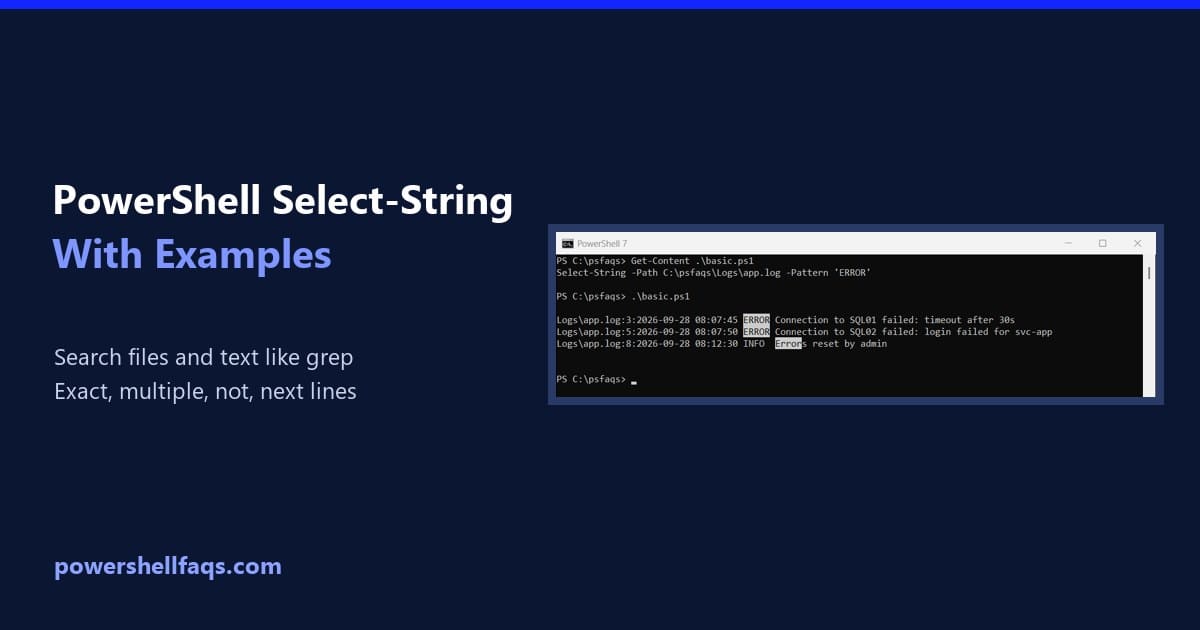
Select-String is the PowerShell cmdlet that searches text and files for a pattern, much like grep on Linux or findstr in Command Prompt. Give it a file and a pattern, and it returns every matching line: That’s the sample log I search in this guide. Here’s the first search: Output: Each result shows the file, … Read more
How to Open a File in PowerShell (Default App, Notepad, Console)

Open a file in PowerShell

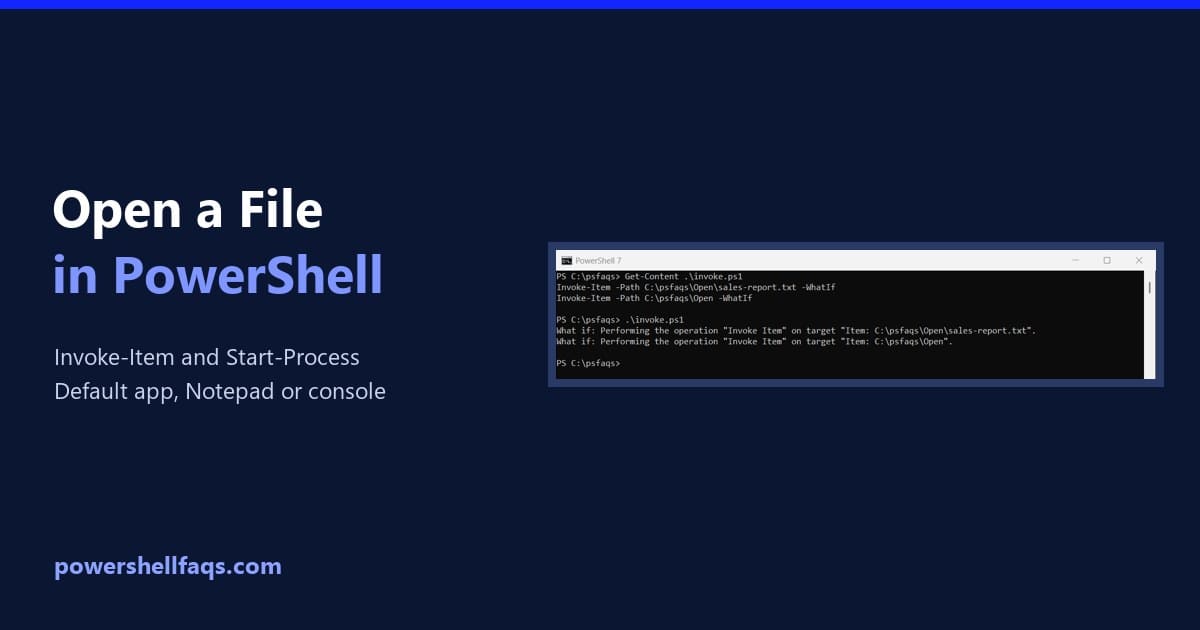
To open a file in PowerShell with its default app, run Invoke-Item with the file’s path. It works like double-clicking the file in File Explorer: Below I show how to preview what will open, open a file in a specific app, and read files right in the console. I tested each command in PowerShell 7.6 … Read more

How to Install RSAT in Windows 11 Using PowerShell

Install RSAT in Windows 11 using PowerShell

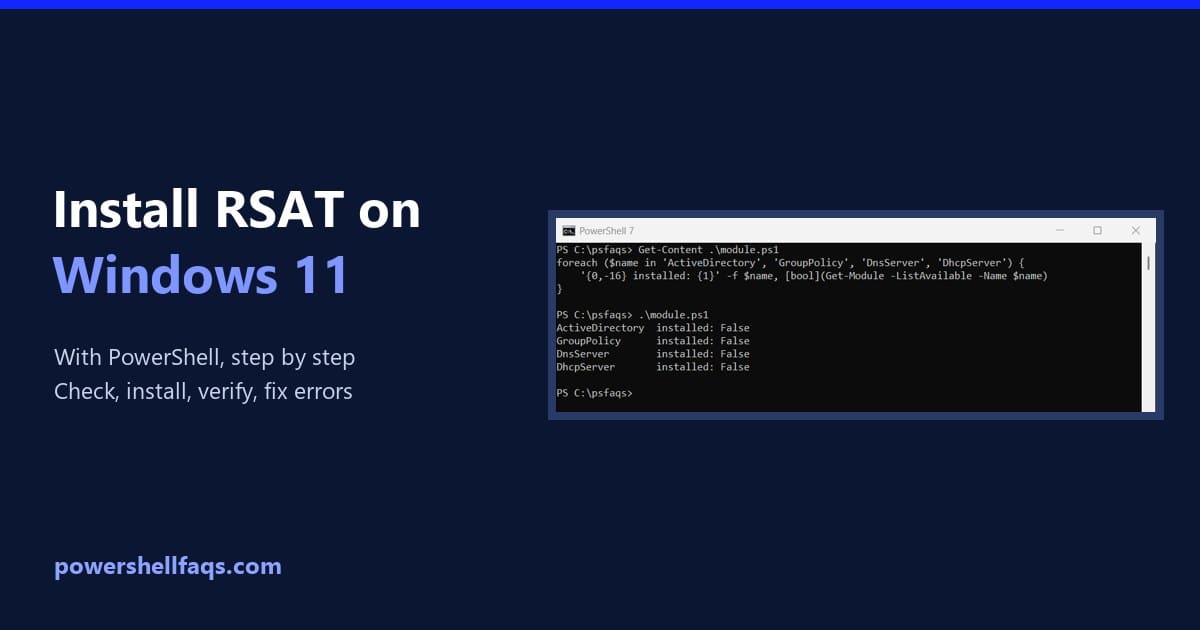
To install RSAT in Windows 11 using PowerShell, open PowerShell as administrator and run Add-WindowsCapability with the name of the tool you need. RSAT is built into Windows 11 as optional features, so there’s nothing to download: That line adds the Active Directory tools, including the ActiveDirectory PowerShell module. Below I cover the checks to … Read more

How to Get Windows Update History Using PowerShell?

Get Windows Update History Using PowerShell

In this tutorial, I will explain how to get Windows update history using PowerShell. This tutorial will be helpful if you want to keep track of updates across multiple machines. By this end, you will know how to retrieve update history, understand what updates have been applied, and troubleshoot any issues that might arise with … Read more

How to Restart a Windows Service Using PowerShell?

In this tutorial, I will explain how to restart a Windows service using PowerShell. As a system administrator for a company, I recently had an issue where I needed to restart a critical service on one of our servers located in New York. PowerShell Restart-Service Cmdlet PowerShell provides a built-in cmdlet called Restart-Service that allows … Read more

How to Install Git on Windows Using PowerShell

Install Git on Windows using PowerShell

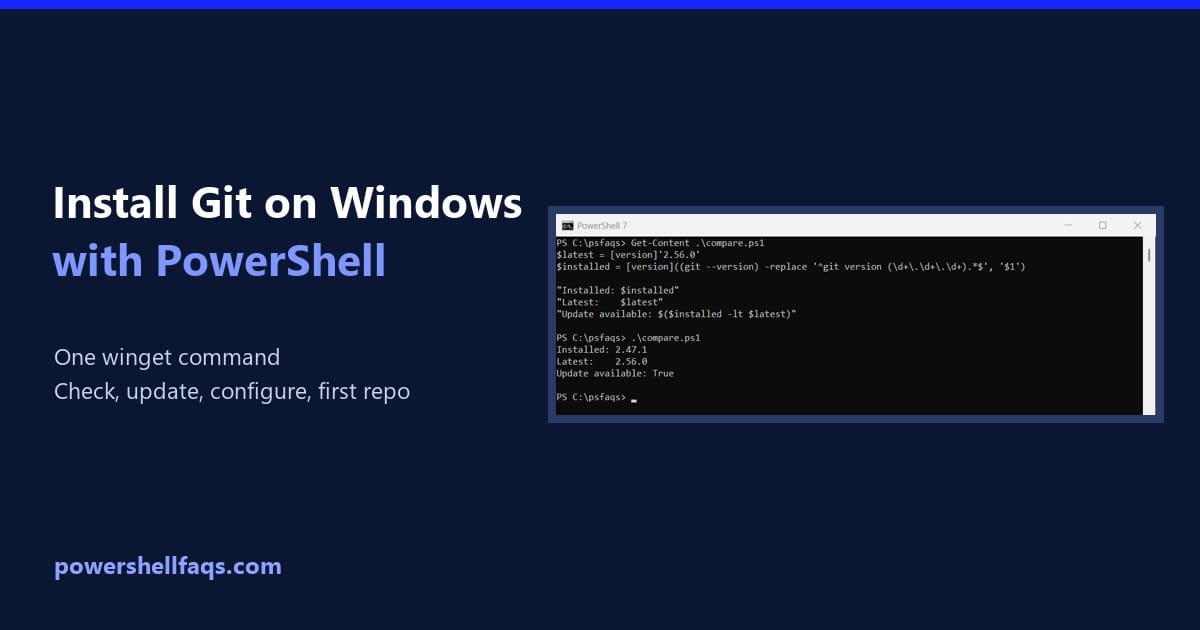
To install Git on Windows using PowerShell, run one winget command. winget is the Windows Package Manager, built into Windows 11 and current Windows 10 releases: That’s the command the Git project itself recommends. -e matches the ID exactly, so winget can’t pick a similarly named package. Below I cover checking the install, updating, setting … Read more

How to Monitor and Manage CPU Usage using Windows PowerShell?

Monitor and Manage CPU Usage using Windows PowerShell

High CPU usage can significantly impact the performance of your system, leading to slow response times and reduced efficiency. By using PowerShell, you can easily identify and troubleshoot processes that consume excessive CPU resources. In this tutorial, I will explain how to monitor and manage CPU usage using Windows PowerShell. Understanding CPU Usage in Windows … Read more

How to Disable Windows Defender Using PowerShell (and Turn It Back On)

Disable Windows Defender using PowerShell

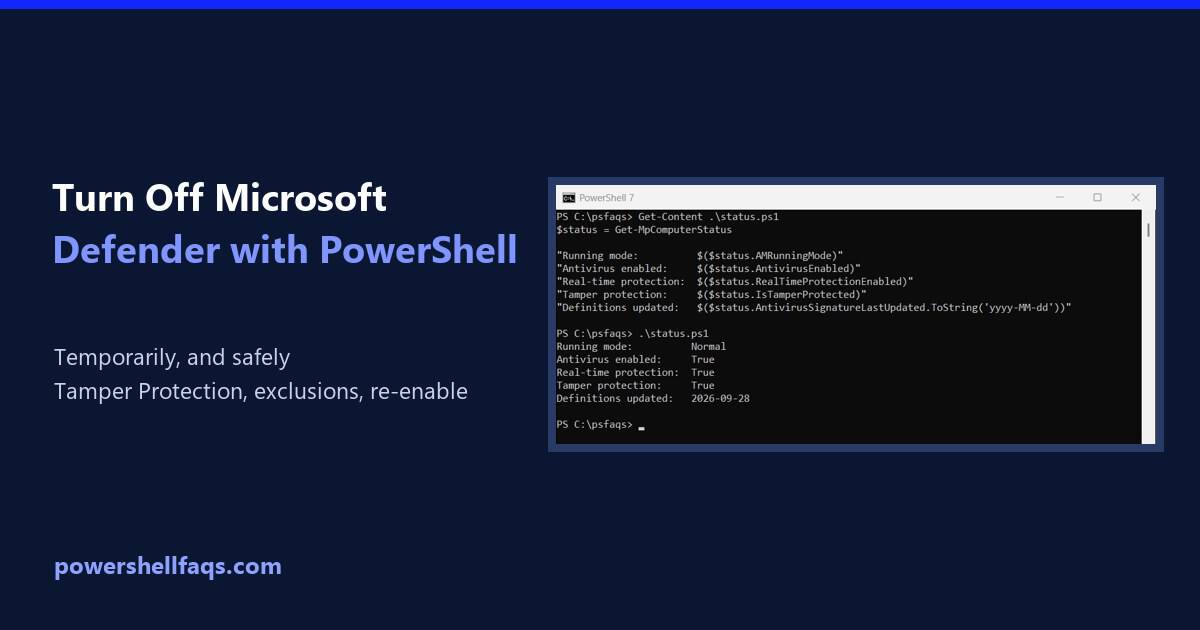
To disable Windows Defender real-time protection using PowerShell, run Set-MpPreference in an elevated window, after turning off Tamper Protection in Windows Security: Microsoft Defender Antivirus is the current name for Windows Defender. Turning it off leaves the PC unprotected, so do it only briefly while troubleshooting. Below I cover checking the status, why the command … Read more

How to Install Snipping Tool in Windows 11 Using PowerShell

Install Snipping Tool in Windows 11 using PowerShell

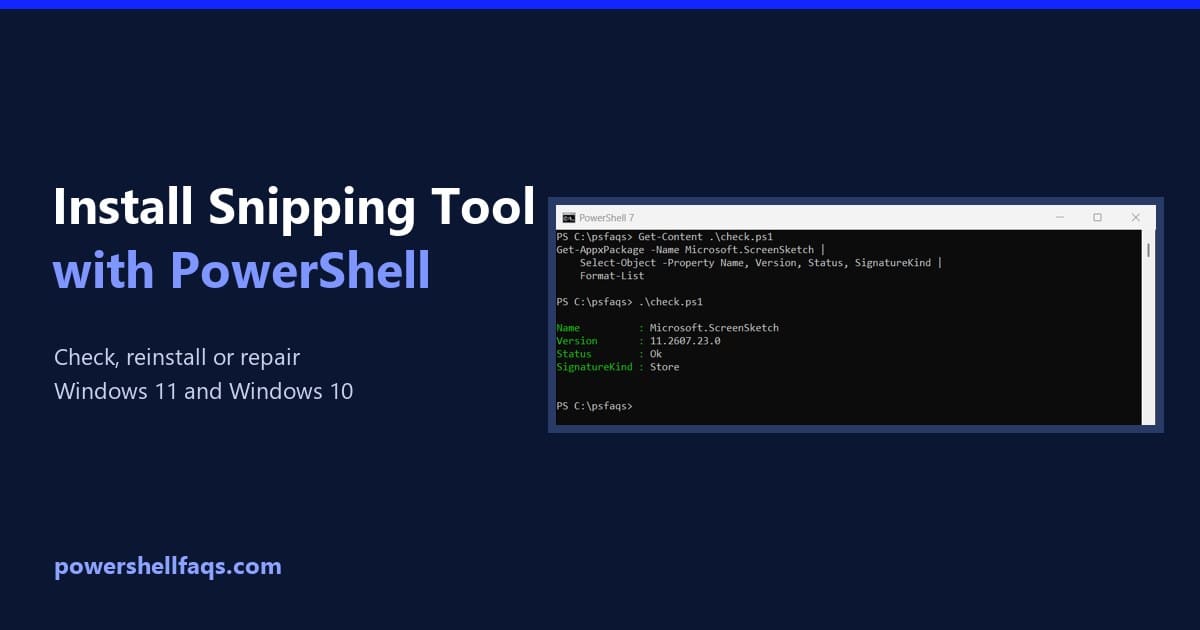
To install Snipping Tool in Windows 11 using PowerShell, install it from the Microsoft Store with winget. Snipping Tool’s Store ID is 9MZ95KL8MR0L: Windows 11 already includes Snipping Tool, so check first. Below I show how to find it, re-register it when it’s broken, reset it and reinstall it, tested in PowerShell 7.6 and Windows … Read more

How to Get an IP Address Using PowerShell in Windows

Get an IP address using PowerShell

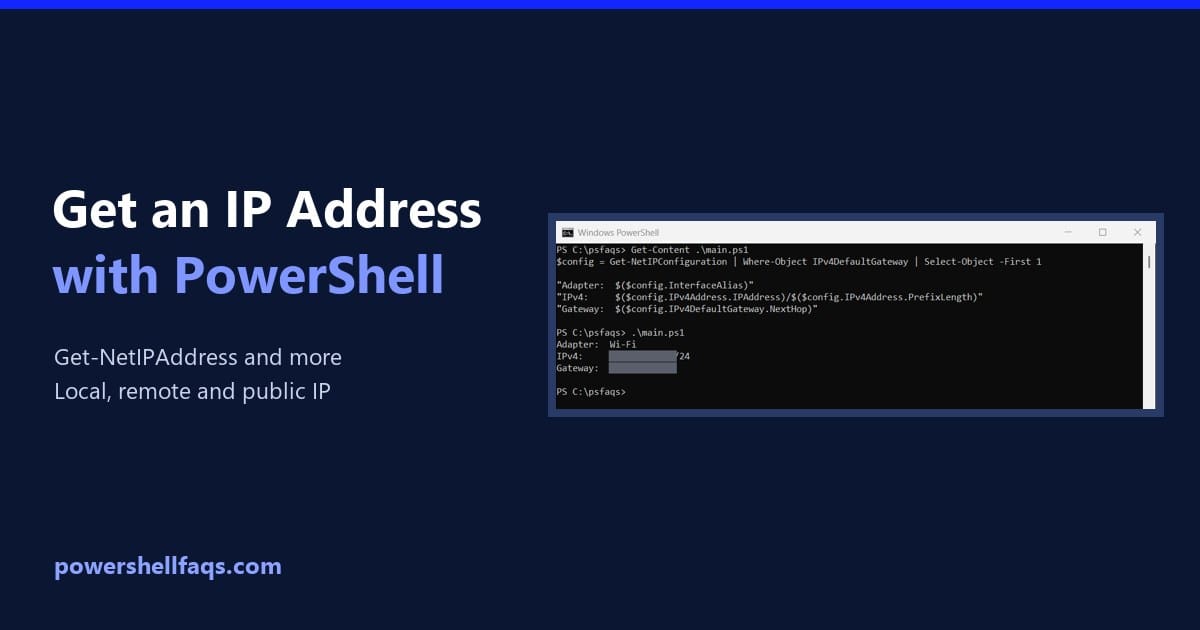
To get your IP address using PowerShell, run Get-NetIPConfiguration and read the IPv4 address of the adapter that has a default gateway. That’s the address your PC uses on the network: Below I list every address, get the main one with its gateway, return just the address for scripts, and check remote PCs and your … Read more