How to Install Windows Updates Using PowerShell
Install Windows updates using PowerShell

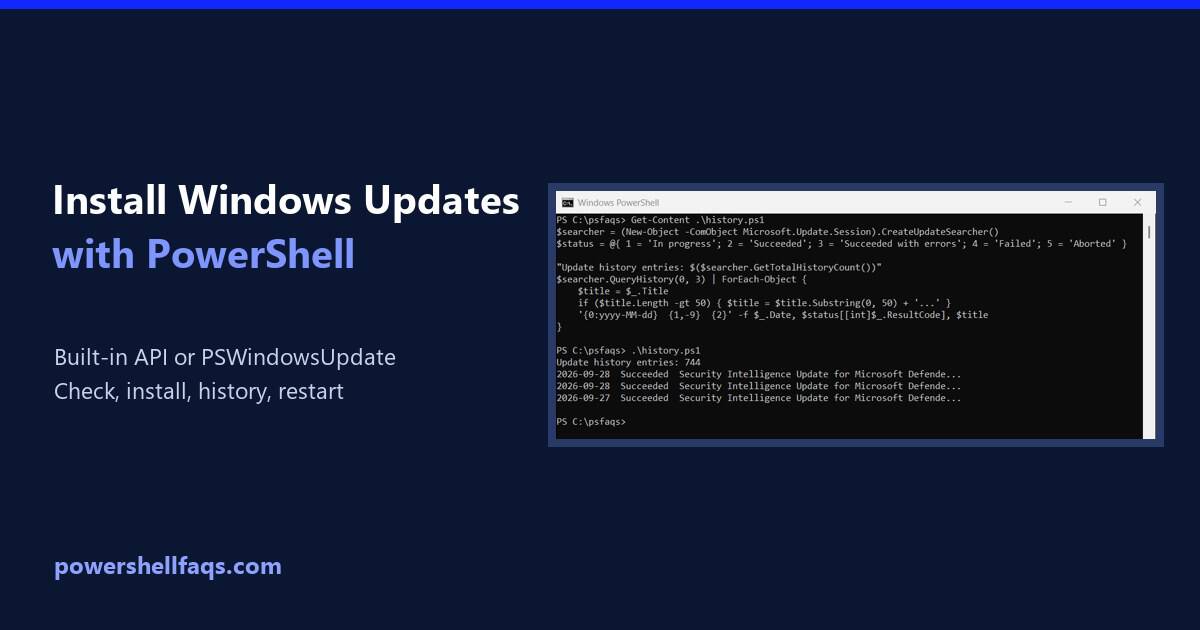
To install Windows updates using PowerShell, use the Windows Update Agent built into Windows, or the community PSWindowsUpdate module. PSWindowsUpdate is the quickest. In an elevated window, install it once, then install every available update: -AutoReboot restarts the PC if an update needs it, so leave it off on machines people are using. Below I … Read more
How to Install .NET Framework 3.5 Using PowerShell (Online and Offline)

Install .NET Framework 3.5 using PowerShell

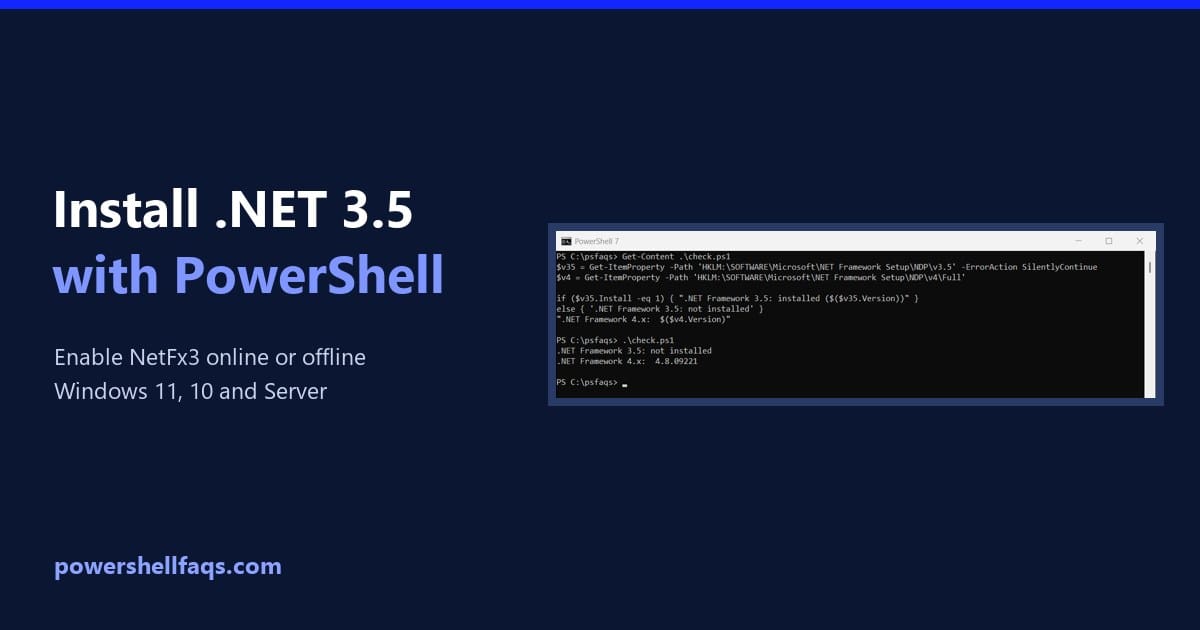
To install .NET Framework 3.5 using PowerShell, enable the NetFx3 Windows feature in an elevated window. Windows downloads the files from Windows Update: That works on Windows 11 25H2 and earlier, Windows 10 and Windows Server. Windows 11 26H1 and later need a separate installer instead. Below I cover checking, installing online and offline, and … Read more

Create Multiple Folders in PowerShell

Create Multiple Folders in PowerShell

One of my clients required me to create multiple folders. For these kinds of requirements, PowerShell scripting is the best option. In this tutorial, I will explain how to create multiple folders in PowerShell using various methods. Create Multiple Folders in PowerShell Let me explain each method with some real examples with the complete script. … Read more

How to Find an HP Laptop Product Number Using PowerShell

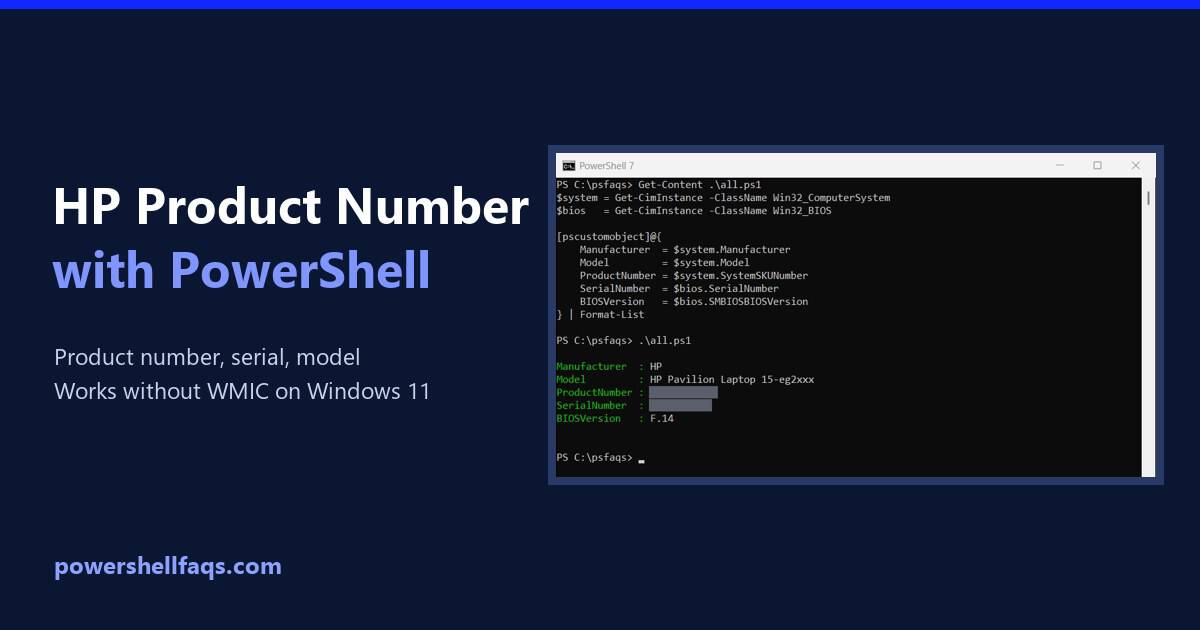
Find an HP laptop product number with PowerShell

To find an HP laptop’s product number with PowerShell, read the SystemSKUNumber property of the Win32_ComputerSystem class. That’s the number printed on the sticker, the one HP support asks for: Output: I ran everything in this guide on an HP Pavilion laptop, in PowerShell 7.6 and Windows PowerShell 5.1. A product number and serial number … Read more

How to Delete User Profiles Older Than 30 Days Using PowerShell?

As an IT administrator, managing user profiles on Windows computers is an important task to free up disk space and keep systems running smoothly. Over time, user profiles can accumulate and consume valuable storage, especially on shared devices. In this tutorial, I’ll walk you through how to use PowerShell to automatically delete user profiles older … Read more

How to Create Files with Content Using PowerShell (Text, JSON, XML)

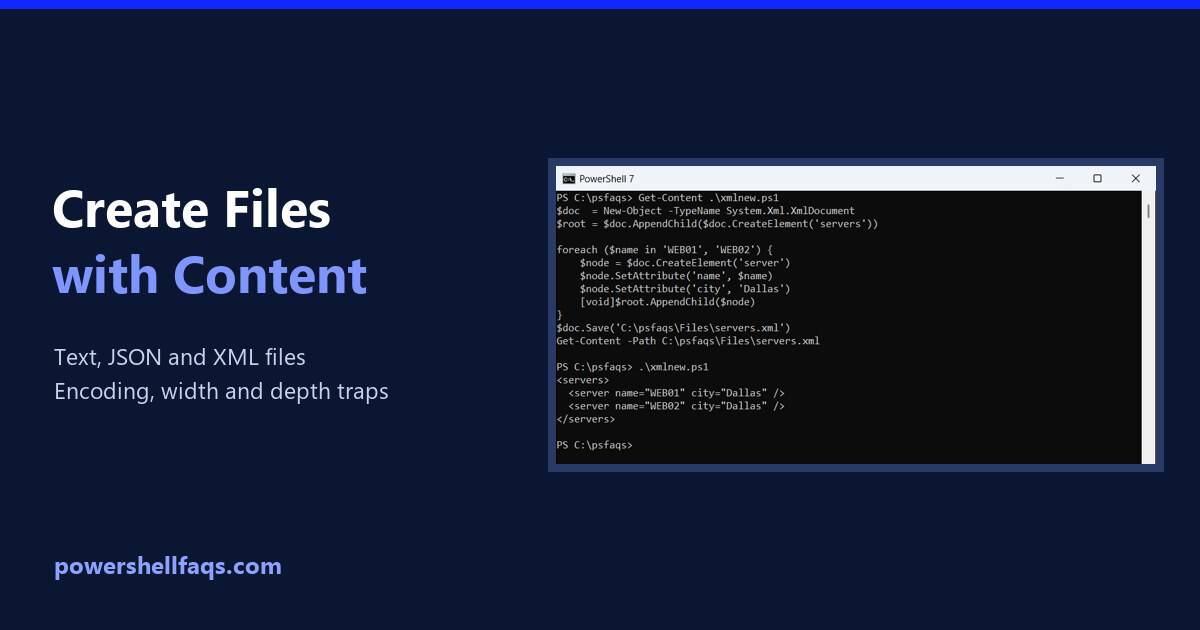
Create files with content using PowerShell

To create a file with content in PowerShell, use Set-Content -Path file -Value ‘text’. It creates the file, or replaces its content if the file already exists: Output: Below I cover multiline text, encoding, and JSON and XML files. I ran every example in PowerShell 7.6 and Windows PowerShell 5.1 and show where they write … Read more

How to Create a Folder with the Current Date Using PowerShell

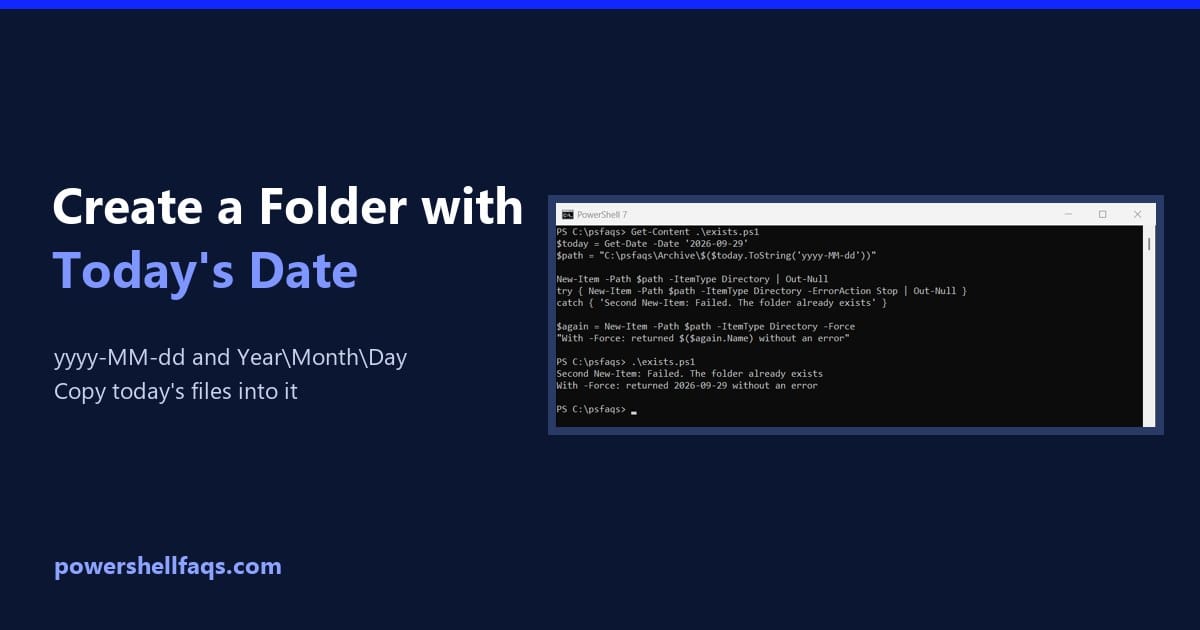
Create a folder with the current date in PowerShell

To create a folder with the current date in PowerShell, format today’s date as text and pass it to New-Item with -ItemType Directory: Output: I used a fixed date so the output doesn’t change. In a real script, use $today = Get-Date. Every example ran in PowerShell 7.6 and Windows PowerShell 5.1, with the same … Read more

How to Get All Files in a Directory Using PowerShell

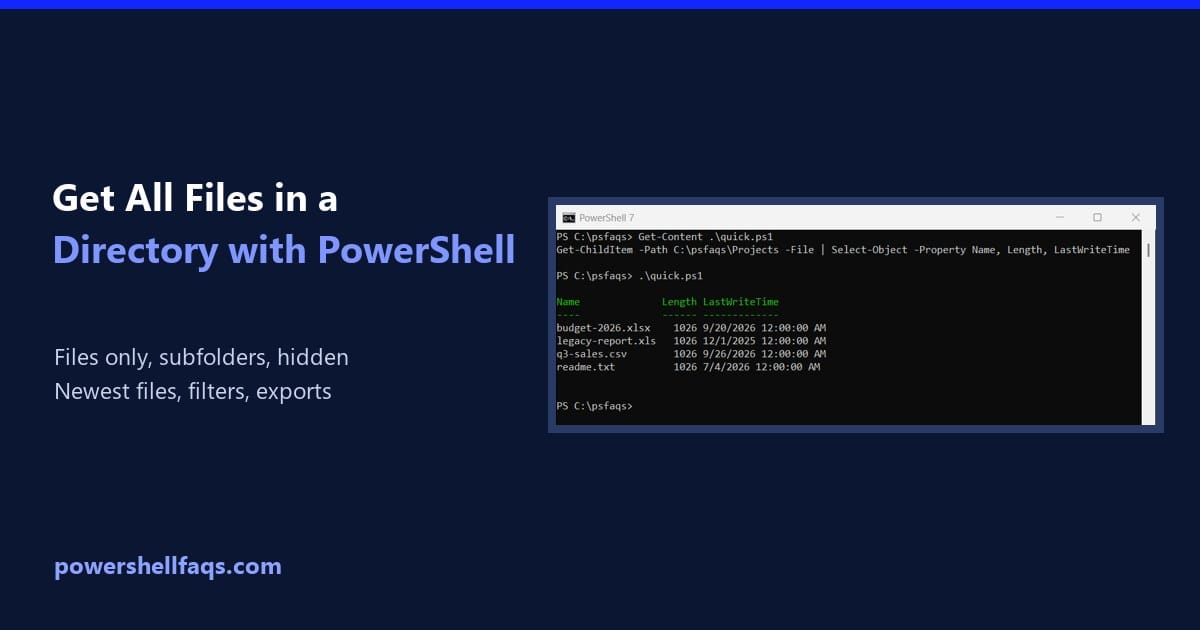
Get all files in a directory using PowerShell

To get all files in a directory with PowerShell, run Get-ChildItem with the folder path and -File. -File leaves out the subfolders: Output: Without -File, you’d get the Archive and node_modules folders in the list too. Use -Directory when you want only folders. I ran every example in PowerShell 7.6 and Windows PowerShell 5.1. Include … Read more

How to Remove the Last Line from a File Using PowerShell

Remove the last line from a file with PowerShell

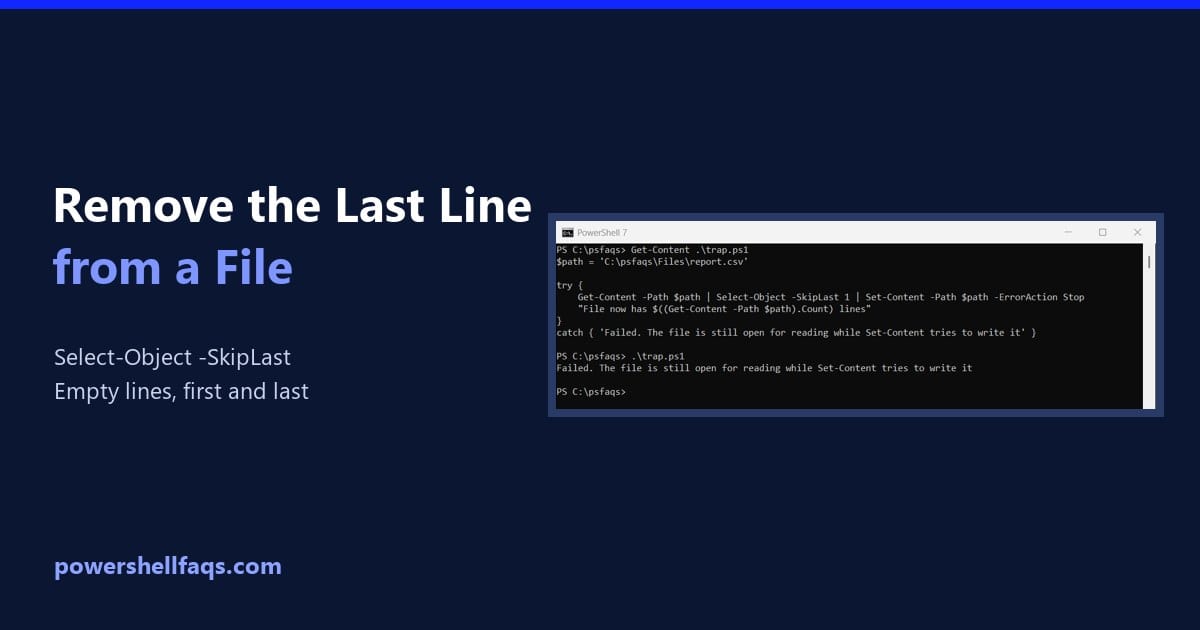
To remove the last line from a file with PowerShell, read the lines with Get-Content, drop the last one with Select-Object -SkipLast 1, and write the rest back with Set-Content: Output: Reading into a variable first matters, as the next section shows. I ran every example in PowerShell 7.6 and Windows PowerShell 5.1, with the … Read more

Fix: The File Is Not Digitally Signed. You Cannot Run This Script

Fix the file is not digitally signed error in PowerShell

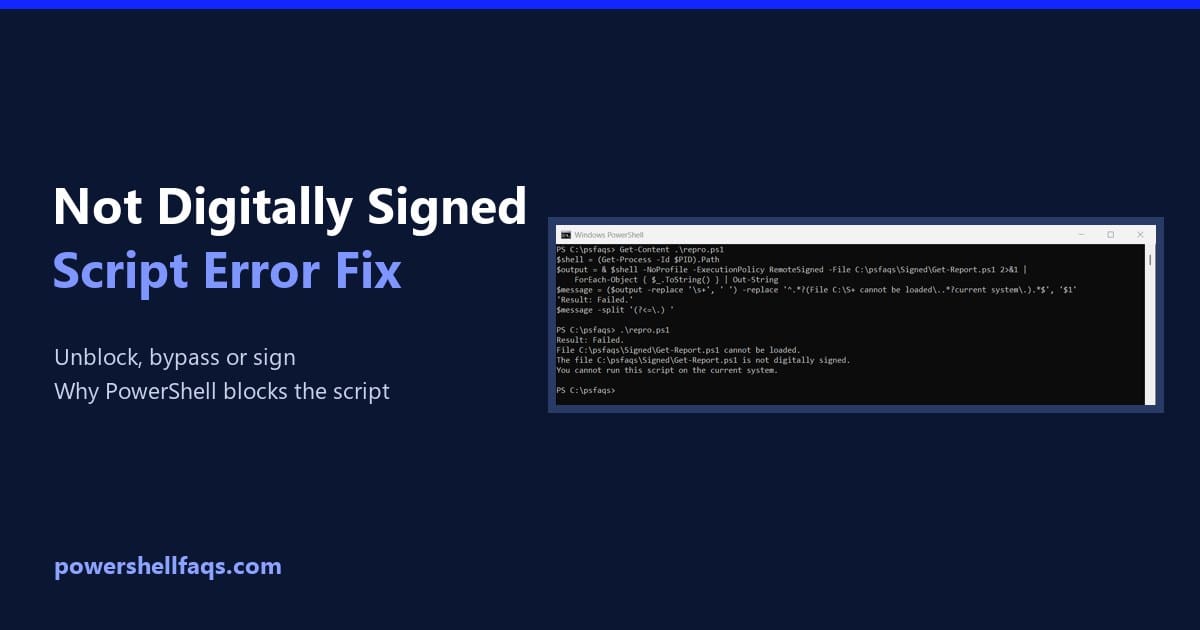
The “file is not digitally signed. You cannot run this script on the current system” error means your execution policy only runs signed scripts, and this one isn’t signed. For a script you trust, the quickest fix is to unblock it: Below I reproduce the error, show why it happens, and walk through four fixes … Read more