PowerShell Get-ChildItem Filter Examples
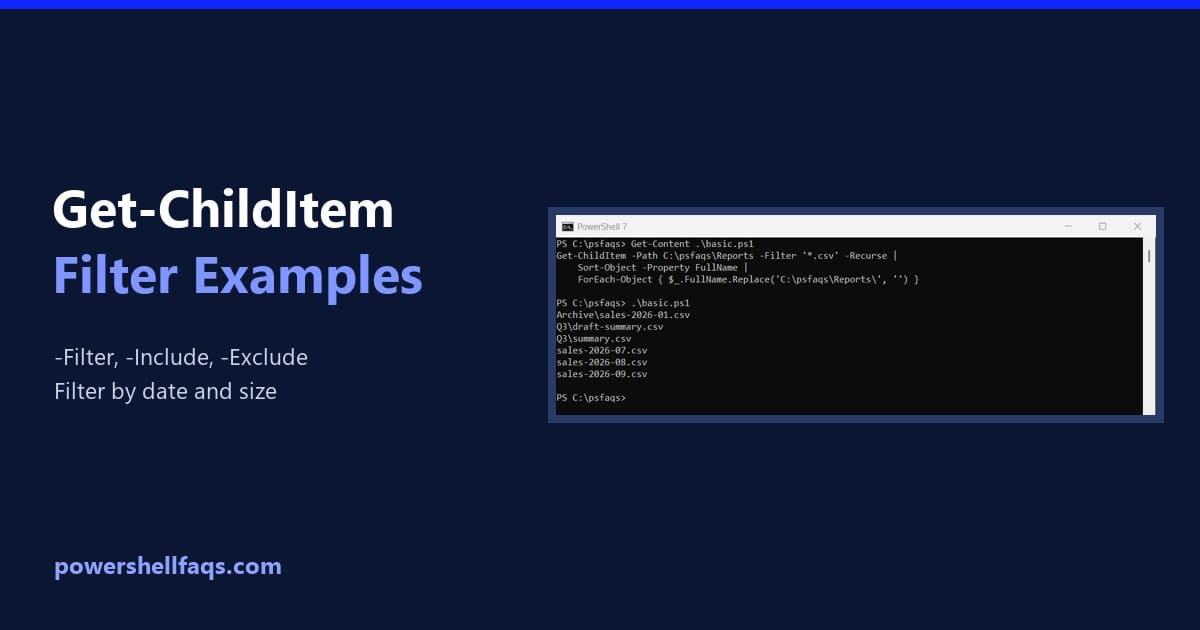
PowerShell Get-ChildItem filter examples

To filter files with Get-ChildItem, pass a wildcard pattern to -Filter. Add -Recurse to search subfolders too: Output: -Filter is the fastest option because the file system does the matching. Below I compare it with -Include and -Exclude, show a gotcha that returns nothing, and filter by date and size. All of it runs in … Read more
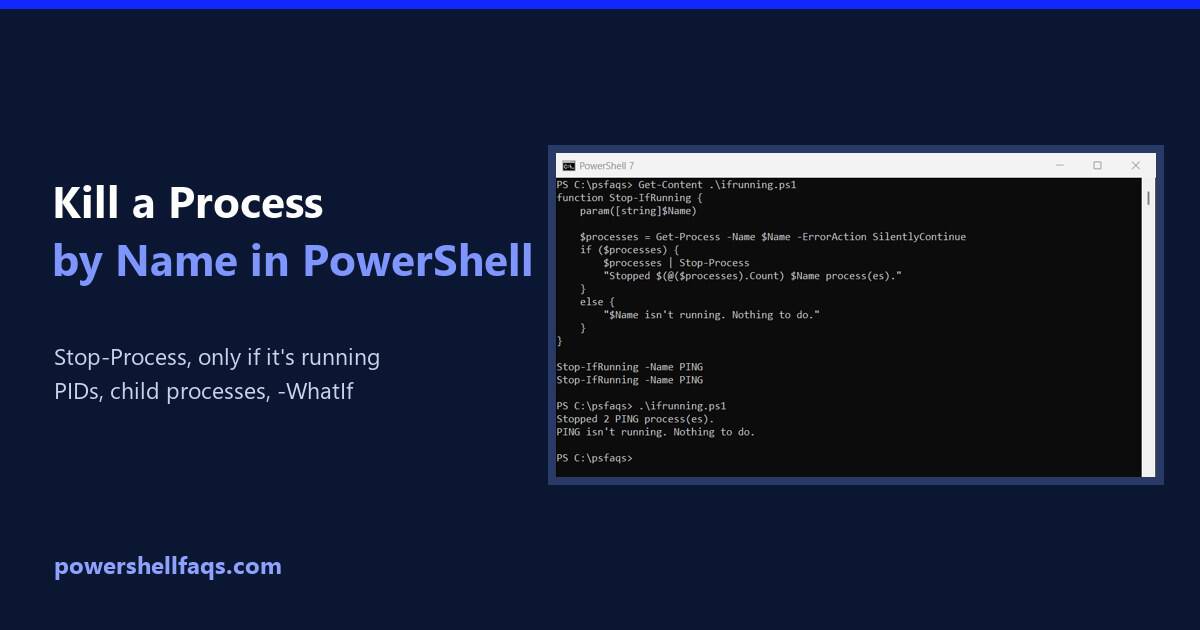
How to Kill a Process by Name in PowerShell

Kill a process by name in PowerShell

To kill a process by name in PowerShell, run Stop-Process -Name followed by the process name, without .exe. It stops every running process with that name: For the tests in this guide, I started a few hidden ping.exe processes, so nothing real was harmed. Here the command stops two of them: Output: I ran every … Read more

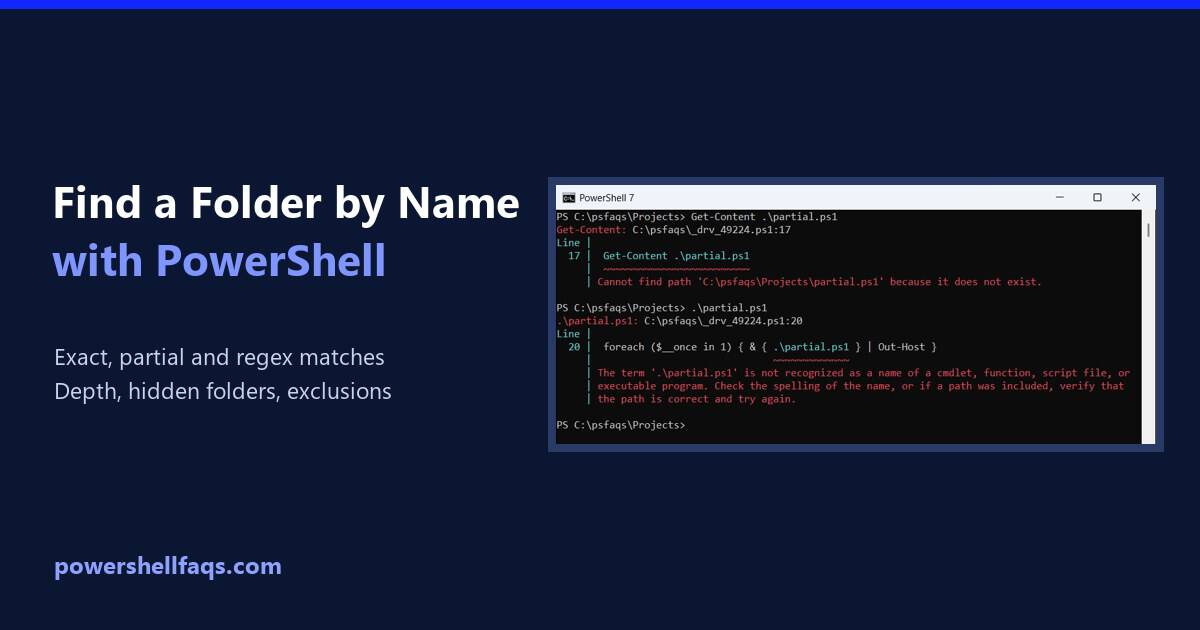
How to Find a Folder by Name in PowerShell

Find a folder by name in PowerShell

To find a folder by name in PowerShell, run Get-ChildItem with -Directory, -Recurse and the folder name in -Filter. The match ignores case: Output: I searched a sample Projects folder so the output stays the same. Every example ran in PowerShell 7.6 and Windows PowerShell 5.1 with the same results. Find folders by partial name … Read more

How to Enable BitLocker with PowerShell (Step by Step)

Enable BitLocker with PowerShell

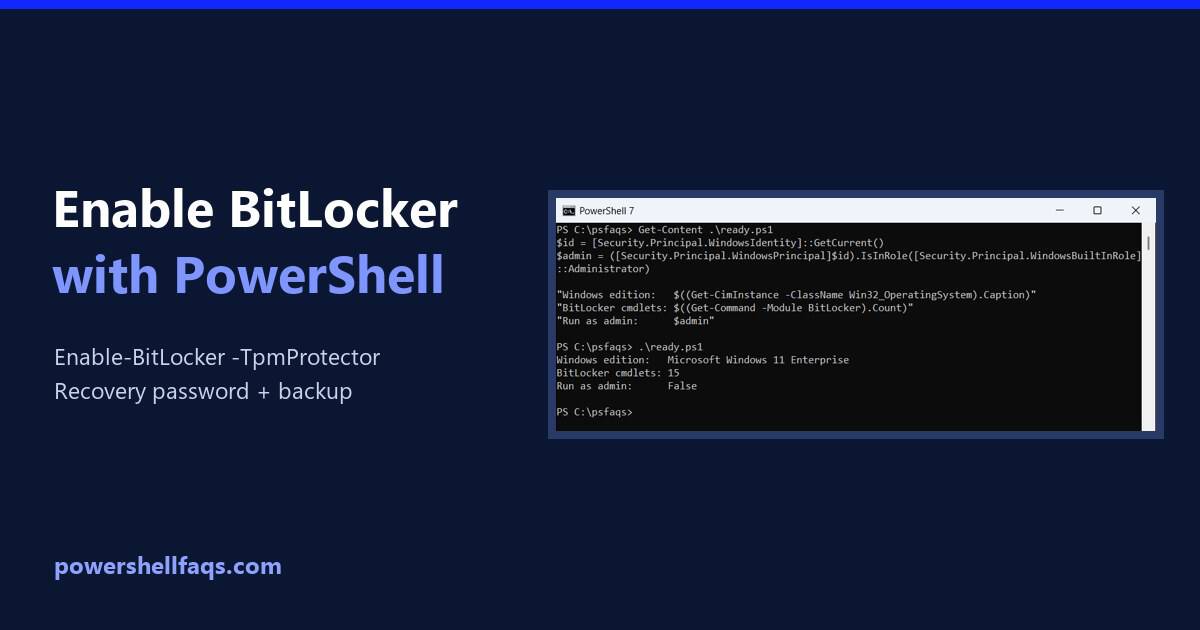
To enable BitLocker with PowerShell, open PowerShell as administrator, add a recovery password, back it up, then run Enable-BitLocker with a TPM protector: Encryption then runs in the background. Below I cover the checks to do first, every protector type, data drives, backing up the recovery key and tracking progress. I ran the read-only checks … Read more

How to Find Ports in Use with PowerShell

Find ports in use with PowerShell

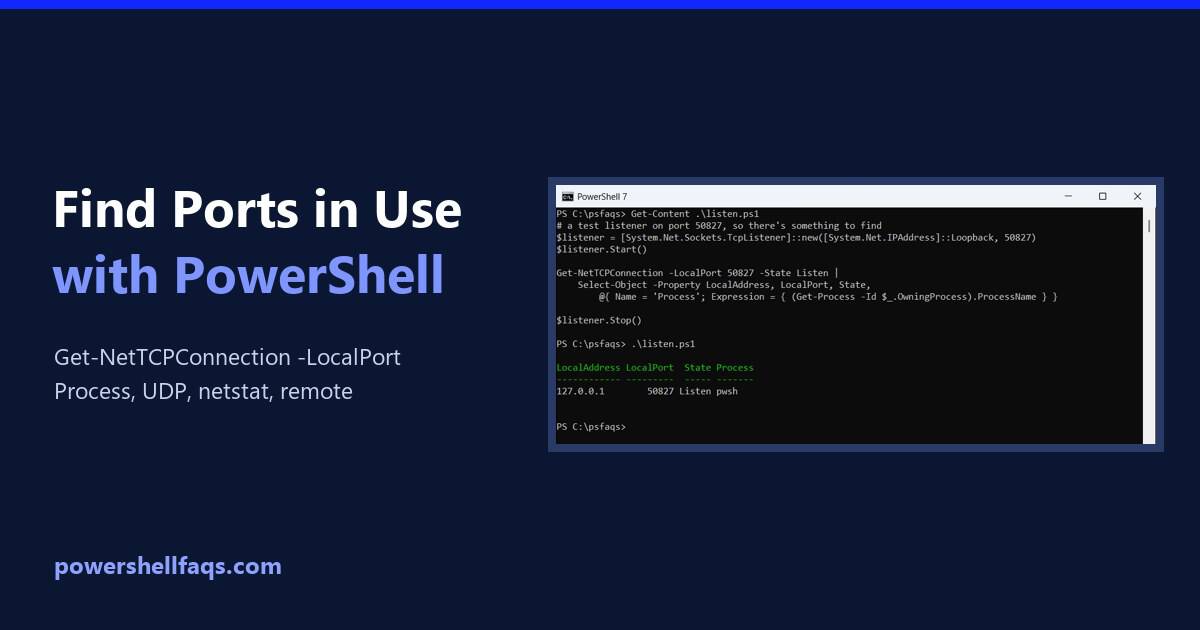
To find which ports are in use with PowerShell, list the listening TCP ports with Get-NetTCPConnection and add the process that owns each one: Below I find who’s using one specific port, write a quick in-use test, check UDP ports, compare with netstat and test ports on other computers. A list of my own PC’s … Read more

How to Find the Location of an Executable in PowerShell

Find the location of an executable in PowerShell

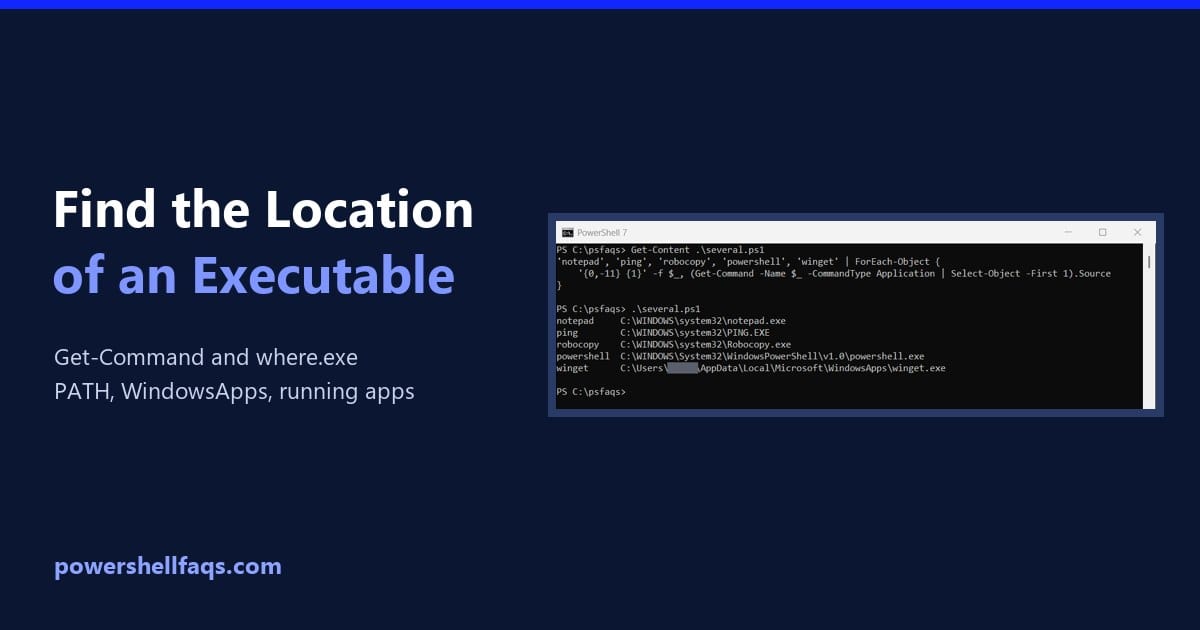
To find the location of an executable in PowerShell, run Get-Command and read its Source property. It searches the folders in your PATH, just like running the program does: Output: Below I look up several programs at once, list every copy with -All and where.exe, and find where a running program lives. I used only … Read more

How to Find the Most Recent File in a Directory with PowerShell

Find the most recent file in a folder with PowerShell

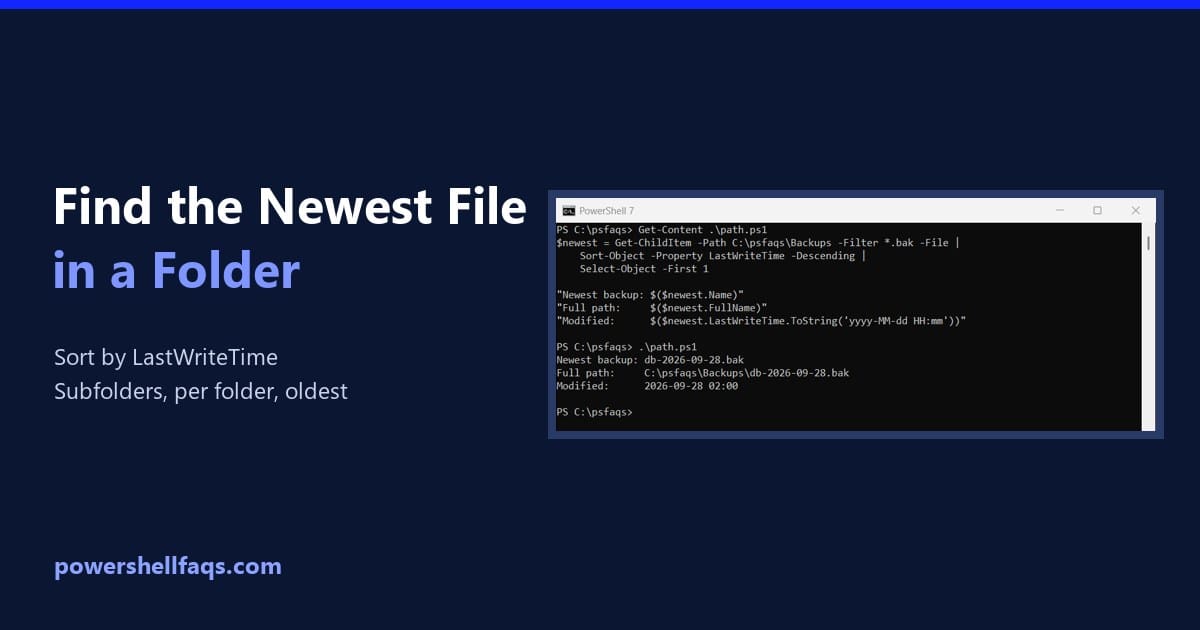
To find the most recent file in a directory with PowerShell, list the files with Get-ChildItem, sort them by LastWriteTime from newest to oldest, and keep the first one: Output: LastWriteTime is the date Windows shows as Date modified. I ran every example in PowerShell 7.6 and Windows PowerShell 5.1 against the same sample folder, … Read more

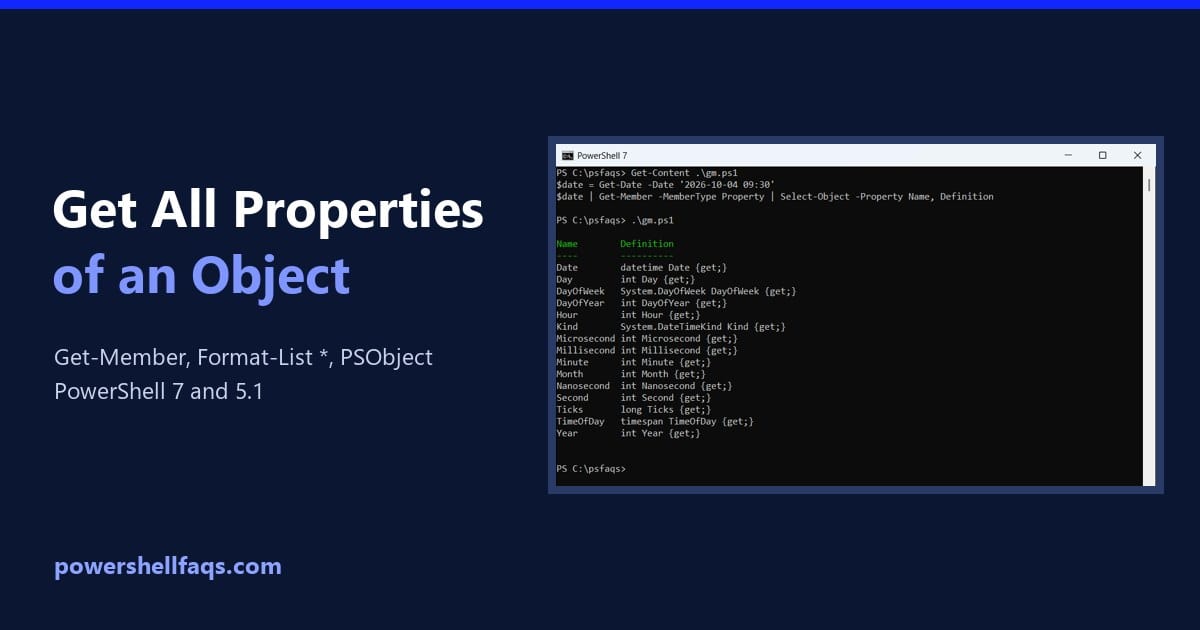
How to Get All Properties of an Object in PowerShell

Get all properties of an object in PowerShell

To get all properties of an object in PowerShell, pipe it to Format-List with an asterisk. You get every property name with its value: To see just the names and types, use Get-Member -MemberType Property instead. Below I compare both, loop through properties in a script, find hidden members and dig into nested objects. I … Read more

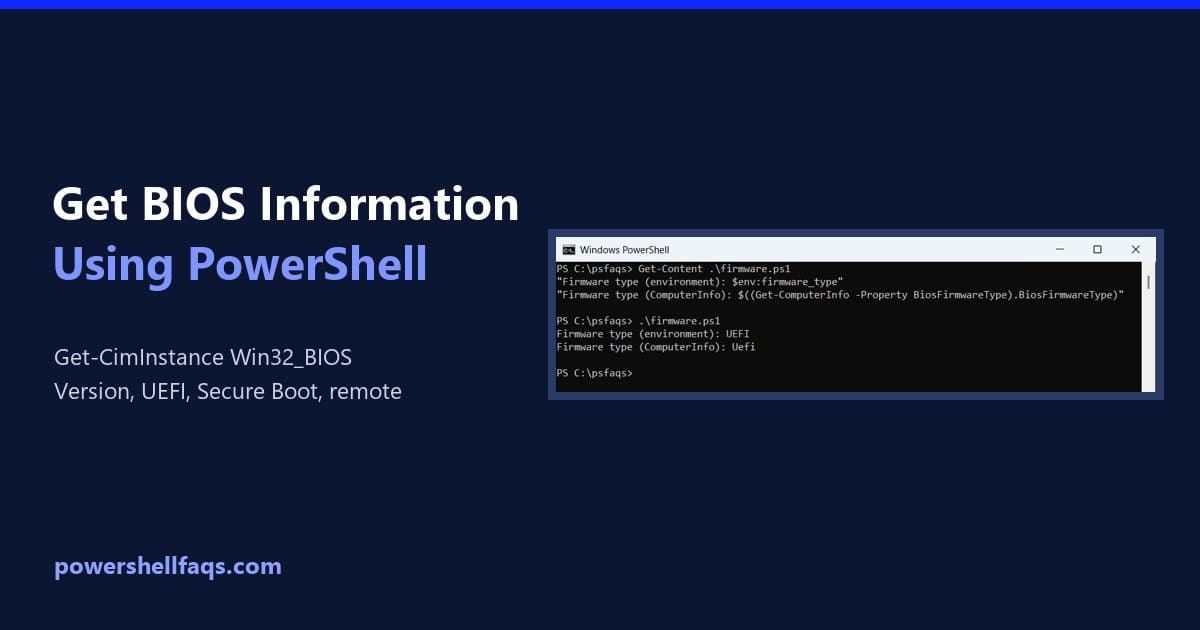
How to Get BIOS Information Using PowerShell

Get BIOS information using PowerShell

To get BIOS information using PowerShell, query the Win32_BIOS class with Get-CimInstance. It shows the manufacturer, BIOS version, release date and serial number without a restart: It works without admin rights in PowerShell 7 and 5.1. Below I pick the useful properties, check UEFI and Secure Boot, query remote PCs and build an inventory report. … Read more

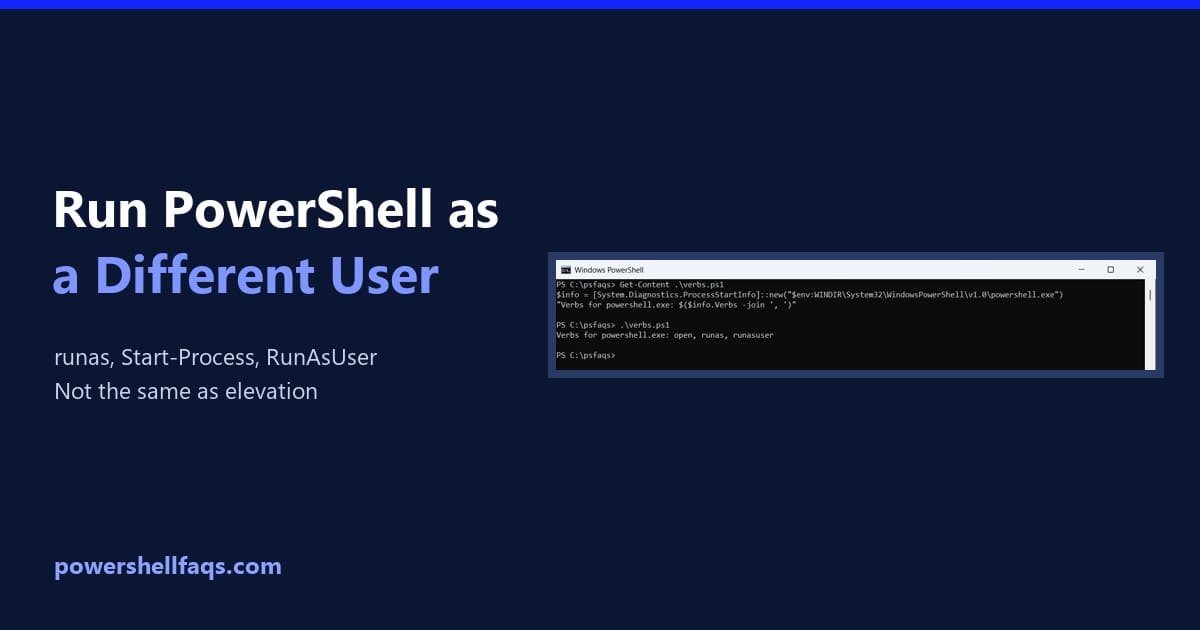
How to Run PowerShell as a Different User (3 Ways)

Run PowerShell as a different user

To run PowerShell as a different user, start a new PowerShell process with the other account’s credentials. The quickest way is Start-Process with Get-Credential, which asks for the password in a secure prompt: Below I check who you’re running as now, show every way to switch accounts, and explain how this differs from Run as … Read more