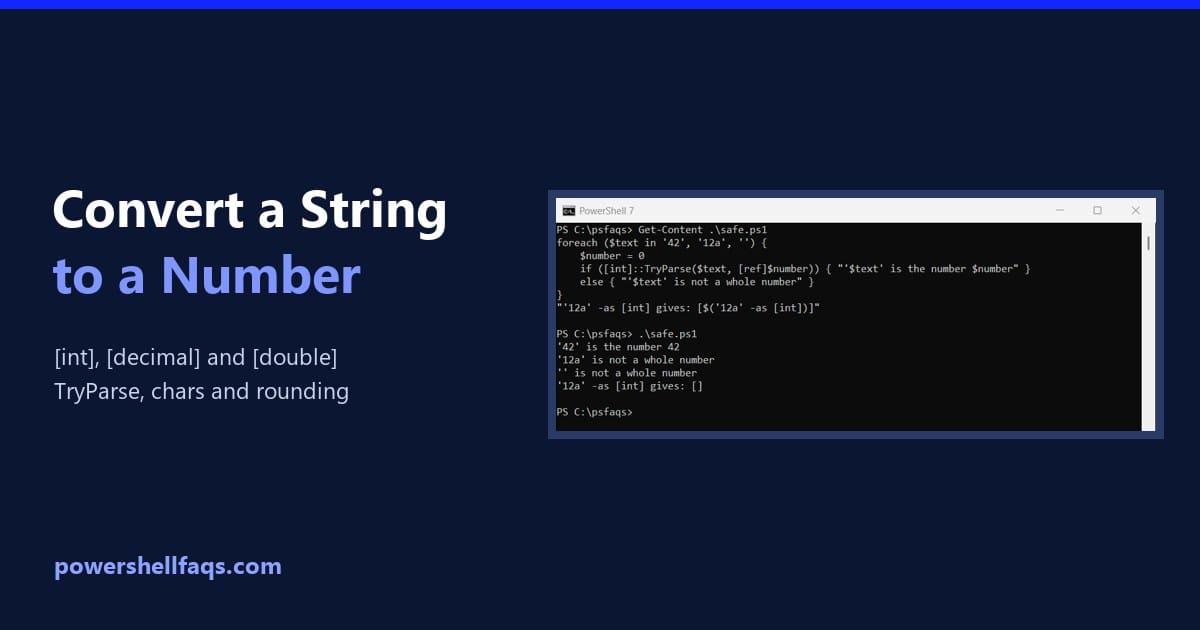
How to Convert a String to an Integer in PowerShell (and Decimal, Double)
Convert string to int in PowerShell

To convert a string to an integer in PowerShell, cast it with [int]. After that, math works as numbers instead of text: Output: Use [decimal] for money and [double] for other fractions. Below I cover safe conversion, rounding, commas, characters and scientific notation. I ran every example in PowerShell 7.6 and Windows PowerShell 5.1, with … Read more

100 PowerShell Interview Questions and Answers

powershell interview questions and answers

PowerShell developers and administrators in the United States can expect a wide range of salaries based on their expertise, experience, and the specific demands of their roles. A PowerShell developer earns around $119,600 annually, with entry-level positions starting at approximately $104,000 annually. More experienced professionals can command salaries up to $177,000 per year. A PowerShell … Read more

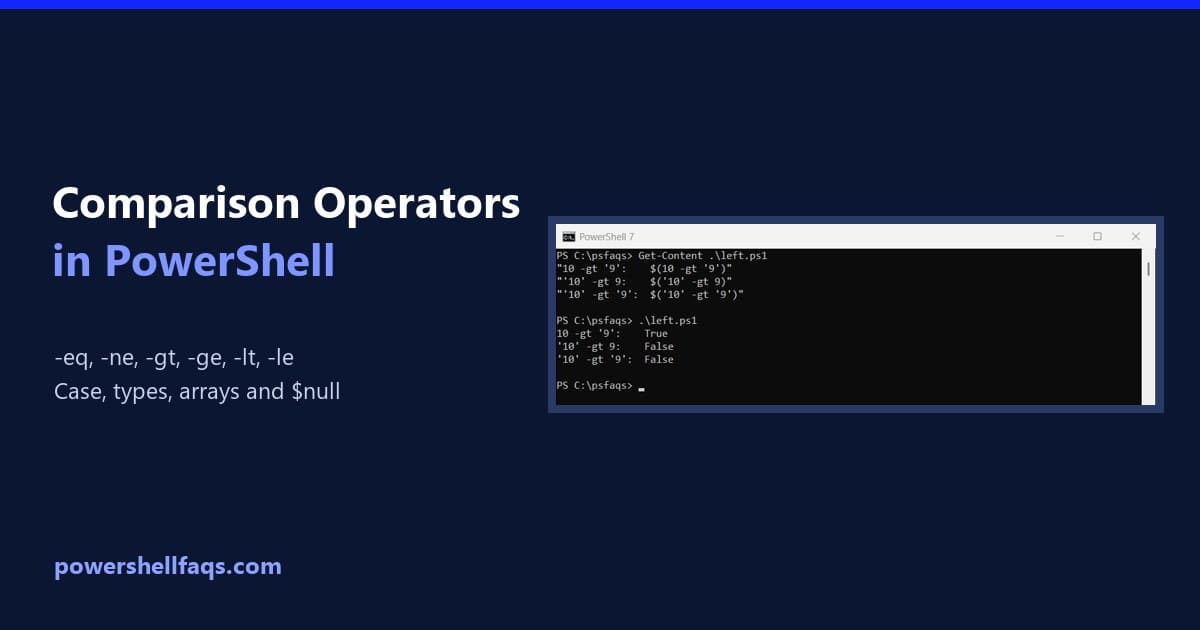
PowerShell Comparison Operators: -eq, -ne, -gt, -ge, -lt, -le

PowerShell comparison operators

PowerShell’s comparison operators are -eq (equal), -ne (not equal), -gt (greater than), -ge (greater than or equal), -lt (less than) and -le (less than or equal). Each returns True or False: Output: PowerShell uses these letter operators instead of =, > and <, which mean something else here. I ran every example in PowerShell 7.6 … Read more

How to Convert a String to a Hashtable in PowerShell (and Back)

Convert a string to a hashtable in PowerShell

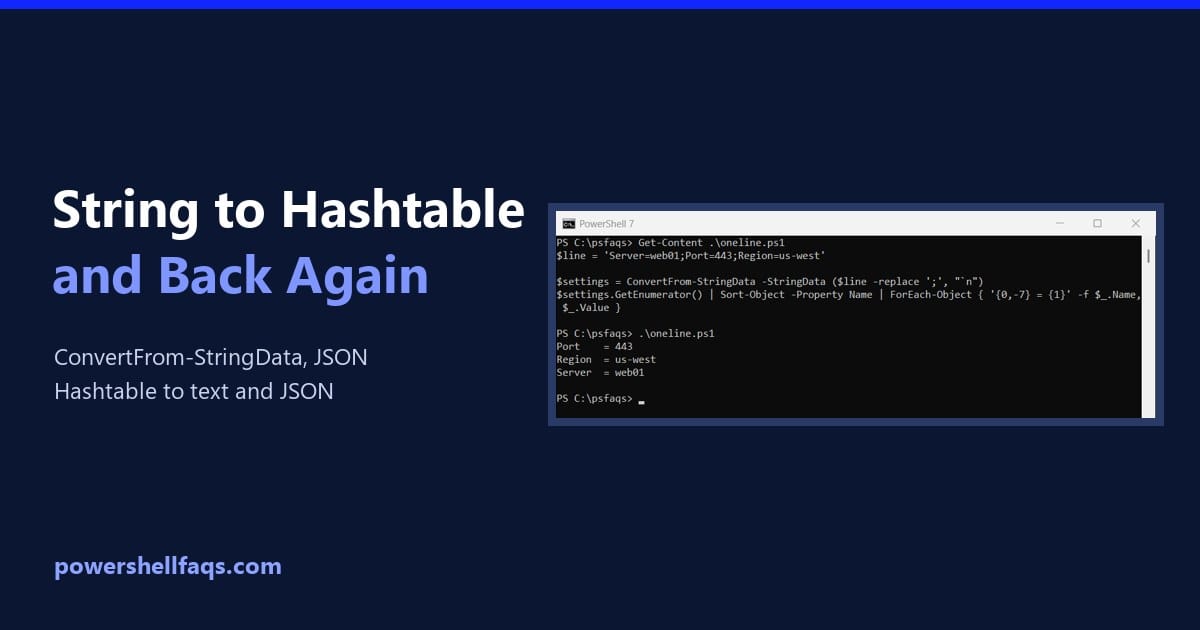
To convert a string to a hashtable in PowerShell, use ConvertFrom-StringData. It reads text with one key=value pair per line and returns a hashtable: Output: Below I handle one-line strings, backslashes, JSON and value types, then go the other way and turn a hashtable back into a string. Every example ran in PowerShell 7.6 and … Read more

How to Remove Characters from Strings in PowerShell

Remove characters from strings in PowerShell

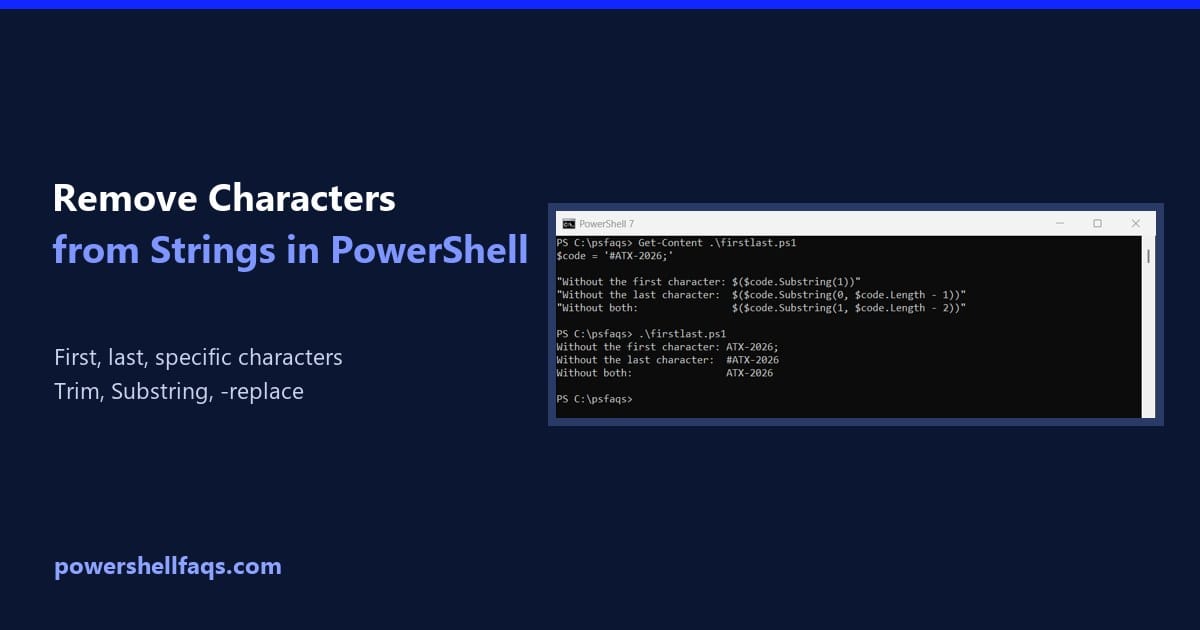
To remove characters from a string in PowerShell, replace them with nothing. Use .Replace() for exact characters, or -replace with a pattern to remove a whole group at once: Output: The second line keeps only the digits, which is the easiest way to clean up a US phone number. I ran every example in PowerShell … Read more

How to Convert Object to String in PowerShell?

Convert Object to String in PowerShell

If you are working with strings in PowerShell and want to know how to convert objects to strings in PowerShell, check out this complete tutorial. I have explained the process in detail with examples. To convert an object to a string in PowerShell, you can use the Out-String cmdlet, the -join operator, or the ToString() … Read more

How to Convert a String to Base64 in PowerShell (and Back)

Convert a string to Base64 in PowerShell

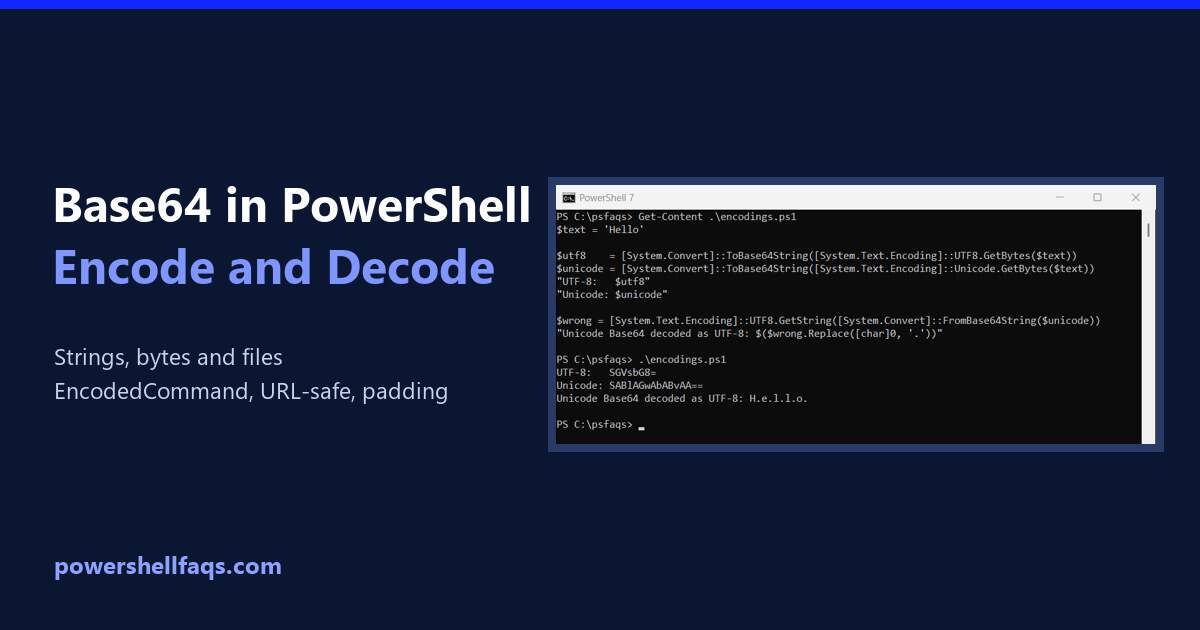
To convert a string to Base64 in PowerShell, turn the text into bytes with [System.Text.Encoding]::UTF8.GetBytes(), then pass the bytes to [System.Convert]::ToBase64String(): Output: To decode Base64 back to text, reverse the two steps. FromBase64String() returns the bytes, and GetString() turns them into text: Output: I ran every example in PowerShell 7.6 and Windows PowerShell 5.1. The … Read more

How to Convert a String to a Date in PowerShell

Convert a string to a date in PowerShell

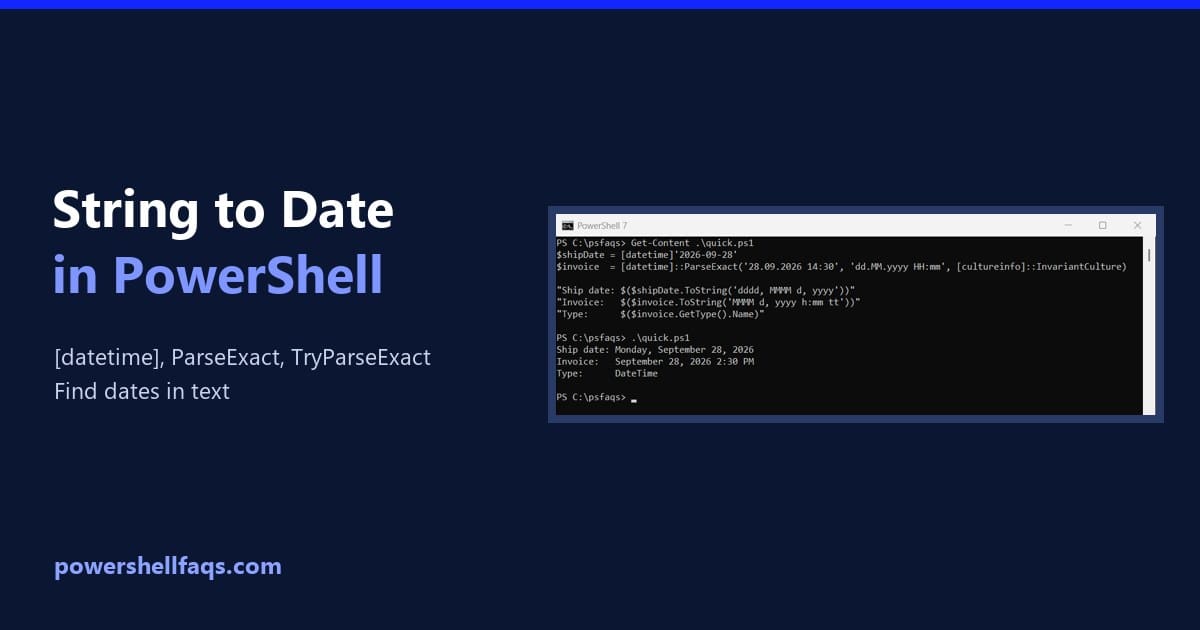
To convert a string to a date in PowerShell, cast it with [datetime] when it’s in US or ISO format. For any other layout, use [datetime]::ParseExact() and tell it the exact format: Output: Once it’s a DateTime, you can format it, compare it and do date math with it. I ran every example in PowerShell … Read more

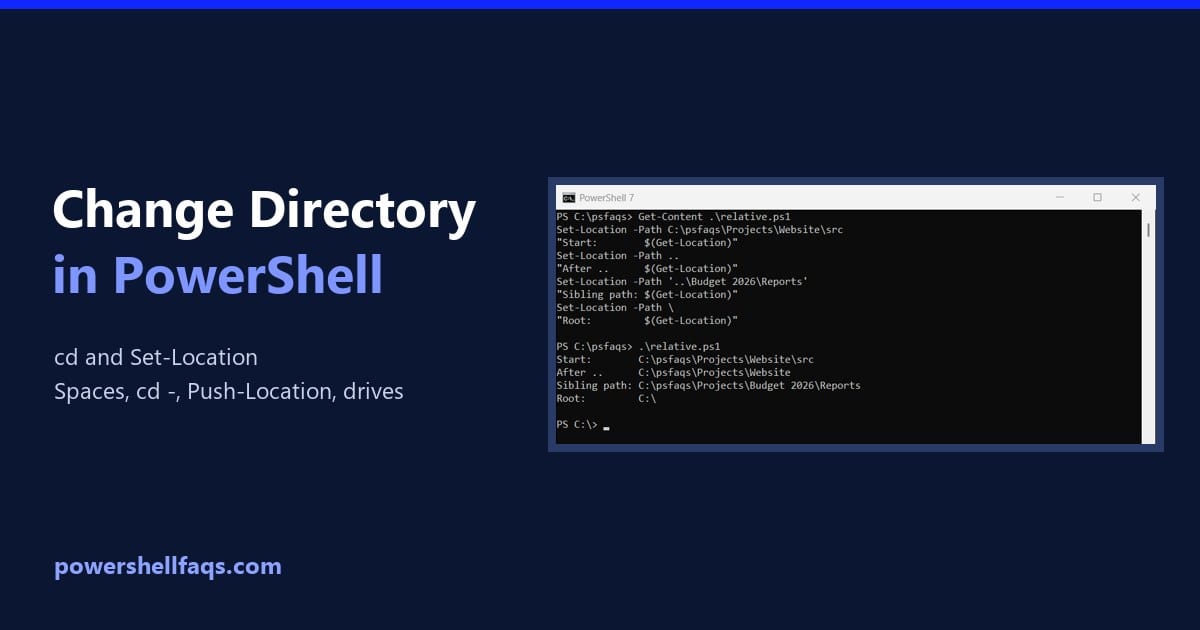
How to Change Directory in PowerShell (cd and Set-Location)

Change directory in PowerShell

To change directory in PowerShell, use Set-Location, or its short alias cd, followed by the folder path. Get-Location shows where you are now: Output: Below I cover relative paths, folders with spaces, going back to the previous folder, and a .NET gotcha that trips up scripts. Every example ran in PowerShell 7.6 and Windows PowerShell … Read more