How to Unblock Files Recursively Using Unblock-File in PowerShell
Unblock files recursively in PowerShell

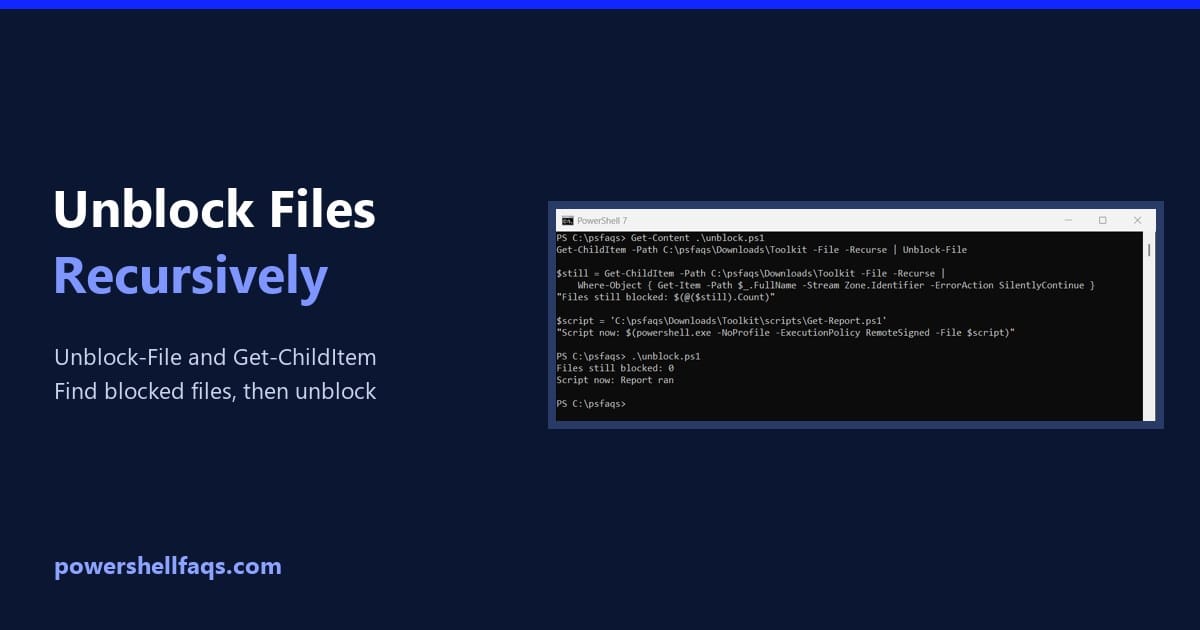
To unblock files recursively in PowerShell, list every file in the folder with Get-ChildItem -Recurse and pipe them to Unblock-File: Only do this for files you trust. Below I show how Windows marks downloads, how to find blocked files first, and how to unblock only scripts, all tested in PowerShell 7.6 and 5.1. Why Windows … Read more
How to Convert an Array to a String in PowerShell

Convert an array to a string in PowerShell

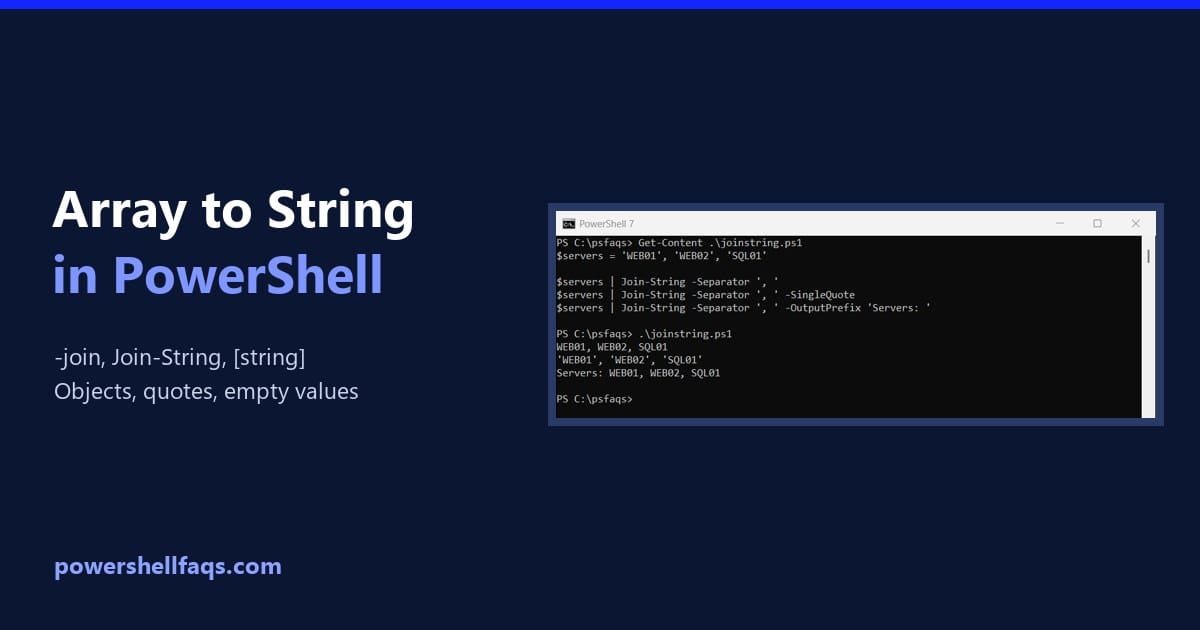
To convert an array to a string in PowerShell, use the -join operator with the separator you want between the items: Output: -join works with any separator, including none. It’s the method I’d reach for first, because it’s short, clear and works the same in every PowerShell version. I ran every example in PowerShell 7.6 … Read more

PowerShell Find and Replace in File (Without Breaking It)

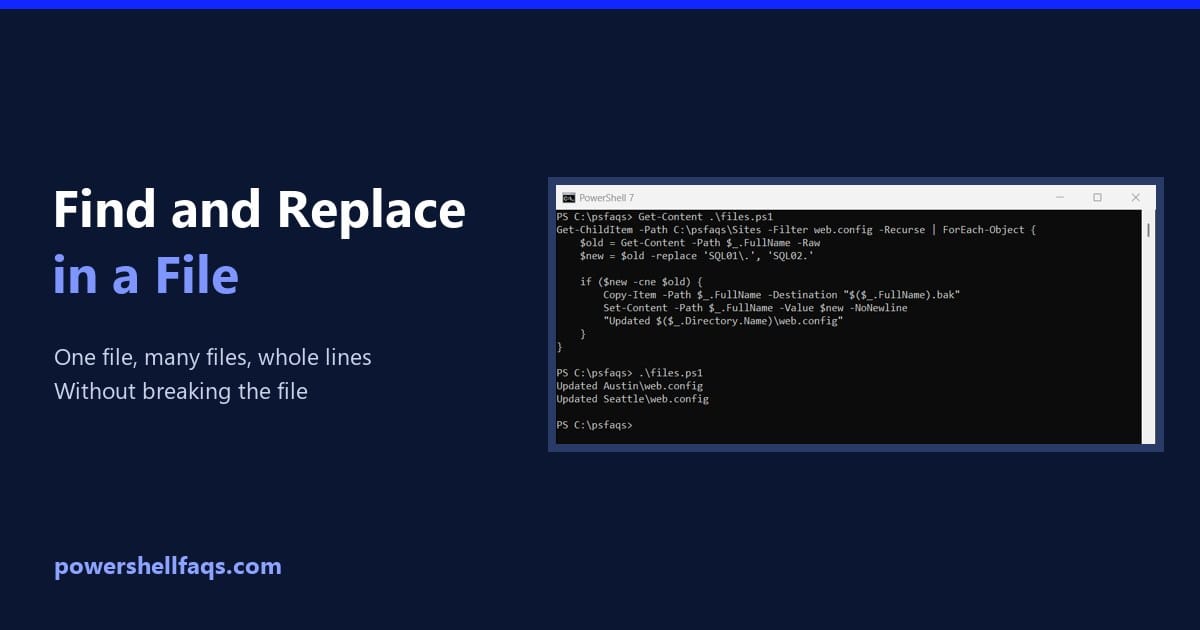
PowerShell find and replace in file

To find and replace text in a file with PowerShell, read the file with Get-Content in parentheses, use -replace, and write it back with Set-Content: Output (the new file content): The parentheses matter, and so do a few other details that quietly damage files. I ran every example in PowerShell 7.6 and Windows PowerShell 5.1 … Read more

How To Create File If Not Exists In PowerShell? [4 Methods]

Create File If Not Exists In PowerShell

One of my clients recently required me to create a file if it doesn’t exist. PowerShell is the best option for this kind of requirement. In this tutorial, I will show you different methods to check for the existence of a file and create it if it doesn’t exist using PowerShell. To create a file … Read more

Try Catch in PowerShell (With Finally and Examples)

Try catch in PowerShell

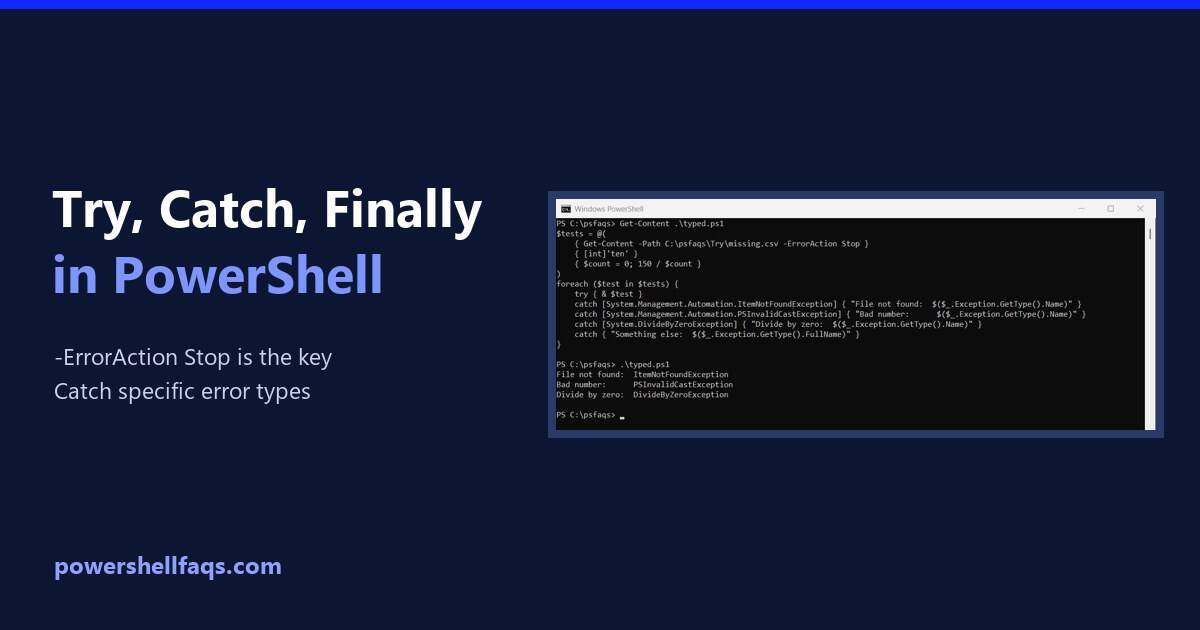
In PowerShell, try/catch runs the code in try and jumps to catch when a terminating error happens. For cmdlets, add -ErrorAction Stop so their errors reach the catch block: Output: Inside catch, $_ is the error record, and $_.Exception.Message is the readable message. Below I explain why catch sometimes doesn’t run, catch specific error types, … Read more

How to Compare Strings in PowerShell

Compare strings in PowerShell

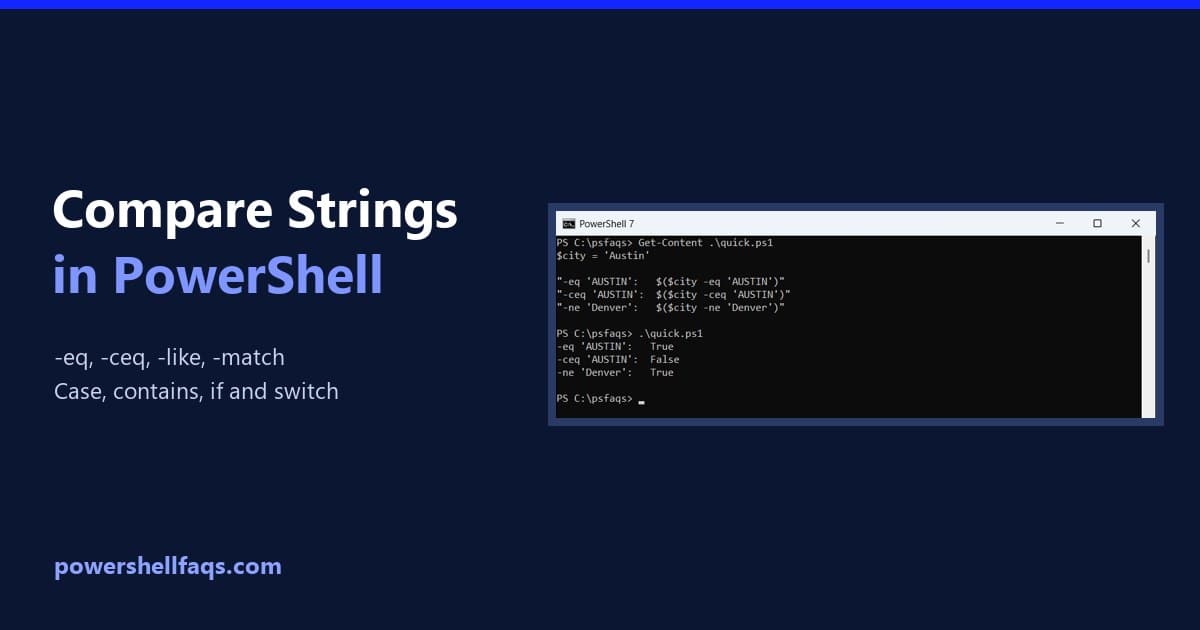
To compare strings in PowerShell, use -eq for equal and -ne for not equal. Both ignore case, so add a c for a case-sensitive comparison, like -ceq: Output: I ran every example in PowerShell 7.6 and Windows PowerShell 5.1. Everything matched except one .NET method overload, which I point out below. Case-sensitive and case-insensitive comparison … Read more

PowerShell If, ElseIf and Else Statements (With Examples)

PowerShell if else statements

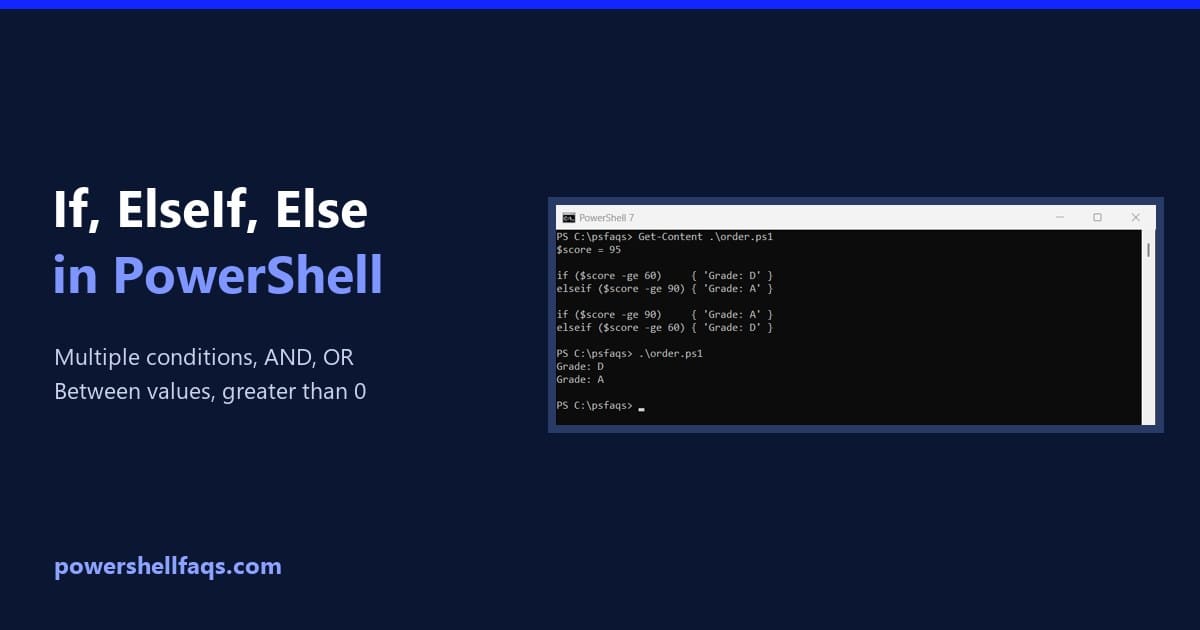
In PowerShell, an if statement runs a block of code when its condition is true. Add elseif for more conditions and else for everything else. The condition goes in parentheses and the code in braces: Output: PowerShell checks each condition from the top and runs only the first block that’s true. I ran every example … Read more

How to Trim Strings in PowerShell

Trim strings in PowerShell

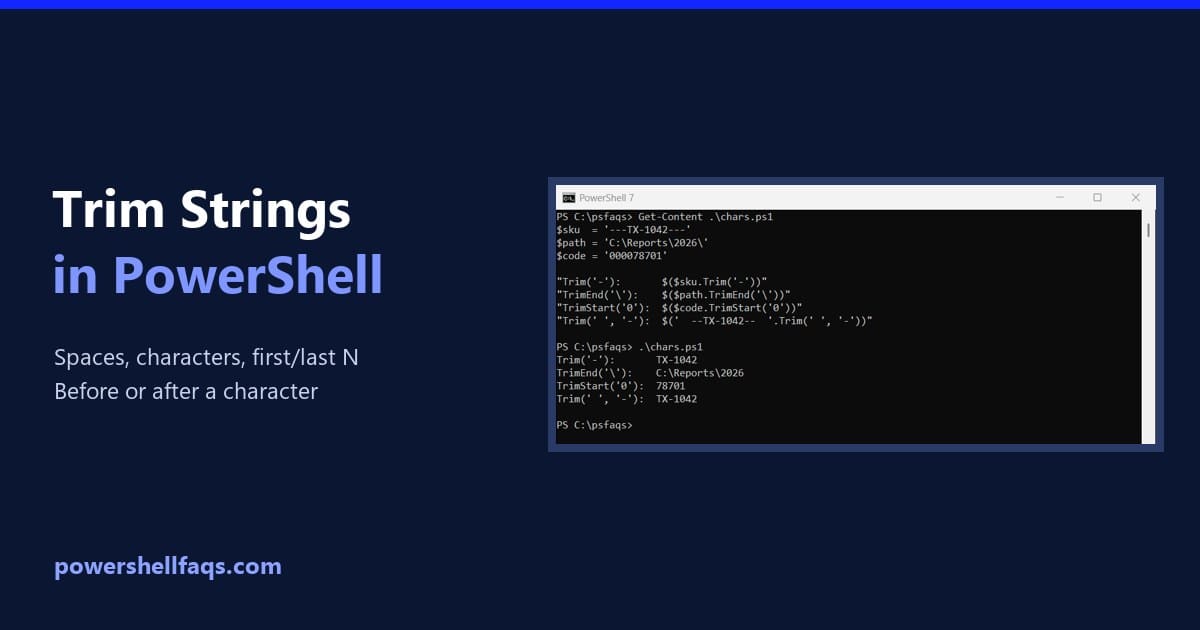
To trim a string in PowerShell, call .Trim() to remove spaces from both ends, or .TrimStart() and .TrimEnd() for one side only: Output: Below I cover trimming specific characters, the first or last few characters, and text before or after a character. I ran every example in PowerShell 7.6 and Windows PowerShell 5.1, and I … Read more

PowerShell ForEach-Object: Examples and foreach vs ForEach-Object

PowerShell ForEach-Object with examples

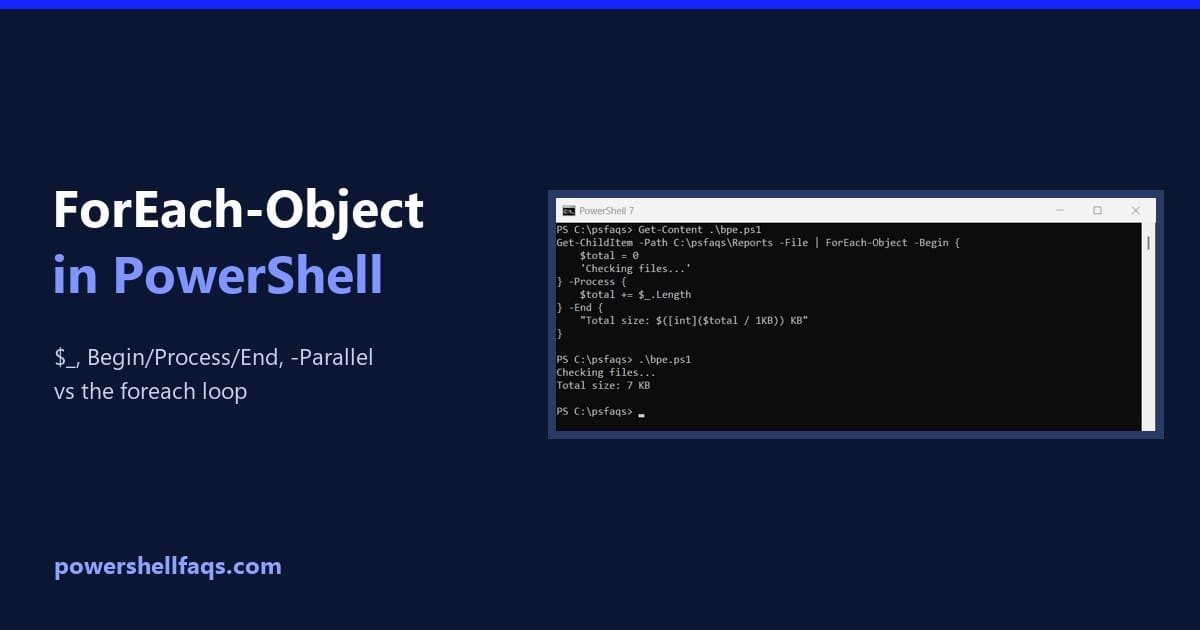
ForEach-Object runs a script block once for every object that comes down the pipeline. Inside the block, $_ is the current object: Output: $PSItem is another name for $_, if you find it easier to read. I ran every example in PowerShell 7.6 and Windows PowerShell 5.1, and I note where they differ. Work with … Read more

How to Convert a String to a Boolean in PowerShell (and Boolean to Int)

Convert string to Boolean in PowerShell

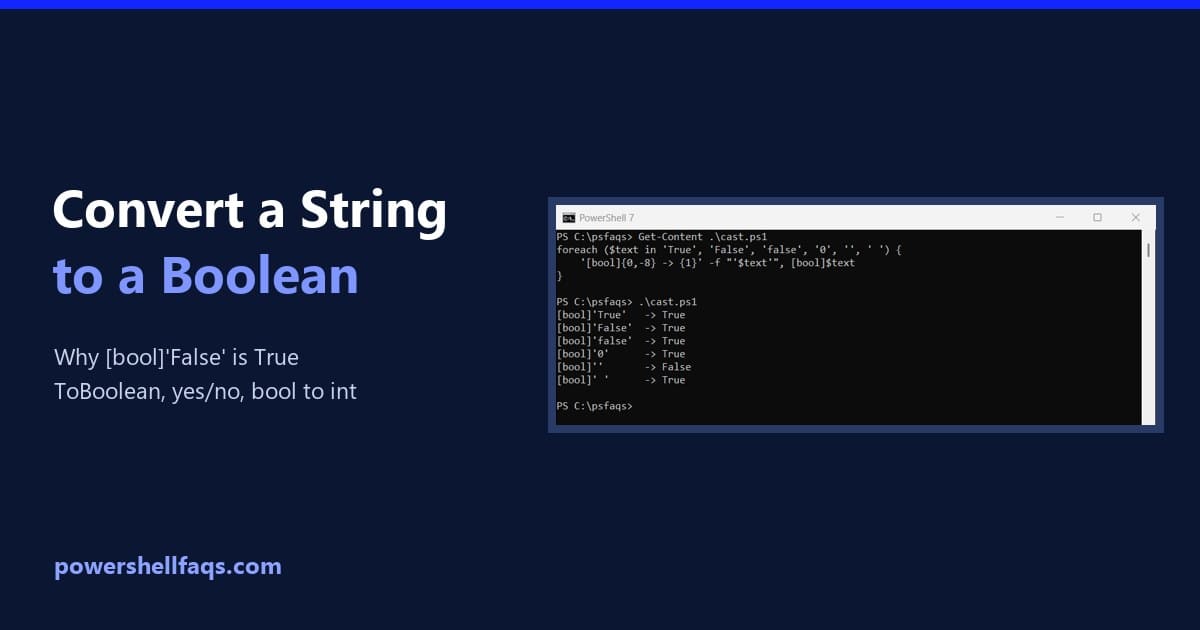
To convert a string to a Boolean in PowerShell, use [System.Convert]::ToBoolean(). It turns the text True or False into the matching Boolean value, ignoring case: Output: Don’t cast with [bool] for this. [bool]’False’ returns True, which I show next. I ran every example in PowerShell 7.6 and Windows PowerShell 5.1, with the same results. Why … Read more