
In PowerShell, IsNullOrEmpty vs IsNullOrWhiteSpace comes down to how they treat spaces. IsNullOrEmpty only catches $null and empty strings, while IsNullOrWhiteSpace also catches strings made only of spaces, tabs or line breaks:
[string]::IsNullOrEmpty('   ')        # False
[string]::IsNullOrWhiteSpace('   ')   # True
For user input and data from files, IsNullOrWhiteSpace is almost always the one you want. Below are both checks side by side, a common if-statement trap and parameter validation.
Side-by-side comparison
I ran both methods against the values that usually cause trouble:
$samples = [ordered]@{
    '$null'          = $null
    "'' (empty)"     = ''
    "'   ' (spaces)" = '   '
    'Tab'            = "`t"
    'Line break'     = "`r`n"
    'No-break space' = [string][char]0x00A0
    "'Austin'"       = 'Austin'
}
foreach ($name in $samples.Keys) {
    [pscustomobject]@{
        Value              = $name
        IsNullOrEmpty      = [string]::IsNullOrEmpty($samples[$name])
        IsNullOrWhiteSpace = [string]::IsNullOrWhiteSpace($samples[$name])
    }
}
Output:
Value          IsNullOrEmpty IsNullOrWhiteSpace
-----          ------------- ------------------
$null                   True               True
'' (empty)              True               True
'   ' (spaces)         False               True
Tab                    False               True
Line break             False               True
No-break space         False               True
'Austin'               False              False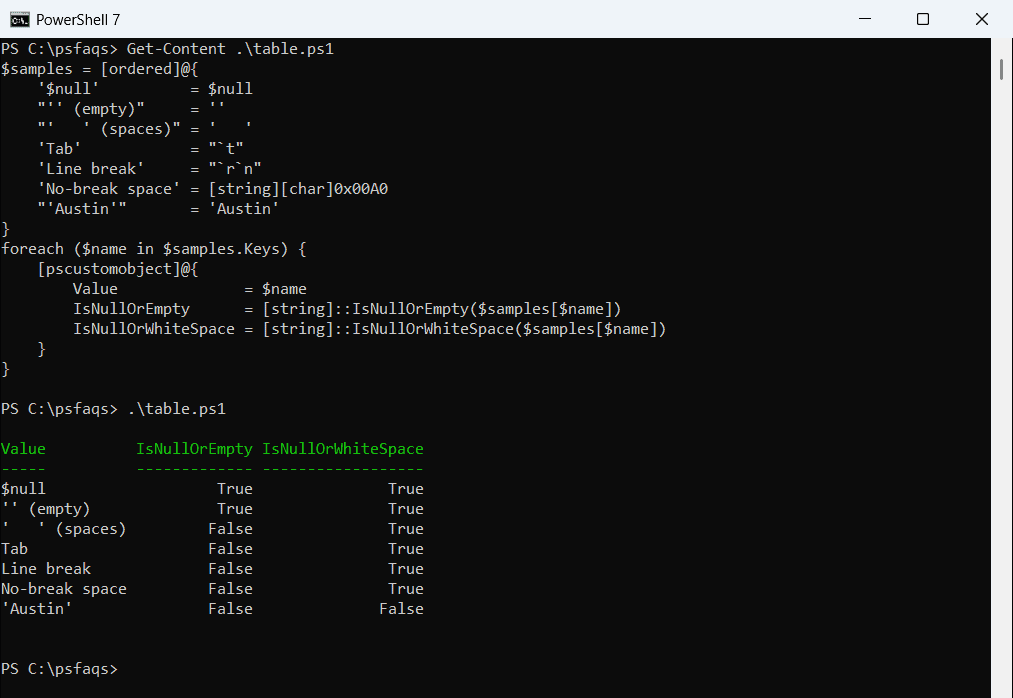
The no-break space is the sneaky one. It often comes in when you copy text from a web page or Word, and IsNullOrWhiteSpace treats it as blank too.
| IsNullOrEmpty | IsNullOrWhiteSpace | |
|---|---|---|
$null | True | True |
'' | True | True |
| Spaces, tabs, line breaks | False | True |
| Any visible text | False | False |
| Available since | .NET Framework 2.0 | .NET Framework 4.0 |
Both are .NET methods, so they work the same in PowerShell 7 and 5.1.
For a full guide to the first method, see PowerShell IsNullOrEmpty.
Why if ($value) isn’t enough
A plain if statement treats any non-empty string as True, including one that’s only spaces:
$city = '   '
if ($city) { 'if ($city) says: has a value' }
if ([string]::IsNullOrWhiteSpace($city)) { 'IsNullOrWhiteSpace says: blank' }
Output:
if ($city) says: has a value
IsNullOrWhiteSpace says: blank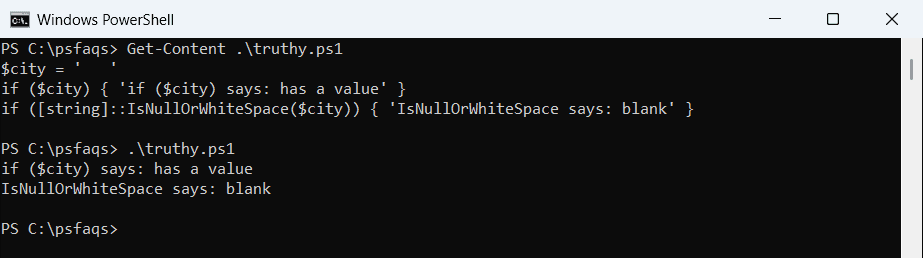
So if ($city) works like IsNullOrEmpty, not IsNullOrWhiteSpace. Use the method whenever spaces could sneak in. The IsNullOrEmpty guide covers more of these checks.
Clean up blank values in imported data
CSV files and Excel exports often have cells with a stray space. IsNullOrWhiteSpace finds them along with the truly empty ones:
$rows = @'
Order,City
ORD-3001,Austin
ORD-3002,
ORD-3003,"   "
ORD-3004,Denver
'@ | ConvertFrom-Csv

$rows | Where-Object { [string]::IsNullOrWhiteSpace($_.City) } |
    ForEach-Object { "$($_.Order) has no city" }
Output:
ORD-3002 has no city
ORD-3003 has no city
IsNullOrEmpty would only have caught ORD-3002. For filtering objects in a pipeline, see Where-Object for null or empty values.
Reject blank parameters with validation attributes
Instead of checking inside a function, let PowerShell reject bad input. PowerShell 7.4 added ValidateNotNullOrWhiteSpace:
function Send-Report {
    param([ValidateNotNullOrWhiteSpace()][string]$City)
    "Report for $City"
}

try { Send-Report -City '   ' }
catch { "Failed. $($_.Exception.Message)" }
Output:
Failed. Cannot validate argument on parameter 'City