How to Convert HTML to PDF in PowerShell?

Convert HTML to PDF in PowerShell

While working on an application, I was required to convert an HTML file to a PDF using PowerShell. There are various methods to do so. In this tutorial, I will explain how to convert HTML to PDF in PowerShell with examples. To convert HTML to PDF using PowerShell, you can utilize the wkhtmltopdf tool, which … Read more
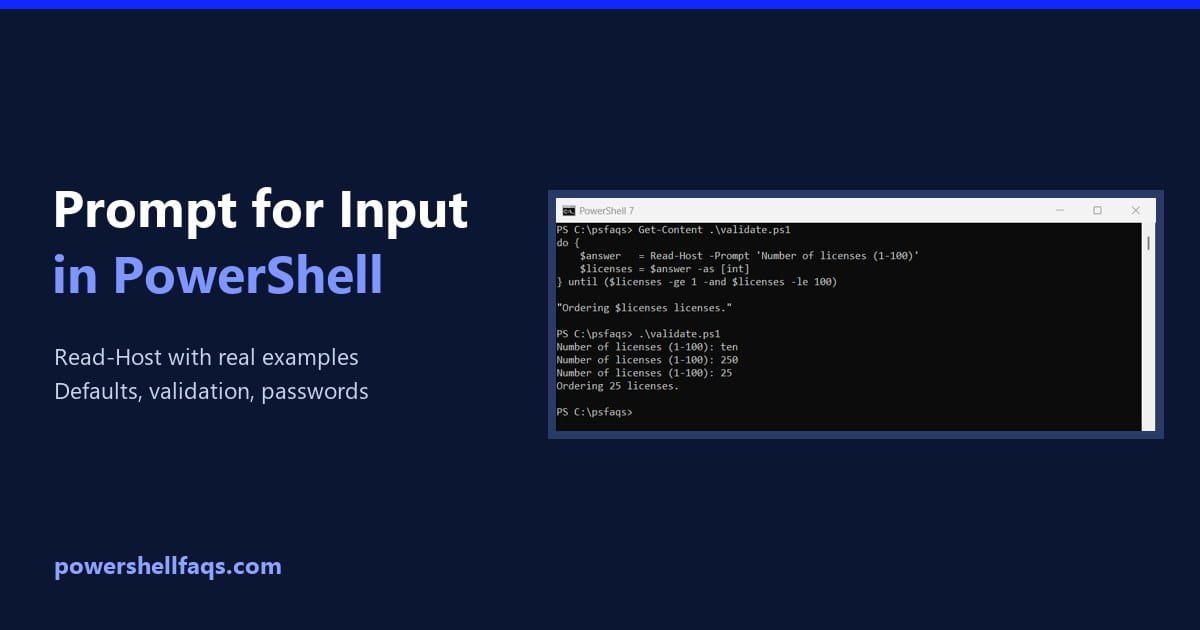
How to Prompt for Input in PowerShell (Read-Host Examples)

Prompt for user input in PowerShell with Read-Host

To prompt for input in PowerShell, use Read-Host. It shows your message, waits until the user types something and presses Enter, and returns what they typed: Output (what I typed follows the colon): PowerShell adds the colon and space after your prompt text, so leave them out of the message. The value goes into $name, … Read more

PowerShell Prompt for Yes/No Input (6 Ways)

PowerShell prompt for yes/no input

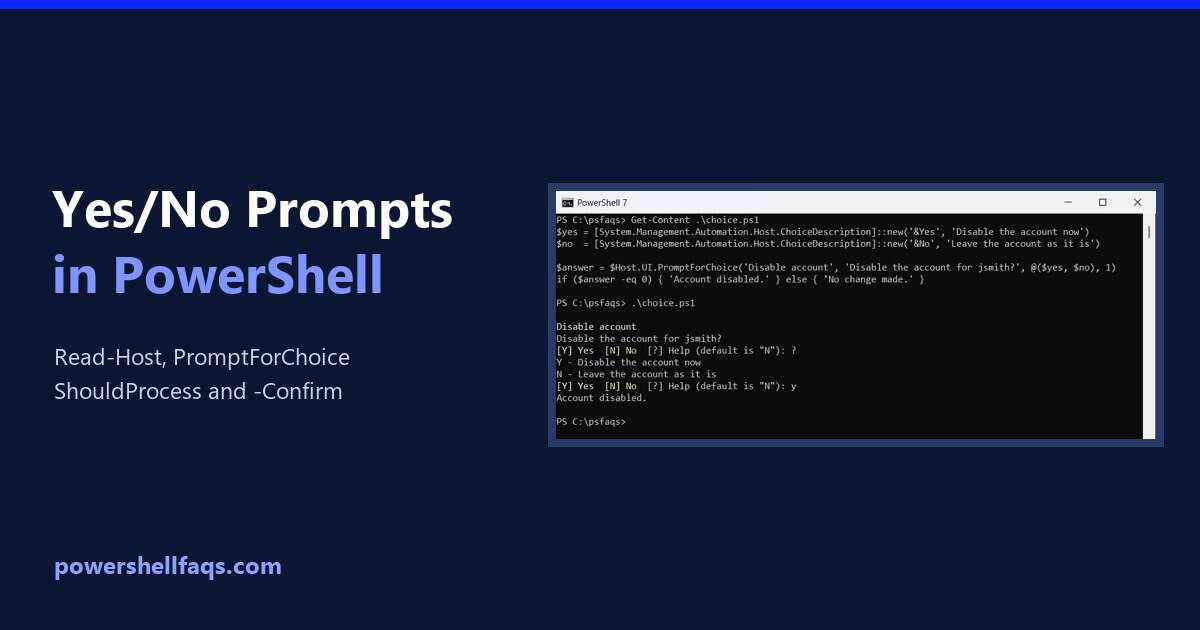
To prompt for yes/no input in PowerShell, ask with Read-Host and check the answer with -in ‘y’, ‘yes’. The -in operator ignores case, so Y, y and YES all count: Output (I typed Y): That’s enough for a quick script. Below are sturdier options: a loop that rejects bad answers, a reusable function with a … Read more

PowerShell Write-Host vs Write-Output (and echo, Verbose, Error)

PowerShell Write-Host vs Write-Output

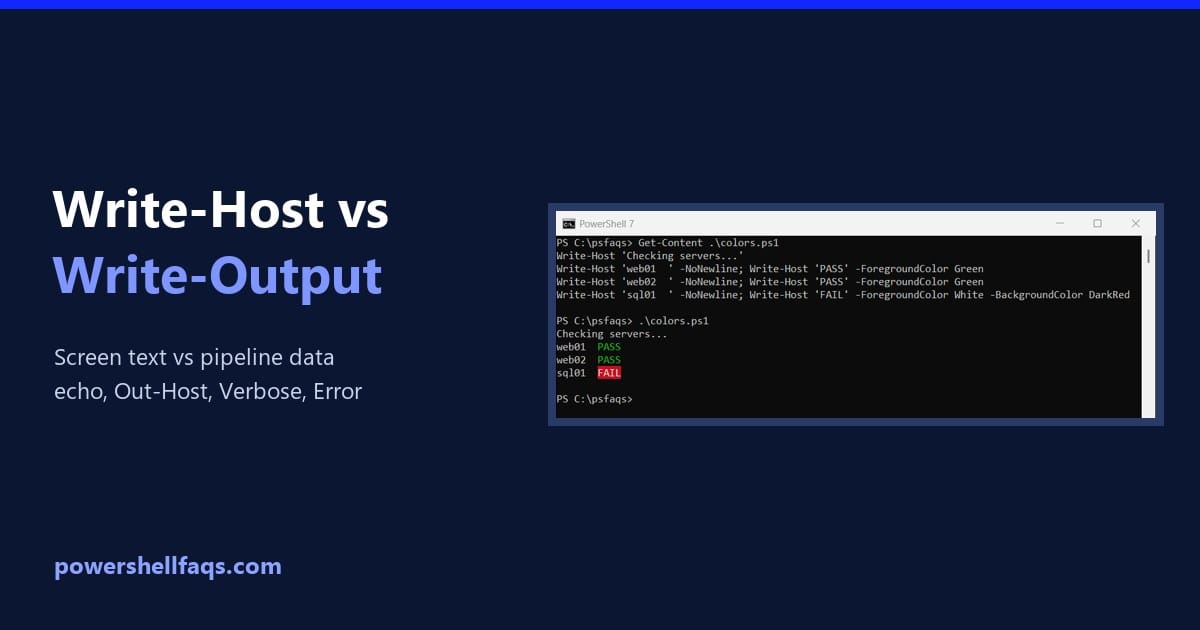
PowerShell Write-Host vs Write-Output comes down to where the text goes. Write-Output sends data down the pipeline, so you can save it or pass it on, while Write-Host only displays text on the screen: Output: Below I compare both with echo, Out-Host, Write-Information, Write-Verbose and Write-Error. Every example ran in PowerShell 7.6 and Windows PowerShell … Read more

PowerShell Select-Object: Properties, -First, -Unique and More

PowerShell Select-Object examples

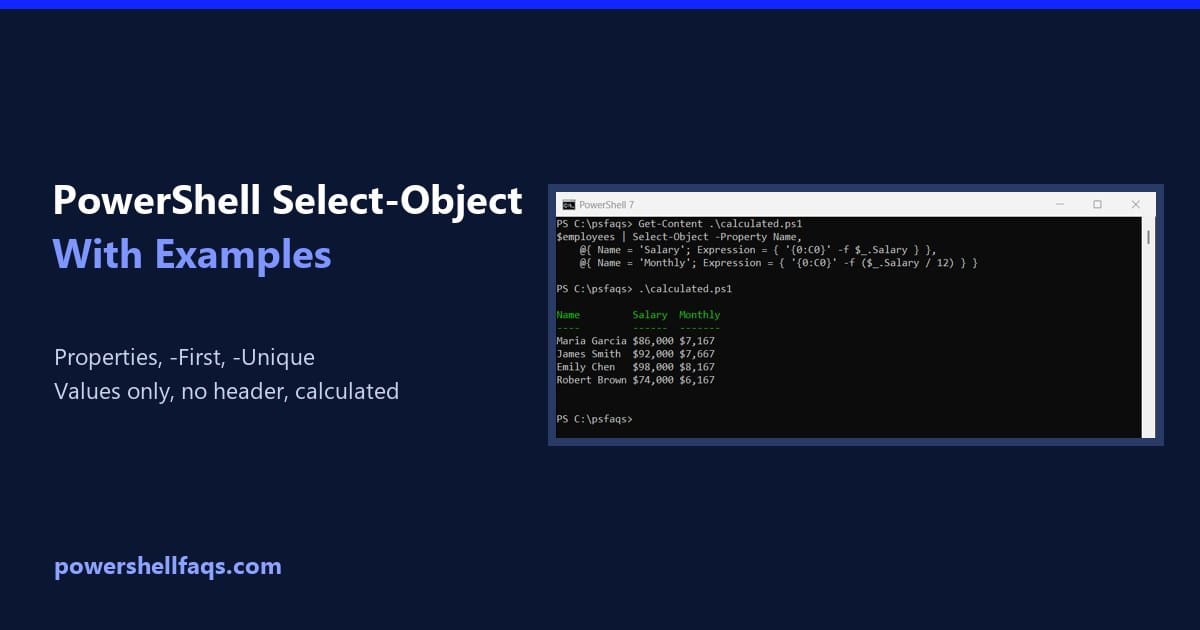
Select-Object is the PowerShell cmdlet that picks properties from objects, or picks a number of objects from a list. The examples below use this list of employees: To keep only some properties, list them after -Property: Output: I ran every example in real PowerShell 7.6 and Windows PowerShell 5.1 consoles. Where a parameter exists in … Read more

How to List All Environment Variables in PowerShell

List all environment variables in PowerShell

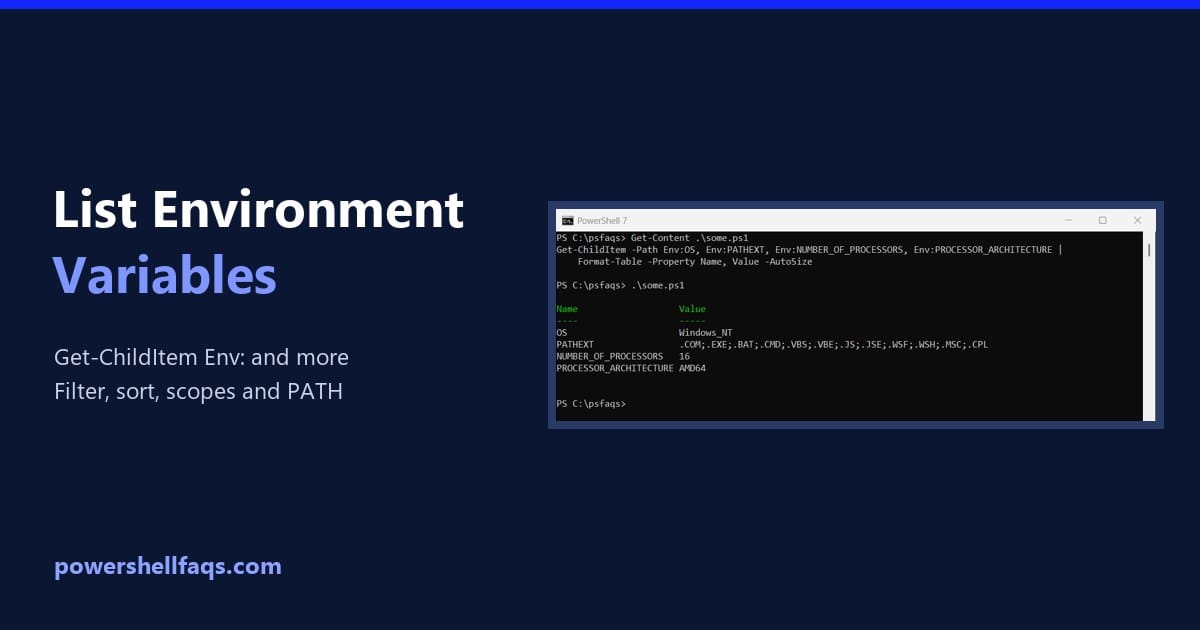
To list all environment variables in PowerShell, run Get-ChildItem on the Env: drive. Sorting by name makes the list easy to scan: Below I show how to read the output, pick out single variables, filter with wildcards, compare the Process, User and Machine scopes, and split PATH into readable lines. I tested it all in … Read more

How to Uninstall a Program with PowerShell (4 Methods)

Uninstall a program with PowerShell

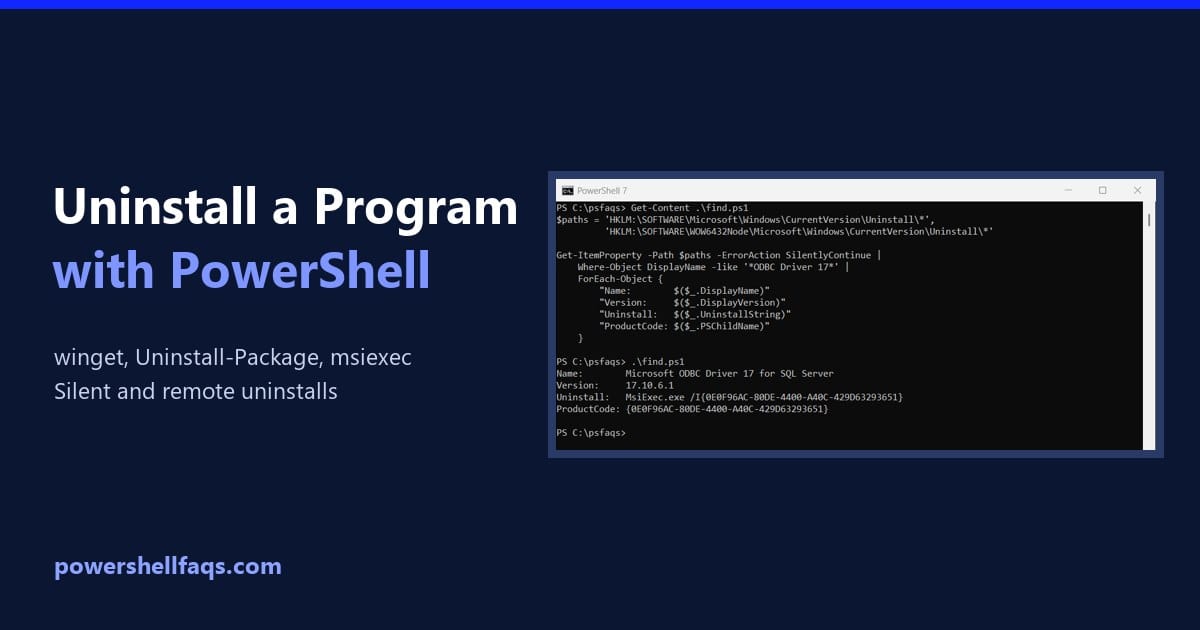
To uninstall a program with PowerShell, the simplest way on Windows 10 and 11 is winget. Find the program’s ID, then uninstall it silently: Below I show three more methods: Uninstall-Package, msiexec with the product code, and the program’s own uninstall string. For safety, my examples find and preview the uninstall without removing anything. Find … Read more

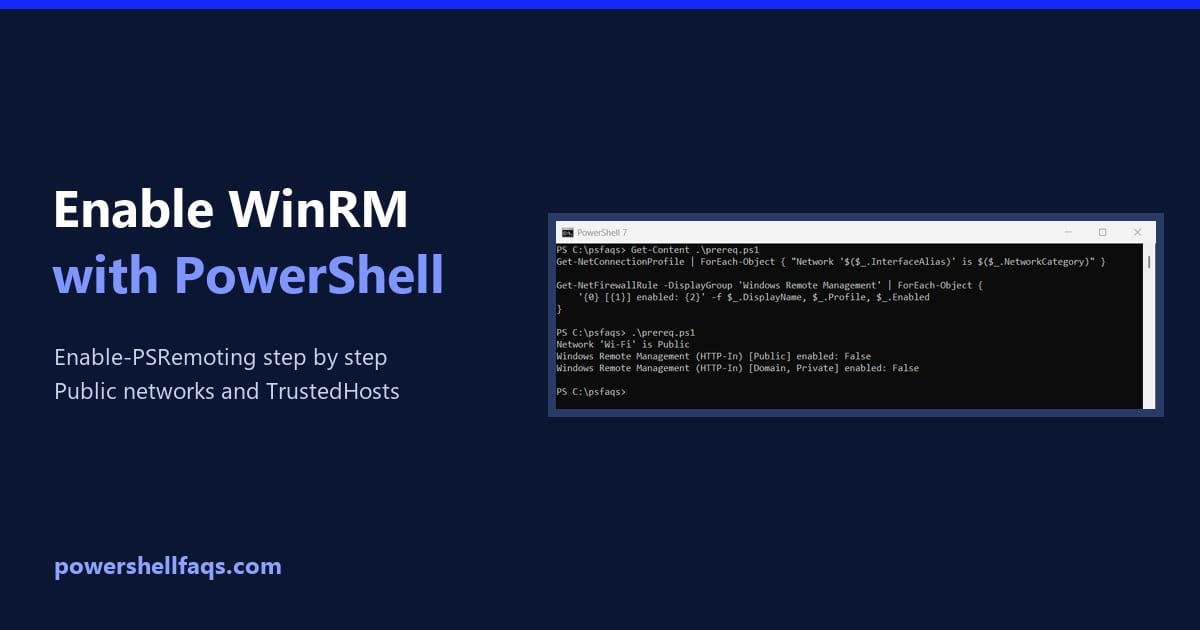
How to Enable WinRM Using PowerShell (Enable-PSRemoting)

Enable WinRM using PowerShell

To enable WinRM using PowerShell, run Enable-PSRemoting in an elevated window. It starts the WinRM service, sets it to start automatically, creates a listener and opens the firewall: Before you run it, check the current state and the two things that usually make it fail: a Public network and missing firewall rules. I ran these … Read more

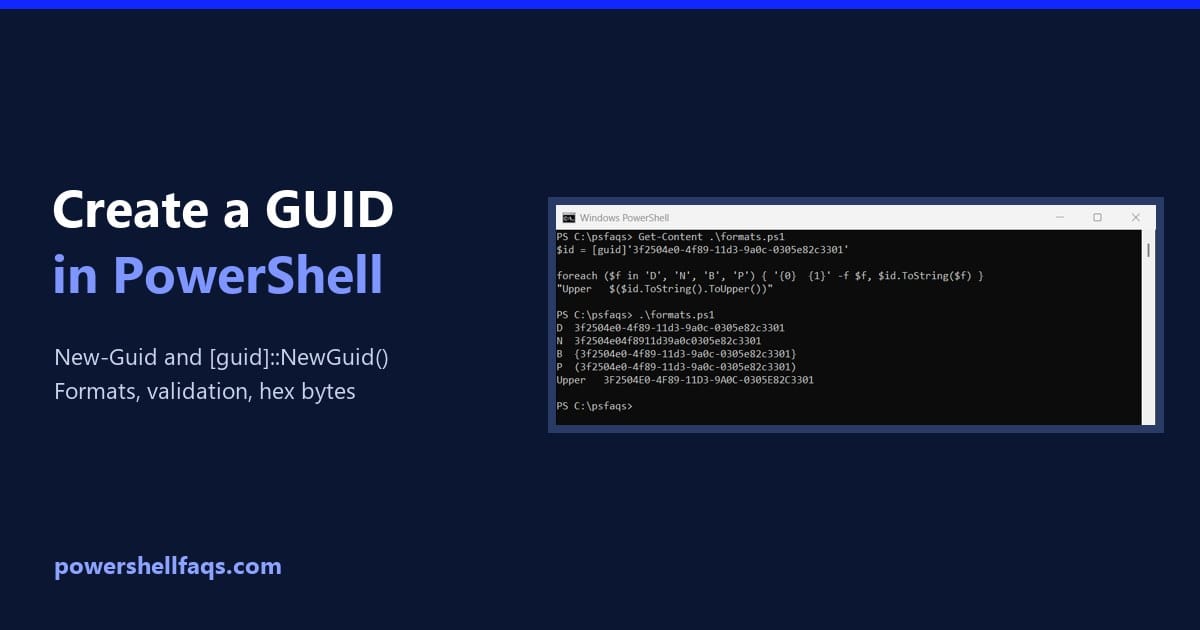
How to Create a GUID in PowerShell (Formats, Validation and Hex)

Create a GUID in PowerShell

To create a GUID in PowerShell, run the New-Guid cmdlet. It returns a new, random globally unique identifier every time: Output (yours will be different): Below I cover the other way to create one, the text formats, validation and converting a GUID to hex. Every example ran in PowerShell 7.6 and Windows PowerShell 5.1, with … Read more

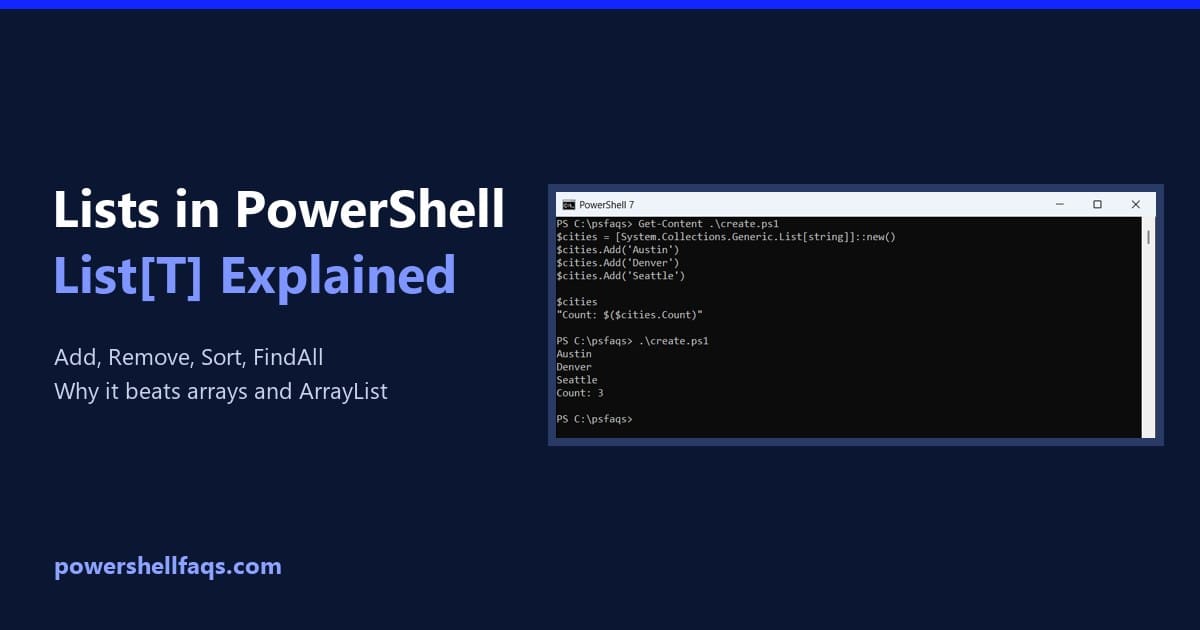
Lists in PowerShell: How to Use Generic Lists

Lists in PowerShell with System.Collections.Generic.List

To create a list in PowerShell, use the .NET generic List class with the type of item it holds, then call Add() to put items in it: Unlike an array, a list grows and shrinks without being copied. Below I cover adding, finding, removing and sorting items, lists of objects, and when to choose a … Read more