
To replace a value in a PowerShell array, assign to its index: $array[1] = 'new value'. To replace text in every item at once, use -replace on the whole array:
$states = 'TX', 'CA', 'NY', 'CA'

$states[1] = 'California'
$states -join ', '
Output:
TX, California, NY, CAIndex assignment changes the array in place. The rest of this guide covers replacing across all items, replacing whole items only, and a few traps. I ran every example in PowerShell 7.6 and Windows PowerShell 5.1, with the same results.
Replace text in every item with -replace
-replace works on each item of an array and returns a new array. The original stays the same until you assign the result back:
$files = 'q1-report.csv', 'q2-report.csv', 'notes.txt'

$new = $files -replace '\.csv$', '.xlsx'
"New array:      $($new -join ', ')"
"Original array: $($files -join ', ')"
Output:
New array:      q1-report.xlsx, q2-report.xlsx, notes.txt
Original array: q1-report.csv, q2-report.csv, notes.txt
To keep the change, write $files = $files -replace .... -replace uses regex, which is why the dot in .csv is escaped. Replacing text in strings covers the regex details.
Replace whole items, not parts of them
-replace also changes matches inside longer items, which is rarely what you want for codes and names. Anchor the pattern with ^ and $ to match only whole items:
$companies = 'TX', 'TXU Energy', 'Dallas TX Office'

"-replace 'TX':      $(($companies -replace 'TX', 'Texas') -join ' | ')"
"-replace '^TX$':    $(($companies -replace '^TX$', 'Texas') -join ' | ')"
Output:
-replace 'TX':      Texas | TexasU Energy | Dallas Texas Office
-replace '^TX$':    Texas | TXU Energy | Dallas TX Office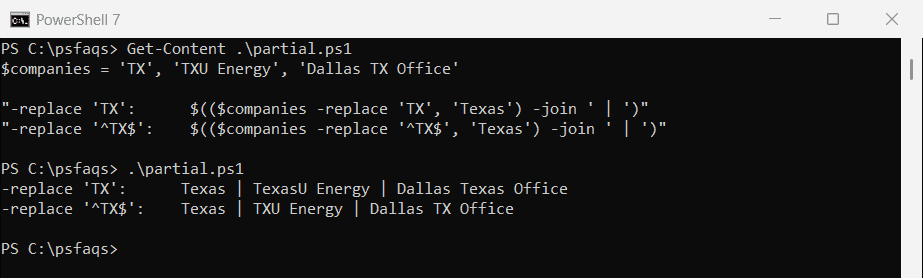
Changing the loop variable doesn’t change the array
A common mistake is assigning to the foreach variable. It’s a copy of the item, so the array keeps its old values. Loop over the indexes instead:
$cities = 'austin', 'denver', 'miami'

foreach ($city in $cities) { $city = $city.ToUpper() }
"After changing the loop variable: $($cities -join ', ')"

for ($i = 0; $i -lt $cities.Count; $i++) { $cities[$i] = $cities[$i].ToUpper() }
"After changing by index:          $($cities -join ', ')"
Output:
After changing the loop variable: austin, denver, miami
After changing by index:          AUSTIN, DENVER, MIAMI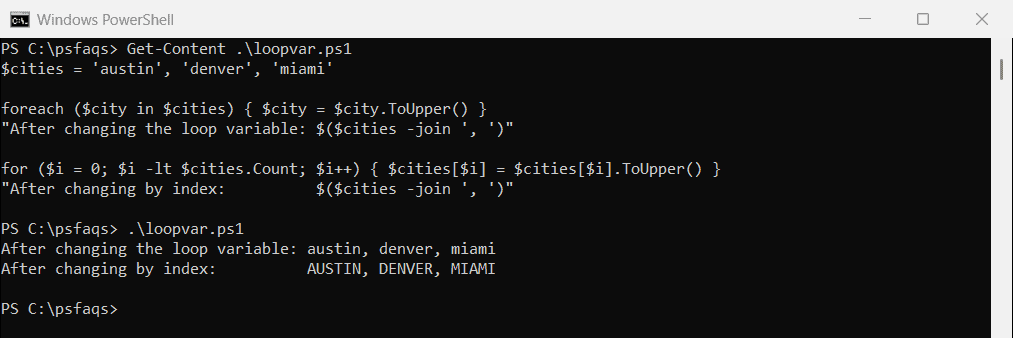
This applies to strings and numbers. Objects behave differently, as the last section shows. foreach and ForEach-Object explains both loop styles.
Replace several values with a lookup table
When each old value has its own new value, keep the pairs in a hashtable and build a new array. Items without a match stay as they are:
$codes = 'TX', 'CA', 'WA', 'TX', 'OR'
$names = @{ TX = 'Texas'; CA = 'California'; WA = 'Washington' }

$full = foreach ($code in $codes) {
    if ($names.ContainsKey($code)) { $names[$code] } else { $code }
}
$full -join ', '
Output:
Texas, California, Washington, Texas, ORHashtable keys ignore case, so ‘tx’ would also become Texas. Hashtables and dictionaries covers lookups in more depth.
Chain -replace for several substrings
For text inside items, chain -replace operators. Each one runs on the result of the one before:
$lines = 'Server=SQL01;Port=1433', 'Server=SQL01;Port=1434'

$updated = $lines -replace 'SQL01', 'SQL02' -replace 'Port=143\d', 'Port=5432'
$updated
Output:
Server=SQL02;Port=5432
Server=SQL02;Port=5432
Replace only the first match
[array]::IndexOf() finds the position of the first match, which you can then replace by index:
$queue = 'WEB01', 'WEB02', 'WEB01', 'SQL01'

$i = [array]::IndexOf($queue, 'WEB01')
if ($i -ge 0) { $queue[$i] = 'WEB09' }
$queue -join ', '

"IndexOf is case-sensitive: $([array]::IndexOf($queue, 'sql01'))"
Output:
WEB09, WEB02, WEB01, SQL01
IndexOf is case-sensitive: -1
Unlike -eq and -replace, IndexOf is case-sensitive, so ‘sql01’ wasn’t found. Use a for loop with -eq if case shouldn’t matter.
-replace turns numbers into strings
-replace always returns strings, even for an array of numbers. That changes how later comparisons and sorting behave:
$ports = 80, 443, 8080

$changed = $ports -replace '^80$', '8000'
"Values: $($changed -join ', ')"
"Type of each item after -replace: $($changed[0].GetType().Name)"

$fixed = foreach ($p in $ports) { if ($p -eq 80) { 8000 } else { $p } }
"Type with a loop: $($fixed[0].GetType().Name)"
Output:
Values: 8000, 443, 8080
Type of each item after -replace: String
Type with a loop: Int32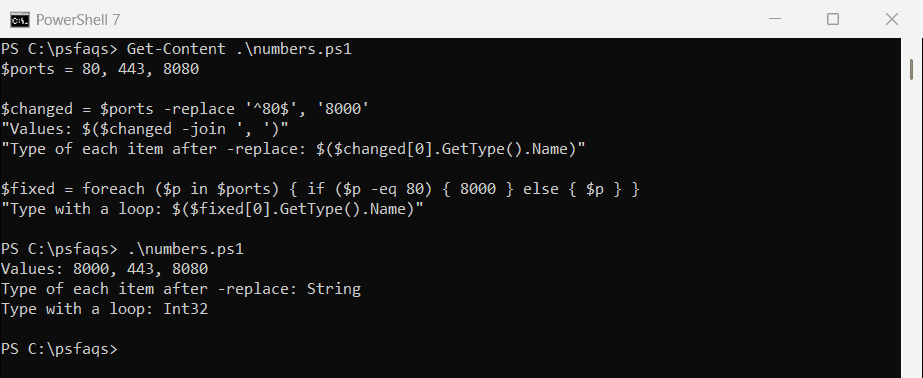
For numbers, use a loop or a lookup table like the ones above, which keep the Int32 type. Microsoft notes that -replace works on strings in about_Comparison_Operators.