PowerShell Where-Object for Null or Empty Values
PowerShell Where-Object for null or empty values

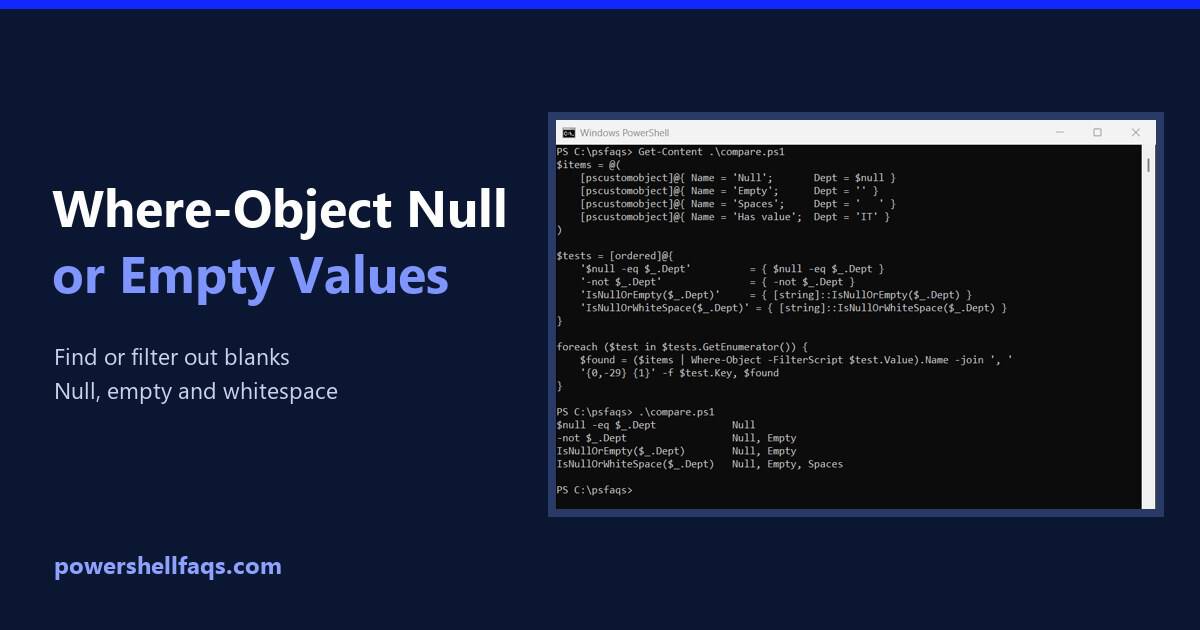
To find null or empty values with Where-Object, test the property with [string]::IsNullOrWhiteSpace(). It catches $null, empty strings and values that are only spaces. Here it finds employees with no department in a CSV file: Output: Dan’s department is two spaces, so it looks filled in but isn’t. To keep only the rows that have … Read more
PowerShell Where-Object with Multiple Conditions

PowerShell Where-Object with multiple conditions

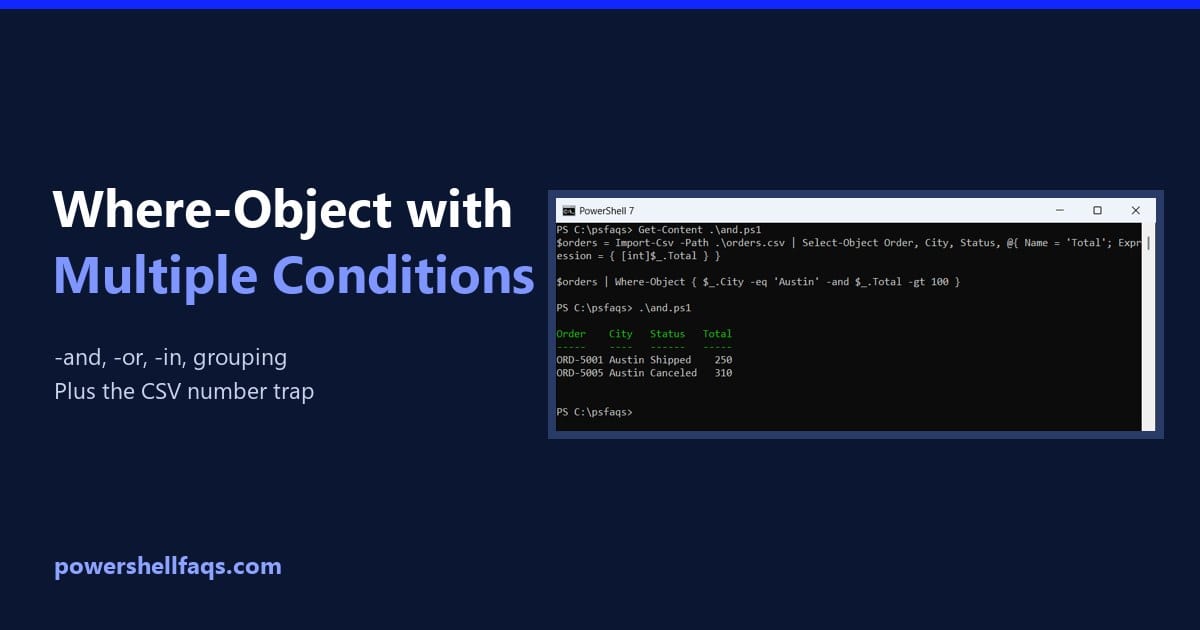
To use multiple conditions with PowerShell Where-Object, put them in one script block and join them with -and or -or: -and needs every condition to be true, and -or needs at least one. Below I combine them with parentheses, use -in, avoid a common CSV trap and compare the simplified syntax and the .Where() method. … Read more

How to Write a String to a File in PowerShell

Write a string to a file in PowerShell

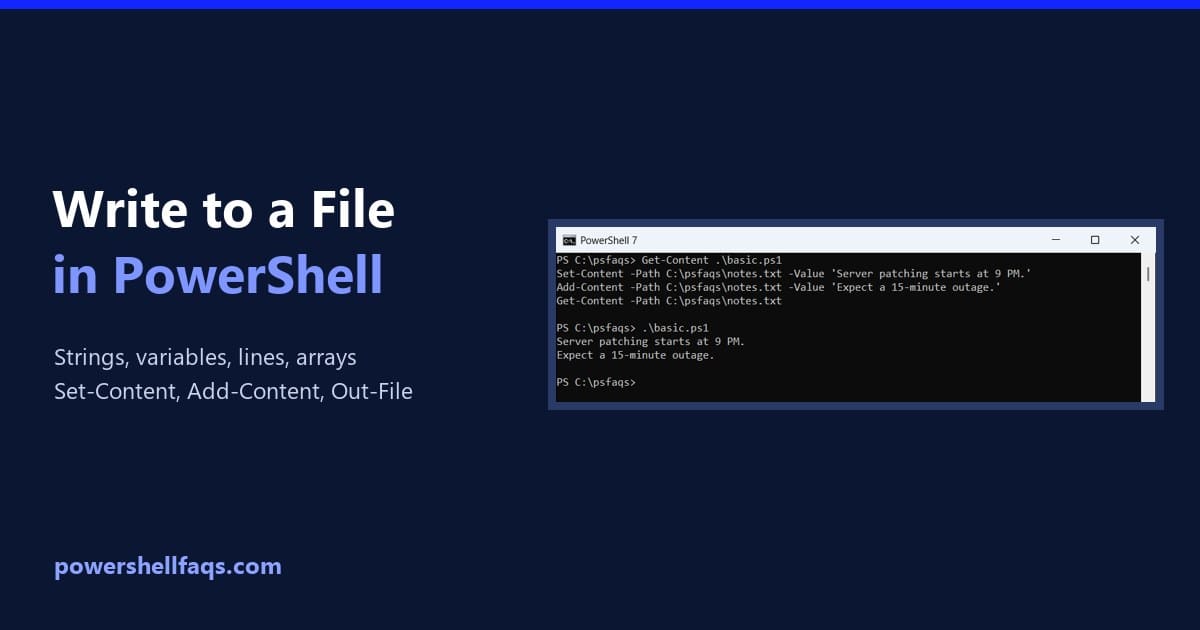
To write a string to a file in PowerShell, use Set-Content. It creates the file, or replaces whatever is in it. To add more text to the end, use Add-Content: Output: Those two cmdlets cover most jobs. Below I’ll show how to write variables, multiple lines and arrays, how to append, and the encoding differences … Read more

How to Get the Path of a File in PowerShell

Get the path of a file in PowerShell

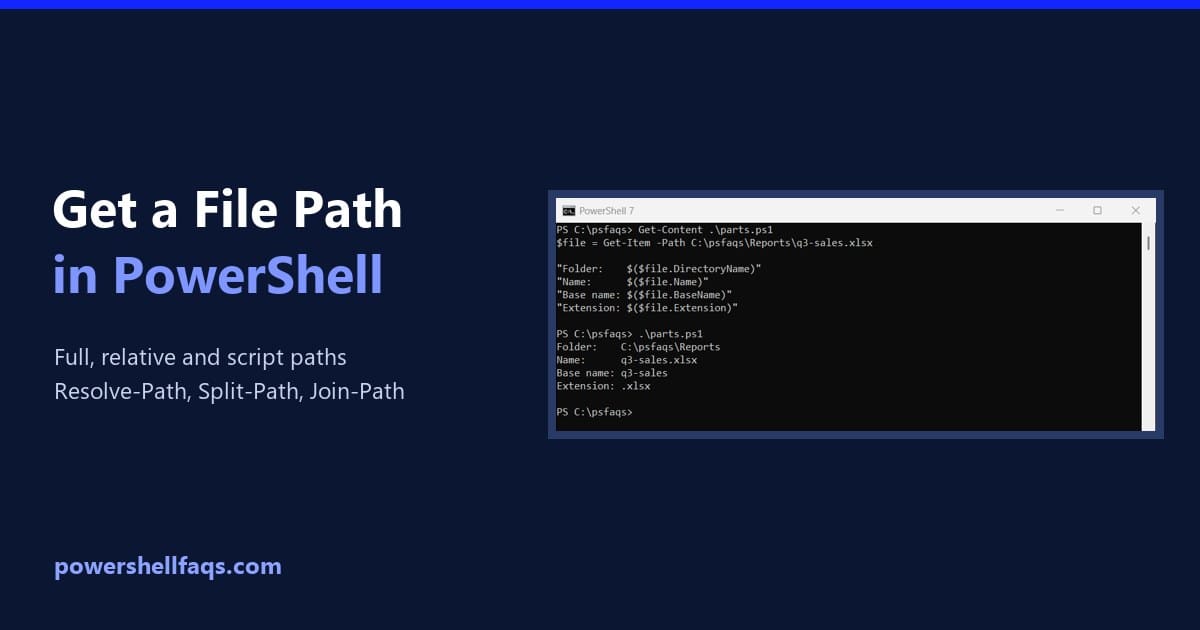
To get the full path of a file in PowerShell, use Get-Item and read its FullName property. It works with a relative path too: Output: The file object also has properties for each part of the path, so you rarely need to cut the text yourself: Output: I ran every example in PowerShell 7.6 and … Read more

How to Count Lines in a File in PowerShell

Count lines in a file in PowerShell

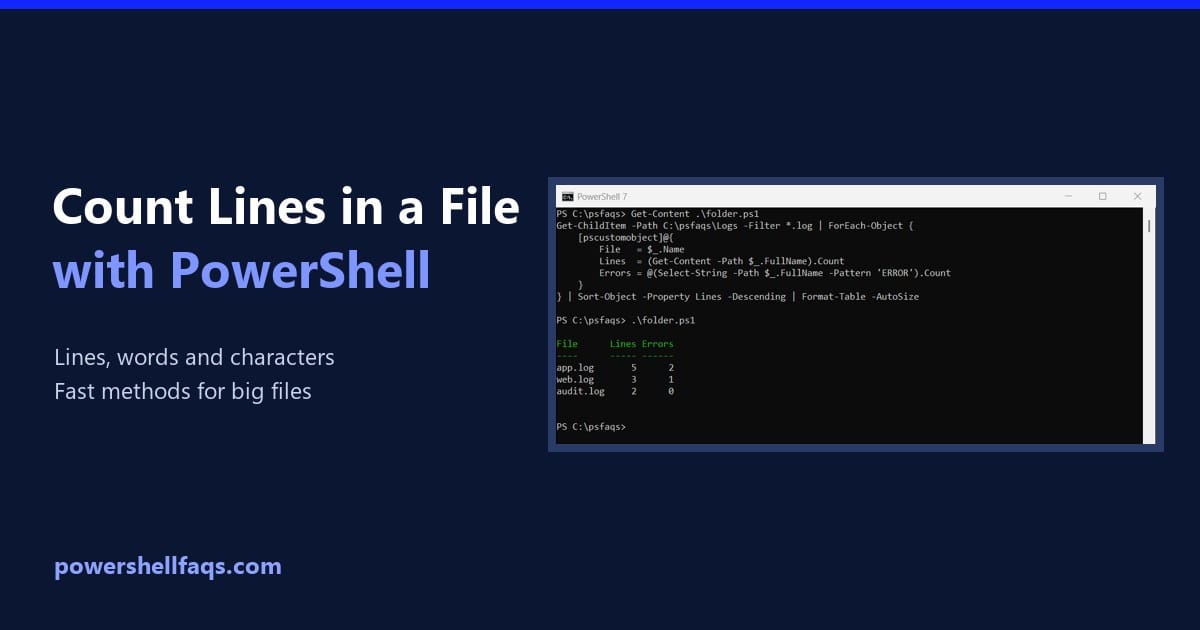
To count the lines in a file with PowerShell, read it with Get-Content and check .Count. Get-Content returns one item per line, so the count is the number of lines: Output: That’s the right answer for most files. But the popular Measure-Object -Line method gives a different number, and neither is the fastest for big … Read more

PowerShell foreach File in a Folder (With Examples)

PowerShell foreach file in a folder

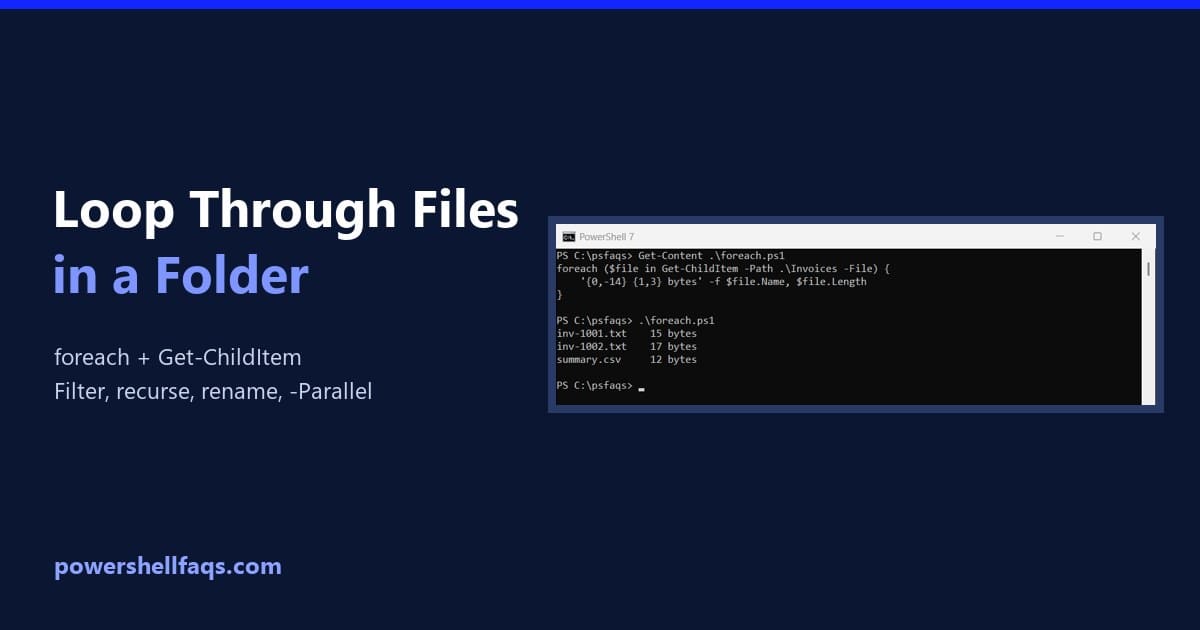
To loop through each file in a folder in PowerShell, get the files with Get-ChildItem -File and process them in a foreach loop: Each $file is a full file object with Name, Length, LastWriteTime and more. Below I use a sample Invoices folder to show the pipeline version, filtering, subfolders, counters, renaming and parallel processing. … Read more

How to Copy and Rename Files in PowerShell?

Copy and Rename Files in PowerShell

In this article, I will explain various methods to copy and rename files using PowerShell, providing examples and complete scripts to help you understand better. To copy and rename a file in PowerShell, you can use a combination of the Copy-Item and Rename-Item cmdlets. First, use Copy-Item to copy the file to the desired location, … Read more

How to Check if a File Contains a String in PowerShell

Check if a file contains a string in PowerShell

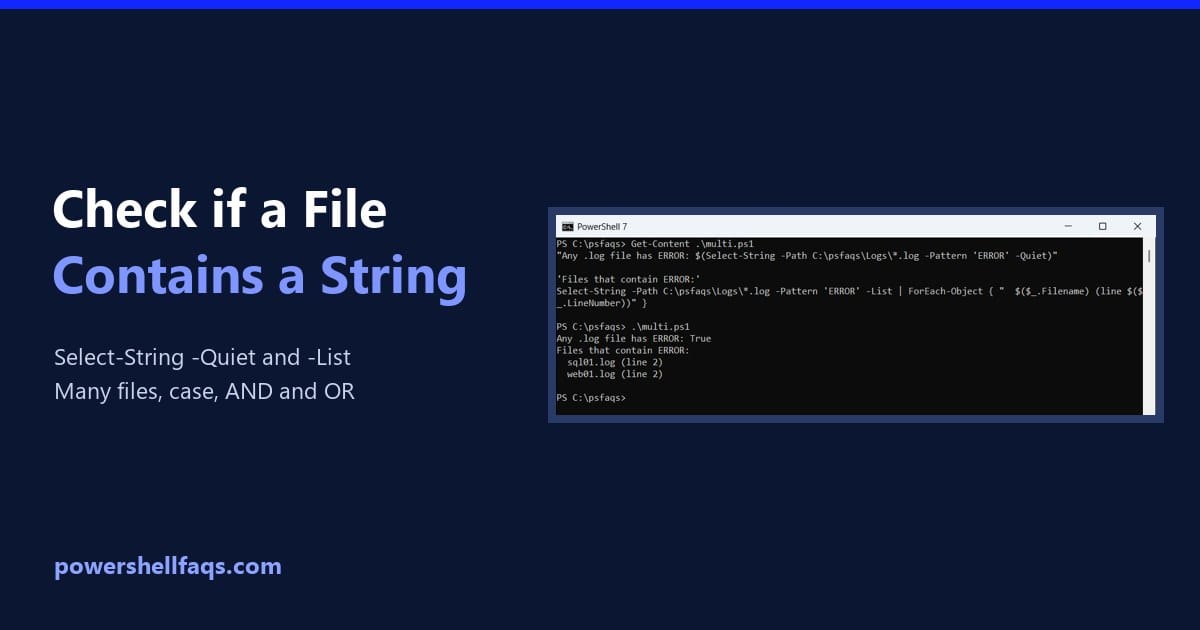
To check if a file contains a string in PowerShell, run Select-String with -Quiet. It returns True or False, so it fits straight into an if statement: Output: The match ignores case, and the pattern is a regular expression. I ran every example in PowerShell 7.6 and Windows PowerShell 5.1 on a sample Logs folder, … Read more

How to Extract Directory from File Path in PowerShell? [3 Methods]

Extract Directory from File Path in PowerShell

Sometimes, you might need to extract the directory from the file path. In this PowerShell tutorial, I will explain how to extract a directory from a file path in PowerShell using various methods. To get the directory from a file path in PowerShell, you can use the Split-Path cmdlet with the -Parent parameter. For example, … Read more

How to List File Names Only in PowerShell

List file names only in PowerShell

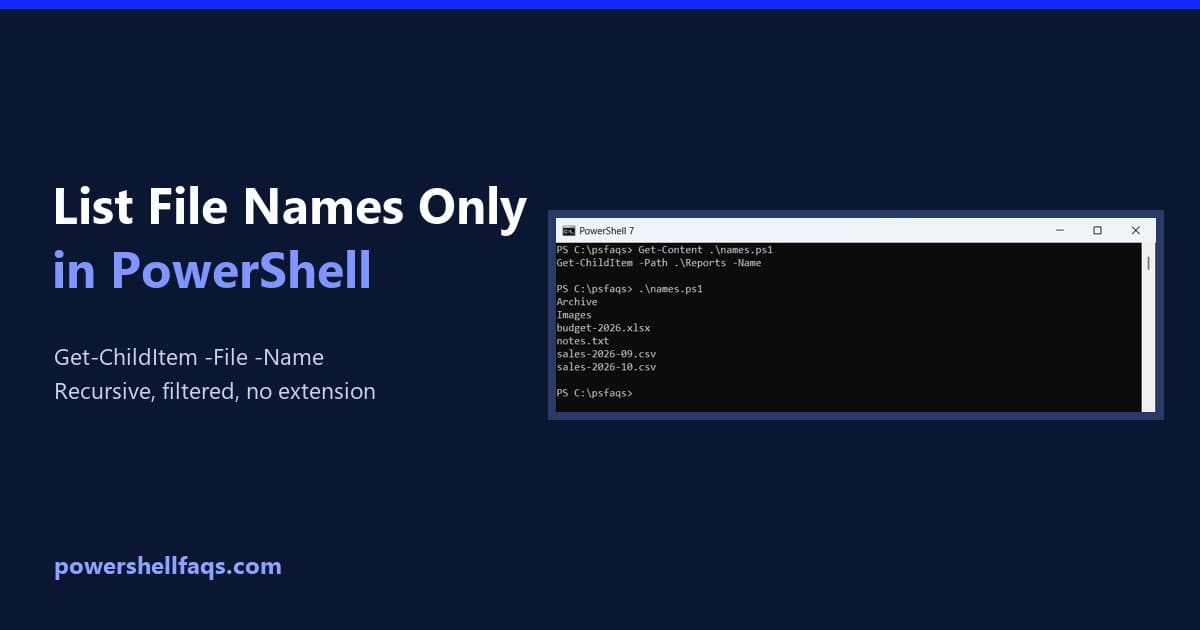
To list file names only in PowerShell, run Get-ChildItem with -File and -Name. You get plain names, without folders, sizes or dates: Below I use a small Reports folder with two subfolders to show every variation: recursive lists, names without extensions, filters and saving the list to a file. List names with Get-ChildItem -Name -Name … Read more