How to Convert a String to a Date in PowerShell
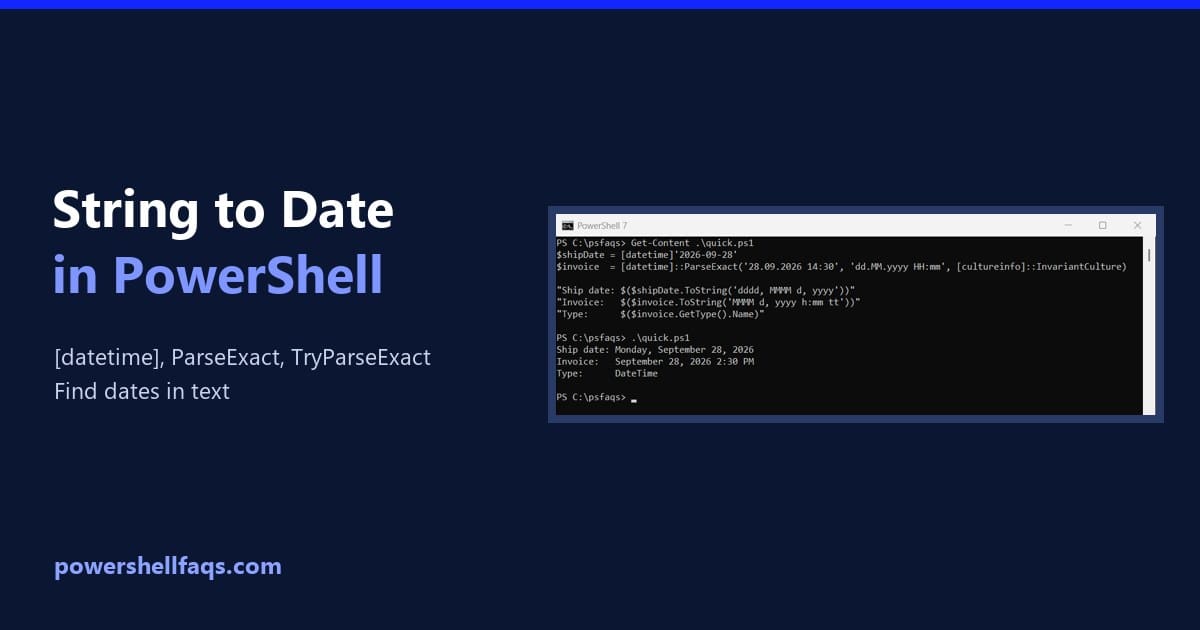
Convert a string to a date in PowerShell

To convert a string to a date in PowerShell, cast it with [datetime] when it’s in US or ISO format. For any other layout, use [datetime]::ParseExact() and tell it the exact format: Output: Once it’s a DateTime, you can format it, compare it and do date math with it. I ran every example in PowerShell … Read more
How to Convert a String to Base64 in PowerShell (and Back)

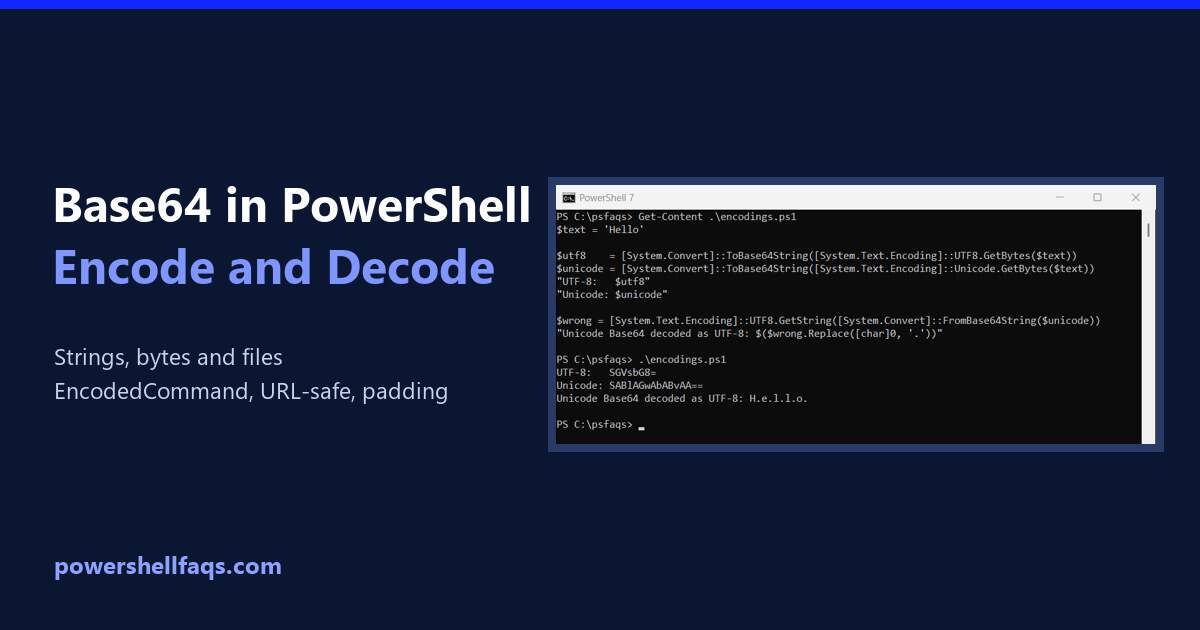
Convert a string to Base64 in PowerShell

To convert a string to Base64 in PowerShell, turn the text into bytes with [System.Text.Encoding]::UTF8.GetBytes(), then pass the bytes to [System.Convert]::ToBase64String(): Output: To decode Base64 back to text, reverse the two steps. FromBase64String() returns the bytes, and GetString() turns them into text: Output: I ran every example in PowerShell 7.6 and Windows PowerShell 5.1. The … Read more

How to Convert Object to String in PowerShell?

Convert Object to String in PowerShell

If you are working with strings in PowerShell and want to know how to convert objects to strings in PowerShell, check out this complete tutorial. I have explained the process in detail with examples. To convert an object to a string in PowerShell, you can use the Out-String cmdlet, the -join operator, or the ToString() … Read more

How to Extract Text Between Delimiters in PowerShell

Extract text between delimiters in PowerShell

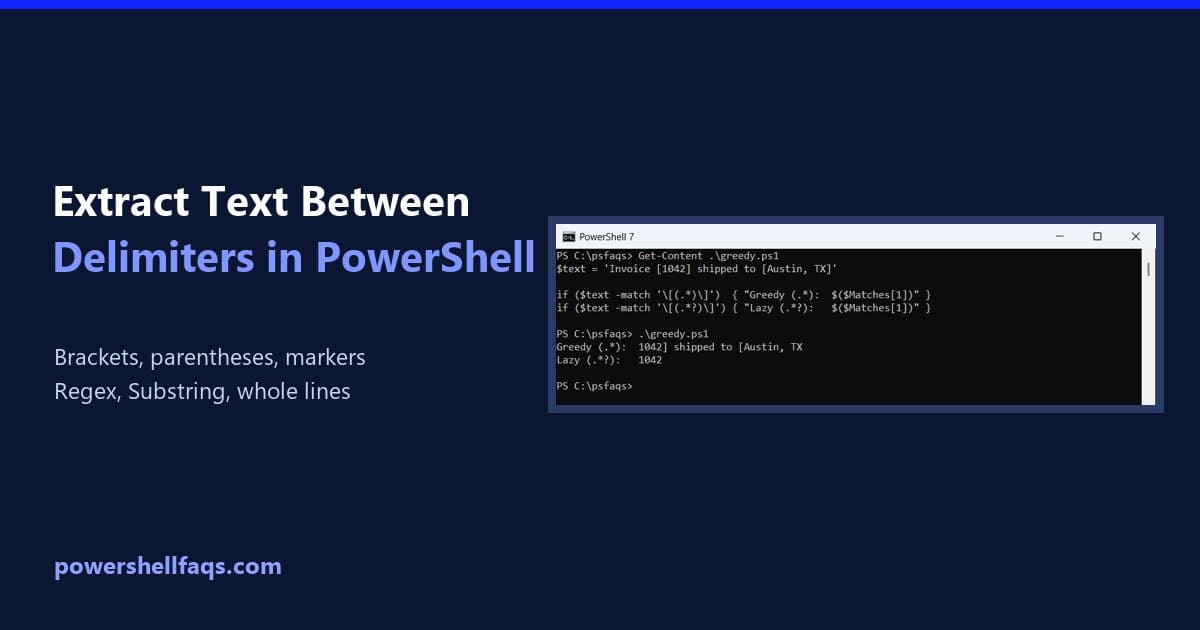
To extract text between two delimiters in PowerShell, match it with a regular expression and a capture group. The part in parentheses lands in $Matches[1]: Output: The ? after .* matters more than it looks, and -match only returns the first match. Both are covered below. I ran every example in PowerShell 7.6 and Windows … Read more

How to Add Comments in PowerShell?

Add Comments in PowerShell

If you want to write industry-standard PowerShell scripts, you should know how to add comments in PowerShell. Let me explain this in detail with examples. To add comments in PowerShell, you can use the hash symbol (#). Any text following the # on the same line will be treated as a comment and ignored during execution. For example: … Read more

How to Replace Placeholders in Strings Using PowerShell?

Replace Placeholders in Strings Using PowerShell

I was working on a PowerShell script recently, where I used different methods to replace placeholders in strings. I thought I would share it with you. In this tutorial, I will show you how to replace placeholders in strings using PowerShell. To replace placeholders in strings using PowerShell, you can use the -replace operator, which … Read more

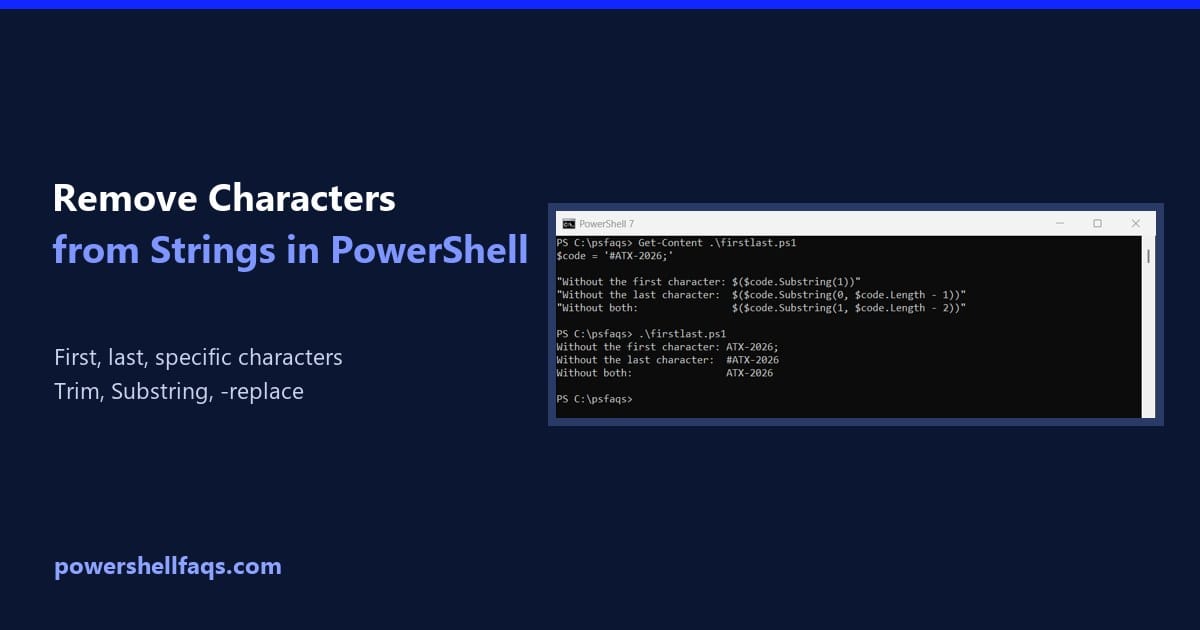
How to Remove Characters from Strings in PowerShell

Remove characters from strings in PowerShell

To remove characters from a string in PowerShell, replace them with nothing. Use .Replace() for exact characters, or -replace with a pattern to remove a whole group at once: Output: The second line keeps only the digits, which is the easiest way to clean up a US phone number. I ran every example in PowerShell … Read more
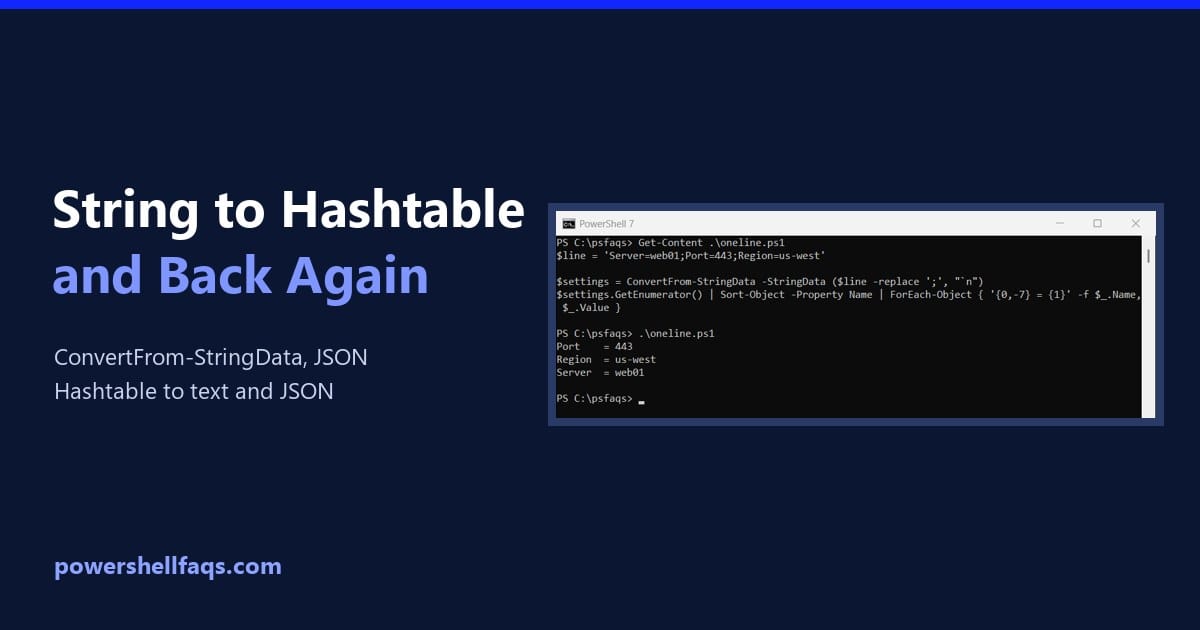
How to Convert a String to a Hashtable in PowerShell (and Back)

Convert a string to a hashtable in PowerShell

To convert a string to a hashtable in PowerShell, use ConvertFrom-StringData. It reads text with one key=value pair per line and returns a hashtable: Output: Below I handle one-line strings, backslashes, JSON and value types, then go the other way and turn a hashtable back into a string. Every example ran in PowerShell 7.6 and … Read more