PowerShell IsNullOrEmpty: Check if a Variable Is Null or Empty
PowerShell IsNullOrEmpty and null checks

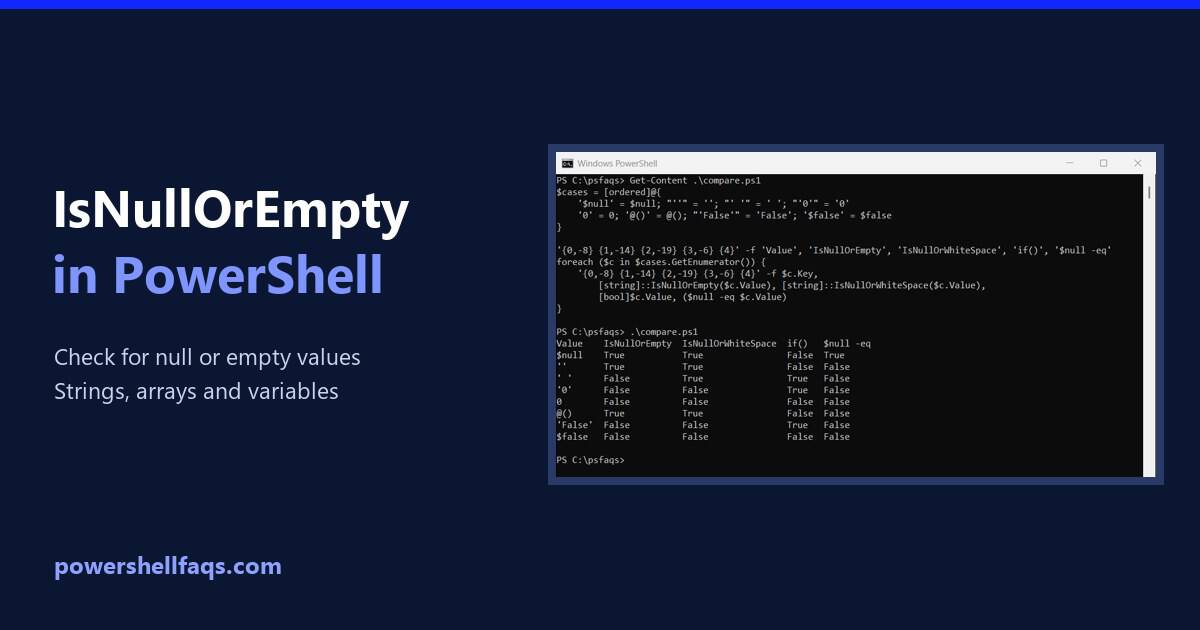
To check if a string is null or empty in PowerShell, use [string]::IsNullOrEmpty($value). It returns True for $null and for an empty string, and False for anything else: Output: That covers most scripts. Below I compare it with the other null checks, since each one treats values like spaces and 0 differently. I ran every … Read more
How to Download a File from a URL in PowerShell

Download a file from a URL in PowerShell

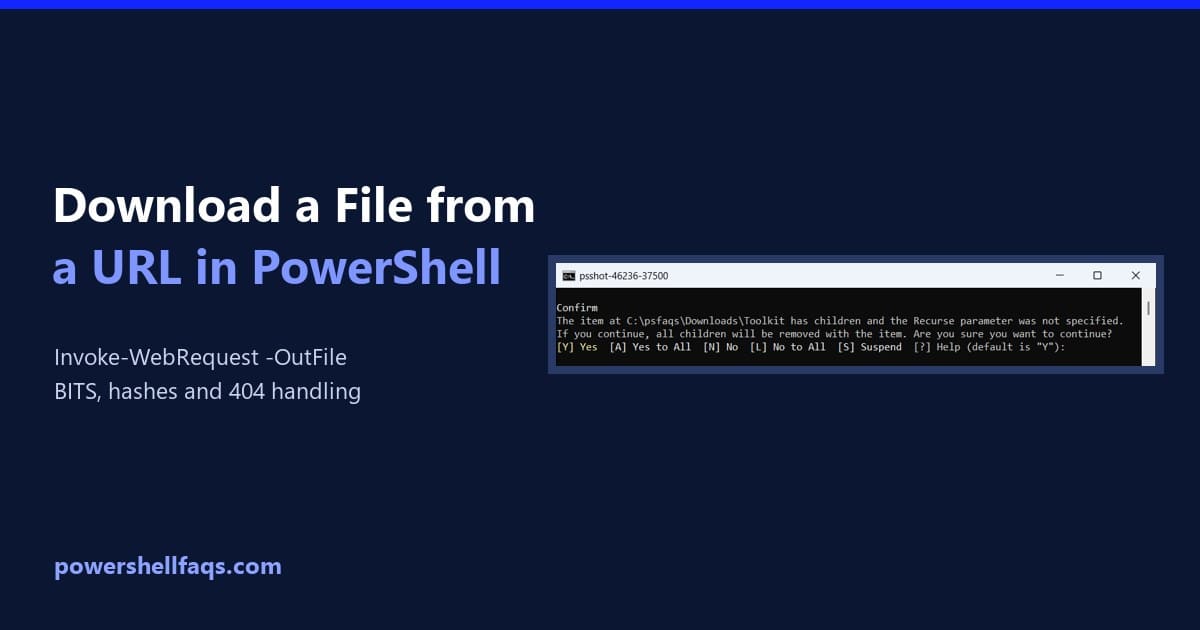
To download a file from a URL in PowerShell, run Invoke-WebRequest with -Uri for the address and -OutFile for where to save it: It works in PowerShell 7 and Windows PowerShell 5.1. Below I download a real file, check the response, use BITS for big files, verify the hash and handle errors. For every example … Read more

How to Save Output to a File in PowerShell

Save output to a file in PowerShell

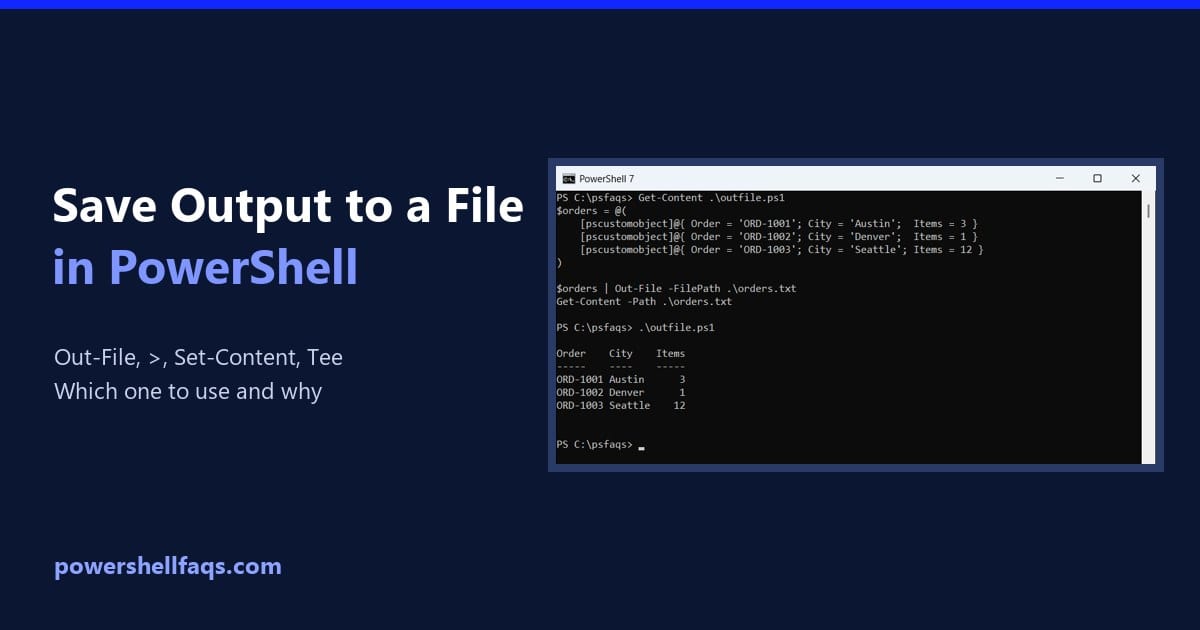
To save output to a file in PowerShell, pipe it to Out-File, or use the > redirection operator, which does the same thing: Both save the output exactly as it looks on screen. Below I compare every option with the same three sample orders, so you can see which file each one produces. Which method … Read more

How to Get the File Name from a Path in PowerShell

Get file name from path in PowerShell

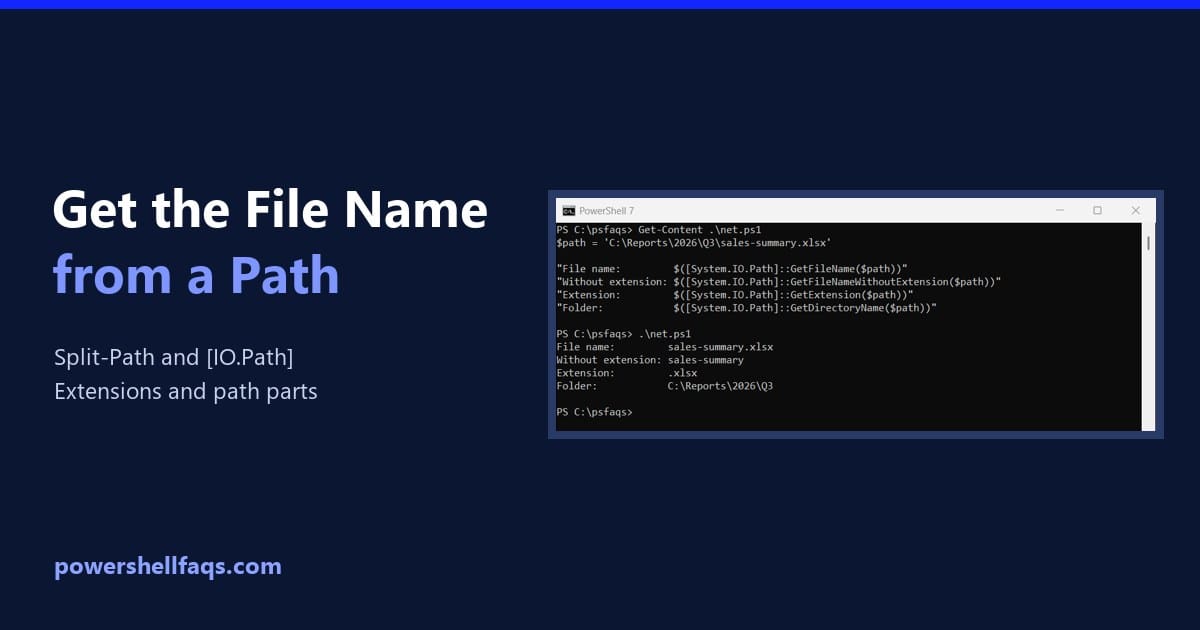
To get the file name from a path in PowerShell, use Split-Path -Leaf. -Parent gives you the folder part instead: Output: Split-Path only works on the text, so the file doesn’t need to exist. I ran every example in PowerShell 7.6 and Windows PowerShell 5.1 and note the 7-only options. Get the name without the … Read more

How to Find a File by Name in PowerShell

Find a file by name in PowerShell

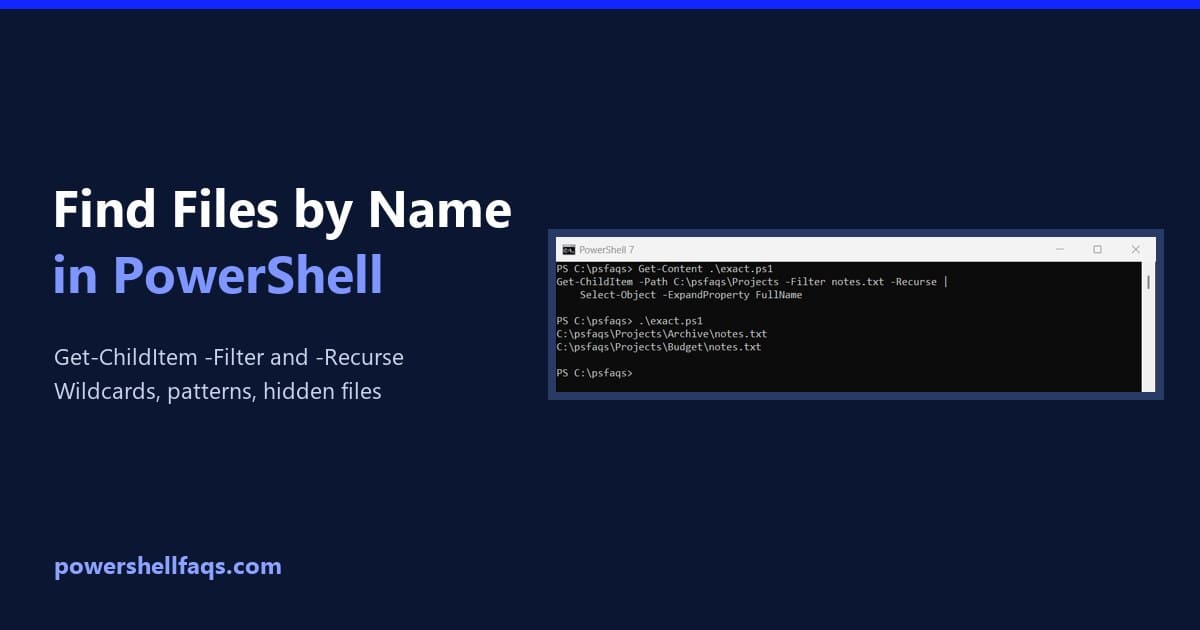
To find a file by name in PowerShell, use Get-ChildItem with -Filter for the name and -Recurse to search every subfolder. This finds every file called notes.txt under a projects folder: Output: FullName gives you the complete path of each match. Name matching isn’t case-sensitive, so NOTES.TXT would find the same files. My test folder … Read more

PowerShell Where-Object Contains (With Examples)

PowerShell Where-Object contains examples

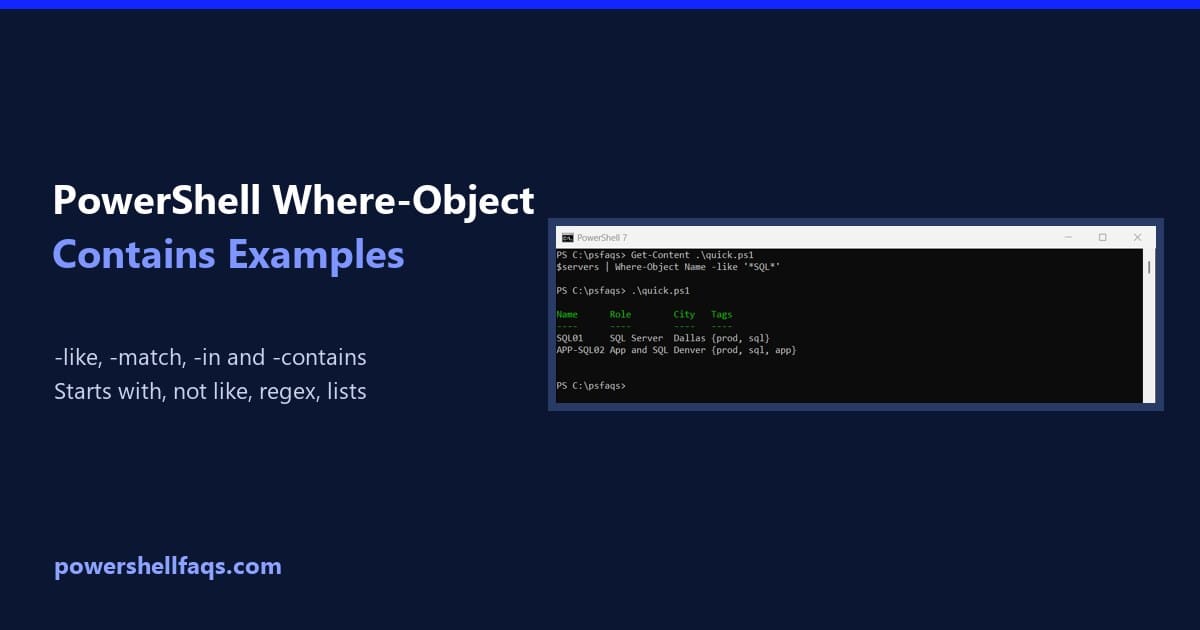
To filter objects where a property contains some text, use Where-Object with the -like operator and wildcards on both sides. This returns every server whose name contains “SQL”: The -contains operator looks like the obvious choice, but it doesn’t check for text inside a string. That trips up almost everyone, so I’ll show you why … Read more

PowerShell Naming Conventions: Functions, Parameters and Variables

PowerShell naming conventions

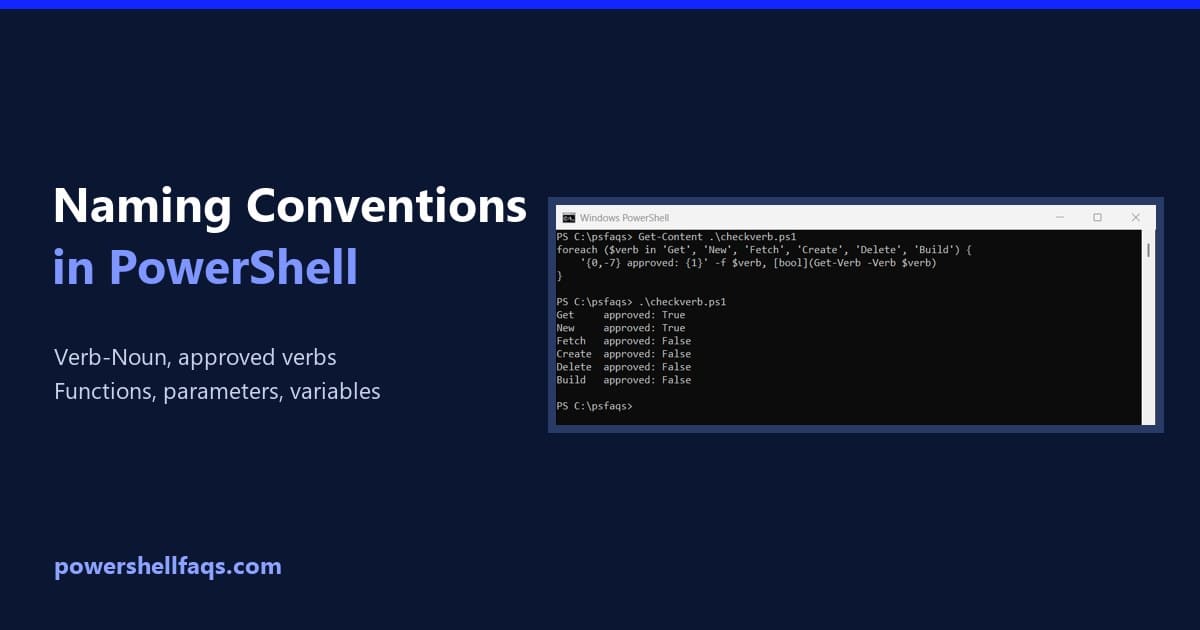
PowerShell naming conventions come down to one pattern for commands: an approved verb, a hyphen, and a singular noun, both in PascalCase. Parameters use PascalCase too. Here’s a function that follows all of it: Output: Anyone who knows Get-Service or Get-ChildItem can guess what Get-DiskReport does and how to call it. That’s the whole point … Read more

PowerShell Where-Object: Filter Objects With Examples

PowerShell Where-Object with examples

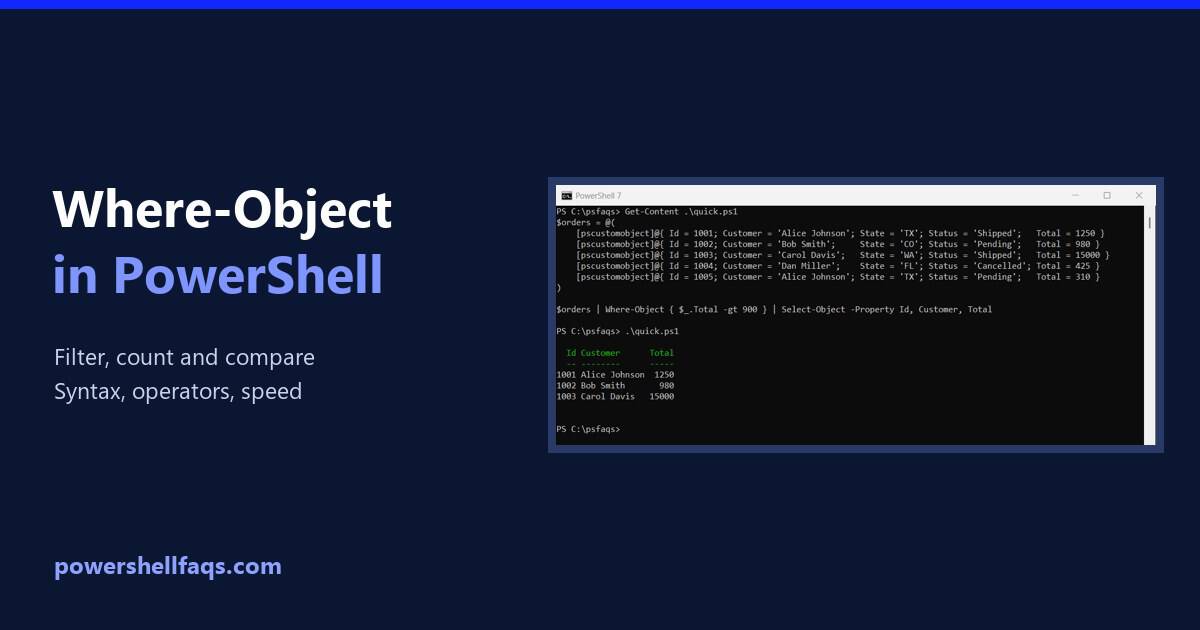
PowerShell Where-Object filters objects in the pipeline. You give it a condition in a script block, and it passes on only the objects where the condition is true. Here it keeps orders over $900: Output: $_ is the object being checked. The other examples in this guide use the same five sample orders in $orders, … Read more

How to Check the PowerShell Version (Windows, Scripts and Remote)

How to check the PowerShell version

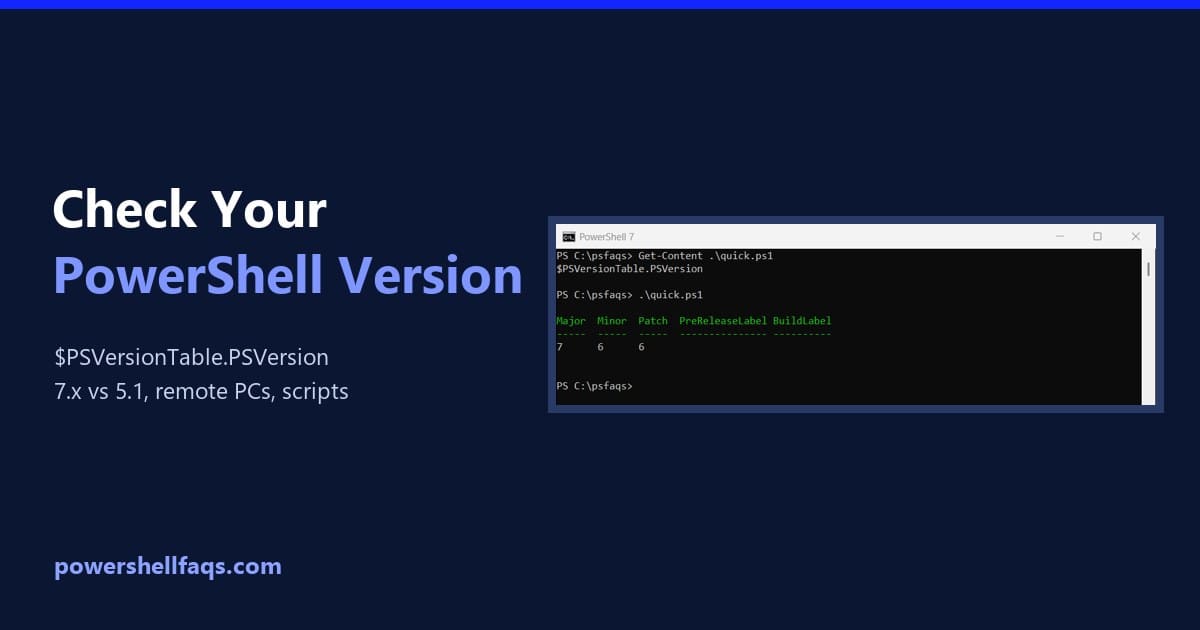
To check the PowerShell version, run $PSVersionTable.PSVersion. It works in every version on Windows, macOS and Linux. Here it is in PowerShell 7: Output in PowerShell 7.6: The same command in Windows PowerShell 5.1 shows a different layout, with Build and Revision instead of Patch: Most Windows 11 PCs have both: Windows PowerShell 5.1 is … Read more

How to Convert a Byte Array to a String in PowerShell

Convert a byte array to a string in PowerShell

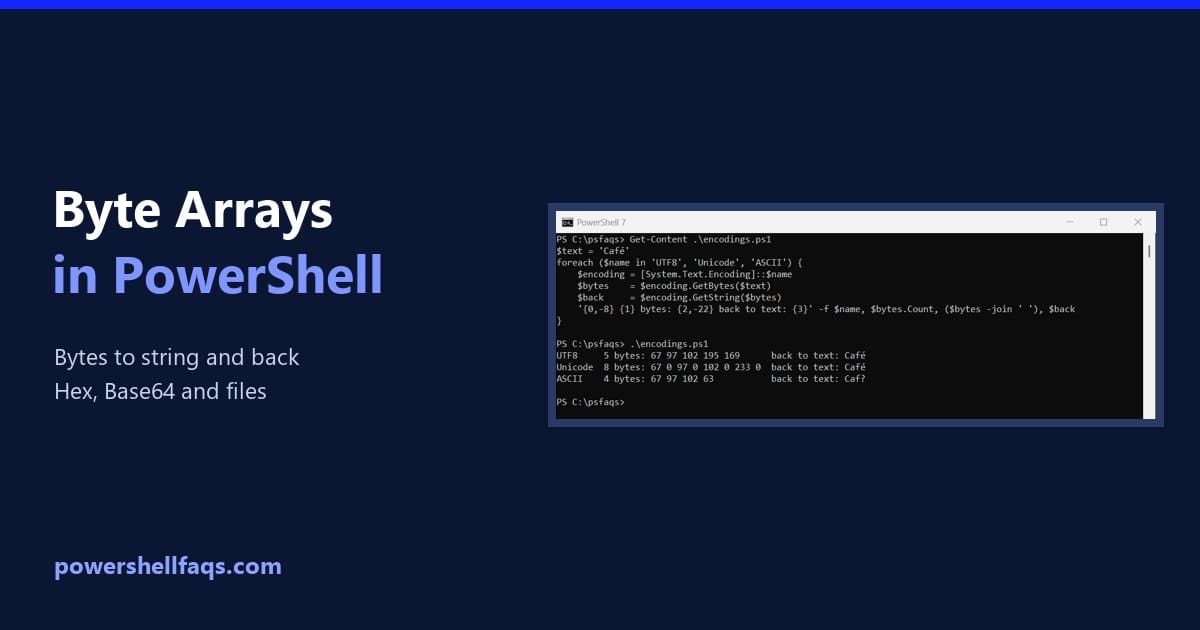
To convert a byte array to a string in PowerShell, decode it with the matching text encoding, usually UTF-8. [System.Text.Encoding]::UTF8.GetString() takes the bytes and returns the text: Output: The reverse is GetBytes(), and those two methods are most of what you need. The rest of this guide covers picking the right encoding, creating byte arrays, … Read more