How to Extract Text Between Delimiters in PowerShell
Extract text between delimiters in PowerShell

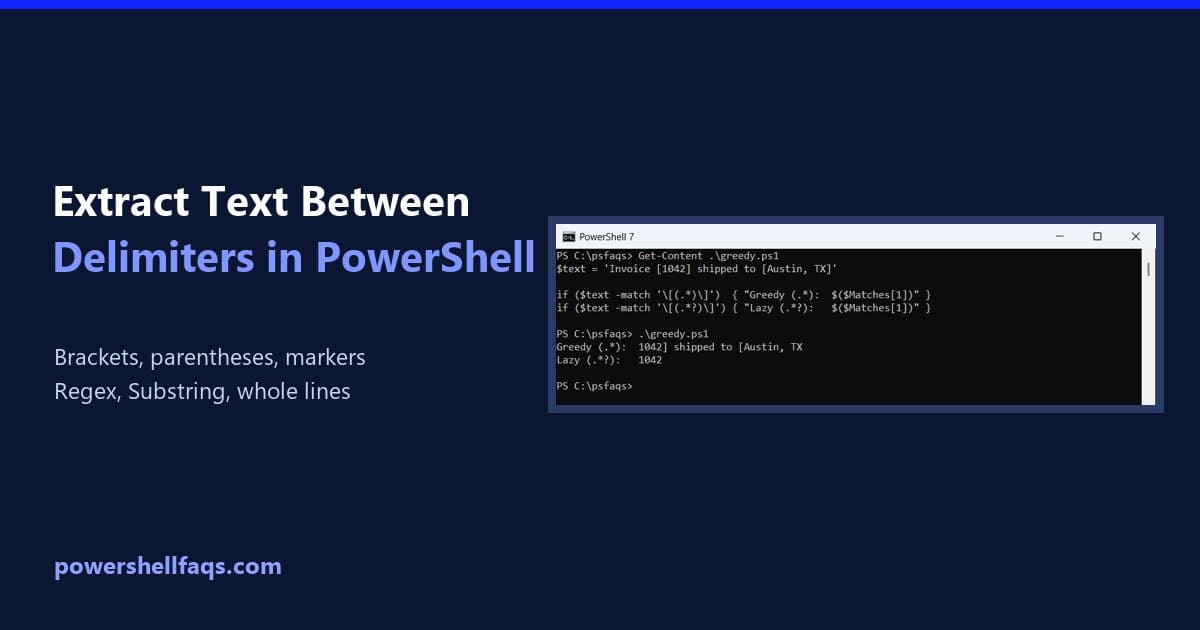
To extract text between two delimiters in PowerShell, match it with a regular expression and a capture group. The part in parentheses lands in $Matches[1]: Output: The ? after .* matters more than it looks, and -match only returns the first match. Both are covered below. I ran every example in PowerShell 7.6 and Windows … Read more
How to Restart a Computer Using PowerShell

Restart a computer using PowerShell

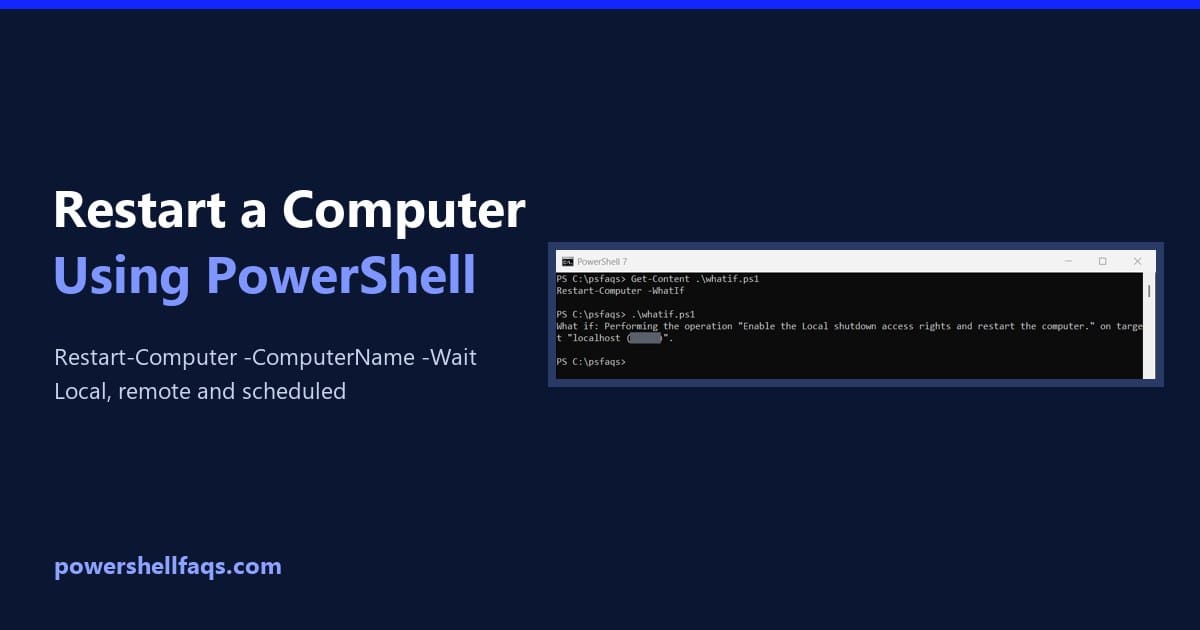
To restart a computer using PowerShell, run Restart-Computer. It restarts the local PC right away, so save your work first: Add -ComputerName to restart remote PCs. Below I preview restarts safely, restart remote servers and wait for them to come back, check for a pending restart and schedule one for later. Preview a restart with … Read more

PowerShell IsNullOrEmpty vs IsNullOrWhiteSpace

PowerShell IsNullOrEmpty vs IsNullOrWhiteSpace

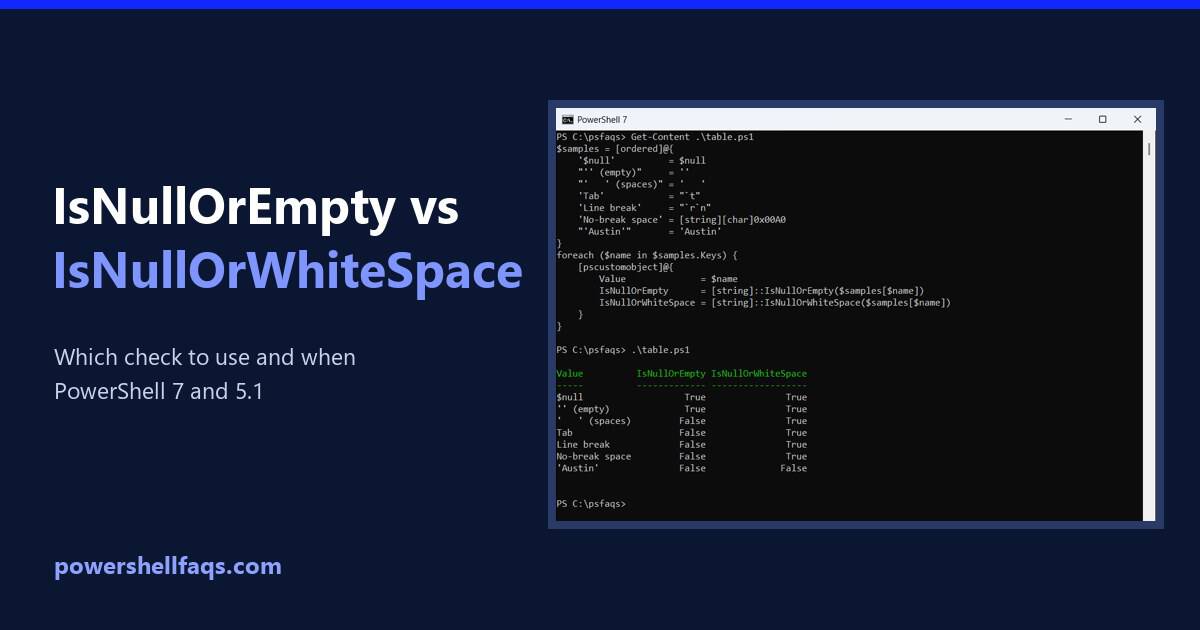
In PowerShell, IsNullOrEmpty vs IsNullOrWhiteSpace comes down to how they treat spaces. IsNullOrEmpty only catches $null and empty strings, while IsNullOrWhiteSpace also catches strings made only of spaces, tabs or line breaks: For user input and data from files, IsNullOrWhiteSpace is almost always the one you want. Below are both checks side by side, a … Read more

How to Split a String in PowerShell (With Examples)

Split a string in PowerShell

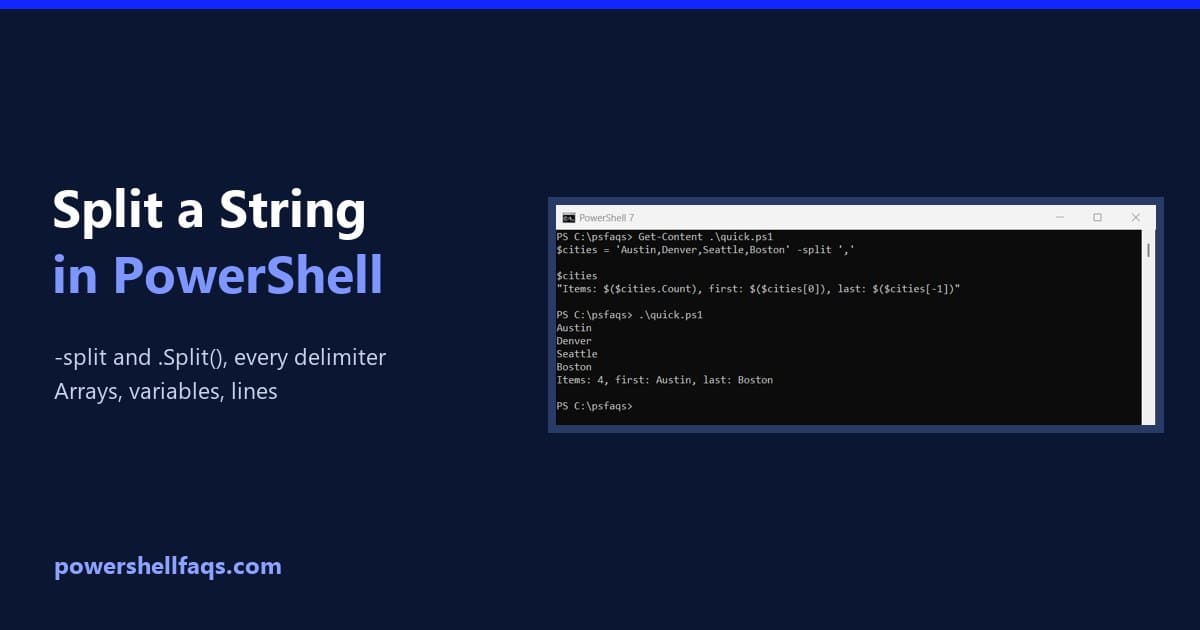
To split a string in PowerShell, use the -split operator with the delimiter. It returns an array, with one item per piece: Output: PowerShell also has the .Split() string method. The two behave differently in a few important ways, and one of them changed between PowerShell versions. I ran every example in PowerShell 7.6 and … Read more

How to Check if a String Contains a Substring in PowerShell

Check if a string contains a substring in PowerShell

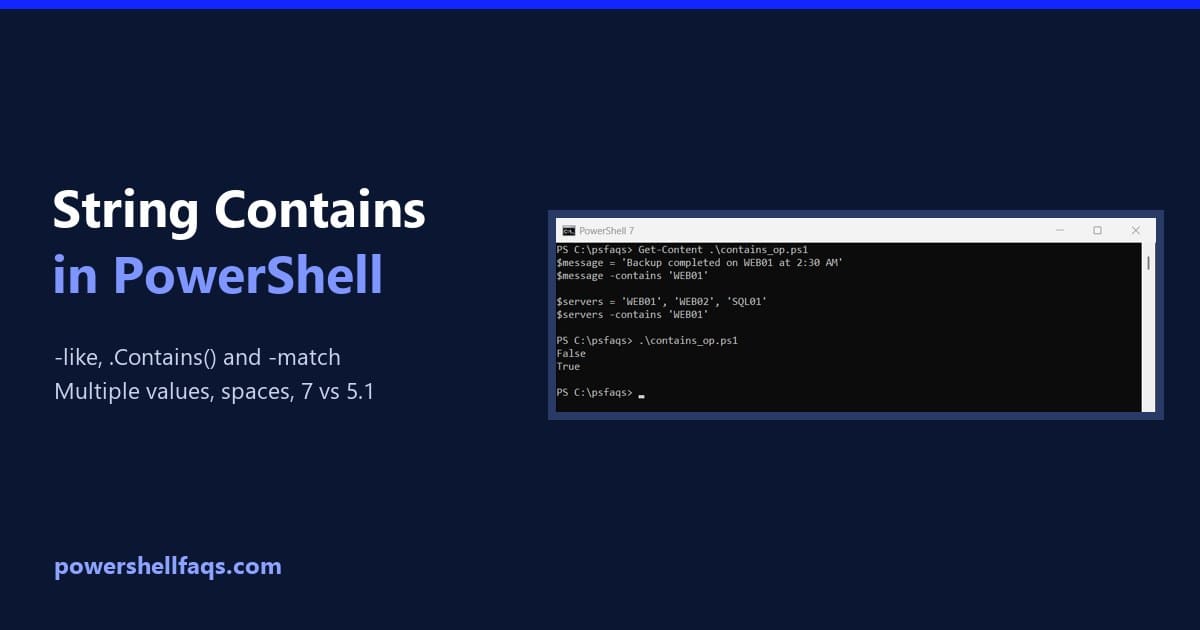
To check if a string contains a substring in PowerShell, use the -like operator with a * wildcard on each side. It returns True or False and ignores case: Output: Use -clike when case matters. For most checks, like looking for a server name or an error word in a log line, the case-insensitive -like … Read more

PowerShell For Loop (With Examples)

PowerShell for loop with examples

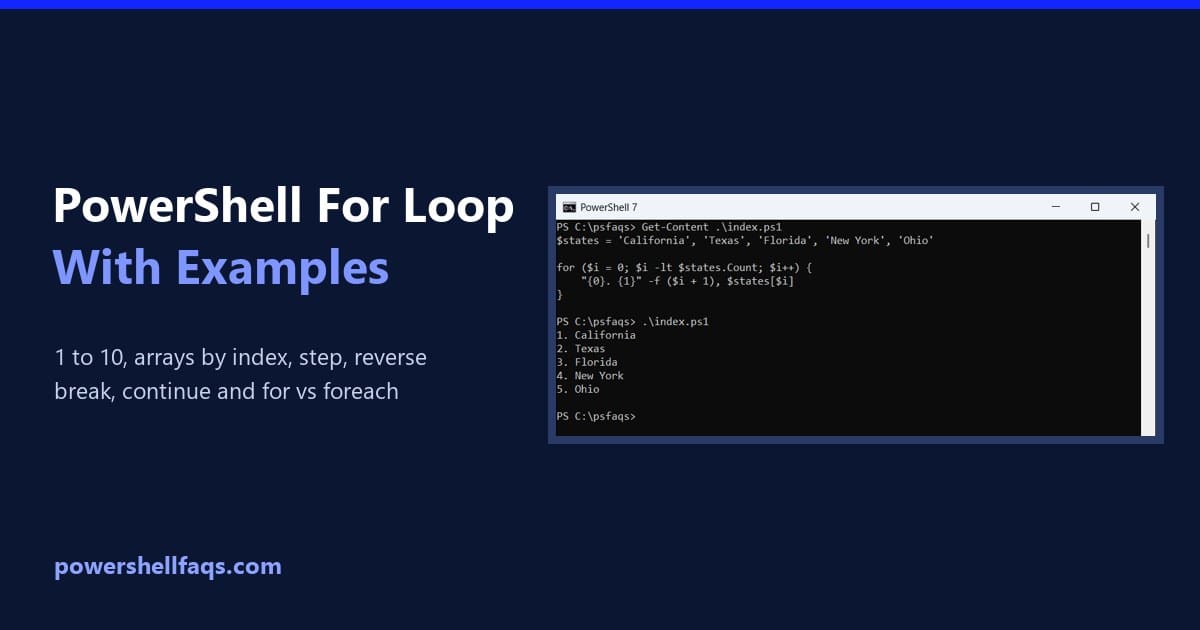
A PowerShell for loop runs a block of code a set number of times. You give it a starting value, a condition and a step, and PowerShell repeats the block while the condition is true: Here’s the simplest real example, counting from 1 to 5: Output: Below, you’ll see how each part works, how to … Read more

PowerShell Switch Statement (With Examples)

PowerShell switch statement with examples

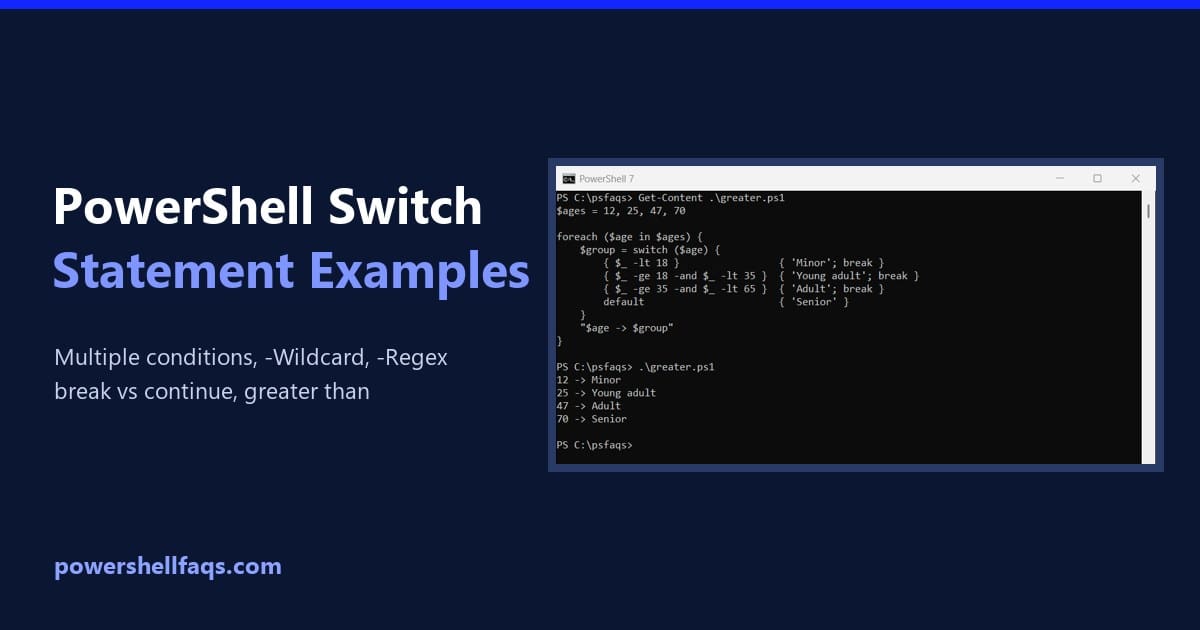
The PowerShell switch statement compares a value against a list of conditions and runs the script block of every condition that matches. It’s a cleaner replacement for a long chain of if/elseif statements. Here’s the basic form, with a default block for anything that doesn’t match: Output: In this guide, I’ll cover multiple conditions, greater … Read more

PowerShell Filter Operators (With Examples)

PowerShell filter operators with examples

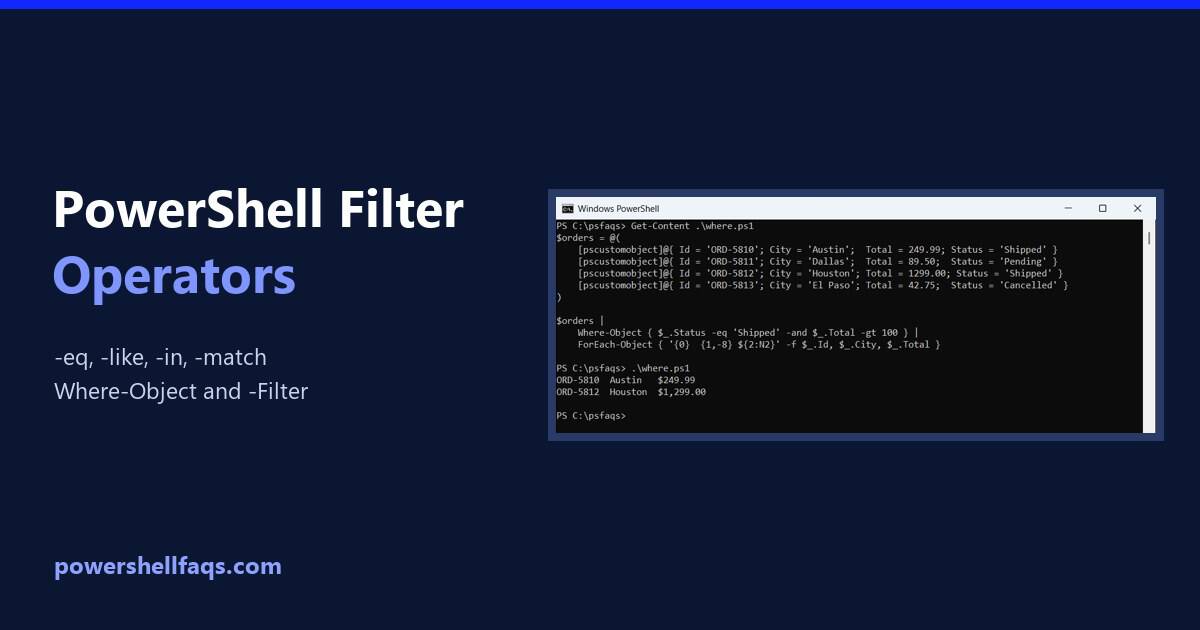
PowerShell filter operators are the comparison operators, like -eq, -gt, -like, -match and -in, used to keep only the items you want. Put them inside Where-Object, or apply them straight to an array: Output: When the left side is an array, the operator returns the matching items instead of True or False. Below I cover … Read more

PowerShell Logical Operators: -and, -or, -not, -xor and !

PowerShell logical operators

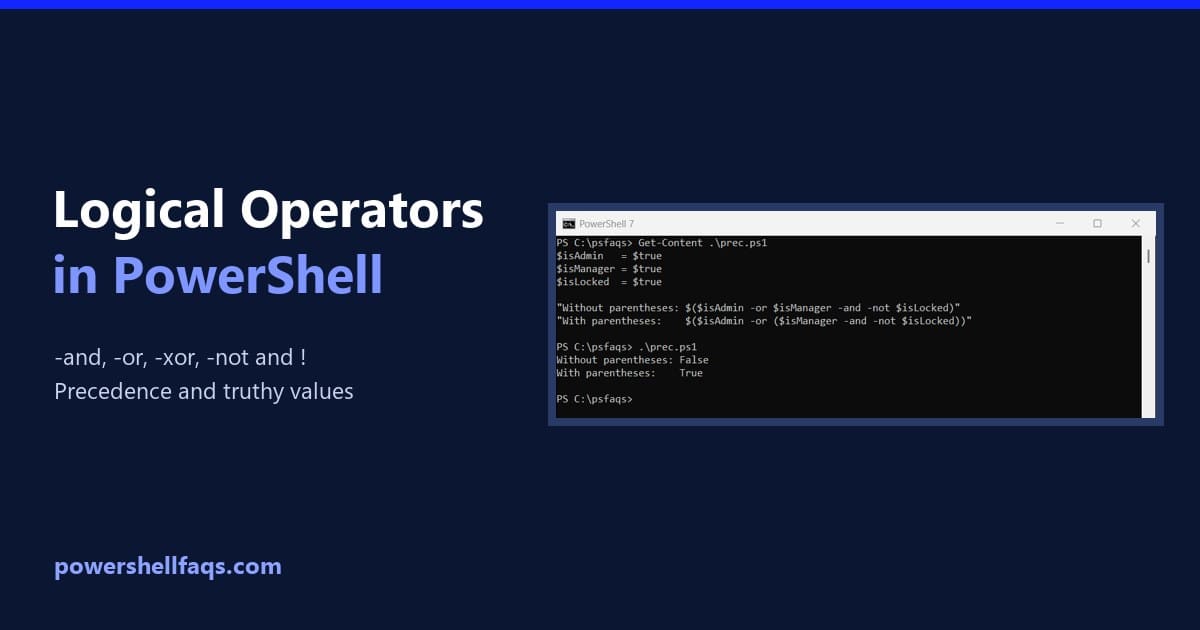
PowerShell’s logical operators are -and, -or, -xor, -not and !. They combine or flip True/False conditions, mostly inside if statements and Where-Object filters: Output: ! is just a shorter spelling of -not. I ran every example in PowerShell 7.6 and Windows PowerShell 5.1, with the same results except the last section. What each logical operator … Read more