How to Remove Items from an Array in PowerShell
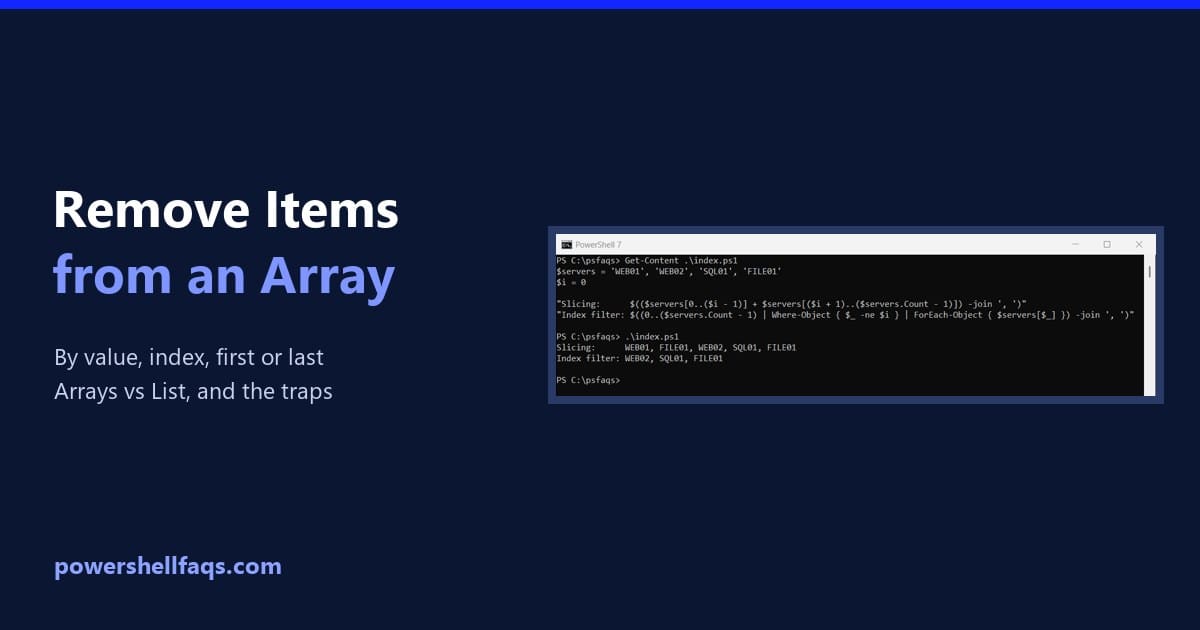
Remove items from an array in PowerShell

To remove items from an array in PowerShell, build a new array without them and assign it back. Where-Object does this in one line: Output: PowerShell arrays have a fixed size, so you can’t delete an item in place. I ran every example in PowerShell 7.6 and Windows PowerShell 5.1 and note the one 7-only … Read more
How to Print an Array in PowerShell (One Line, Loop, Table)

How to print an array in PowerShell

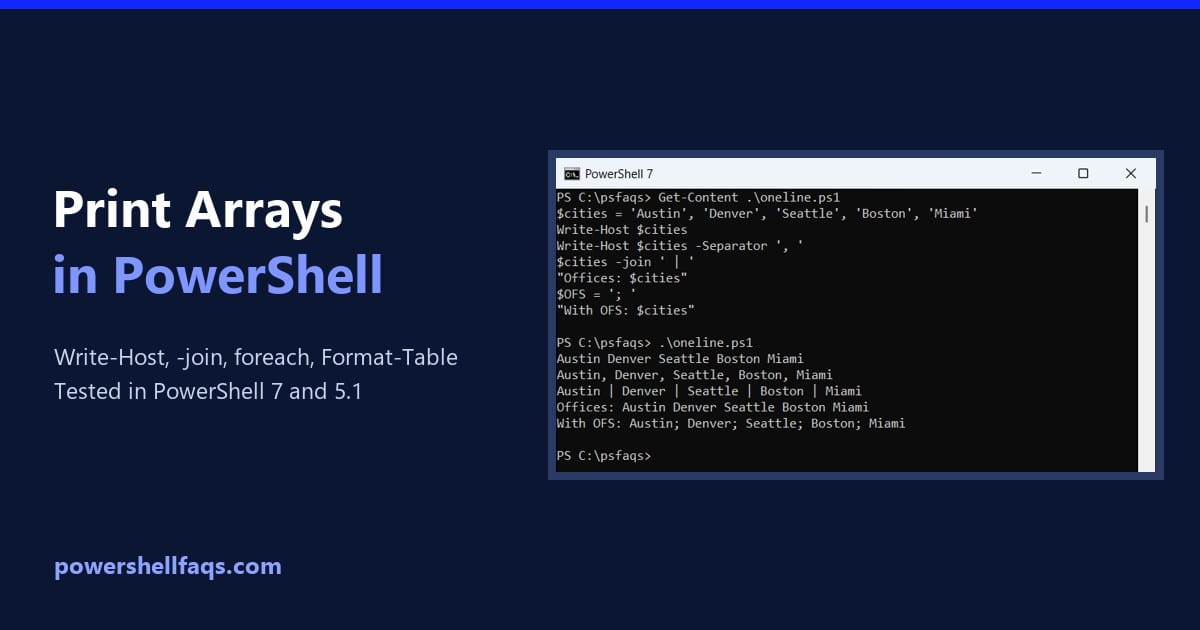
To print an array in PowerShell, type the variable name or pass it to Write-Output, and every item prints on its own line. For a single line, join the items with -join: That covers most cases, but arrays of objects, hashtables and files behave differently. I ran each example below in PowerShell 7 and Windows … Read more

How to Compare Two Arrays in PowerShell (Matches and Differences)

Compare two arrays in PowerShell

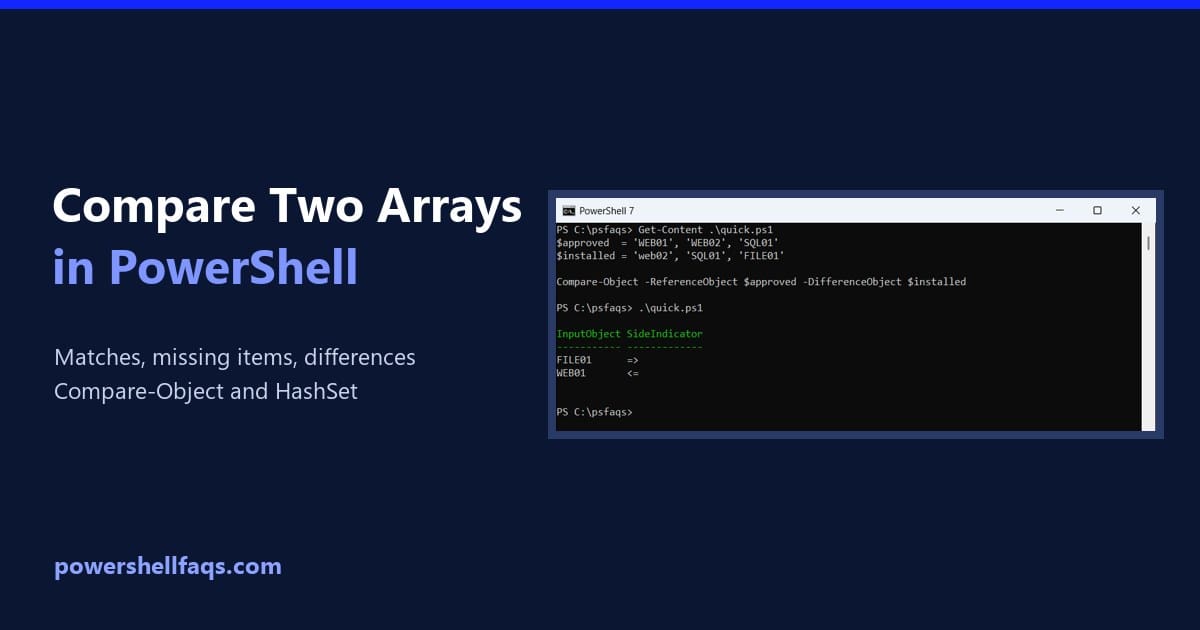
To compare two arrays in PowerShell, use Compare-Object. It lists the items that are only in one array: <= means only in the first (reference) array, and => only in the second: Output: WEB02 and web02 matched, because Compare-Object ignores case and order. I ran every example in PowerShell 7.6 and Windows PowerShell 5.1, with … Read more

How to Create an Array of Objects in PowerShell

Create an array of objects in PowerShell

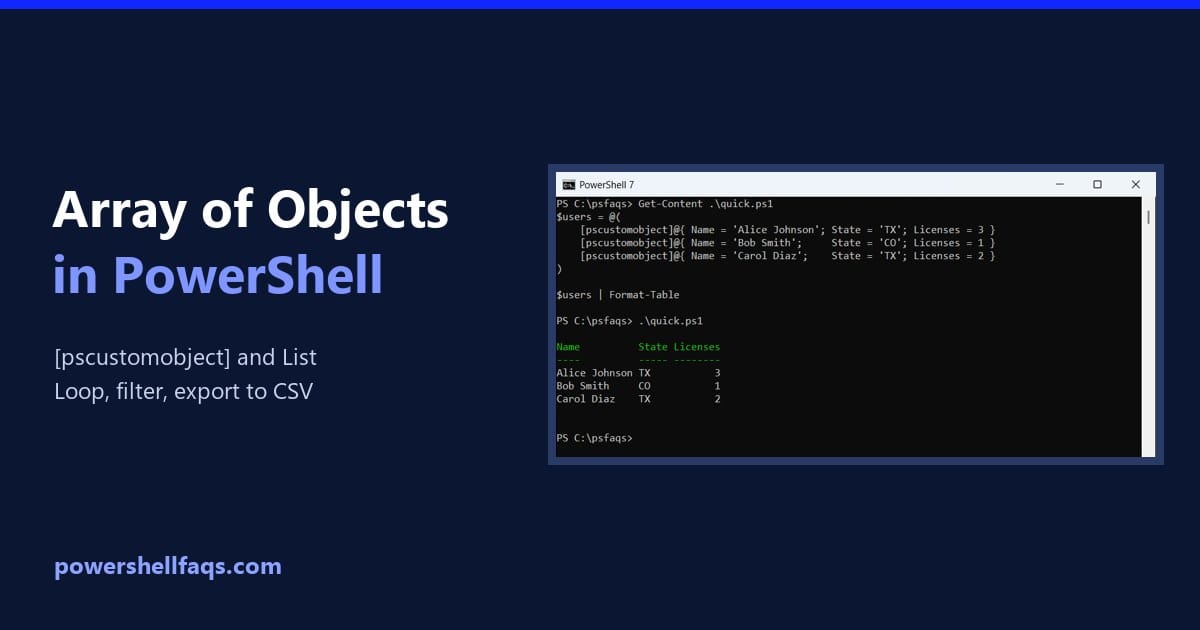
To create an array of objects in PowerShell, put [pscustomobject]@{ … } entries inside @( ), one per line. Each object’s keys become its properties: Output: PowerShell shows the array as a table, with one row per object. I ran every example in PowerShell 7.6 and Windows PowerShell 5.1 and note the two places they … Read more

PowerShell Array Parameters: Pass Arrays to Functions

PowerShell array parameters

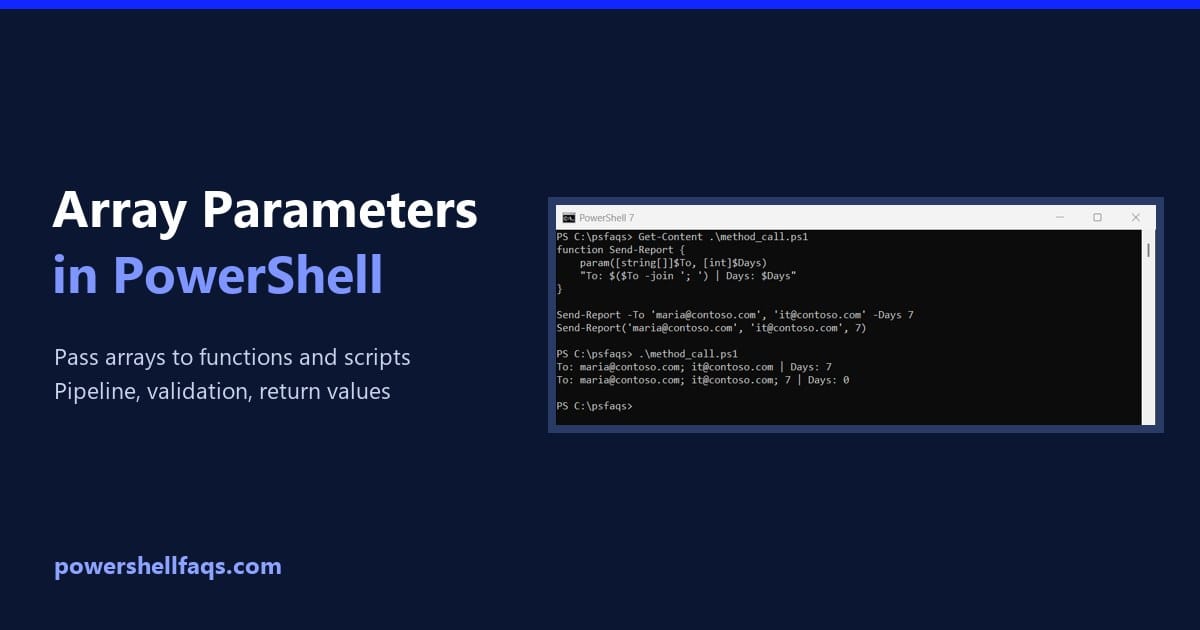
To make a PowerShell array parameter, give the parameter an array type such as [string[]]. Callers can then pass several values separated by commas, or just one value: Output: With [string[]], a single value still arrives as an array with one item, so the same foreach loop handles both calls. I tested every example in … Read more

PowerShell Multidimensional Arrays (Jagged and 2D)

PowerShell multidimensional arrays

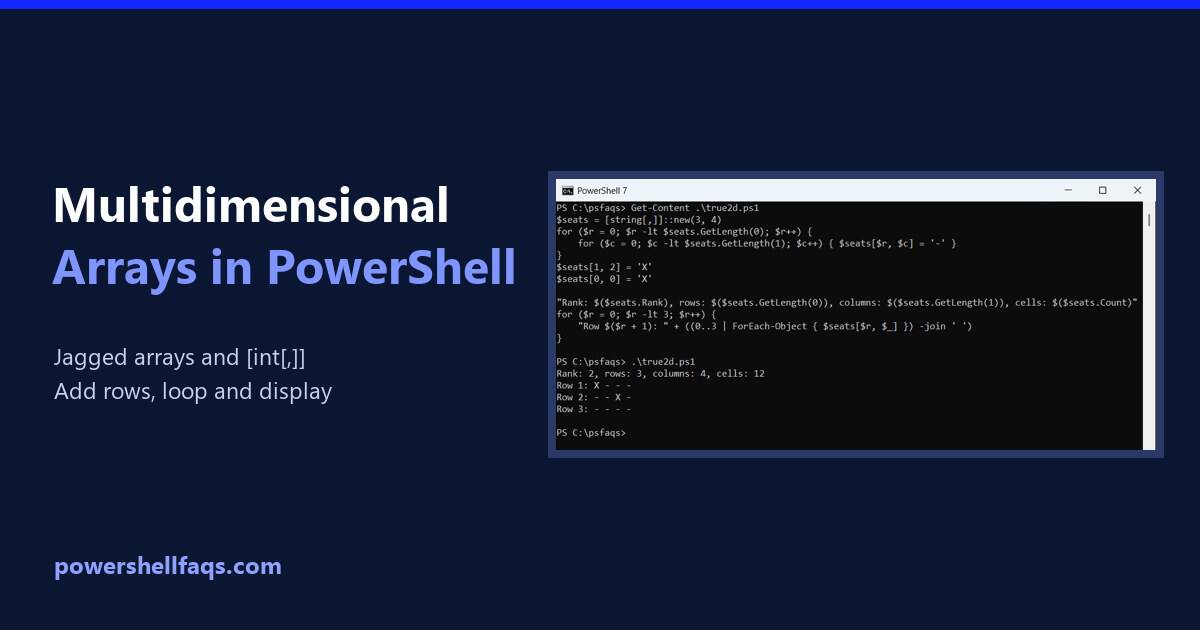
A multidimensional array in PowerShell is usually an array of arrays, called a jagged array. Each inner array is a row, and you read a value with two indexes, $array[row][column]: Output: PowerShell also has true two-dimensional arrays like [int[,]], covered further down. I ran every example in PowerShell 7.6 and Windows PowerShell 5.1, with the … Read more

How to Remove Duplicates from an Array in PowerShell

Remove duplicates from an array in PowerShell

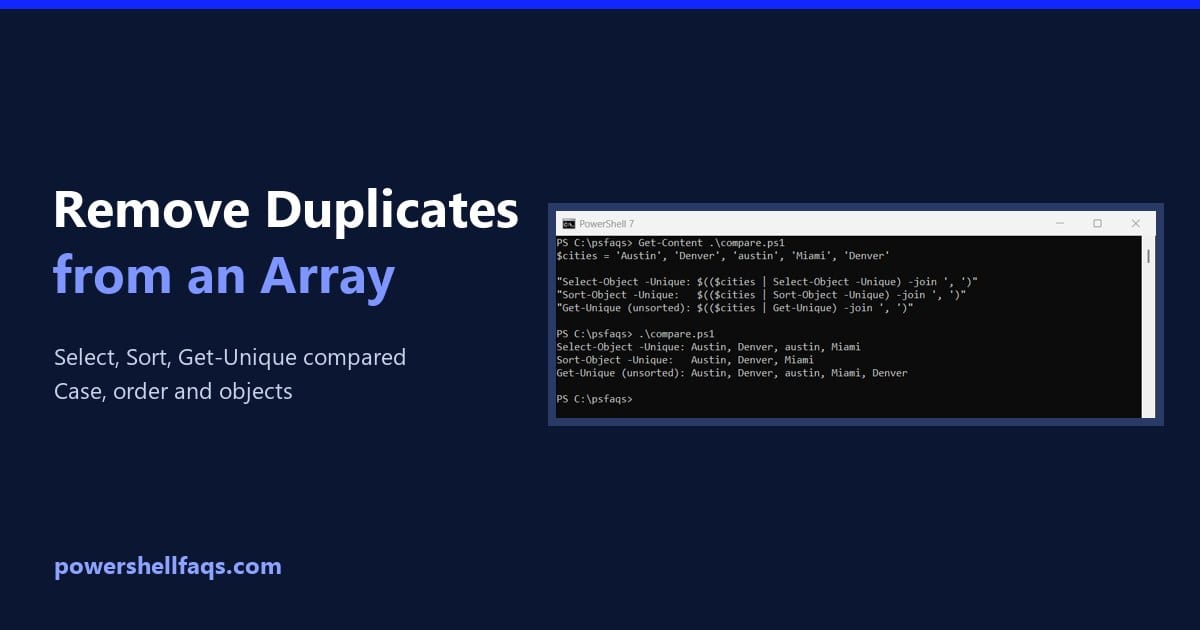
To remove duplicates from an array in PowerShell, pipe it to Select-Object -Unique. It keeps the first copy of each value, in the original order: Output: Notice that Austin and austin both stayed. Select-Object -Unique is case-sensitive, and each method treats case and order differently. I ran every example in PowerShell 7.6 and Windows PowerShell … Read more

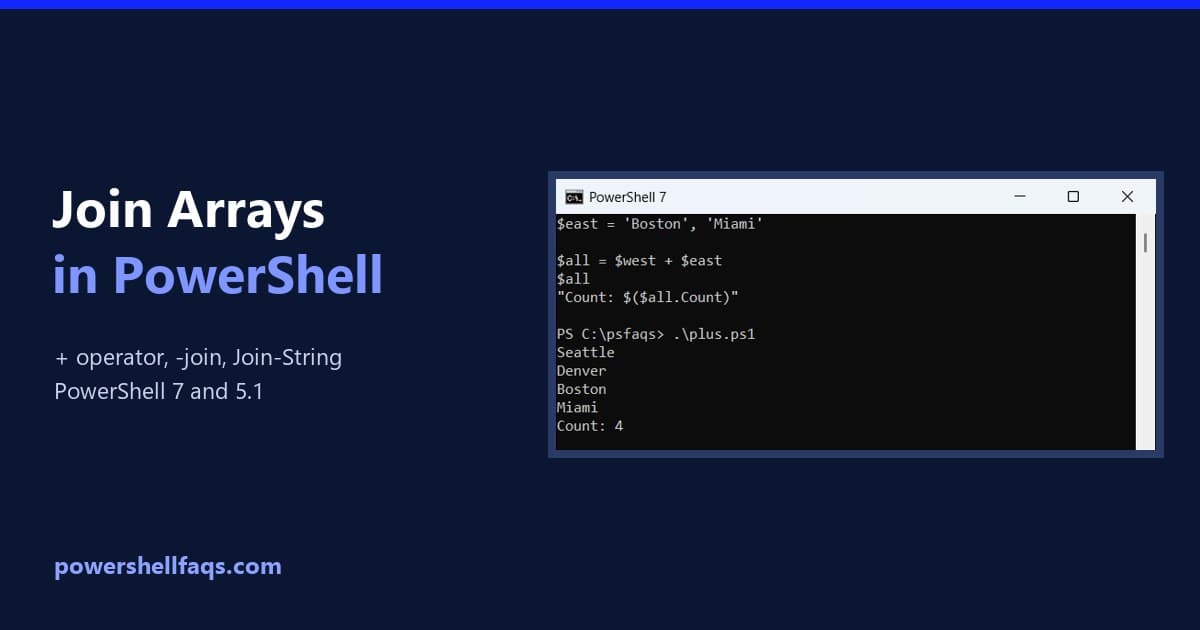
How to Join Arrays in PowerShell (+, -join, Join-String)

Join arrays in PowerShell with the plus operator and -join

To join arrays in PowerShell, use the plus operator. It returns a new array with every item from the first array followed by every item from the second: If you want one string instead of one array, use $all -join ‘, ‘. I’ll cover both below, plus the traps I hit when one side holds … Read more

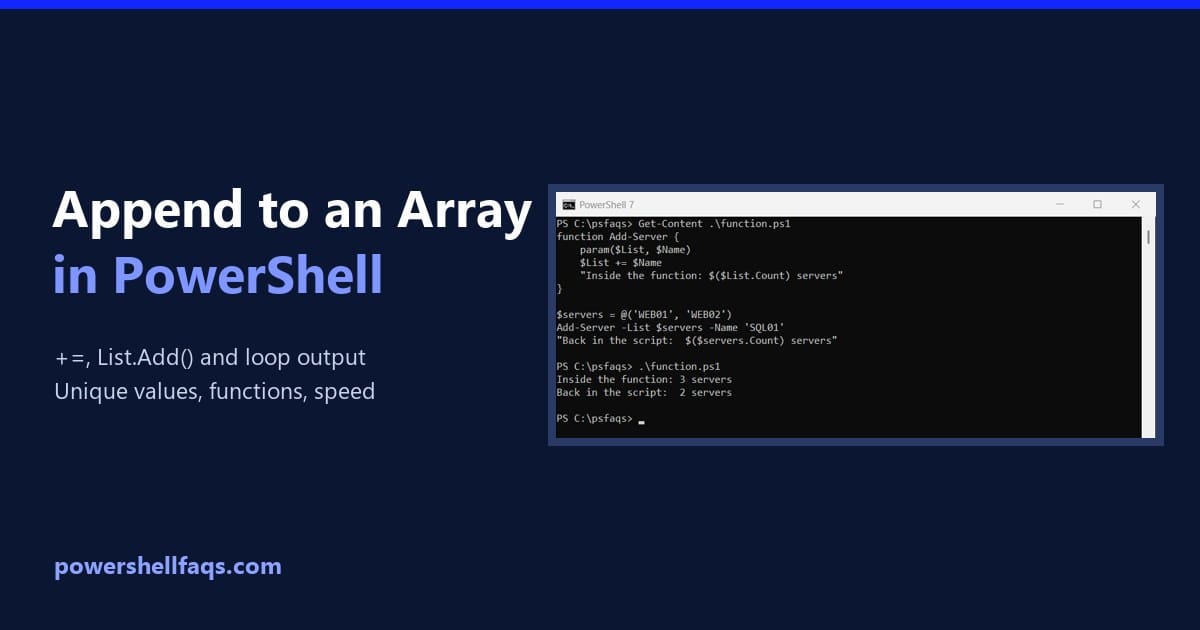
PowerShell Append to Array: +=, Lists and Common Mistakes

Append to an array in PowerShell

To append to an array in PowerShell, use the += operator. It adds the new item to the end, so a list of two servers becomes three: Output: That’s all you need for small scripts. But += doesn’t really grow the array. It builds a brand-new one each time, which explains most of the surprises … Read more

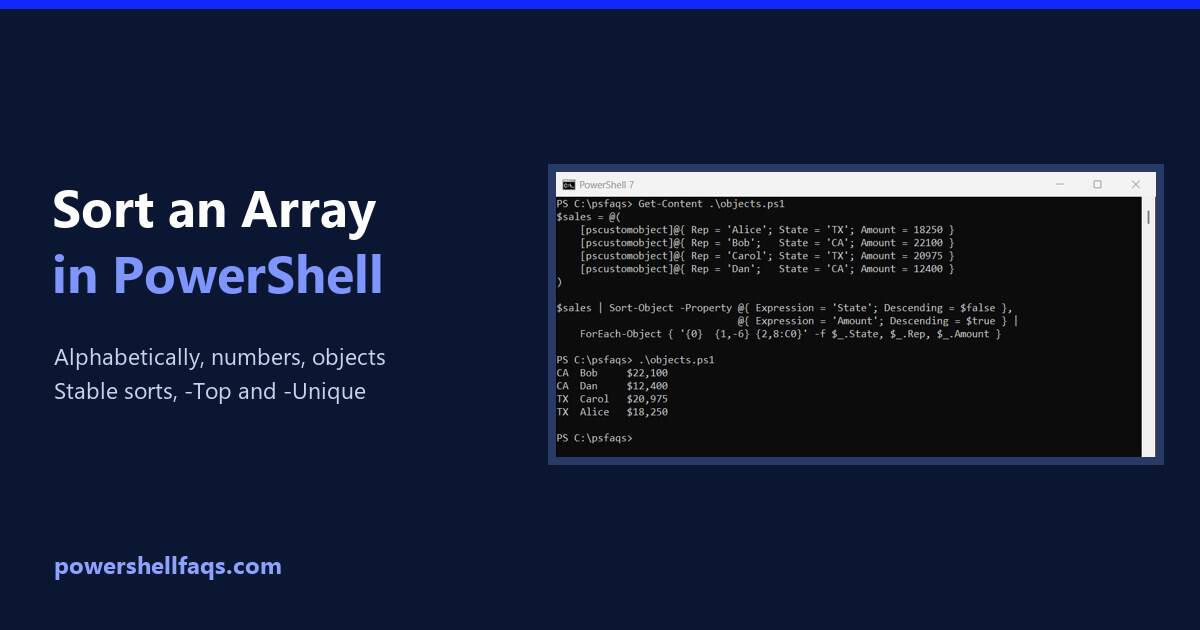
How to Sort an Array in PowerShell (Strings, Numbers, Objects)

Sort an array in PowerShell

To sort an array in PowerShell, pipe it to Sort-Object. It sorts in ascending order, A to Z and smallest to largest, and ignores case. Add -Descending to reverse it: Output: I ran every example in PowerShell 7.6 and Windows PowerShell 5.1. Most results match, but a few sorts differ between the versions, and I … Read more