How to Create an Empty Array in PowerShell
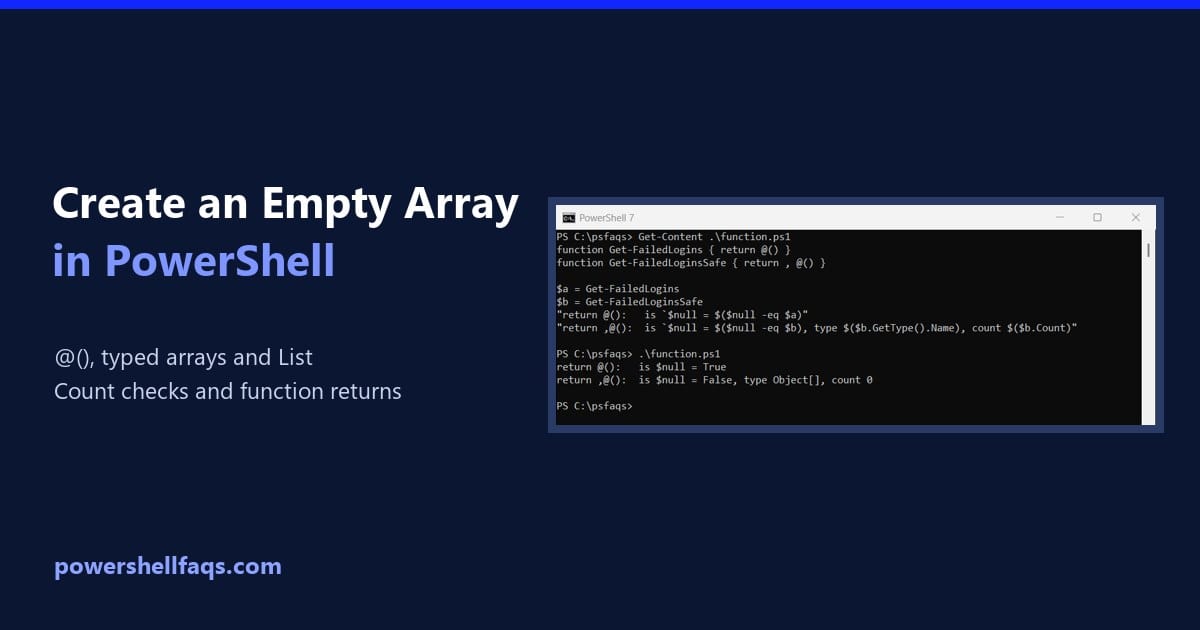
Create an empty array in PowerShell

To create an empty array in PowerShell, assign @() to a variable. You can then add items with +=, and Count tells you how many it holds: Output: That’s fine for small lists. Below I cover typed and fixed-size arrays, a faster List, and the checks that trip people up. I ran every example in … Read more
How to Get Array Length in PowerShell (Count vs Length)

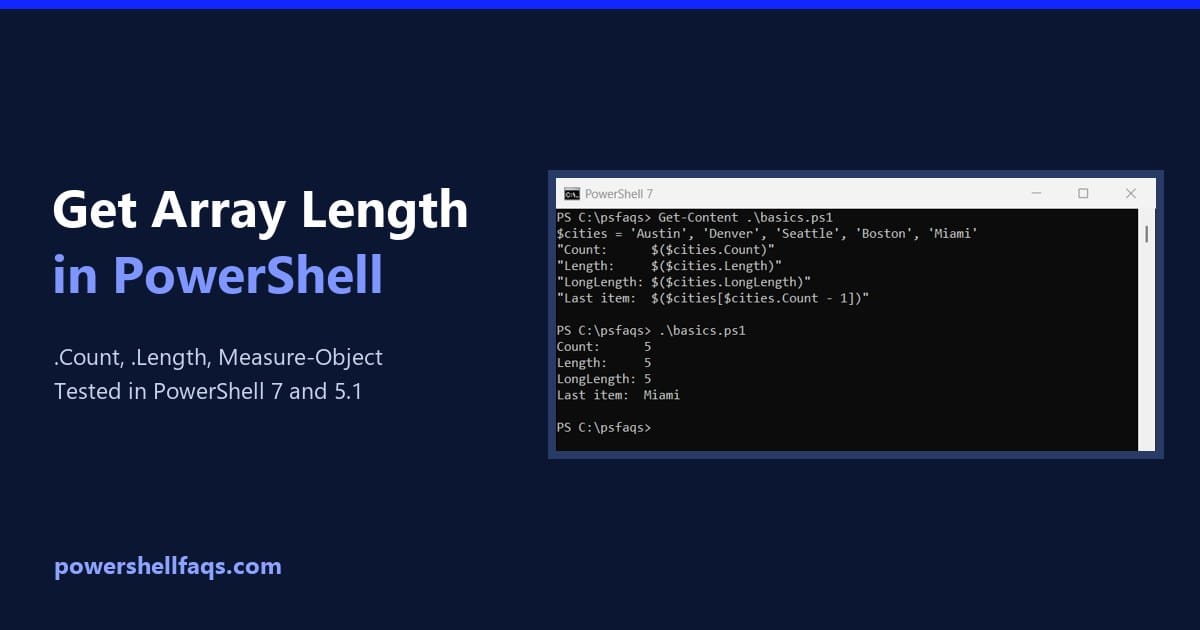
How to get the array length in PowerShell

To get the PowerShell array length, read the array’s .Count or .Length property. Both return the number of items, so $cities.Count gives 5 for a five-city array: The tricky part is what happens when a command returns one item, no items, or a collection that isn’t a plain array. I ran every case below in … Read more

How to Get the First and Last Element of an Array in PowerShell

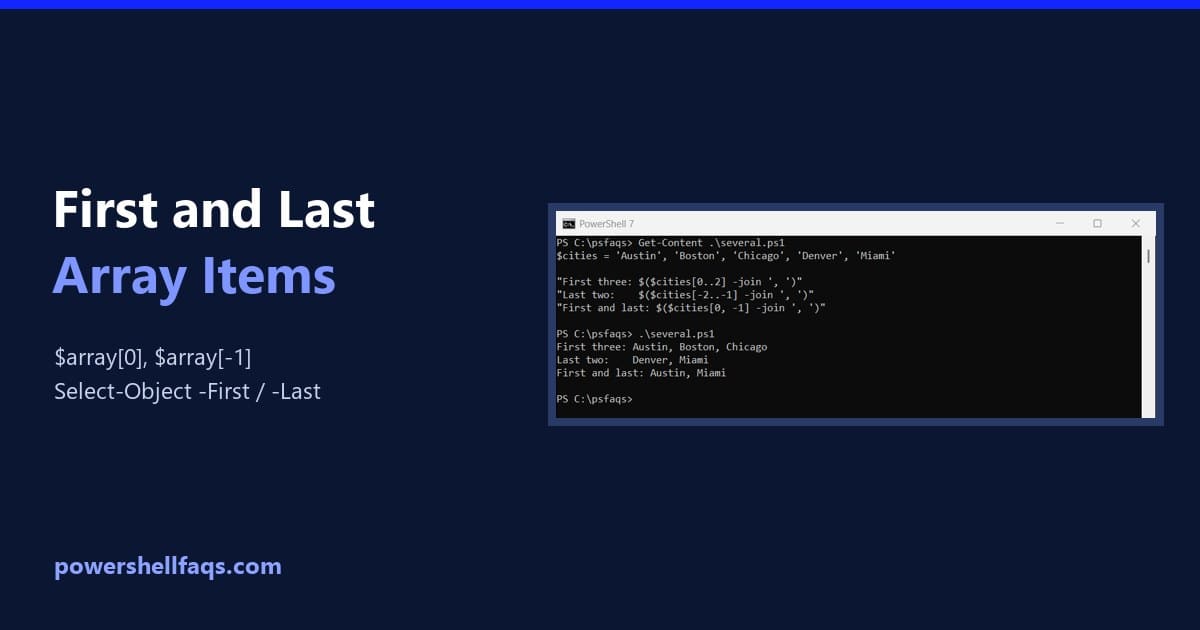
Get the first and last element of an array in PowerShell

To get the first element of an array in PowerShell, use index 0: $array[0]. For the last element, use -1: $array[-1]. Negative numbers count back from the end: Output: Below I cover getting several items at once, Select-Object, and the cases where these give surprising results. I ran every example in PowerShell 7.6 and Windows … Read more

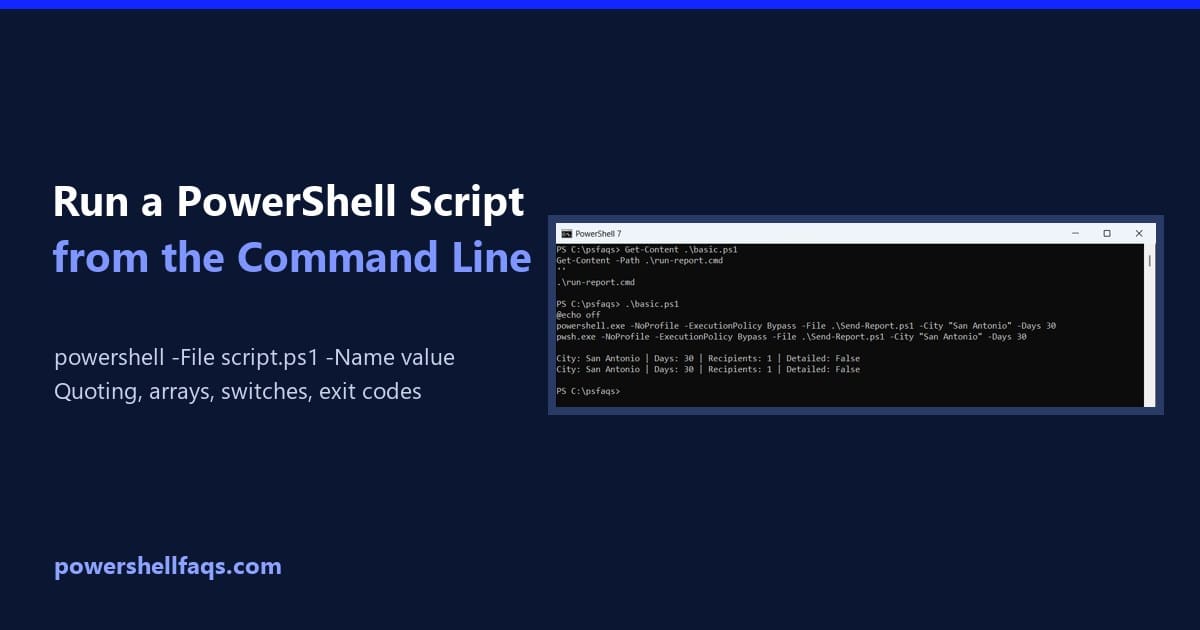
Run PowerShell Script from Command Line with Parameters

Run a PowerShell script from the command line with parameters

To run a PowerShell script from the command line with parameters, start powershell.exe with -File, then the script path, then the parameters: Use pwsh.exe instead for PowerShell 7. Below I run real batch files to show quoting, arrays, switches and exit codes, which all behave a little differently from inside PowerShell. The sample script Every … Read more