How to Install Windows Updates Using PowerShell

Install Windows updates using PowerShell

To install Windows updates using PowerShell, use the Windows Update Agent built into Windows, or the community PSWindowsUpdate module. PSWindowsUpdate is the quickest. In an elevated window, install it once, then install every available update: -AutoReboot restarts the PC if an update needs it, so leave it off on machines people are using. Below I … Read more

PowerShell Get-WindowsAutopilotInfo: Collect and Upload the Hardware Hash

PowerShell Get-WindowsAutopilotInfo

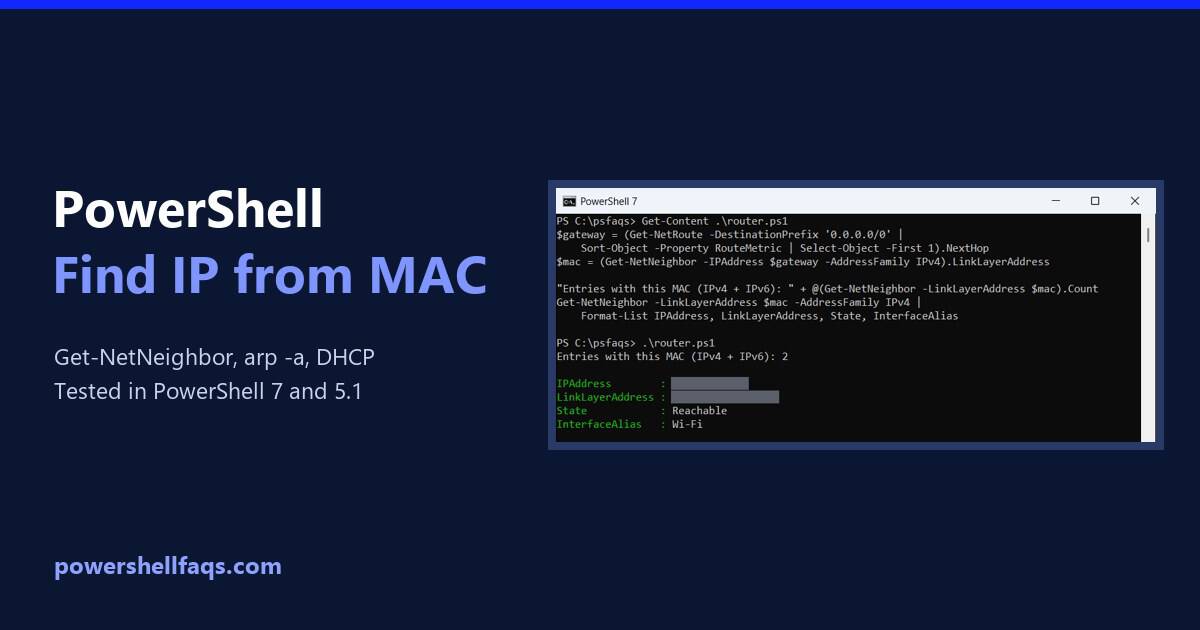
Get-WindowsAutopilotInfo is a PowerShell script that collects a device’s hardware hash and serial number for Windows Autopilot. Install it from the PowerShell Gallery, then save the hash to a CSV or upload it to Intune. Microsoft documents these commands for an elevated window: The file lands in C:\HWID\AutopilotHWID.csv, ready to import into Intune. Below I … Read more

How to Retrieve Your Windows Product Key Using PowerShell

Retrieve the Windows product key using PowerShell

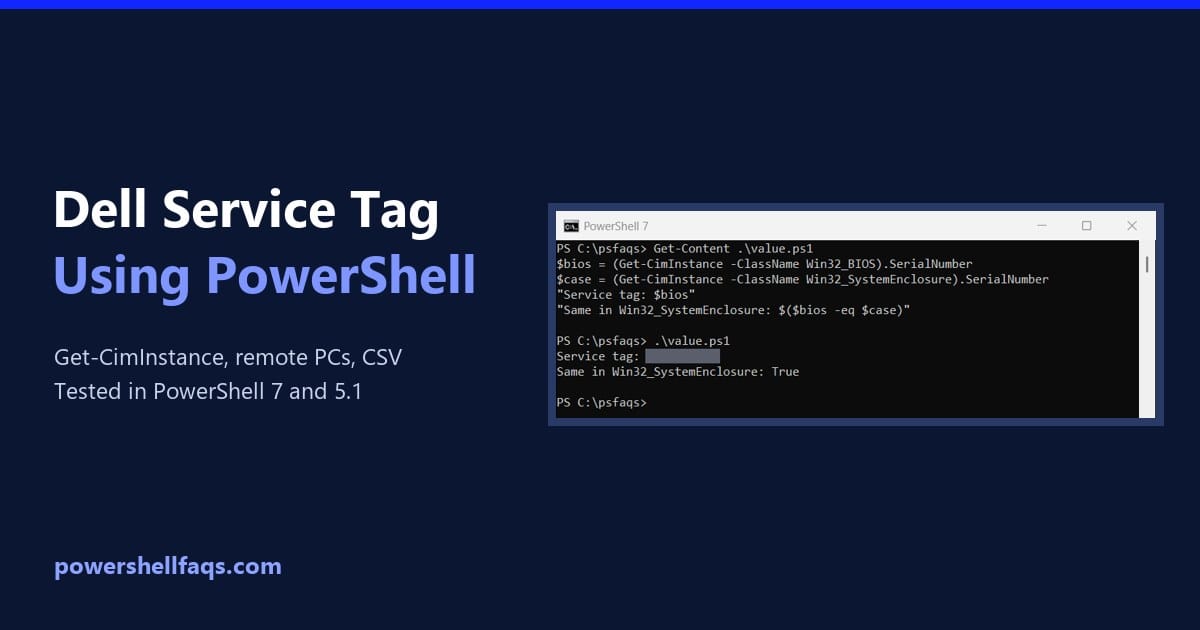
To retrieve your Windows product key using PowerShell, read the OA3xOriginalProductKey property of the SoftwareLicensingService class. It returns the key your PC’s maker stored in the firmware: It doesn’t need administrator rights. In my examples below I mask the keys with a small Hide-Key function before printing them, because a product key is a license … Read more

How to Check the PowerShell Version (Windows, Scripts and Remote)

How to check the PowerShell version

To check the PowerShell version, run $PSVersionTable.PSVersion. It works in every version on Windows, macOS and Linux. Here it is in PowerShell 7: Output in PowerShell 7.6: The same command in Windows PowerShell 5.1 shows a different layout, with Build and Revision instead of Patch: Most Windows 11 PCs have both: Windows PowerShell 5.1 is … Read more

How to Install RSAT in Windows 11 Using PowerShell

Install RSAT in Windows 11 using PowerShell

To install RSAT in Windows 11 using PowerShell, open PowerShell as administrator and run Add-WindowsCapability with the name of the tool you need. RSAT is built into Windows 11 as optional features, so there’s nothing to download: That line adds the Active Directory tools, including the ActiveDirectory PowerShell module. Below I cover the checks to … Read more

Cannot Convert Value to Type System.String Error in PowerShell [Fixes]

cannot convert value to type system.string powershell

The error “Cannot convert value to type System.String” (or its close variant “Cannot convert ‘System.Object[]’ to the type ‘System.String’”) is one of the most frequently encountered PowerShell errors. It appears when a parameter typed as [string] receives something it can’t accept — typically an array, a null value, or a complex object. In this tutorial, I will explain the root … Read more

How to Convert Seconds to Hours and Minutes in PowerShell

Convert seconds to hours and minutes in PowerShell

To convert seconds to hours and minutes in PowerShell, turn the number into a TimeSpan with New-TimeSpan -Seconds. Its Hours, Minutes and Seconds properties hold the parts, and ToString formats it as hh:mm:ss: Output: The backslashes in ‘hh\:mm\:ss’ are required, because a colon means something special in TimeSpan formats. Every example ran in PowerShell 7.6 … Read more

How to Convert PNG to ICO Using PowerShell

Convert PNG to ICO Using PowerShell

I have lost count of how many times I have needed a favicon at short notice and ended up on some random online converter, uploading a company logo I probably shouldn’t be handing to a stranger’s server. It works, but it always feels wrong. The confusing part is that Windows has no built-in ICO cmdlet. … Read more

PowerShell Question Mark Operator: Ternary, ??, ?. and $?

PowerShell question mark operator examples

The question mark operator in PowerShell usually means the ternary operator, condition ? valueIfTrue : valueIfFalse. It picks one of two values in a single line, and it needs PowerShell 7 or later: Output: PowerShell also uses the question mark in ??, ??=, ?., as an alias and in $?. I cover each one below, … Read more

How to Get JSON Data from a URL in PowerShell (With Custom Headers)

Get JSON Data from a URL in PowerShell example GitHub API

If you’ve worked with modern APIs—even briefly—you already know that JSON is everywhere. Whether you’re integrating with Microsoft 365 services, pulling data from third-party APIs, or automating internal systems, you’ll almost always be dealing with JSON over HTTP. In my day-to-day work as a Microsoft 365 administrator and automation consultant, one of the most common … Read more