How to Change the Wallpaper with PowerShell
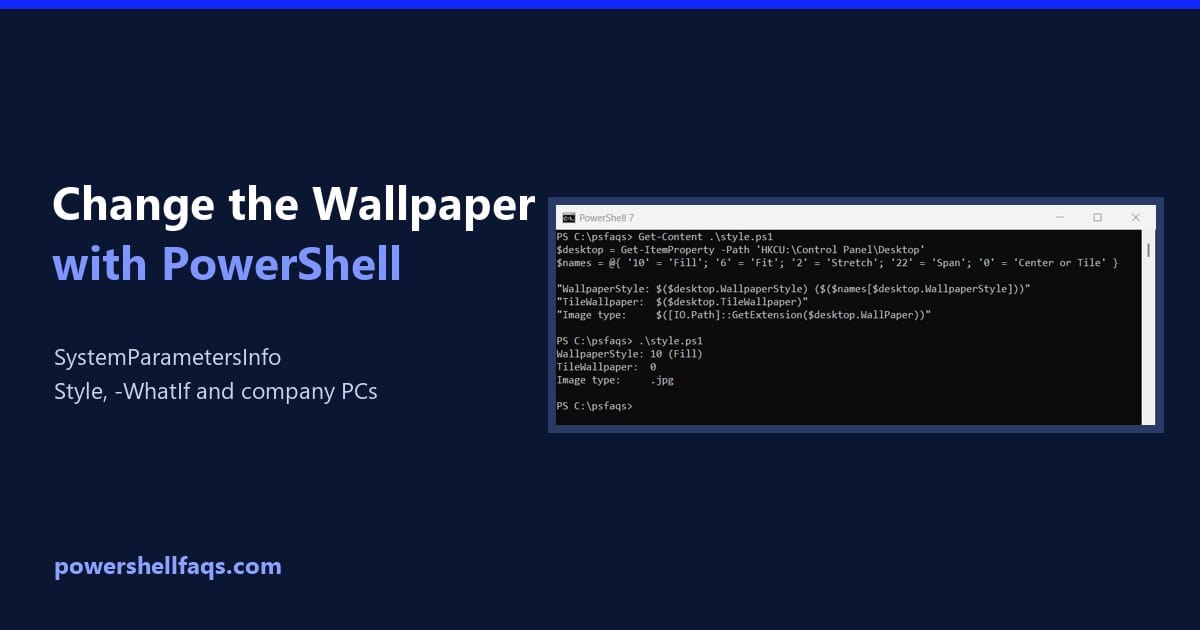
Change the wallpaper with PowerShell

To change the wallpaper with PowerShell, call the Windows SystemParametersInfo function with the image path. Add-Type makes it available, and the change shows right away without signing out: It returns True when Windows accepts the image, affects only the signed-in user and needs no admin rights. Below I set the fit style, wrap it in … Read more
How to Get or Set the Default Browser Using PowerShell

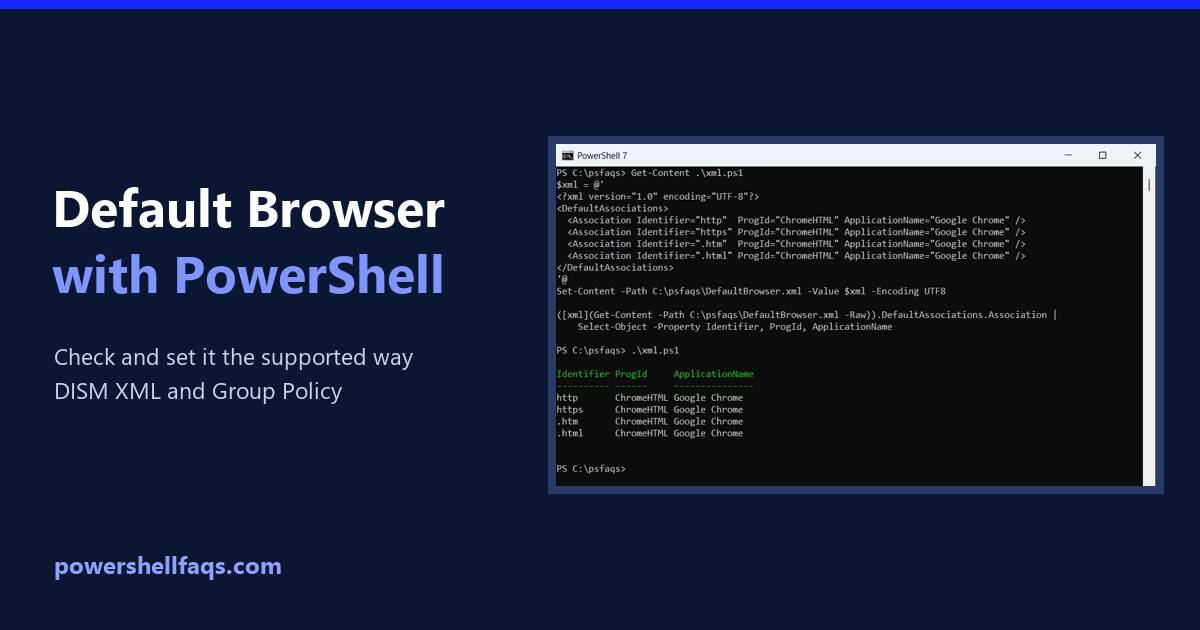
Set the default browser using PowerShell

To set the default browser for users with PowerShell, create a default associations XML file for the browser and apply it with the Set a default associations configuration file policy. Windows applies it when the user signs in. You can’t just change a registry value, which is what most scripts online try. Below I show … Read more

Set Password Never Expires for a Local User in PowerShell

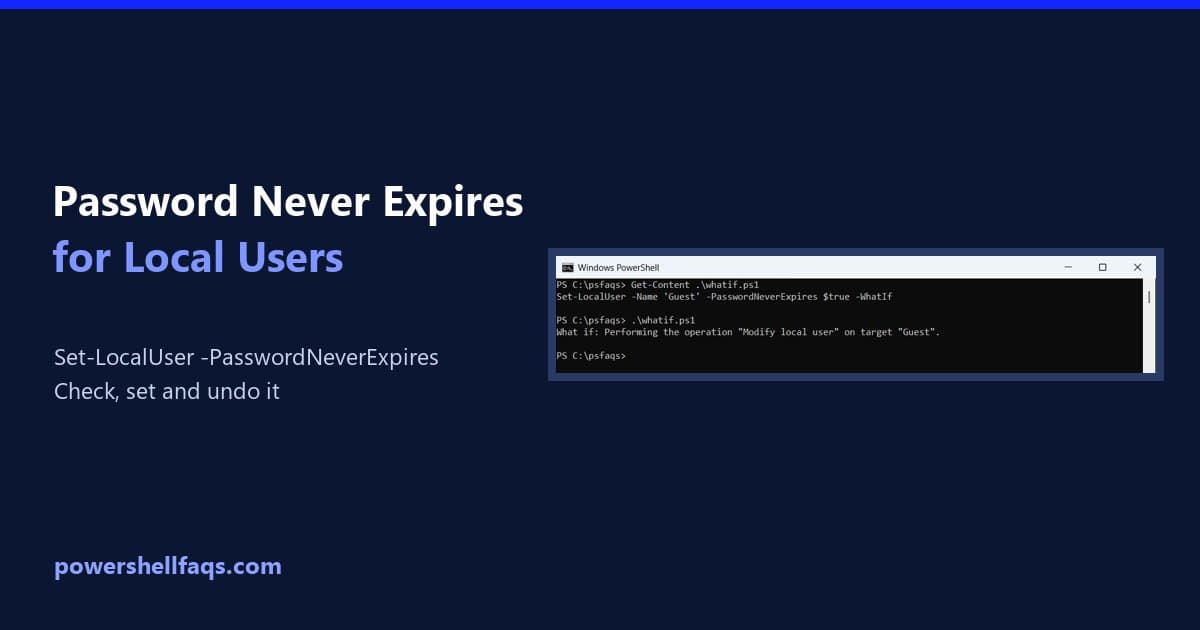
Set password never expires for a local user with PowerShell

To set a local user’s password to never expire, run Set-LocalUser with -PasswordNeverExpires $true in PowerShell as administrator: It works in PowerShell 7 and Windows PowerShell 5.1. Below I check which accounts already never expire, preview the change, show two other ways and cover domain accounts. I didn’t change any accounts on my PC. Check … Read more

How to Set the Default Printer Using PowerShell in Windows

Set the default printer using PowerShell

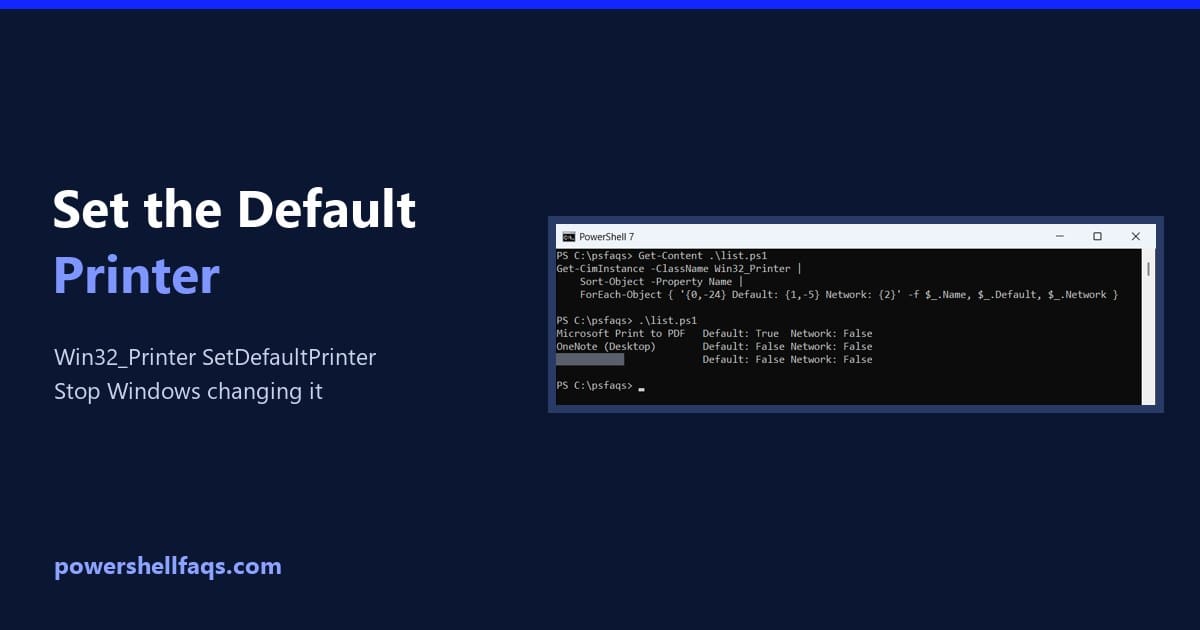
To set the default printer using PowerShell, get the printer from Win32_Printer and call its SetDefaultPrinter method with Invoke-CimMethod: It works for the current user and doesn’t need admin rights. Below I list printers, check the default, preview the change with -WhatIf and stop Windows from switching it back. My own default stayed untouched. List … Read more

How to Get an IP Address Using PowerShell in Windows

Get an IP address using PowerShell

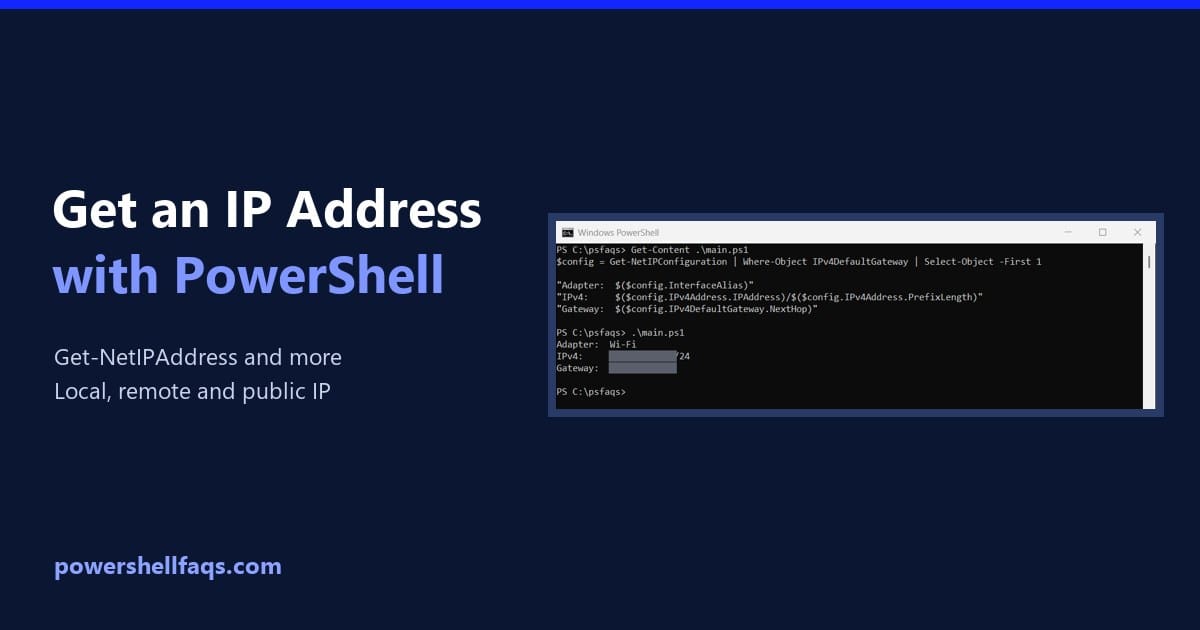
To get your IP address using PowerShell, run Get-NetIPConfiguration and read the IPv4 address of the adapter that has a default gateway. That’s the address your PC uses on the network: Below I list every address, get the main one with its gateway, return just the address for scripts, and check remote PCs and your … Read more

How to Set the Time Zone in Windows with PowerShell

Set the time zone in Windows with PowerShell

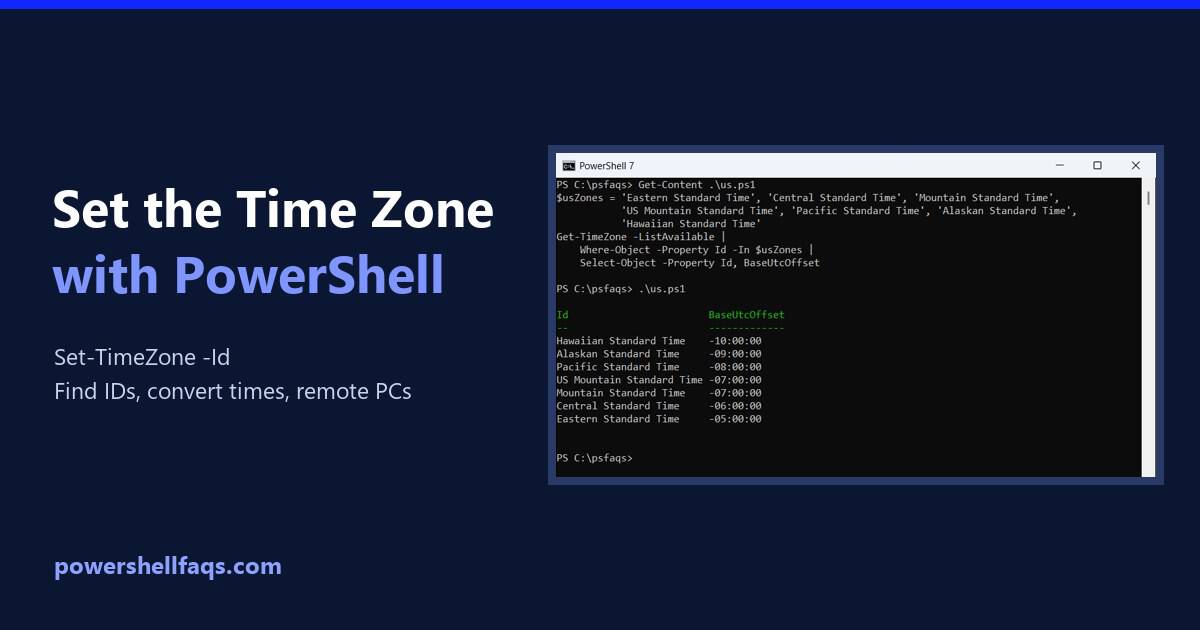
To set the time zone in Windows with PowerShell, run Set-TimeZone with the zone’s Id. This switches the PC to Pacific Time: The trick is knowing the exact Id. Below I show how to check the current zone, find the right Id, preview the change, convert times between zones and set the zone on remote … Read more

How to Update PowerShell on Windows 11 (winget, MSI or Store)

Update PowerShell on Windows 11

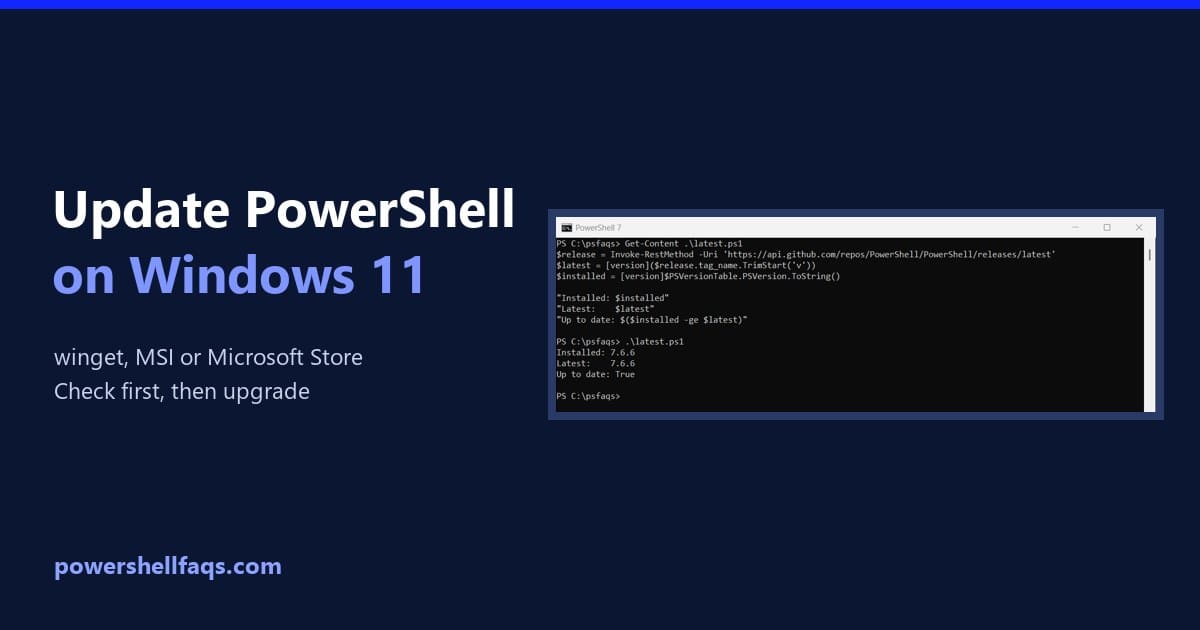
To update PowerShell on Windows 11, run winget upgrade for the PowerShell package. It installs the newest PowerShell 7 release over your current one: Before you run it, check which version you have and how it was installed, because Microsoft recommends upgrading with the same method. I walk through both checks below, plus the MSI, … Read more

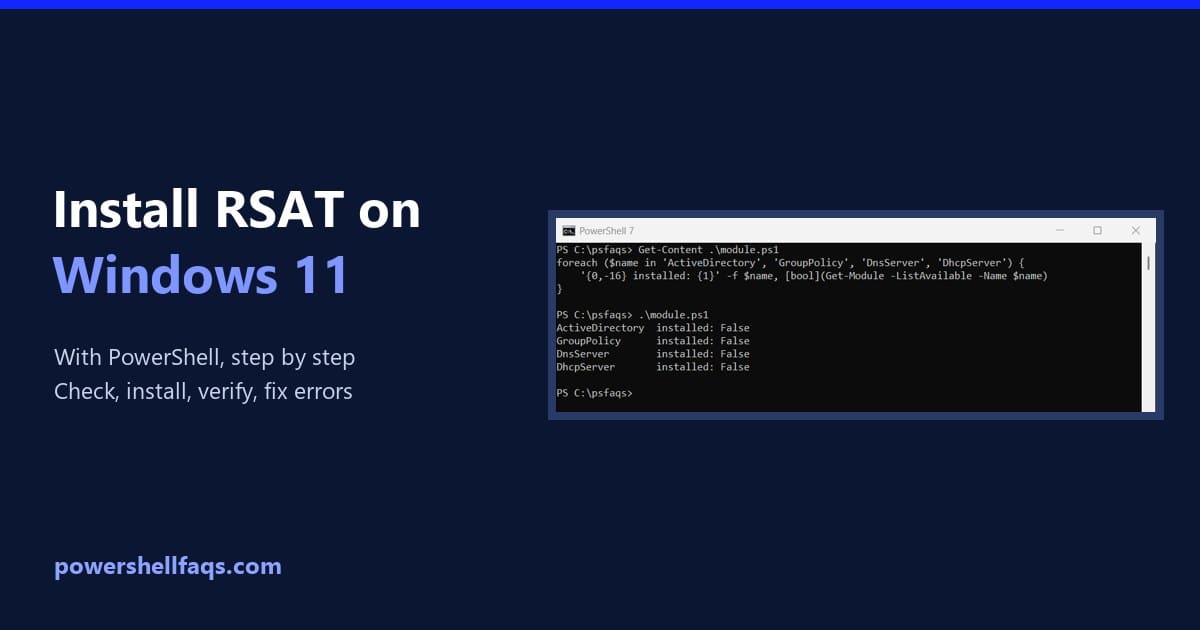
How to Install RSAT in Windows 11 Using PowerShell

Install RSAT in Windows 11 using PowerShell

To install RSAT in Windows 11 using PowerShell, open PowerShell as administrator and run Add-WindowsCapability with the name of the tool you need. RSAT is built into Windows 11 as optional features, so there’s nothing to download: That line adds the Active Directory tools, including the ActiveDirectory PowerShell module. Below I cover the checks to … Read more

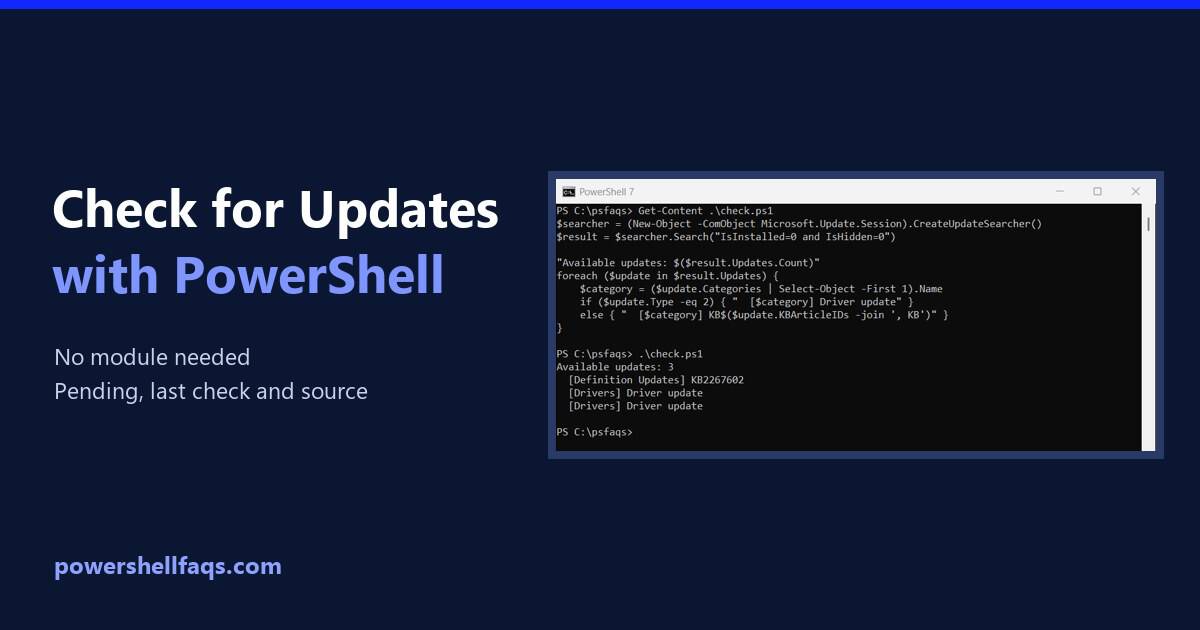
How to Check for Windows Updates Using PowerShell

Check for Windows updates using PowerShell

To check for Windows updates using PowerShell, ask the built-in Windows Update Agent to search. It needs no extra module and no admin rights: Below I list what’s waiting with KB numbers, show when Windows last checked, find where updates come from and check other PCs. I ran each check in PowerShell 7.6 and Windows … Read more

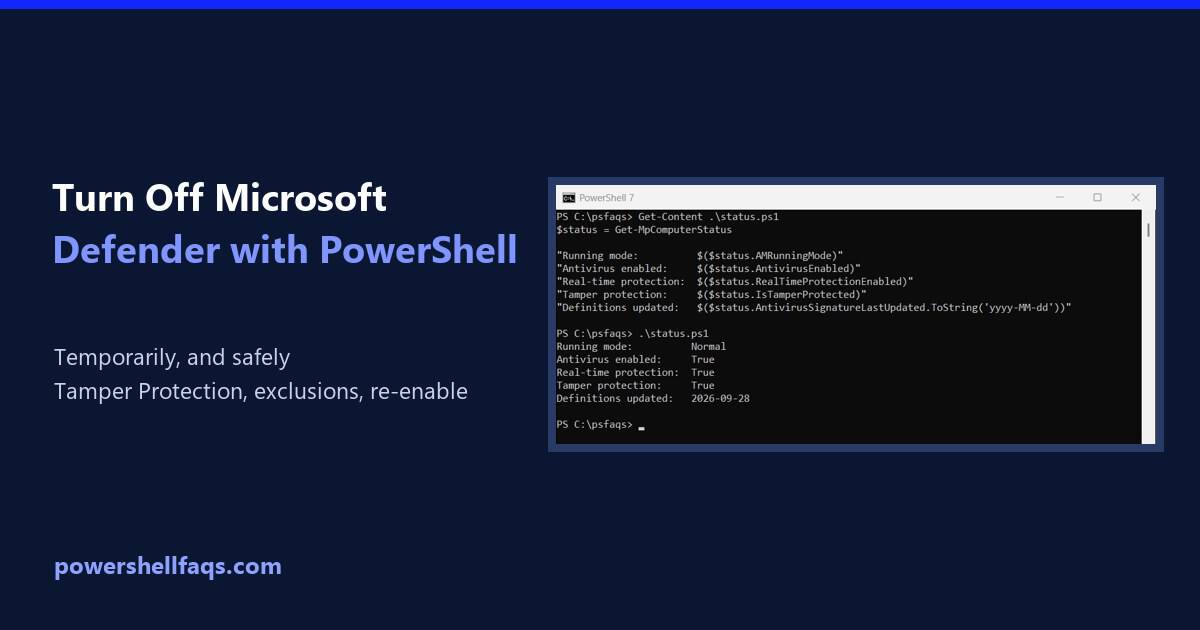
How to Disable Windows Defender Using PowerShell (and Turn It Back On)

Disable Windows Defender using PowerShell

To disable Windows Defender real-time protection using PowerShell, run Set-MpPreference in an elevated window, after turning off Tamper Protection in Windows Security: Microsoft Defender Antivirus is the current name for Windows Defender. Turning it off leaves the PC unprotected, so do it only briefly while troubleshooting. Below I cover checking the status, why the command … Read more