Find Users With PwdLastSet Older Than 90 Days (PowerShell)
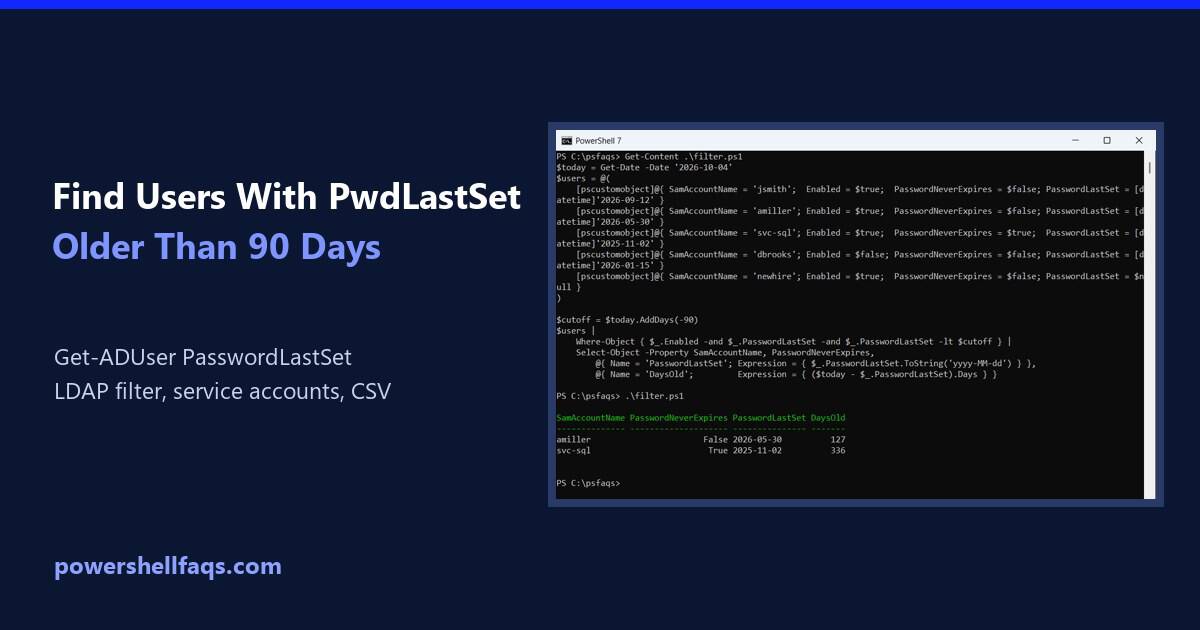
Find users with PwdLastSet older than 90 days using PowerShell

To find users whose PwdLastSet is older than 90 days, filter Get-ADUser on PasswordLastSet, the converted version of the pwdLastSet attribute: Below I test the filter on sample accounts, handle users who must change their password, build an LDAP filter for big domains and export an audit report. My test PC isn’t on a domain, … Read more
How to Create a Folder with the Current Date Using PowerShell

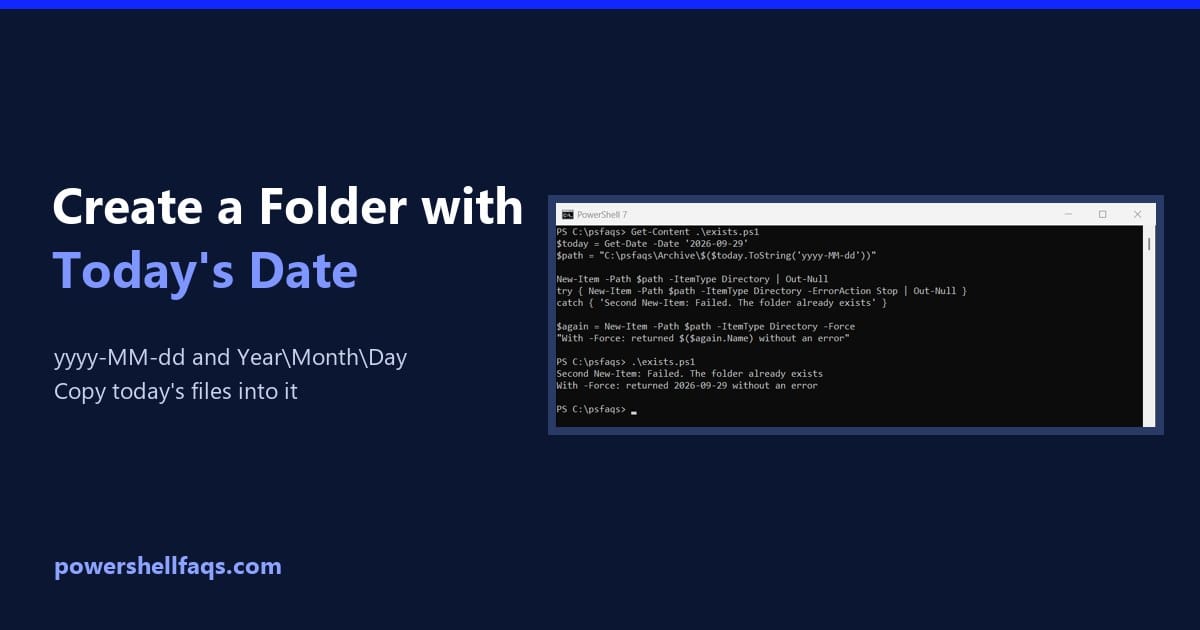
Create a folder with the current date in PowerShell

To create a folder with the current date in PowerShell, format today’s date as text and pass it to New-Item with -ItemType Directory: Output: I used a fixed date so the output doesn’t change. In a real script, use $today = Get-Date. Every example ran in PowerShell 7.6 and Windows PowerShell 5.1, with the same … Read more

How to Add a Date to a File Name Using PowerShell

Add date to file name in PowerShell

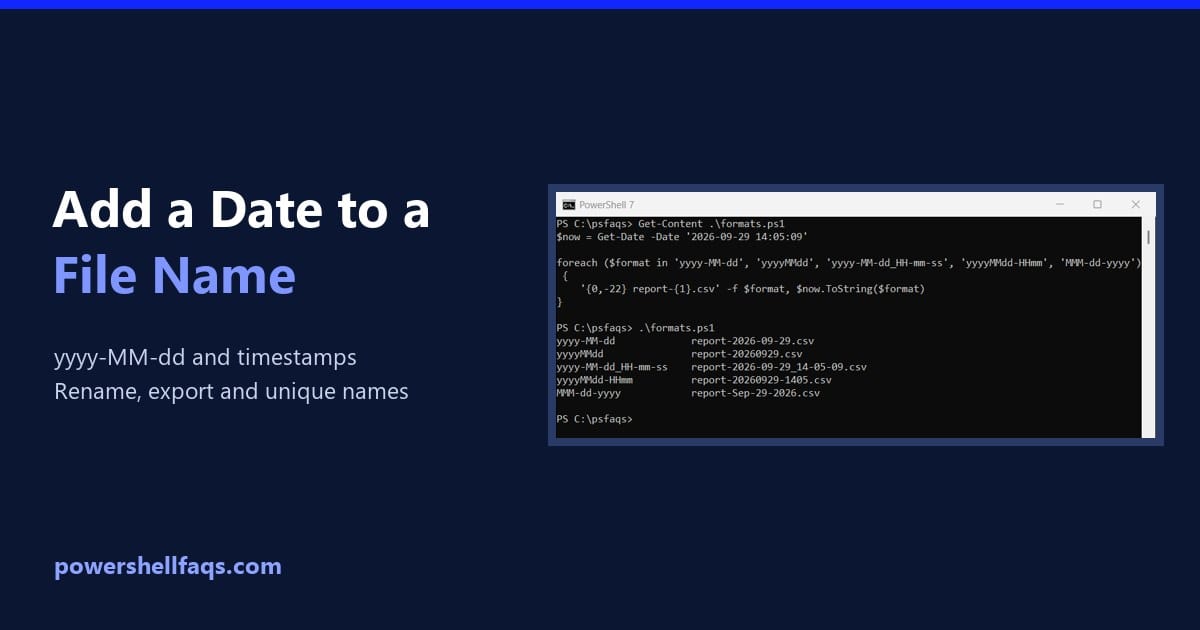
To add a date to a filename in PowerShell, format the date as text with (Get-Date).ToString(‘yyyy-MM-dd’) or Get-Date -Format ‘yyyy-MM-dd’, then put it inside the name: Output: I used a fixed date so the output doesn’t change. In a real script, use $now = Get-Date. Every example here ran in PowerShell 7.6 and Windows PowerShell … Read more

PowerShell Date Comparison: Compare Dates the Right Way

PowerShell date comparison

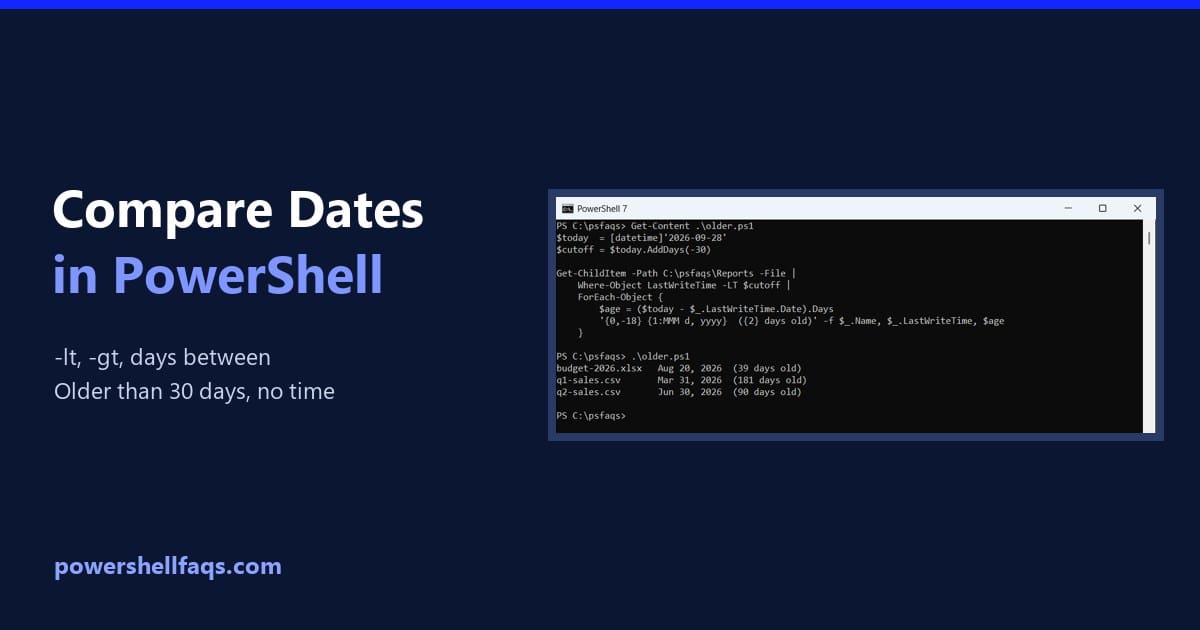
To compare dates in PowerShell, make sure both sides are [datetime] values, then use -lt, -gt and -eq. Subtracting one date from another tells you how far apart they are: Output: Earlier means smaller, so -lt reads as “before” and -gt as “after.” I ran every example in PowerShell 7.6 and Windows PowerShell 5.1, with … Read more

How to Sort Files by Date in PowerShell (Modified, Created, Newest)

Sort files by date in PowerShell

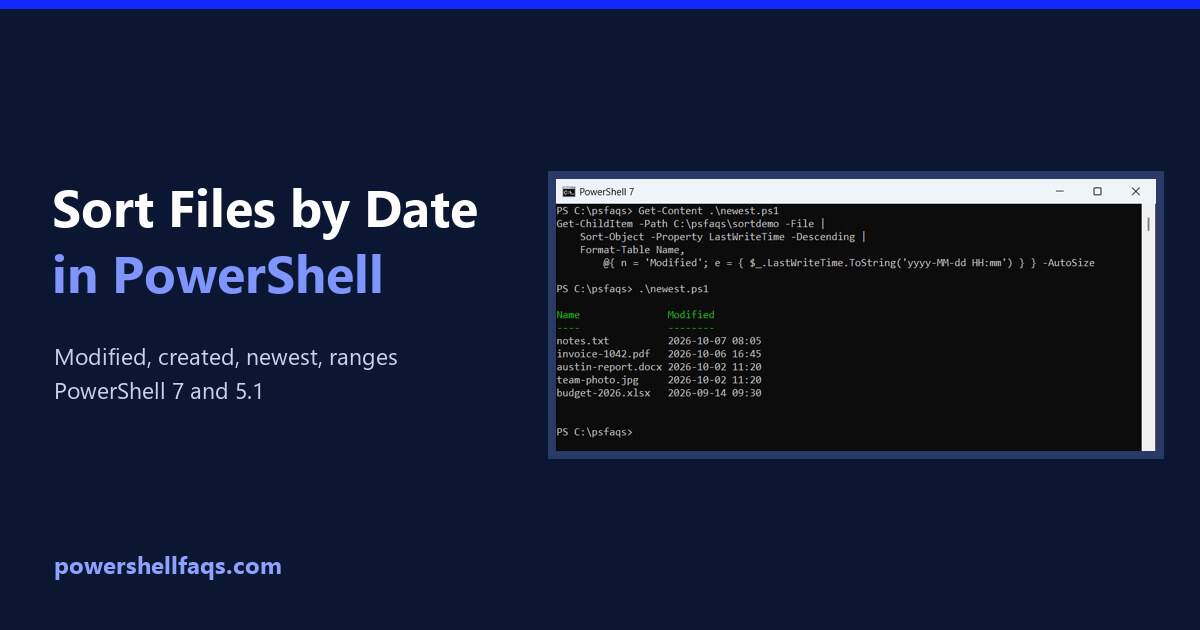
To sort files by date in PowerShell, pipe Get-ChildItem to Sort-Object LastWriteTime. Add -Descending to put the newest file first: LastWriteTime is the date modified you see in File Explorer. I set up a test folder with known dates and ran every example in PowerShell 7 and Windows PowerShell 5.1. Sort files by date modified … Read more

PowerShell Get-Date Format ISO 8601

powershell get-date format iso 8601

If you’re working with dates and times in PowerShell, you might need to format them according to the ISO 8601 standard. This format is widely used and recognized, making it essential for data exchange and logging. In this tutorial, I will explain the syntax and examples of using the Get-Date cmdlet to format dates in … Read more

PowerShell Get-Date UTC: Get, Format and Convert UTC Time

PowerShell Get-Date UTC examples

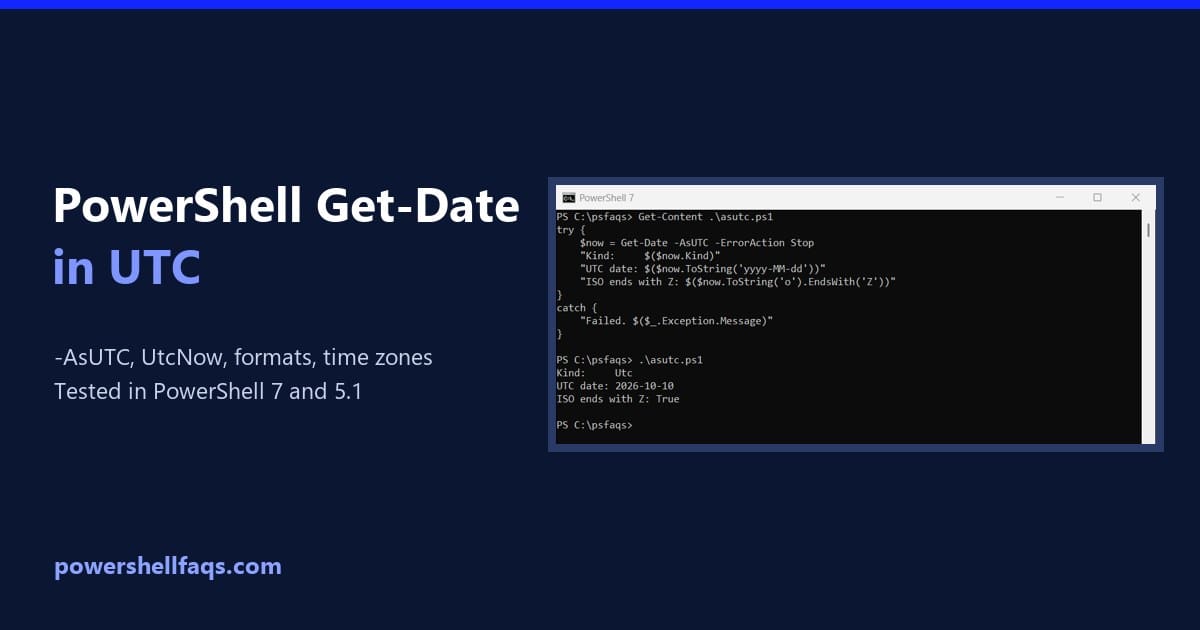
Need the current time in UTC? In PowerShell 7.1 and later, Get-Date -AsUTC returns it directly. Windows PowerShell 5.1 doesn’t have that switch, so use [datetime]::UtcNow there, which works in every version: Both return a DateTime whose Kind is Utc. Below I’ll format UTC values, convert them to and from US time zones, parse UTC … Read more

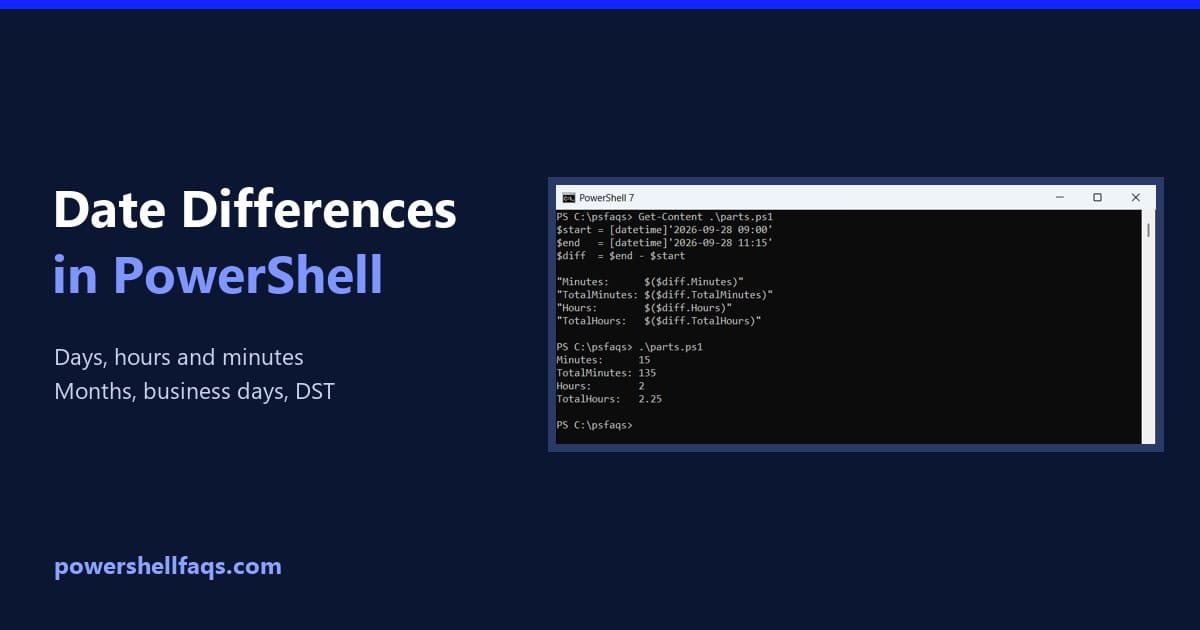
How to Get the Difference Between Two Dates in PowerShell

Get the difference between two dates in PowerShell

To get the difference between two dates in PowerShell, subtract one [datetime] from the other. The result is a TimeSpan, and its TotalDays, TotalHours and TotalMinutes properties give the full difference in each unit: Output: I ran every example in PowerShell 7.6 and Windows PowerShell 5.1, with the same results. All dates are fixed so … Read more

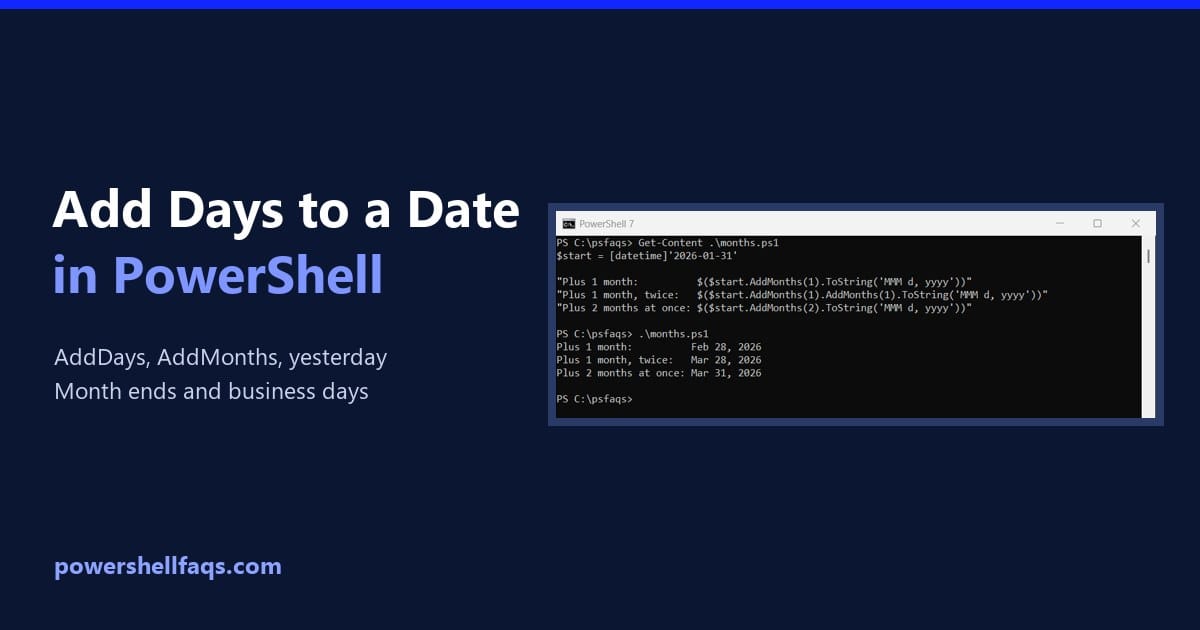
How to Add Days to a Date in PowerShell (and Months, Yesterday)

Add days to a date in PowerShell

To add days to a date in PowerShell, call the date’s AddDays() method. Use a negative number to go back in time, like AddDays(-7) for a week ago: Output: For today’s date, start from (Get-Date), as in (Get-Date).AddDays(30). I used fixed dates so you get the same output, and I ran every example in PowerShell … Read more