How to Get Computer Information Using PowerShell

Get computer information using PowerShell

To get computer information using PowerShell, run Get-ComputerInfo. It returns more than 180 properties about Windows, the hardware and the BIOS. Pick the ones you need with -Property: Output: Notice WindowsProductName says Windows 10 on this Windows 11 PC. It’s a long-standing quirk, and below I show a more reliable way, plus a faster CIM … Read more

How to Create a Self-Signed Certificate Using PowerShell

Create a self-signed certificate using PowerShell

To create a self-signed certificate using PowerShell, run New-SelfSignedCertificate with the DNS names and the certificate store to save it in. The current-user store doesn’t need admin rights: Below I show what a self-signed certificate contains, how to export it as .cer and .pfx files, and how to trust it for testing. To keep my … Read more

PowerShell Filter Operators (With Examples)

PowerShell filter operators with examples

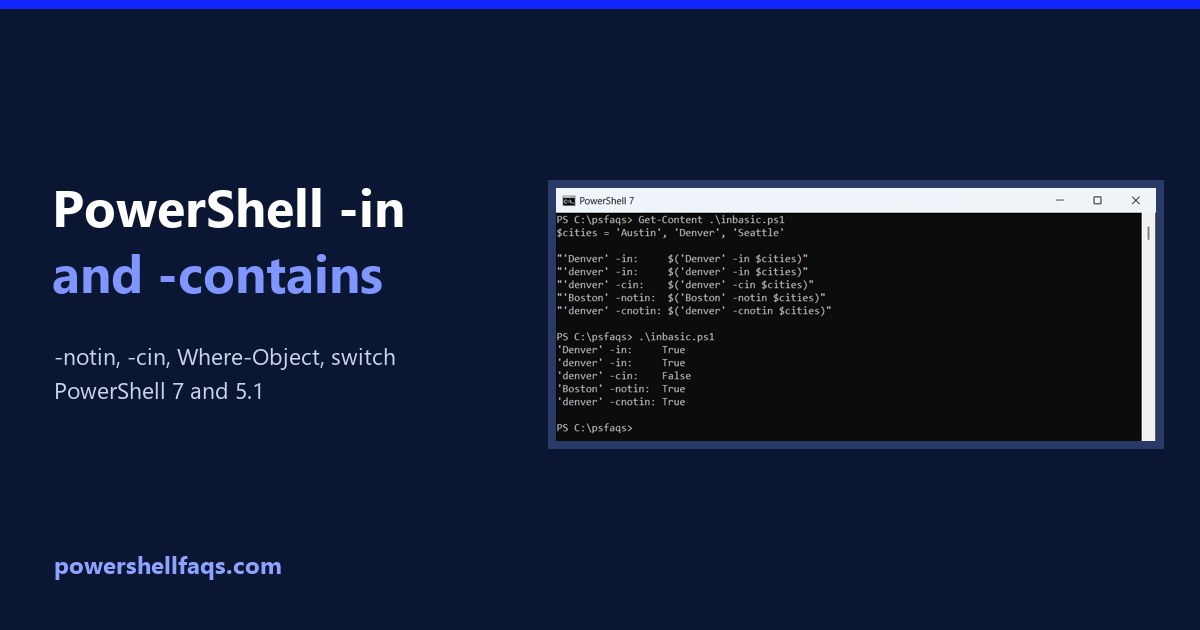
PowerShell filter operators are the comparison operators, like -eq, -gt, -like, -match and -in, used to keep only the items you want. Put them inside Where-Object, or apply them straight to an array: Output: When the left side is an array, the operator returns the matching items instead of True or False. Below I cover … Read more

PowerShell Functions: Return Values and Multiple Values

PowerShell functions return values

A PowerShell function returns every value it outputs, not just what follows the return keyword. Any expression you don’t assign or discard goes back to the caller: Output: return only ends the function early. Below I show the most common surprise with extra output, and the clean ways to return one value, several values or … Read more

Can You Uninstall Microsoft Edge Using PowerShell? (What Works)

Uninstall Microsoft Edge using PowerShell

You can only uninstall Microsoft Edge using PowerShell or Settings if your PC was set up in the European Economic Area (EEA). In the US and everywhere else, Windows treats Edge as part of the operating system and blocks its uninstaller. Below I show how to check what’s installed and why removal is blocked, the … Read more

Fix “Running Scripts Is Disabled on This System” in PowerShell

Fix PowerShell running scripts is disabled on this system

To fix “running scripts is disabled on this system” in PowerShell, set the execution policy to RemoteSigned for your account. It doesn’t need admin rights: The error means the effective policy is Restricted, which is the default on Windows client PCs. Below I reproduce it, check every policy scope, and show fixes from a single … Read more

How to List Local Users with PowerShell (Get-LocalUser)

List local users with PowerShell

To list local users with PowerShell, run Get-LocalUser. It returns every local account on the PC, including the built-in ones, with whether each is enabled: Output: Below I filter enabled accounts, compare Get-LocalUser with net user and CIM, export a report and check remote PCs. I masked my own account names in the output. What … Read more

How to List USB Devices Using PowerShell

List USB devices using PowerShell

To list USB devices using PowerShell, run Get-PnpDevice and keep the devices whose InstanceId starts with USB. -PresentOnly limits the list to what’s plugged in right now: Below I group devices by type, list USB hubs, find USB drives, and show where Windows keeps a history of devices. I only show device classes and generic … Read more

How to Find the OU of a Computer Using PowerShell

Find the OU of a computer using PowerShell

To find the OU of a computer using PowerShell, get its DistinguishedName with Get-ADComputer and drop the first CN= part. What’s left is the OU path: Get-ADComputer needs the ActiveDirectory module from RSAT. Below I check the prerequisites, show the parsing step on sample Contoso names, and cover bulk lookups and a method that doesn’t … Read more

How to Run PowerShell as a Different User (3 Ways)

Run PowerShell as a different user

To run PowerShell as a different user, start a new PowerShell process with the other account’s credentials. The quickest way is Start-Process with Get-Credential, which asks for the password in a secure prompt: Below I check who you’re running as now, show every way to switch accounts, and explain how this differs from Run as … Read more