
The PowerShell -contains operator checks whether a collection holds a specific value and returns True or False:
'Austin', 'Denver', 'Seattle' -contains 'Denver' # TrueIt compares whole items, not parts of text, which trips up a lot of scripts. I tested every example below in PowerShell 7 and Windows PowerShell 5.1.
How the -contains operator works
The collection goes on the left and the value on the right. Matching ignores case unless you use -ccontains, and -in is the same check written the other way around:
$cities = 'Austin', 'Denver', 'Seattle'

"-contains 'Denver':     $($cities -contains 'Denver')"
"-contains 'denver':     $($cities -contains 'denver')"
"-ccontains 'denver':    $($cities -ccontains 'denver')"
"-notcontains 'Boston':  $($cities -notcontains 'Boston')"
"'Seattle' -in `$cities: $('Seattle' -in $cities)"
Output:
-contains 'Denver':     True
-contains 'denver':     True
-ccontains 'denver':    False
-notcontains 'Boston':  True
'Seattle' -in $cities: True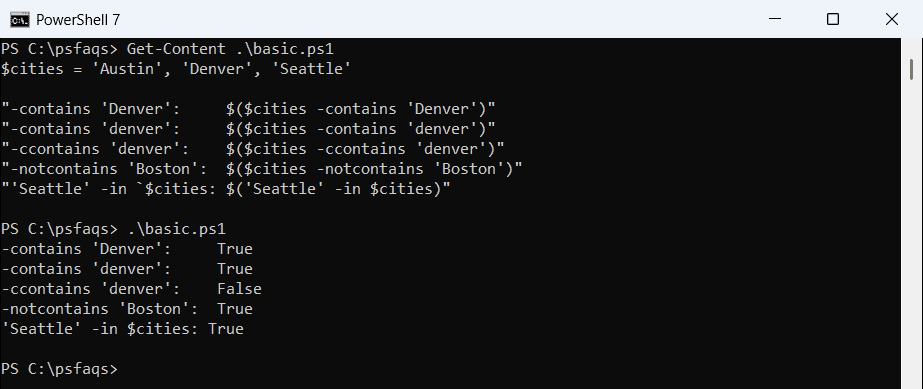
Microsoft notes that these operators always return a Boolean and stop at the first match. For more array checks, see checking if an array contains a value.
Why does -contains return False for a substring?
-contains doesn’t search inside text. On a single string, it only returns True when the whole string matches:
$address = 'Austin, TX 78701'

"-contains 'Austin': $($address -contains 'Austin')"
"-like '*Austin*':   $($address -like '*Austin*')"
"-match 'Austin':    $($address -match 'Austin')"
"-contains 'Austin, TX 78701': $($address -contains 'Austin, TX 78701')"
Output:
-contains 'Austin': False
-like '*Austin*':   True
-match 'Austin':    True
-contains 'Austin, TX 78701': True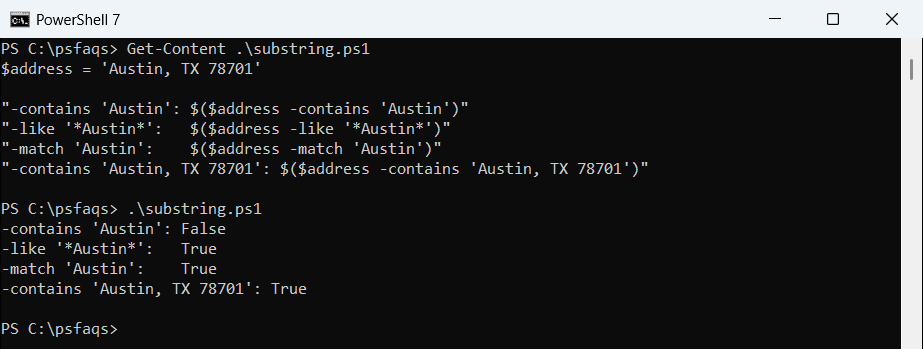
Use -like with wildcards or -match with a regex to find text inside a string. Checking if a string contains a substring compares every option.
-contains with numbers and objects
PowerShell converts the value to the collection’s type, so text ‘1002’ matches the number 1002. Objects are different: two objects with the same properties are still two separate objects:
$ids = 1001, 1002, 1003
$people = @(
    [pscustomobject]@{ Name = 'Maria Lopez'; City = 'Austin' }
    [pscustomobject]@{ Name = 'Tom Baker';   City = 'Denver' }
)

"Number list contains '1002' (text): $($ids -contains '1002')"
"Objects contain a new Maria object:  $($people -contains [pscustomobject]@{ Name = 'Maria Lopez'; City = 'Austin' })"
"Names contain 'Maria Lopez':          $($people.Name -contains 'Maria Lopez')"
Output:
Number list contains '1002' (text): True
Objects contain a new Maria object:  False
Names contain 'Maria Lopez':          True
Check a property list instead, like $people.Name, to compare by value. Where-Object is the better tool when you need the matching objects back.
Check if a hashtable contains a key or value
-contains on a hashtable itself always says False. Point it at .Keys or .Values, or use ContainsKey():
$offices = @{ Austin = 'TX'; Denver = 'CO' }

"Hashtable -contains 'Austin':      $($offices -contains 'Austin')"
"Keys -contains 'Austin':           $($offices.Keys -contains 'Austin')"
"ContainsKey('austin'):             $($offices.ContainsKey('austin'))"
"Values -contains 'CO':             $($offices.Values -contains 'CO')"
Output:
Hashtable -contains 'Austin':      False
Keys -contains 'Austin':           True
ContainsKey('austin'):             True
Values -contains 'CO':             True
PowerShell hashtables ignore case, so ContainsKey(‘austin’) finds Austin. Converting a string to a hashtable shows another way to build one.
The .Contains() methods are case-sensitive
Arrays and strings also have a .Contains() method, but unlike the operator they match case exactly. Ignoring case on a string needs an overload that Windows PowerShell 5.1 doesn’t have:
$cities = 'Austin', 'Denver', 'Seattle'
"Array .Contains('denver'):  $($cities.Contains('denver'))"
"String .Contains('austin'): $('Austin, TX'.Contains('austin'))"
try {
    $ci = 'Austin, TX'.Contains('austin', [System.StringComparison]::OrdinalIgnoreCase)
    "String .Contains with OrdinalIgnoreCase: $ci"
}
catch {
    "Failed. $($_.Exception.Message)"
}
Output:
Array .Contains('denver'):  False
String .Contains('austin'): False
String .Contains with OrdinalIgnoreCase: True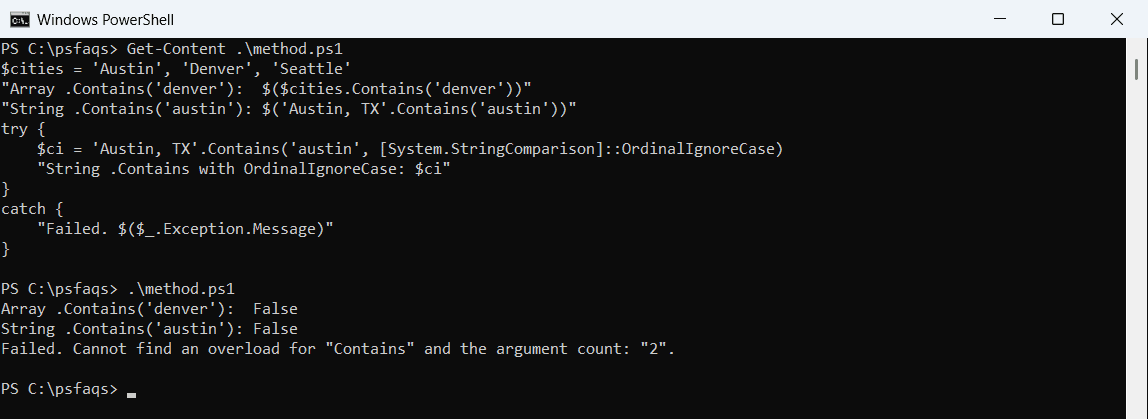
That’s PowerShell 7, where OrdinalIgnoreCase works. Windows PowerShell 5.1 runs on .NET Framework, which only has Contains(string), so use -like there instead.
If you only need to test the beginning of a string, read how to check if a string starts with text.
Use -contains in an if statement
A common use is an allow list. Check membership first, then decide what to do:
$allowed = 'PC-AUSTIN-01', 'PC-DENVER-07', 'PC-SEATTLE-03'

foreach ($pc in 'PC-DENVER-07', 'PC-BOSTON-02') {
    if ($allowed -contains $pc) { "$pc is on the allow list" }
    else { "$pc is NOT on the allow list" }
}
Output:
PC-DENVER-07 is on the allow list
PC-BOSTON-02 is NOT on the allow list
The same pattern works for user names, file extensions or server lists. If and else in PowerShell covers more conditional patterns.