Find Computers Not Logged In for 30 Days Using PowerShell

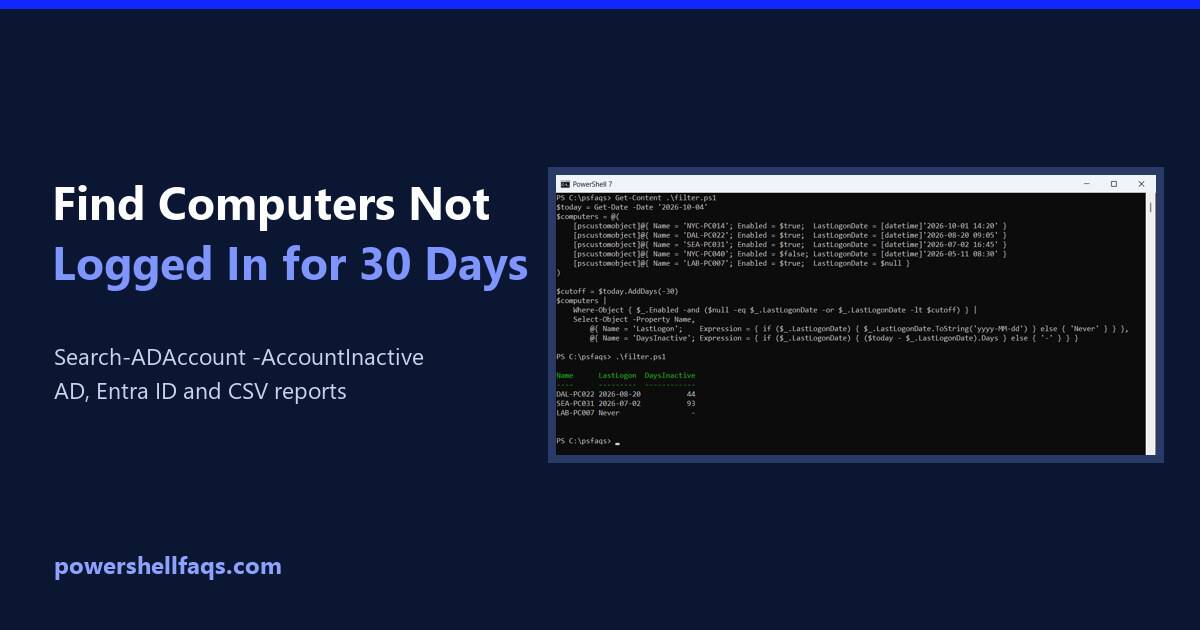
Find computers not logged in for 30 days using PowerShell

To find computers not logged in for 30 days with PowerShell, run Search-ADAccount with -AccountInactive, -ComputersOnly and a 30-day time span: It needs the ActiveDirectory module. Below I set that up, show the Get-ADComputer alternative, explain why the dates can be off by up to two weeks, and cover Microsoft Entra ID devices. My test … Read more

How to Convert a SecureString to Plain Text in PowerShell (7 and 5.1)

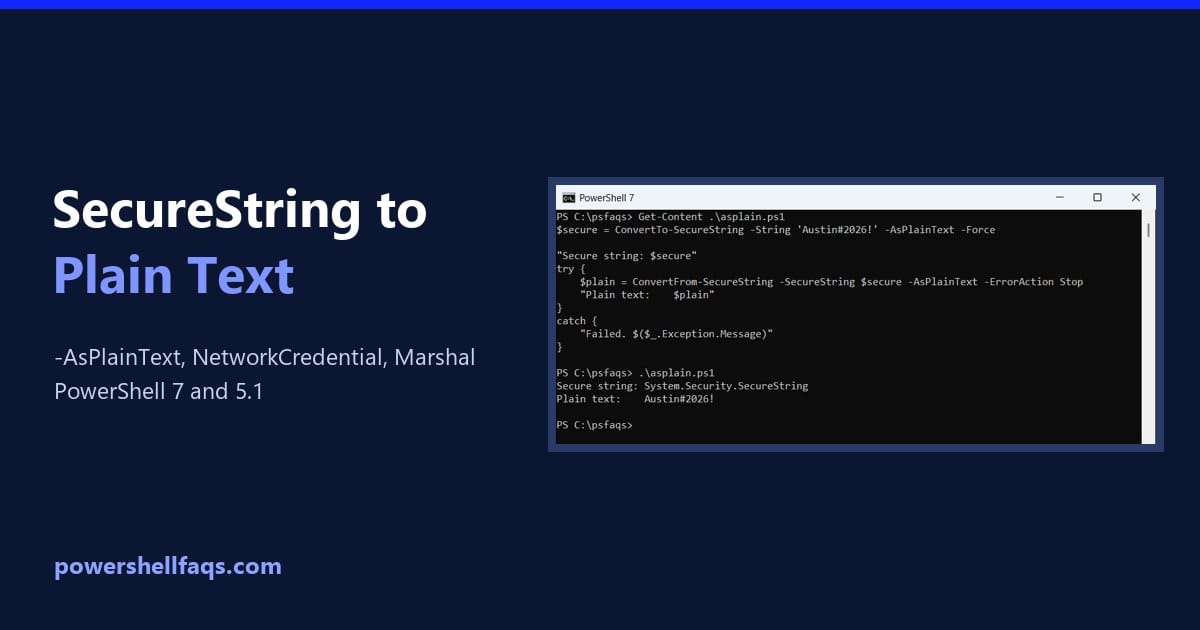
Convert a SecureString to plain text in PowerShell

To convert a SecureString to plain text in PowerShell 7, use ConvertFrom-SecureString with the -AsPlainText switch: Windows PowerShell 5.1 doesn’t have that switch, so there you’d use the NetworkCredential trick instead. I tested all of these methods in both versions, with sample passwords only. Convert a SecureString with ConvertFrom-SecureString -AsPlainText Printing a SecureString only shows … Read more

How to Find the Process Locking a File Using PowerShell

Find the process locking a file using PowerShell

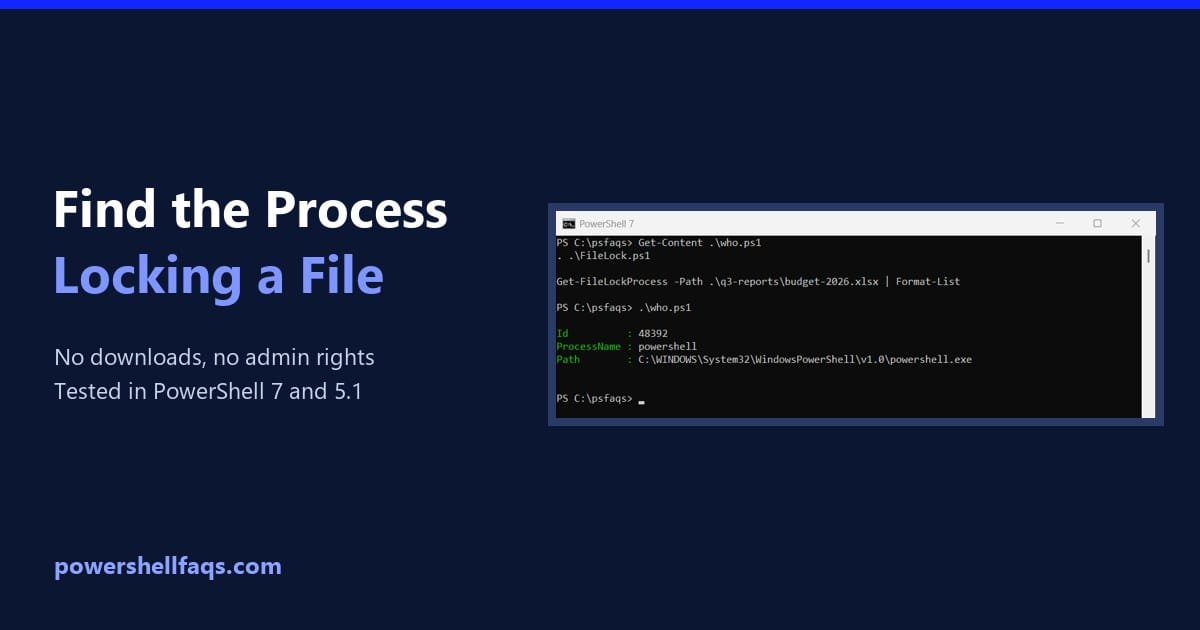
To find the process locking a file using PowerShell, ask the Windows Restart Manager. It’s the same API installers use to see which apps hold a file, and it works without admin rights: FileLock.ps1 is a short script you’ll copy from this page. Below I also test whether a file is locked, scan a whole … Read more

How to List Windows Features Using PowerShell (Windows 11, 10 and Server)

List Windows features using PowerShell

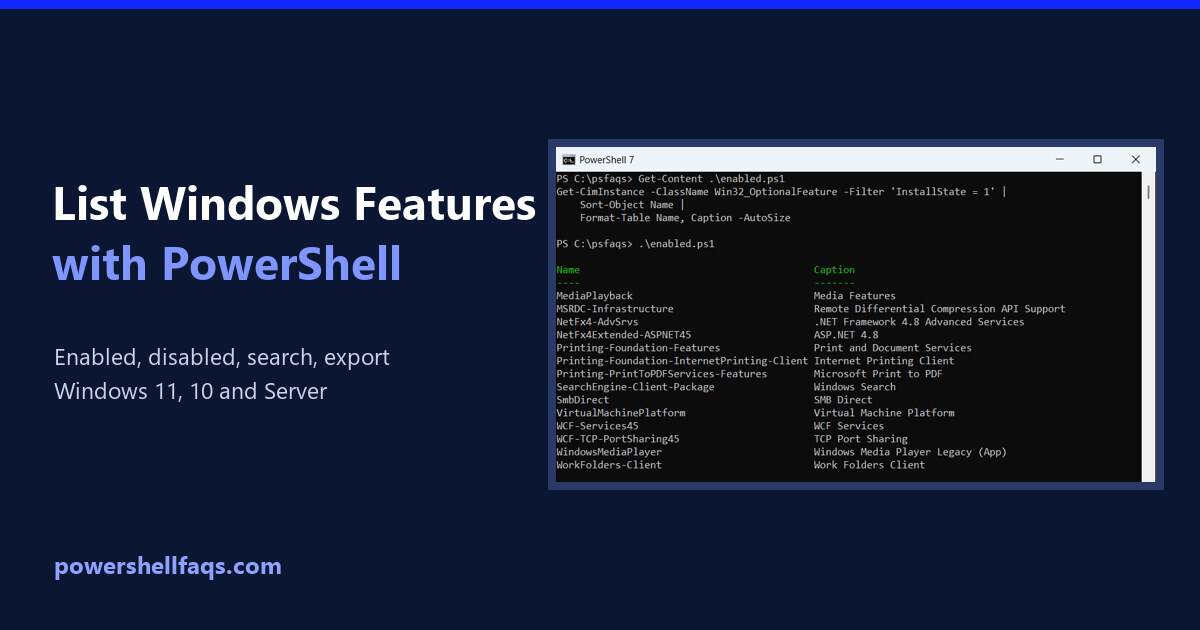
To list Windows features using PowerShell on Windows 11 or 10, run Get-WindowsOptionalFeature in an admin window. It shows every optional feature and whether it’s enabled: Without admin rights, the Win32_OptionalFeature class gives the same list to any user, so most examples below use it. On Windows Server, Get-WindowsFeature lists roles and features instead. I … Read more

How to Check if a Port Is Open Using PowerShell (Fast Methods)

Check if a port is open using PowerShell

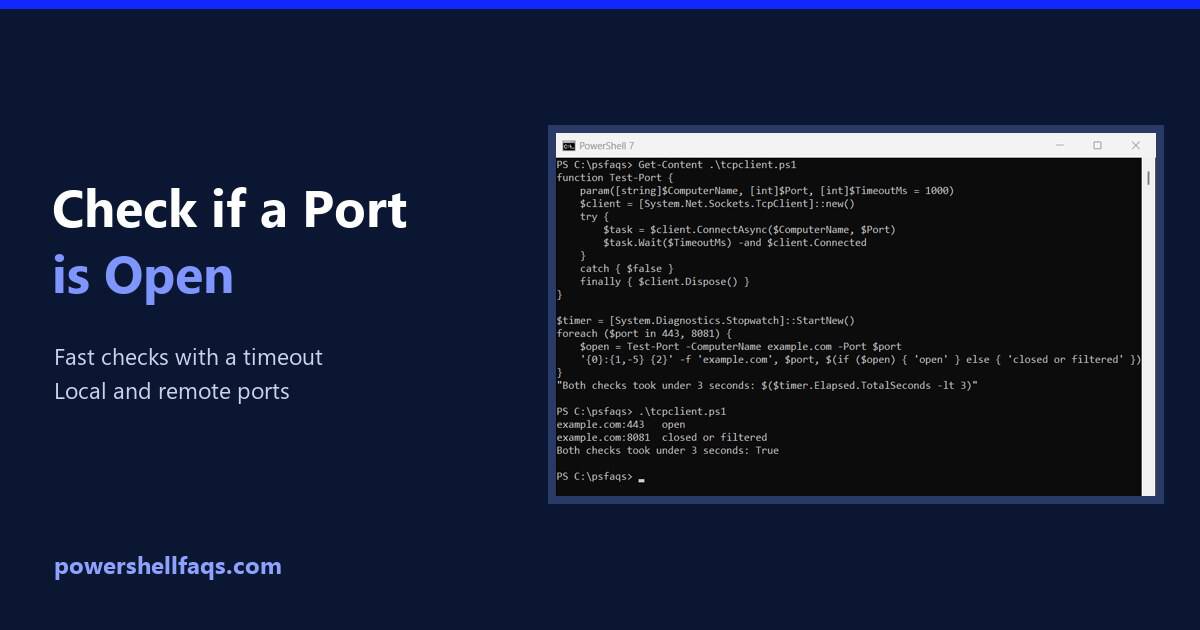
To check if a port is open using PowerShell, run Test-NetConnection with the host name and port. -InformationLevel Quiet returns just True or False: Output: That’s perfect for one check, but it can take 20 seconds or more when the port is closed. Below I show a faster check with a timeout, a reusable function, … Read more

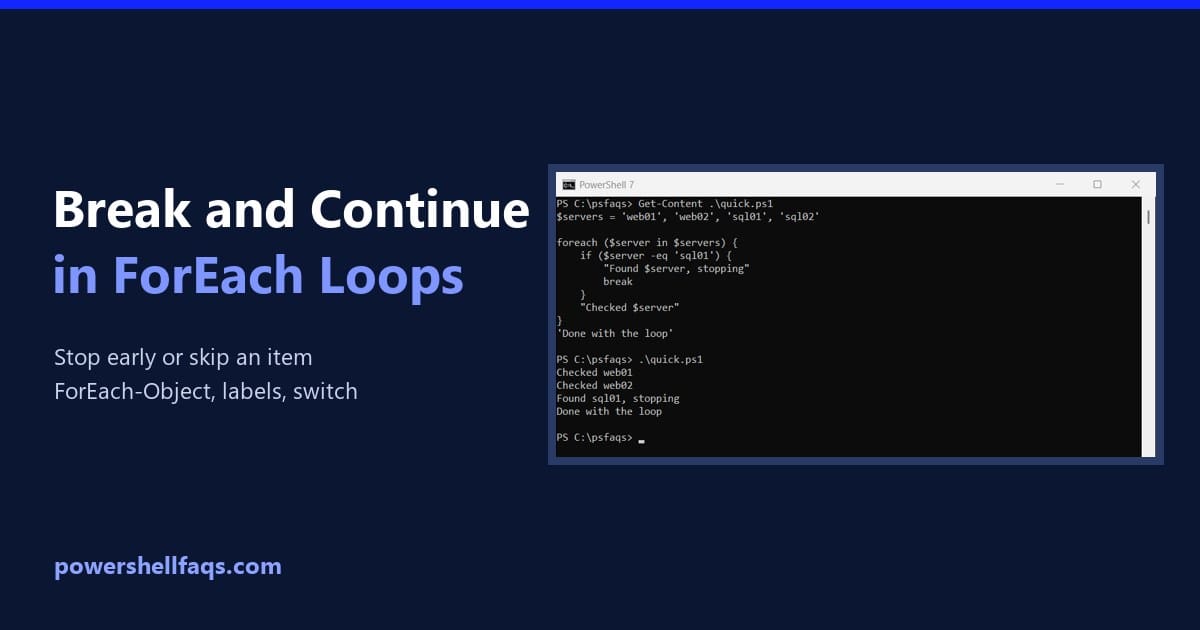
How to Break Out of a ForEach Loop in PowerShell (and Skip Items)

Break out of a foreach loop in PowerShell

To break out of a foreach loop in PowerShell, use the break keyword. The loop stops right away and the script carries on with the next line after the loop: Output: To skip just one item and move on to the next, use continue instead. Both behave differently in ForEach-Object and switch, which I cover … Read more

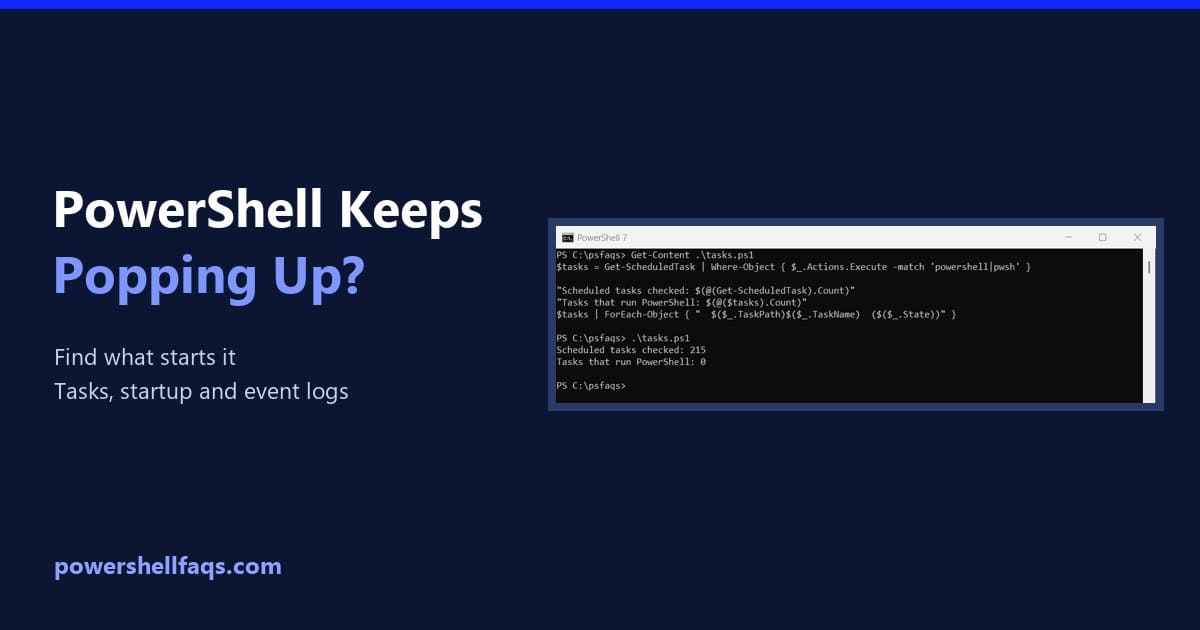
Why Does Windows PowerShell Keep Popping Up? (Find and Fix It)

Why Windows PowerShell keeps popping up

Windows PowerShell keeps popping up because something on your PC is starting it: usually a scheduled task, a startup entry, or an app or management script running in the background. Occasionally it’s malware. The fix is to find what launches it. Below I show three read-only checks that do exactly that, then how to stop … Read more