How to Find an Array Element by Value in PowerShell
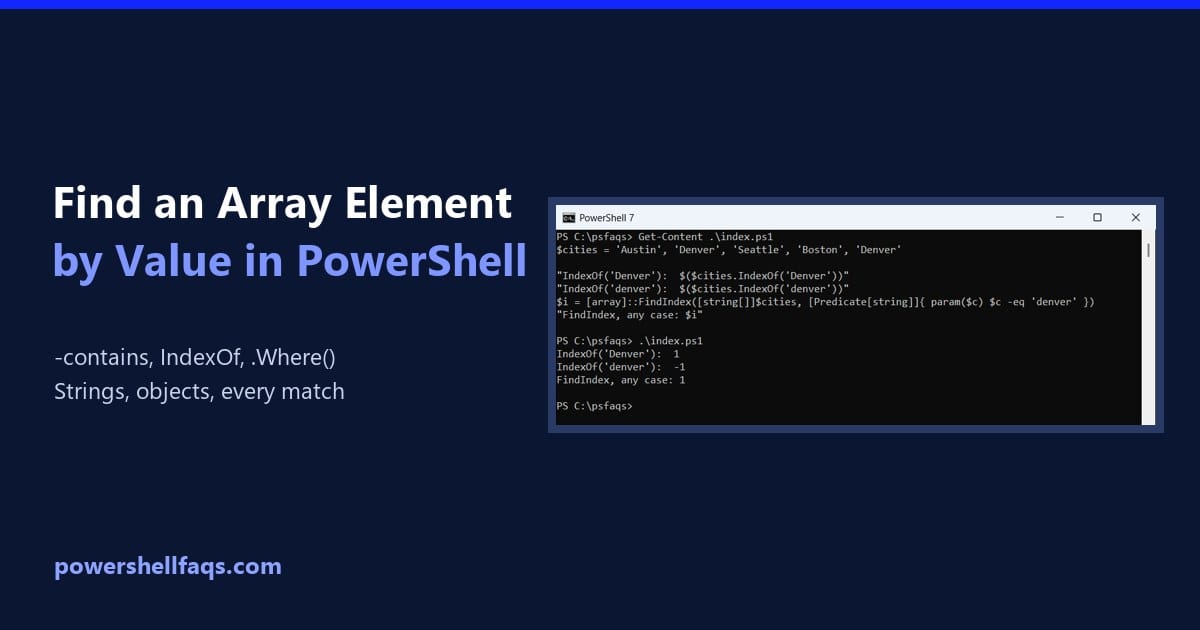
Find an array element by value in PowerShell

To find an element in a PowerShell array by value, use -contains to check if it’s there, IndexOf() to get its position, or .Where() to return the matching items: They behave differently with upper and lower case, duplicates and objects. Below I show each one on the same city list. The output was identical in … Read more
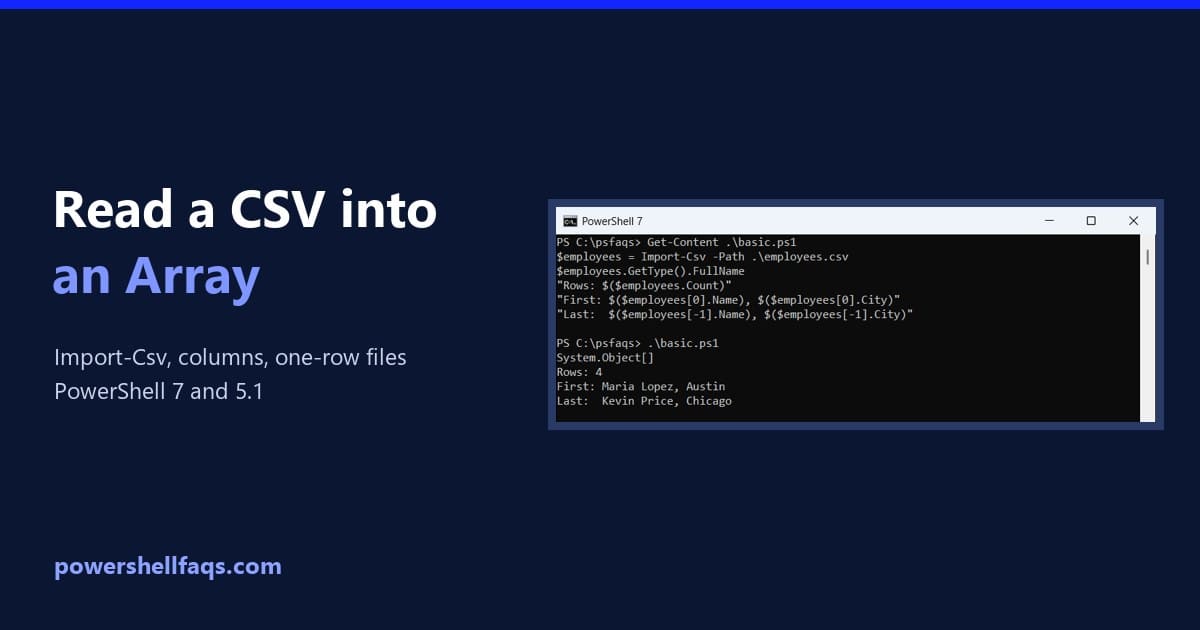
How to Read a CSV File into an Array in PowerShell

Read a CSV file into an array in PowerShell

To read a CSV file into an array in PowerShell, store the output of Import-Csv in a variable. Each row becomes an object, and the variable holds all of them: That one line covers most scripts. Below, I’ll show how to grab a single column, why a one-row file trips up Windows PowerShell 5.1, and … Read more

PowerShell Cannot Index into a Null Array: Causes and Fixes

Fix the PowerShell Cannot index into a null array error

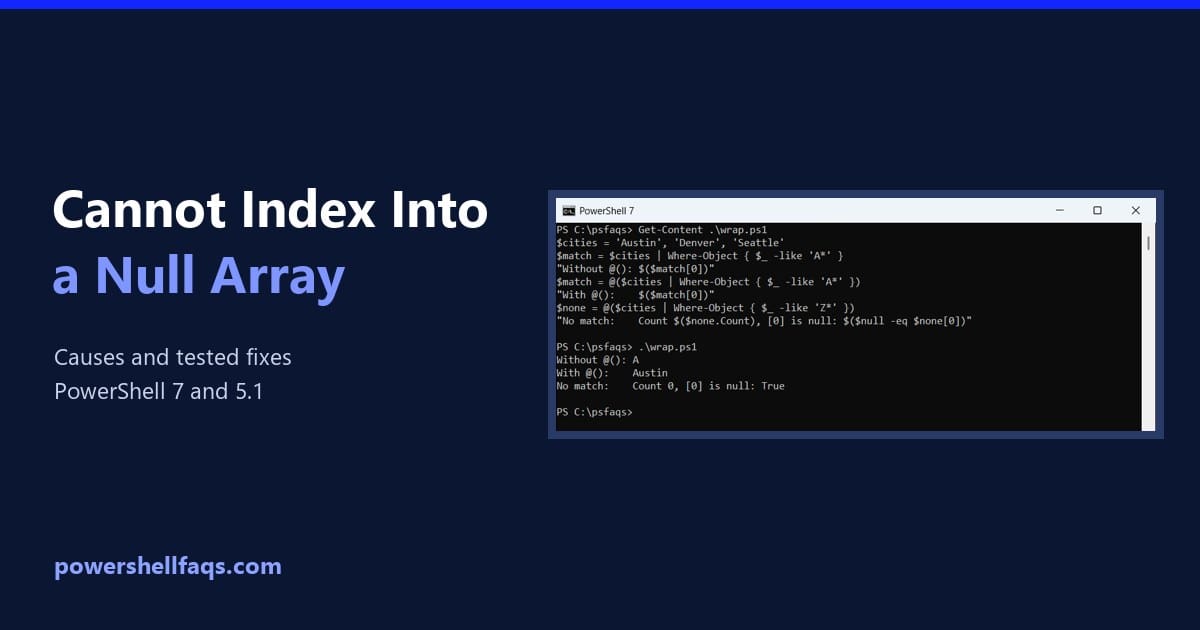
“Cannot index into a null array” means you used square brackets on a variable that holds $null, so there’s no array to read from. Check the value first, or force it into an array with @(): The real work is finding out why the variable is empty. Below are the usual causes, the fixes I … Read more

How to Keep Your Screen Active with a PowerShell Script

Keep your screen active with a PowerShell script

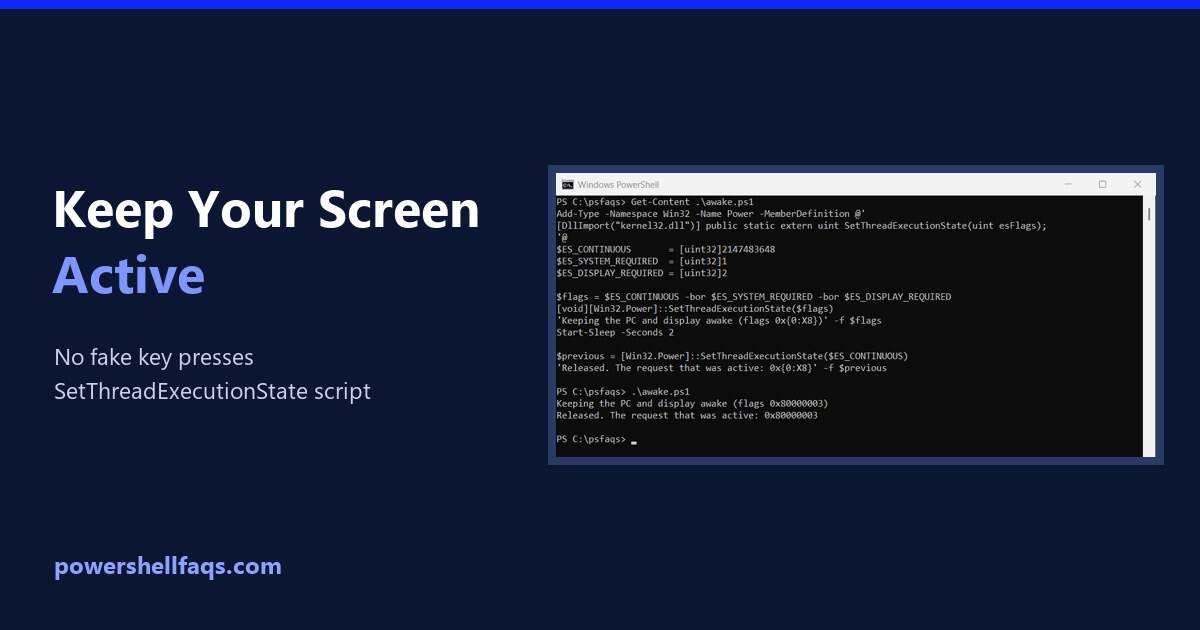
To keep your screen active with a PowerShell script, ask Windows directly with the SetThreadExecutionState API. It keeps the display and PC awake while the script runs, and everything goes back to normal when it stops: That’s better than the common trick of pressing a fake key every minute. Below I check your current timeouts, … Read more

Lists in PowerShell: How to Use Generic Lists

Lists in PowerShell with System.Collections.Generic.List

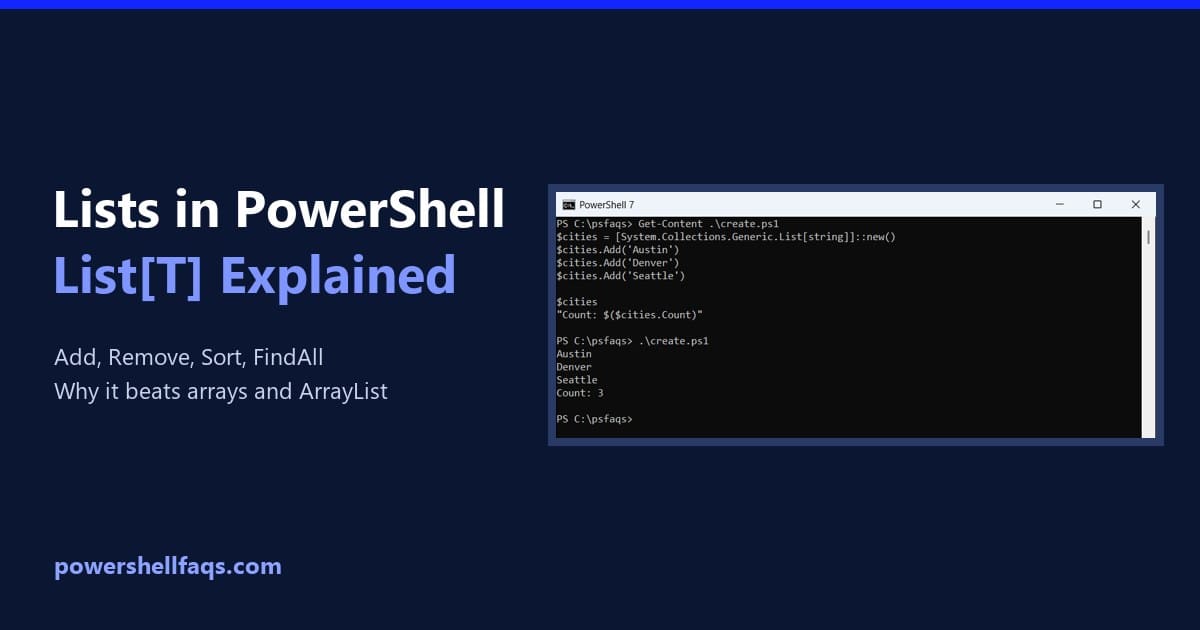
To create a list in PowerShell, use the .NET generic List class with the type of item it holds, then call Add() to put items in it: Unlike an array, a list grows and shrinks without being copied. Below I cover adding, finding, removing and sorting items, lists of objects, and when to choose a … Read more

How to Check if an Array Contains a Value in PowerShell

Check if a PowerShell array contains a value

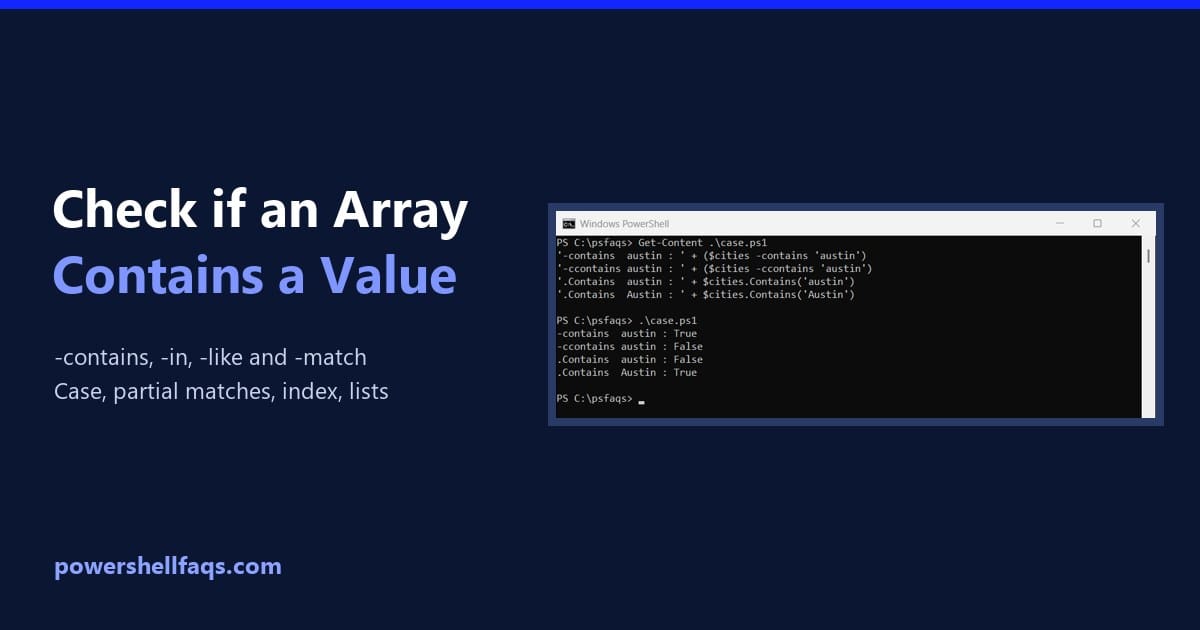
To check if an array contains a value in PowerShell, use the -contains operator. It returns True or False, and it ignores case: Output: That covers the everyday case. Below, I’ll handle the variations people actually search for: case-sensitive checks, partial matches, “does not contain”, several values at once, the index of an item, and … Read more

How to Convert an Array to a String in PowerShell

Convert an array to a string in PowerShell

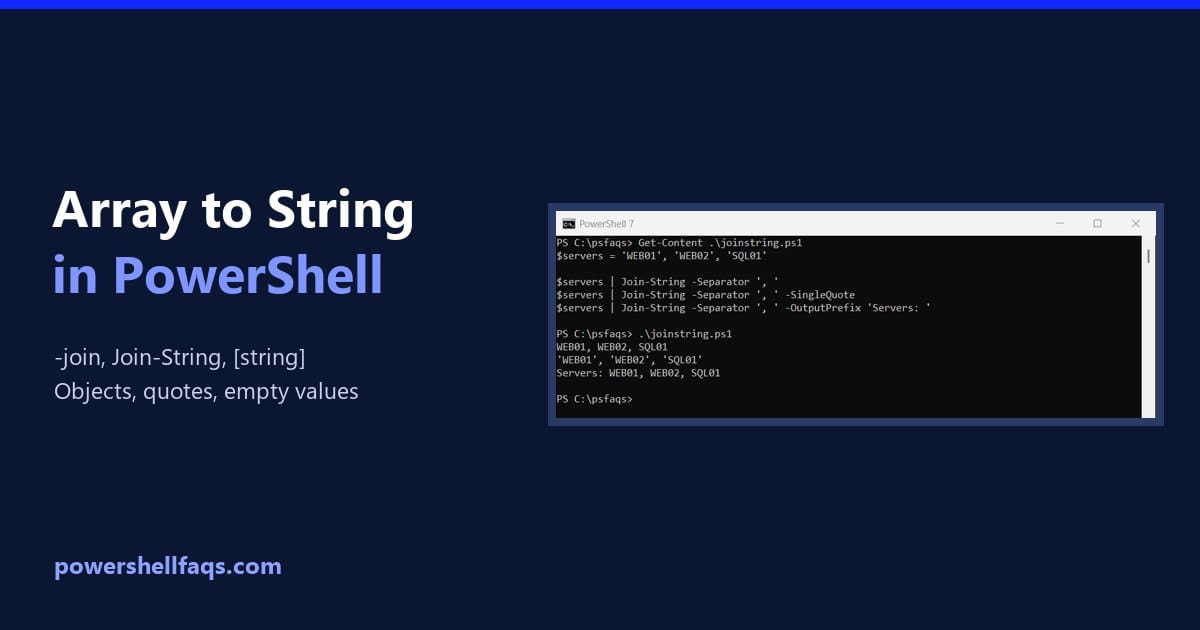
To convert an array to a string in PowerShell, use the -join operator with the separator you want between the items: Output: -join works with any separator, including none. It’s the method I’d reach for first, because it’s short, clear and works the same in every PowerShell version. I ran every example in PowerShell 7.6 … Read more

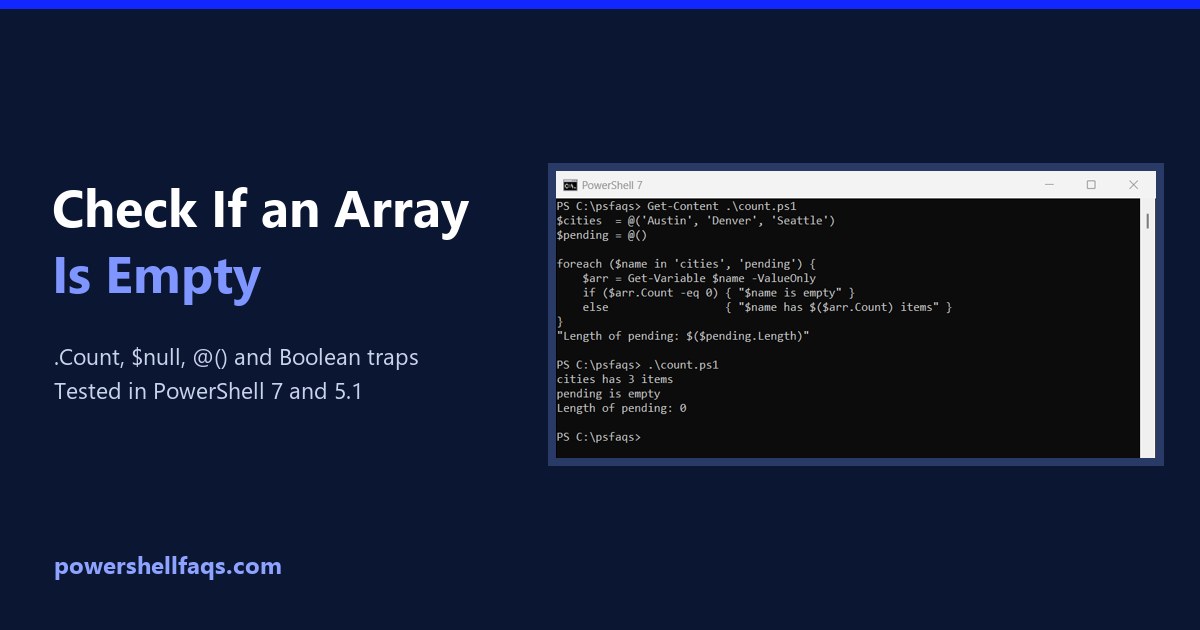
How to Check if an Array Is Empty in PowerShell

Check if an array is empty in PowerShell

To check if an array is empty in PowerShell, test its Count property. An empty array has a Count of 0, and so does a variable that holds $null: The traps are $null on the wrong side, one-item arrays that look empty, and objects with no Count in Windows PowerShell 5.1. I’ll show where PowerShell … Read more

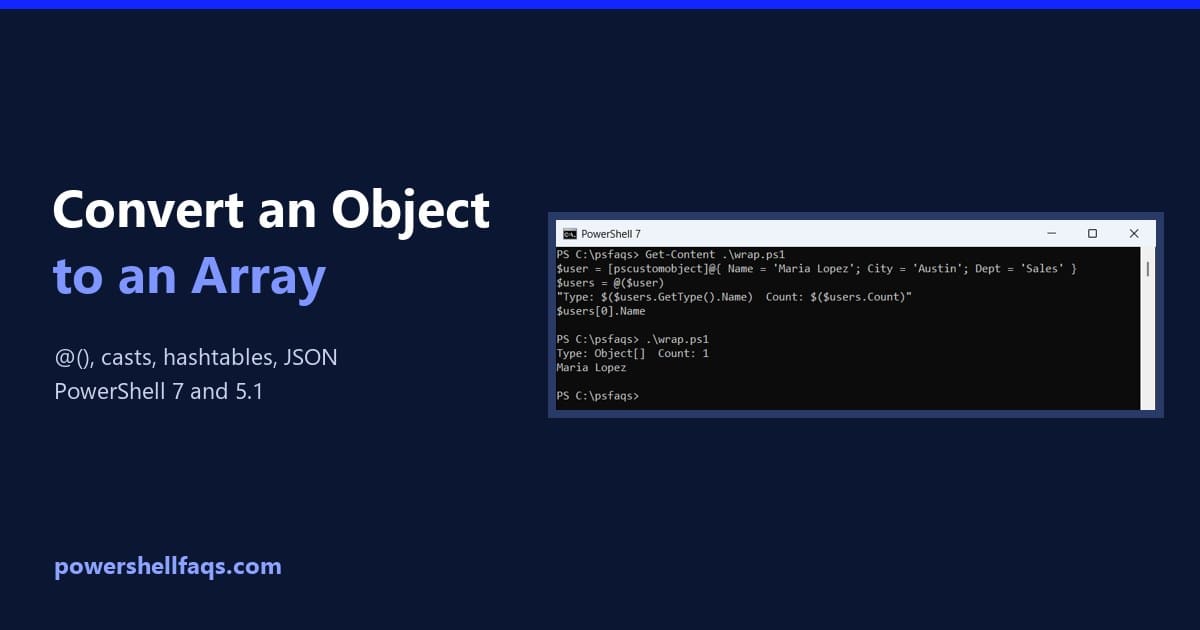
How to Convert an Object to an Array in PowerShell

Convert an object to an array in PowerShell with the @() operator

To convert an object to an array in PowerShell, wrap it in the array subexpression operator @(). You always get an array back, even for one object or no objects at all: What “object” means changes the answer, though. Below I cover single objects, PSCustomObject properties, hashtables, command output, and JSON, with the spots where … Read more