
To check if an array contains a value in PowerShell, use the -contains operator. It returns True or False, and it ignores case:
$cities = 'Dallas', 'Austin', 'Houston', 'El Paso'

$cities -contains 'Austin'
$cities -contains 'Miami'
Output:
True
False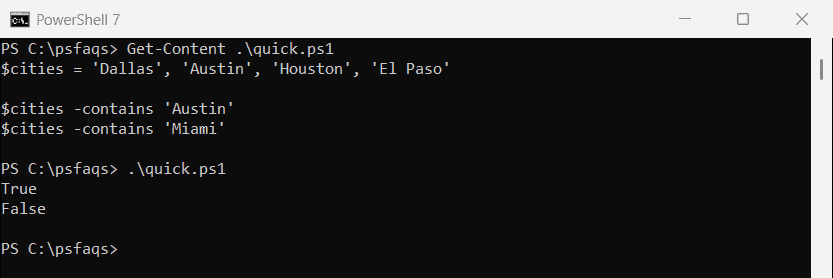
That covers the everyday case. Below, I’ll handle the variations people actually search for: case-sensitive checks, partial matches, “does not contain”, several values at once, the index of an item, and arrays of objects.
Every example uses the same $cities array and runs the same way in PowerShell 7.6 and Windows PowerShell 5.1.
Use -contains in an if statement
Because -contains returns a Boolean, it drops straight into an if:
if ($cities -contains 'Houston') {
    'Houston is in the list'
}
Output:
Houston is in the listHow do I check if an array does not contain a value?
Use -notcontains. This pattern is handy for adding an item only when it’s missing:
if ($cities -notcontains 'Miami') {
    'Miami is not in the list, adding it'
    $cities += 'Miami'
}
$cities -join ', '
Output:
Miami is not in the list, adding it
Dallas, Austin, Houston, El Paso, Miami
-in and -notin: the same check, flipped
-in does the same job with the value on the left. Many people find it reads more naturally:
'austin' -in $cities
'Miami' -notin $cities
Output:
True
True
Pick whichever reads better. -in shines inside Where-Object, for example Where-Object City -in $cities.
Case-sensitive and case-insensitive checks
PowerShell operators ignore case, but the .NET .Contains() method doesn’t. Mixing them up causes a lot of “it works on my machine” bugs:
'-contains  austin : ' + ($cities -contains 'austin')
'-ccontains austin : ' + ($cities -ccontains 'austin')
'.Contains  austin : ' + $cities.Contains('austin')
'.Contains  Austin : ' + $cities.Contains('Austin')
Output:
-contains  austin : True
-ccontains austin : False
.Contains  austin : False
.Contains  Austin : True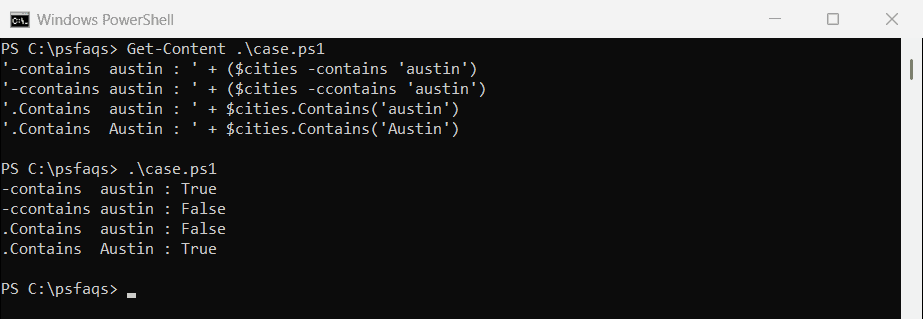
Use -ccontains when you need a case-sensitive operator.
Check if an array contains part of a string
-contains only matches whole items. For part of a string, use -like with wildcards. On an array, it returns every item that matches:
$cities -like '*as*'
'---'
if ($cities -like '*paso*') { 'At least one city contains "paso"' }
Output:
Dallas
El Paso
---
At least one city contains "paso"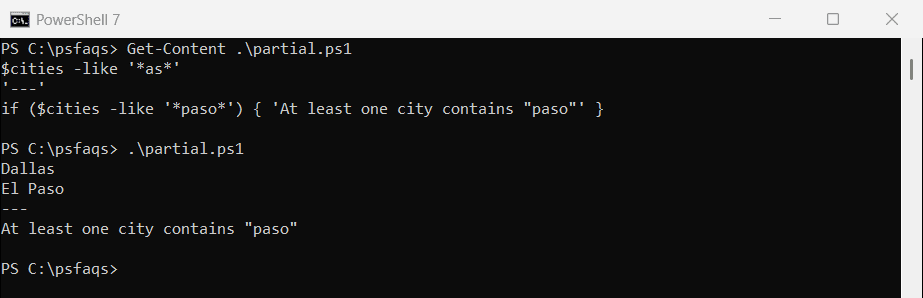
A non-empty result counts as $true in an if, so the second check works without -contains at all.
For patterns, use -match, which also filters the array:
$cities -match '^(Dal|Hou)'Output:
Dallas
Houston
Check if an array contains all or any of several values
All values
Find the values that are missing. If nothing is missing, the array contains all of them:
$required = 'Austin', 'Dallas'
$missing  = $required | Where-Object { $_ -notin $cities }

if (-not $missing) { 'All required cities are in the list' }
else               { "Missing: $($missing -join ', ')" }
Output:
All required cities are in the listAny value
Keep the values that are in the array and count them:
$wanted = 'Miami', 'Austin', 'Denver'
$found  = $wanted | Where-Object { $_ -in $cities }

"Found $(@($found).Count) of $($wanted.Count): $($found -join ', ')"
Output:
Found 1 of 3: AustinCheck if one array contains another
The “all values” check works as a subset test. Wrap it in a function if you use it often:
$texasShortList = 'Houston', 'Dallas'
$otherList      = 'Houston', 'Chicago'

function Test-Subset($Small, $Big) { -not ($Small | Where-Object { $_ -notin $Big }) }

Test-Subset $texasShortList $cities
Test-Subset $otherList $cities
Output:
True
False
Find the index of an item
.IndexOf() returns the position, or -1 when the item isn’t there. It’s case-sensiti