
To convert a string to a Boolean in PowerShell, use [System.Convert]::ToBoolean(). It turns the text True or False into the matching Boolean value, ignoring case:
$setting = 'False'

$flag = [System.Convert]::ToBoolean($setting)
"'$setting' converted with ToBoolean: $flag ($($flag.GetType().Name))"
Output:
'False' converted with ToBoolean: False (Boolean)Don’t cast with [bool] for this. [bool]'False' returns True, which I show next. I ran every example in PowerShell 7.6 and Windows PowerShell 5.1, with the same results.
Why [bool]’False’ is True
A [bool] cast doesn’t read the text. It only checks whether the string is empty. Any string with at least one character, even ‘False’, ‘0’ or a space, becomes True:
foreach ($text in 'True', 'False', 'false', '0', '', ' ') {
    '[bool]{0,-8} -> {1}' -f "'$text'", [bool]$text
}
Output:
[bool]'True'   -> True
[bool]'False'  -> True
[bool]'false'  -> True
[bool]'0'      -> True
[bool]''       -> False
[bool]' '      -> True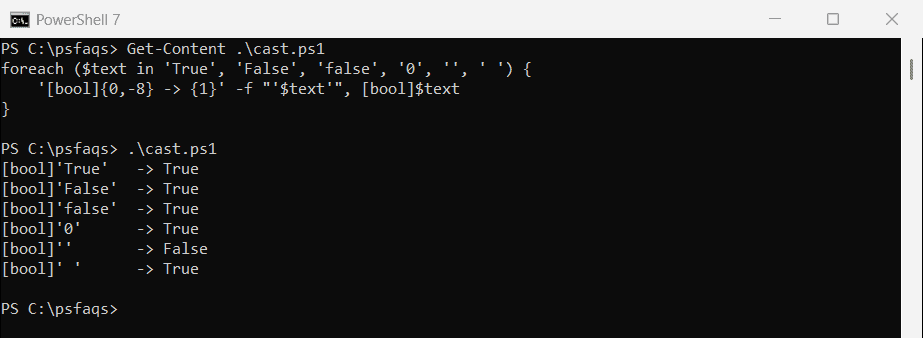
The cast is only useful for asking “is this string empty?”
Convert with ToBoolean
ToBoolean accepts True and False in any case, with spaces around them. Anything else, including yes and 1, throws an error:
foreach ($text in 'True', 'false', ' FALSE ', 'yes', '1') {
    try { '{0,-9} -> {1}' -f "'$text'", [System.Convert]::ToBoolean($text) }
    catch { '{0,-9} -> Failed. Not a True or False string' -f "'$text'" }
}
Output:
'True'    -> True
'false'   -> False
' FALSE ' -> False
'yes'     -> Failed. Not a True or False string
'1'       -> Failed. Not a True or False string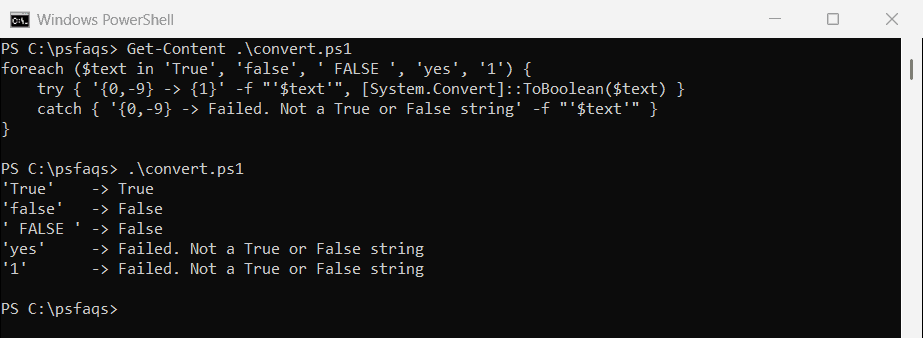
That strictness is useful. A typo like Flase fails loudly instead of quietly becoming the wrong value. The Convert.ToBoolean documentation covers the other types it accepts.
Check first with TryParse
[bool]::TryParse returns True or False instead of throwing, and puts the result in a [ref] variable. Use it when bad input is expected:
$inputs = 'true', 'Yes', 'FALSE'

foreach ($text in $inputs) {
    $result = $false
    if ([bool]::TryParse($text, [ref]$result)) { "'$text' parsed as $result" }
    else { "'$text' isn't True or False, so it was rejected" }
}
Output:
'true' parsed as True
'Yes' isn't True or False, so it was rejected
'FALSE' parsed as False
Convert yes/no, 1/0 and on/off
Config files and forms often use yes/no or 1/0. A small function with a switch statement handles all of them and still rejects anything unexpected:
function ConvertTo-Boolean {
    param([Parameter(Mandatory)] [AllowEmptyString()] [string]$Text)
    switch ($Text.Trim()) {
        { $_ -in 'true', 'yes', 'y', '1', 'on', 'enabled' }    { return $true }
        { $_ -in 'false', 'no', 'n', '0', 'off', 'disabled', '' } { return $false }
        default { throw "Can't convert '$Text' to a Boolean" }
    }
}

foreach ($text in 'Yes', 'n', '1', 'OFF', 'Enabled') {
    '{0,-9} -> {1}' -f "'$text'", (ConvertTo-Boolean -Text $text)
}
try { ConvertTo-Boolean -Text 'maybe' } catch { "Failed. $($_.Exception.Message)" }
Output:
'Yes'     -> True
'n'       -> False
'1'       -> True
'OFF'     -> False
'Enabled' -> True
Failed. Can't convert 'maybe' to a Boolean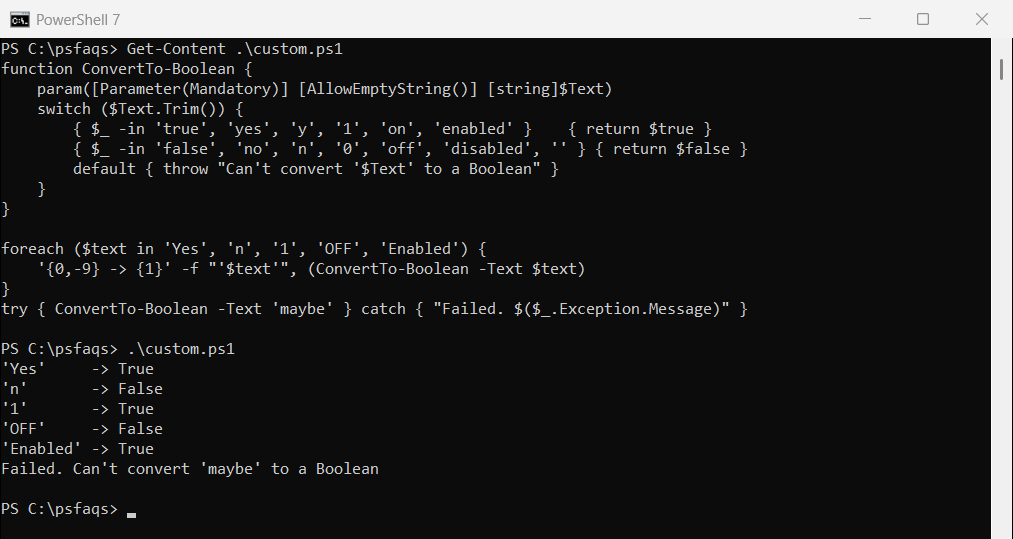
-in compares without case, so Yes, YES and yes all match. Add any other words your data uses to the two lists.
Environment variables are always strings
This is where the empty-string rule causes real bugs. An environment variable set to false is still a non-empty string, so a plain if treats it as on:
$env:FEATURE_REPORTS = 'false'

if ($env:FEATURE_REPORTS) { 'Plain if: reports are ON (wrong)' }
if ([System.Convert]::ToBoolean($env:FEATURE_REPORTS)) { 'Converted: reports are ON' }
else { 'Converted: reports are OFF' }
Output:
Plain if: reports are ON (wrong)
Converted: reports are OFF
Convert the value before testing it. Setting and reading environment variables covers the rest.
Comparing strings to $true
-eq converts the right side to the type of the left side. With $true on the left, the string becomes a Boolean, so any non-empty text matches:
"`$true -eq 'false'  -> $($true -eq 'false')"
"'false' -eq `$true  -> $('false' -eq $true)"
"'True' -eq `$true   -> $('True' -eq $true)"
Output:
$true -eq 'false'  -> True
'false' -eq $true  -> False
'True' -eq $true   -> True
Put $true on the left only after you’ve converted the string. Comparison operators explains the left-side rule.
Convert a Boolean to an integer
Cast it with [int]: True becomes 1 and False becomes 0. PowerShell also does this in math, which makes counting passed checks easy:
"[int]`$true  = $([int]$true)"
"[int]`$false = $([int]$false)"
"`$true + `$true = $($true + $true)"

$checks = $true, $false, $true, $true
"Passed checks: $(($checks | Where-Object { $_ }).Count) of $($checks.Count)"
Output:
[int]$true  = 1
[int]$false = 0
$true + $true = 2
Passed checks: 3 of 4