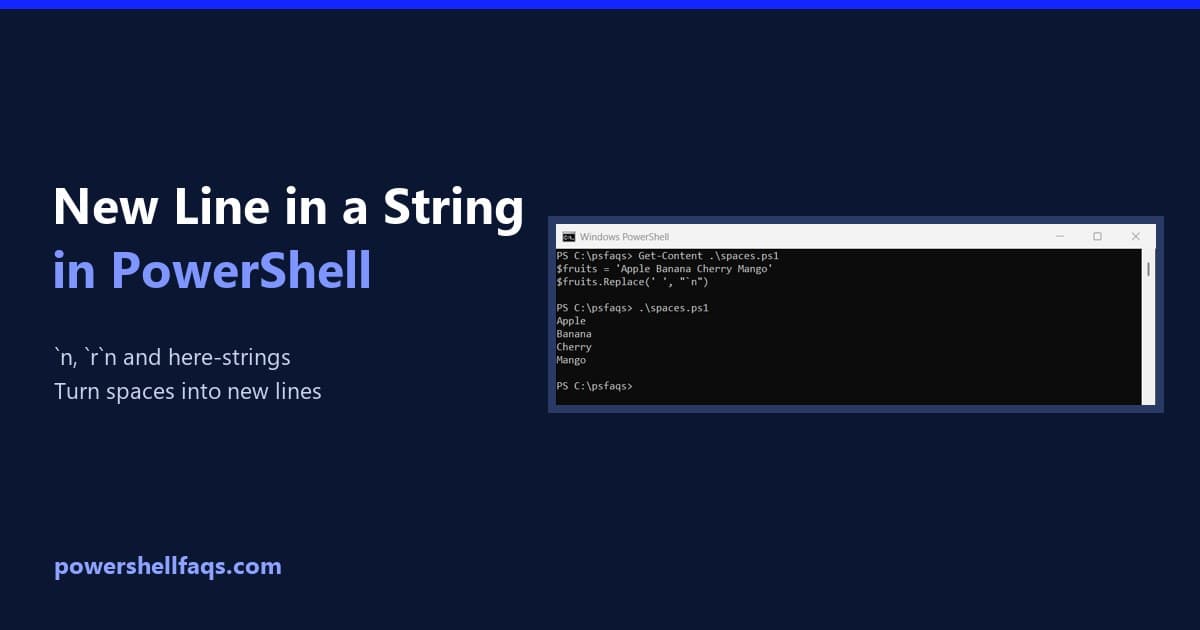
How to Convert Spaces to New Lines using PowerShell (With Examples)

Convert Spaces to New Lines powershell

If you’ve ever had a string like “Apple Banana Cherry” and needed each word on its own line, you’ve come to the right place. Converting spaces to new lines in PowerShell sounds simple, but there are a few ways to do it — each one suits a slightly different situation. In this tutorial, I’ll walk you through … Read more

PowerShell: Convert Array of Objects to Array of Strings (6 Methods)

PowerShell Convert Array of Objects to Array of Strings

If you’ve been working with PowerShell for a while, you’ve probably run into this situation: you’ve got an array full of objects — maybe from Get-Process, Get-ADUser, or a custom PSObject — and you need to extract one property as a clean array of strings. It sounds simple, but there are actually several ways to do it, and each … Read more

How to Join an Array of Strings in PowerShell (The Easy Way)

Join an Array of Strings in PowerShell

If you’ve been working with PowerShell for a while, you’ve probably run into situations where you need to combine multiple strings into one. Maybe you’re creating file paths, building commands, or just formatting output for a report. Today, I’m going to show you exactly how to join arrays of strings in PowerShell. And trust me, … Read more

How to Convert String to Number with Decimal in PowerShell?

PowerShell Convert String to Number with Decimal

When you import data into PowerShell (from CSV files, APIs, or user input), numbers often come in as text. They look like numbers, but PowerShell still treats them as strings, which means you cannot reliably sort, filter, or do any kind of numeric calculation on them. In this tutorial, you will see simple, practical ways … Read more

How to Convert Number to String in PowerShell?

Convert Number to String in PowerShell

In this tutorial, I will explain how to convert a number to a string in PowerShell using various methods with examples. PowerShell is built on the .NET framework, which means every piece of data has a specific type (e.g., Int32, Double, String). When you perform a conversion, you aren’t just changing the “look” of the … Read more

PowerShell Convert Byte Array to Hex String

PowerShell Convert Byte Array to Hex String

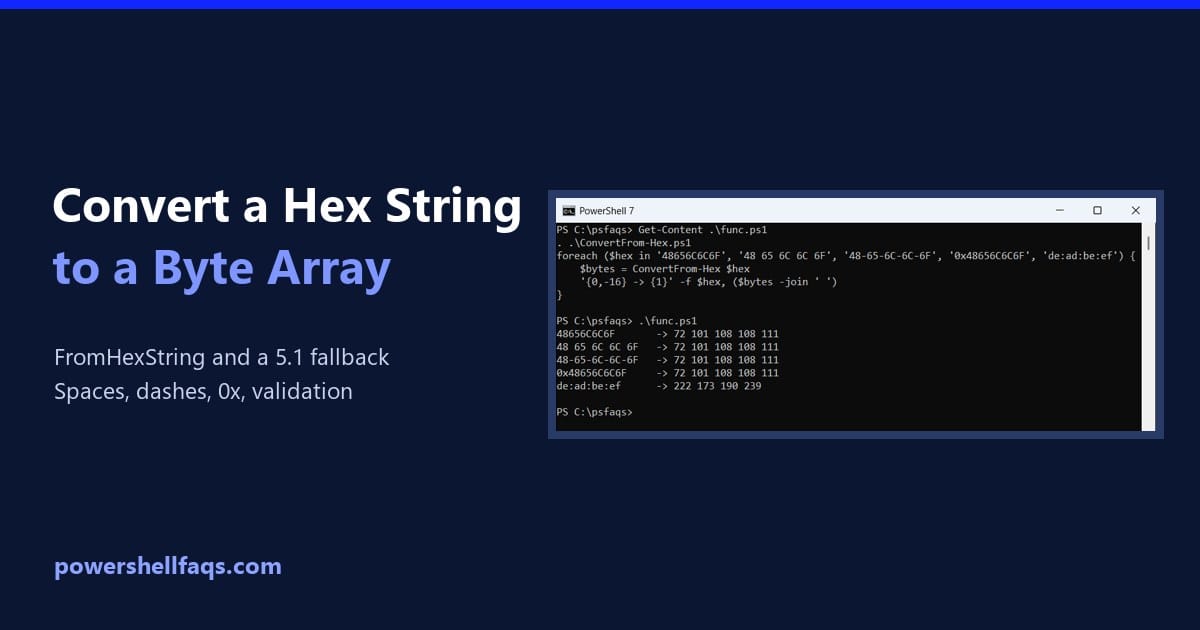
As a PowerShell expert, I’ve encountered many scenarios involving converting byte arrays to hexadecimal strings. In this complete tutorial, I’ll walk you through multiple methods to convert byte arrays to hex strings in PowerShell with practical examples. Let me first explain about byte arrays and hexadecimal representations. A byte array is a collection of bytes … Read more

PowerShell New Line in String

powershell new line in string

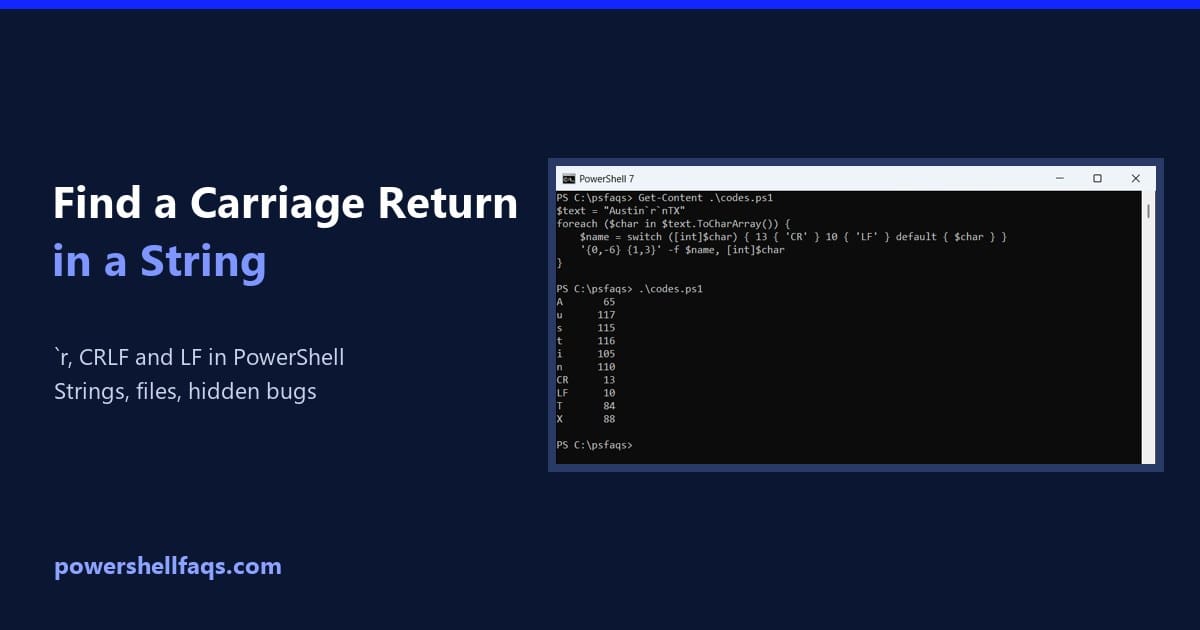
When writing PowerShell scripts, one of the most common tasks you’ll encounter is formatting text output. Whether you’re sending messages to the console, writing logs to a file, or generating reports, adding a new line (or line break) is essential for readability and structure. In this tutorial, we’ll explore multiple ways to add a new … Read more

How to Convert Char to Int using PowerShell

Convert Char to Int using PowerShell

Characters are stored internally as numeric codes—usually Unicode or ASCII values—and sometimes you need these numbers. For example, you might need to convert the letter ‘A’ into its numeric value 65 when preparing data for encryption or checking character ranges. In this tutorial, I explain multiple methods for converting characters into integers in PowerShell with real examples. Characters and … Read more

How to Convert String to Decimal in PowerShell

PowerShell convert string to decimal examples

Recently, I was processing a user input in a PowerShell script where I wanted to convert a string to a decimal value. In this tutorial, I will explain how to convert a string to a decimal in PowerShell using different methods with examples. PowerShell is a dynamically typed language, which means variables don’t require explicit … Read more

100 PowerShell cmdlets download free

100 POWERSHELL CMDLETS E-BOOK

FREE Download an eBook that contains 100 PowerShell cmdlets with complete script and examples.